AI Image Inpainting
Easily remove unwanted objects, repair missing sections, or modify images with precision using AI-powered inpainting. Transform incomplete images into flawless visuals with latest AI technology designed to enhance every detail.
How Inpainting works?
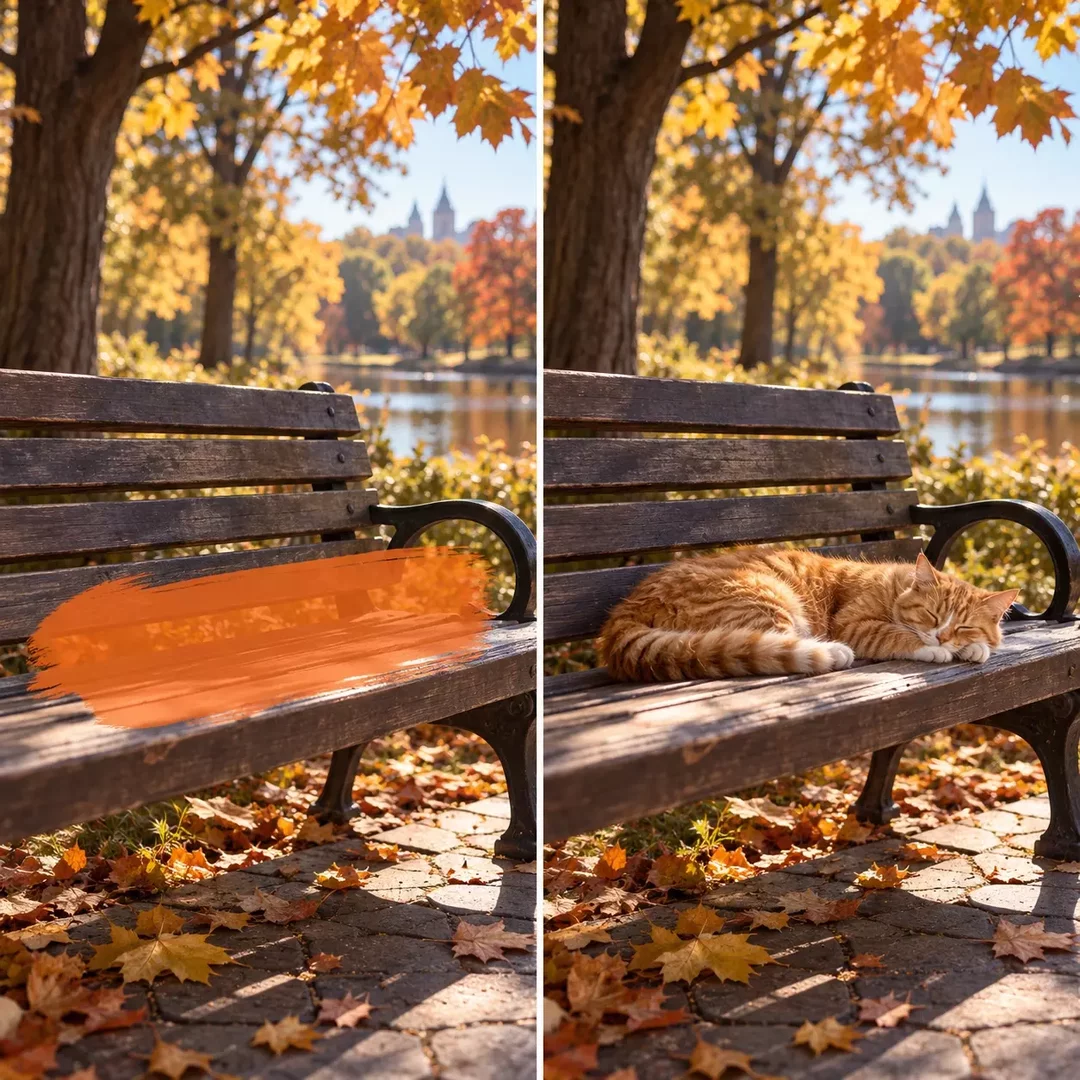
AI image inpainting uses machine learning algorithms to recreate missing or damaged parts of an image. By interpreting the surrounding areas, the AI fills in gaps or removes unwanted objects while maintaining the image’s natural look and structure.
Whether restoring old photographs, removing objects, or filling missing sections, AI inpainting ensures high-quality results.
- Click on the "Inpainting" icon on any image
- Select the areas you want to inpaint
- Provide a prompt
- Generate and download the inpainted image
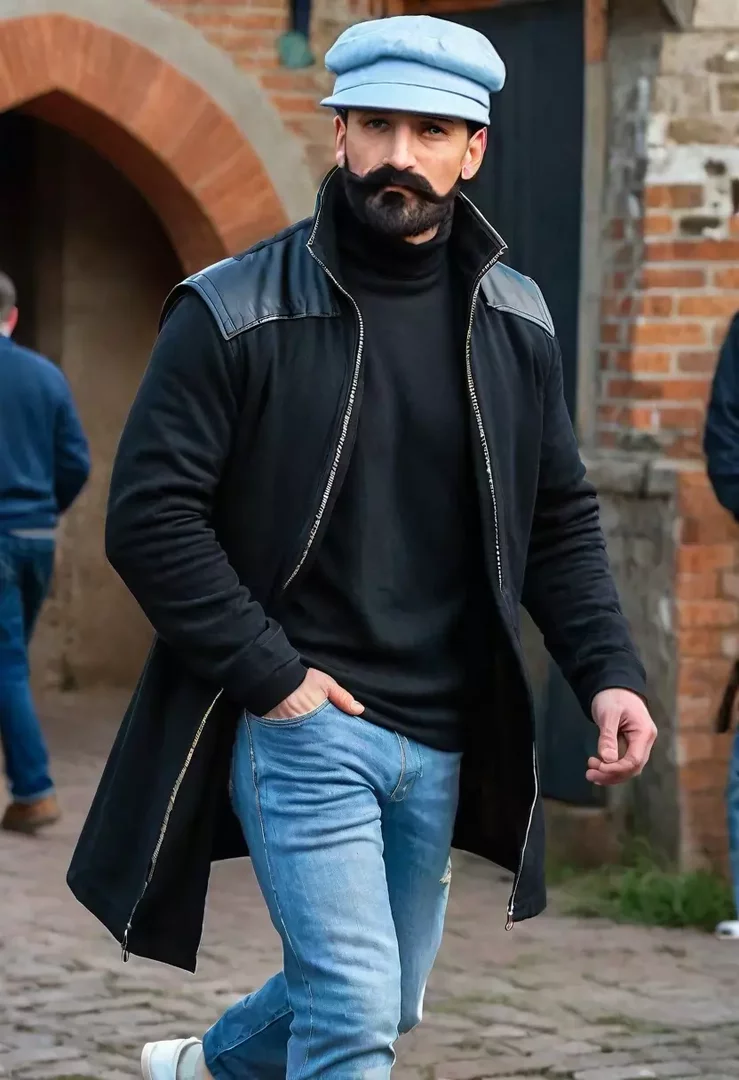
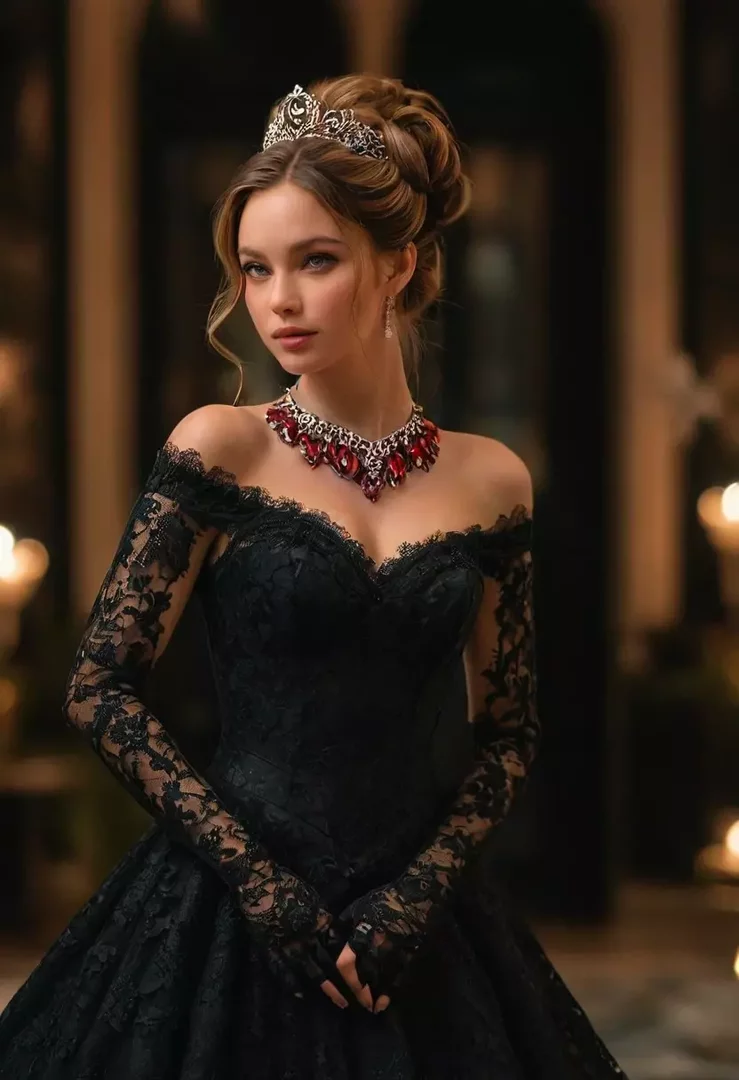
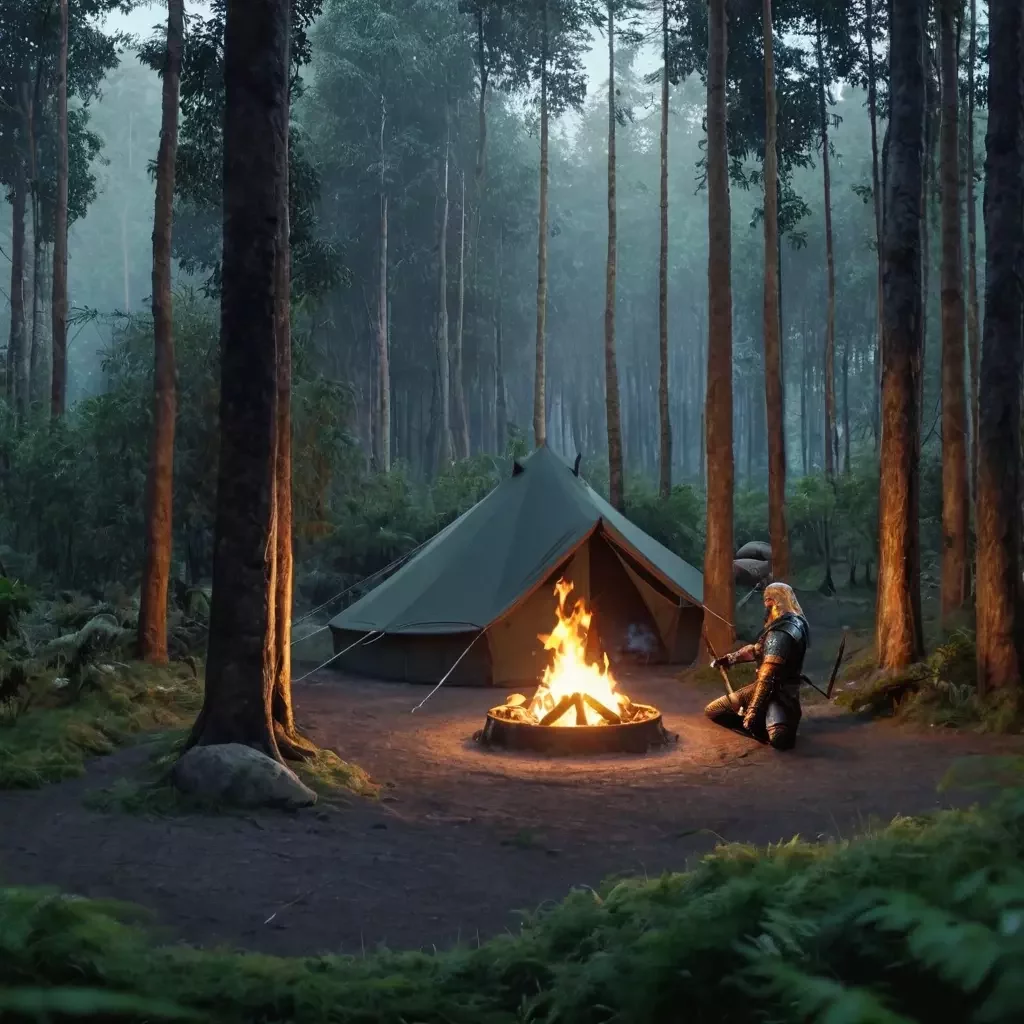
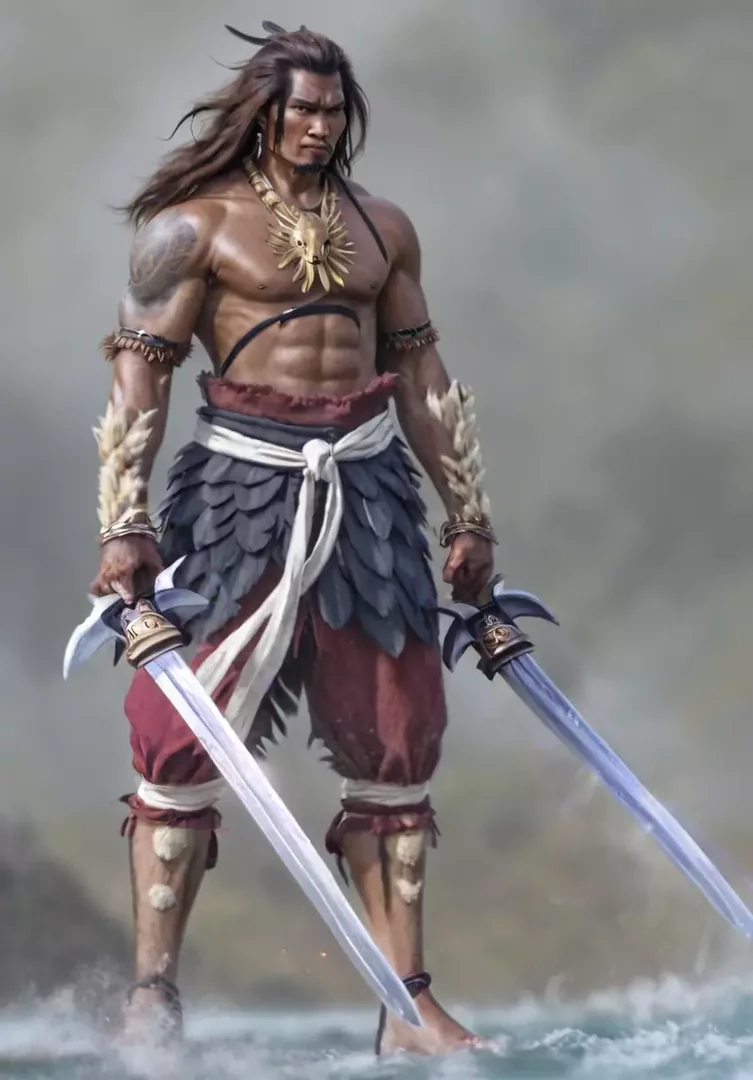
Frequently Asked Questions
Inpainting allows you to enhance and repair images by filling in missing or damaged parts. It provides a way to creatively transform visuals with precision and ease, ensuring integration of restored elements into your images.