AI Watermark Remover
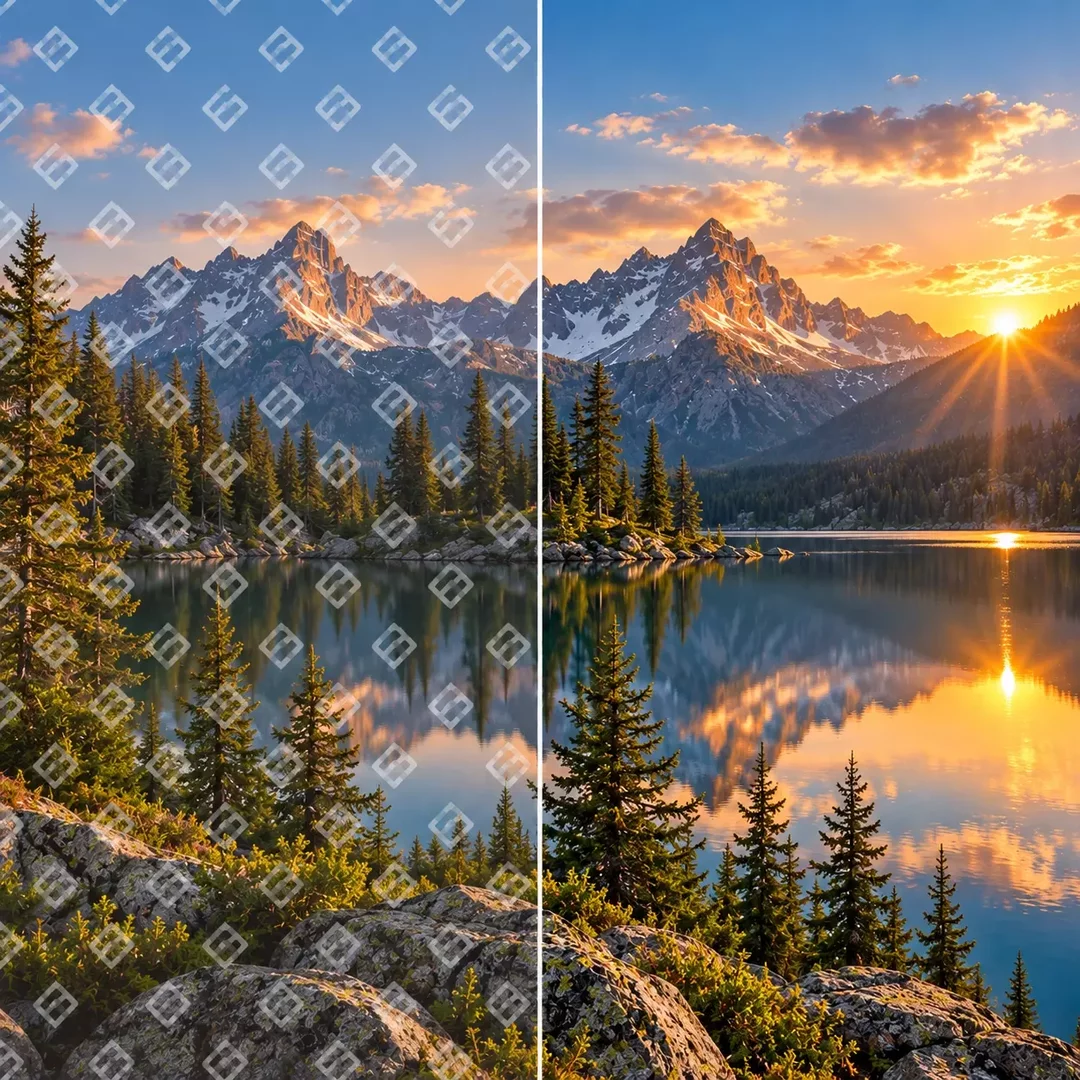
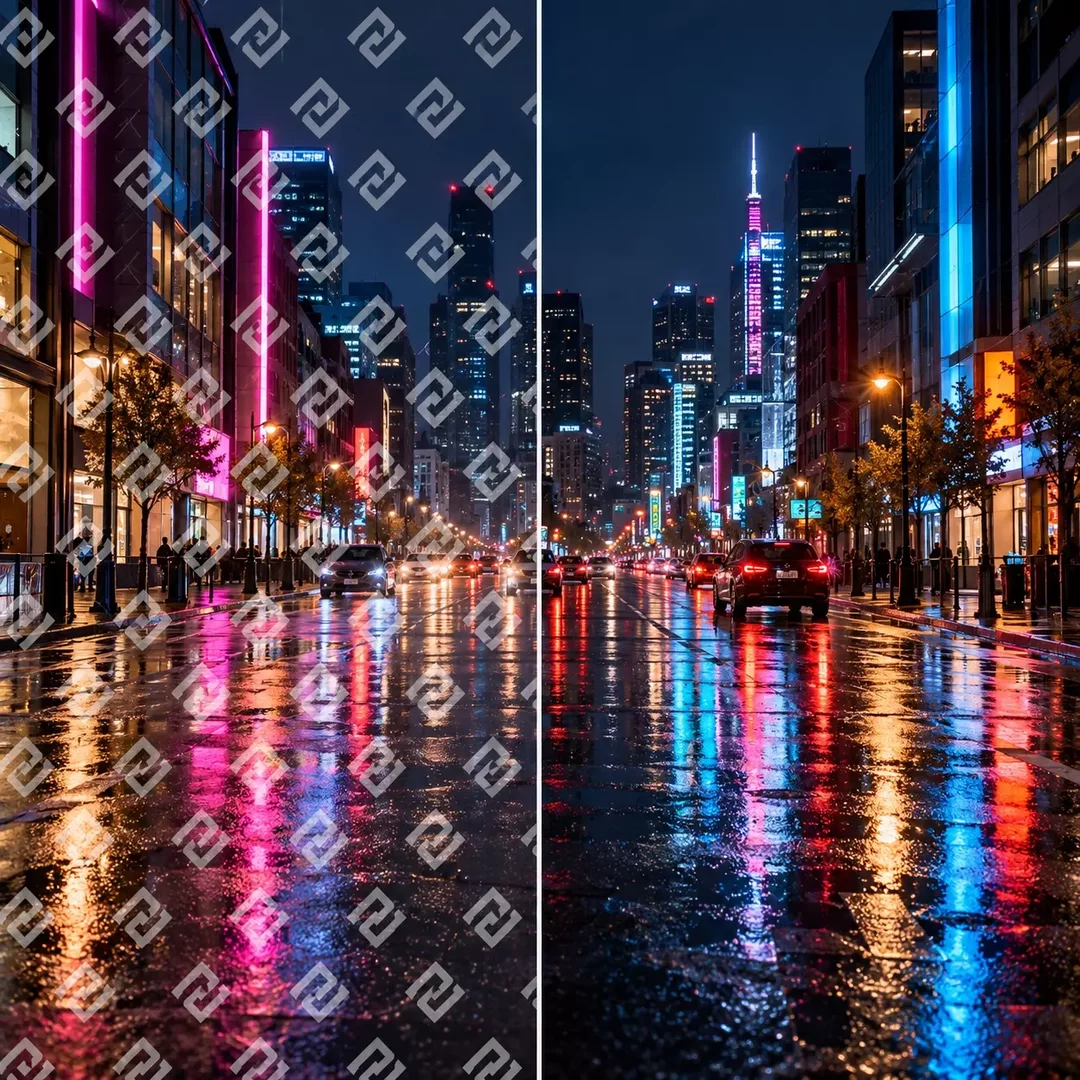
Remove watermarks, logos, captions and date stamps from your images with AI. Upload a photo, tell the AI what to remove, and get a clean image where the removed area blends naturally with the rest of the picture.

How AI Watermark Remover works?
An AI watermark remover analyzes the image around the watermark and rebuilds the covered area, recreating textures, colors and details so the result looks as if the watermark was never there. Unlike cloning or blurring by hand, the AI understands what should be behind the overlay, whether it is sky, skin, fabric or a complex background.
You can remove a semi-transparent watermark across the whole image, a logo in the corner or text added on top of a photo. For precise results, select the exact area you want to clean and let the AI fill it in.
- Upload the image you want to clean up.
- Describe what to remove, for example "remove the watermark and the text in the corner", or select the area with the brush.
- AI will rebuild the selected area to match the surrounding image.
- Review the result, make any final adjustments, and download your clean image.




Frequently Asked Questions
An AI watermark remover is a tool that uses artificial intelligence to detect and erase watermarks, logos, text and other overlays from images. It fills the removed area with content that matches the rest of the image, so no blur or visible patch is left behind.