AI Image Extender
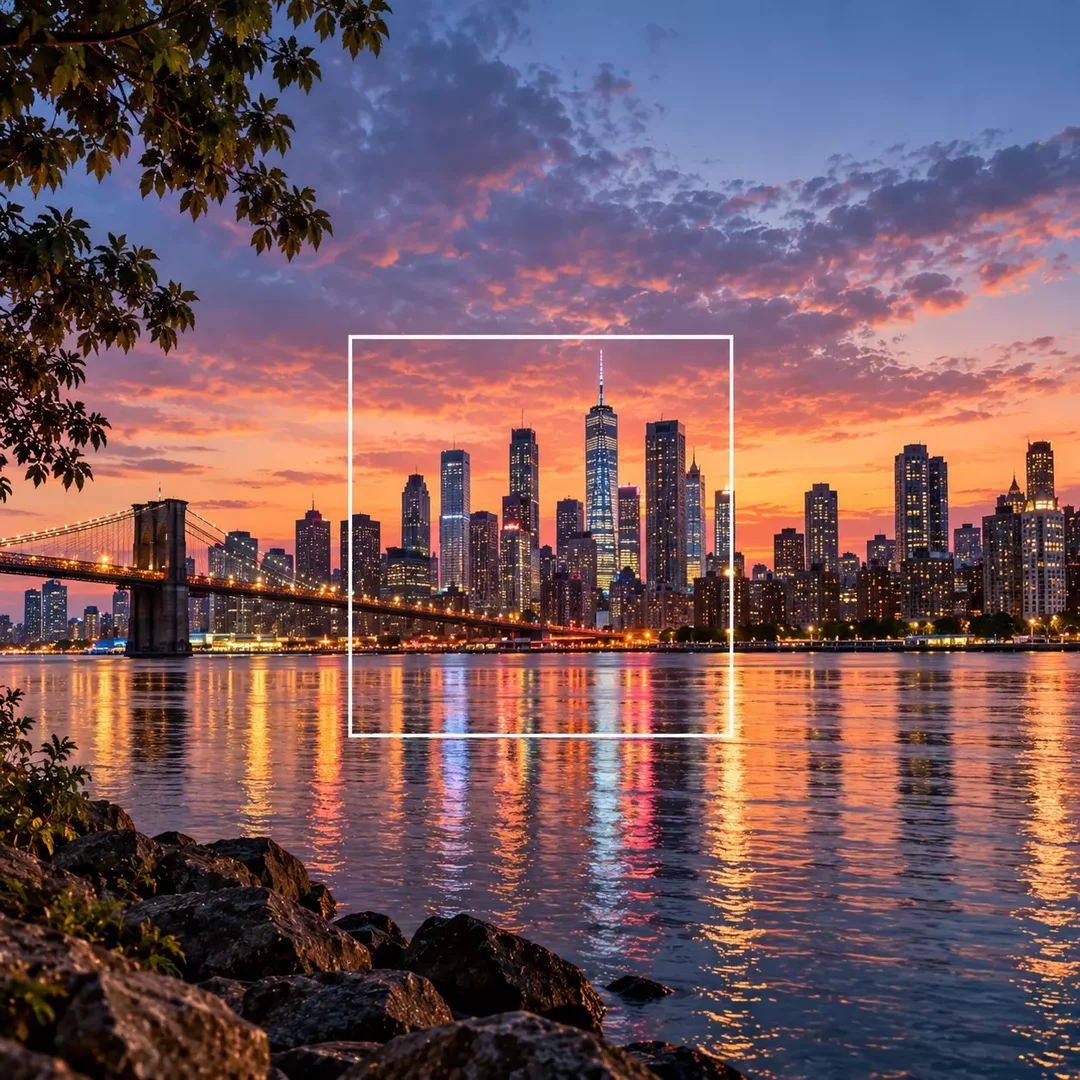
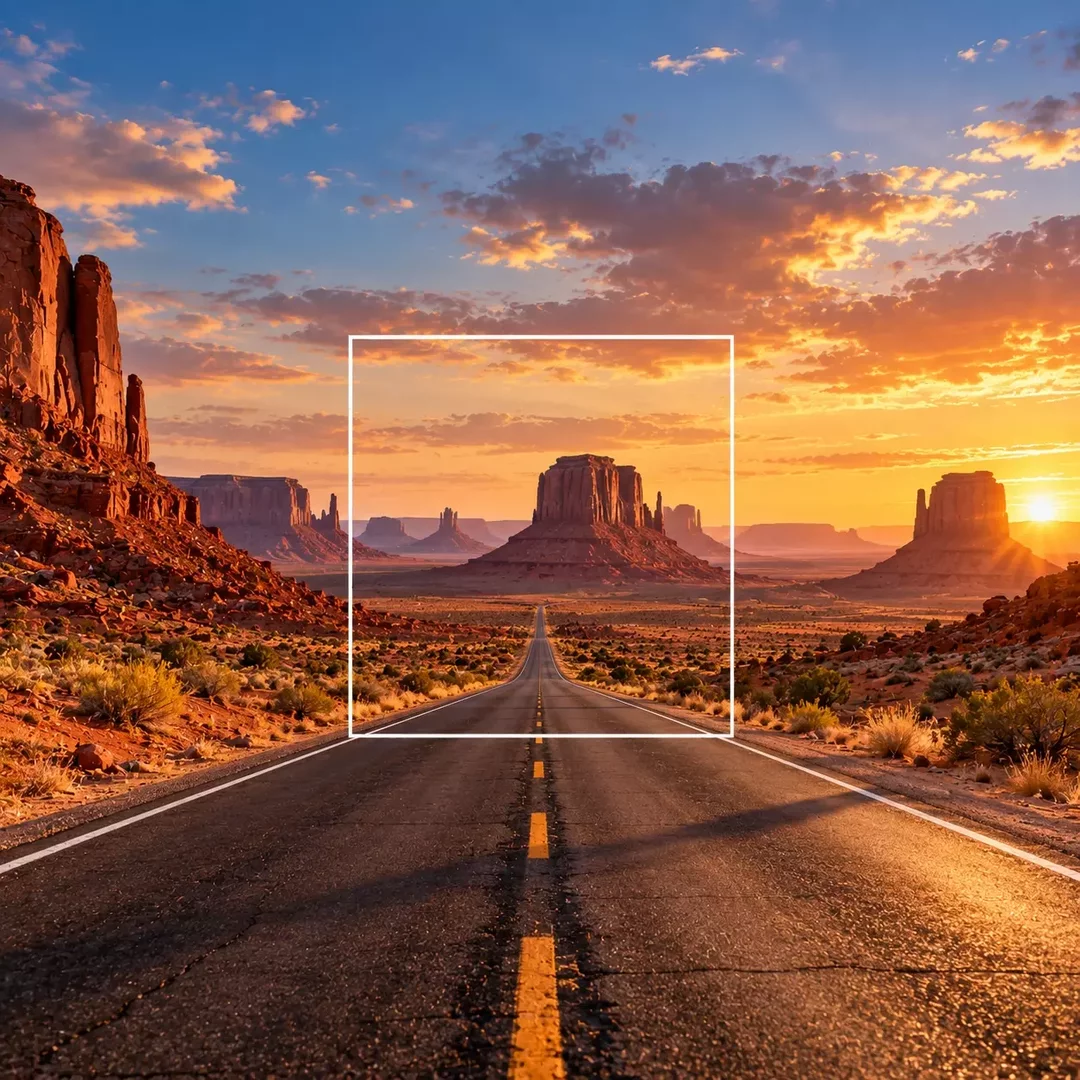
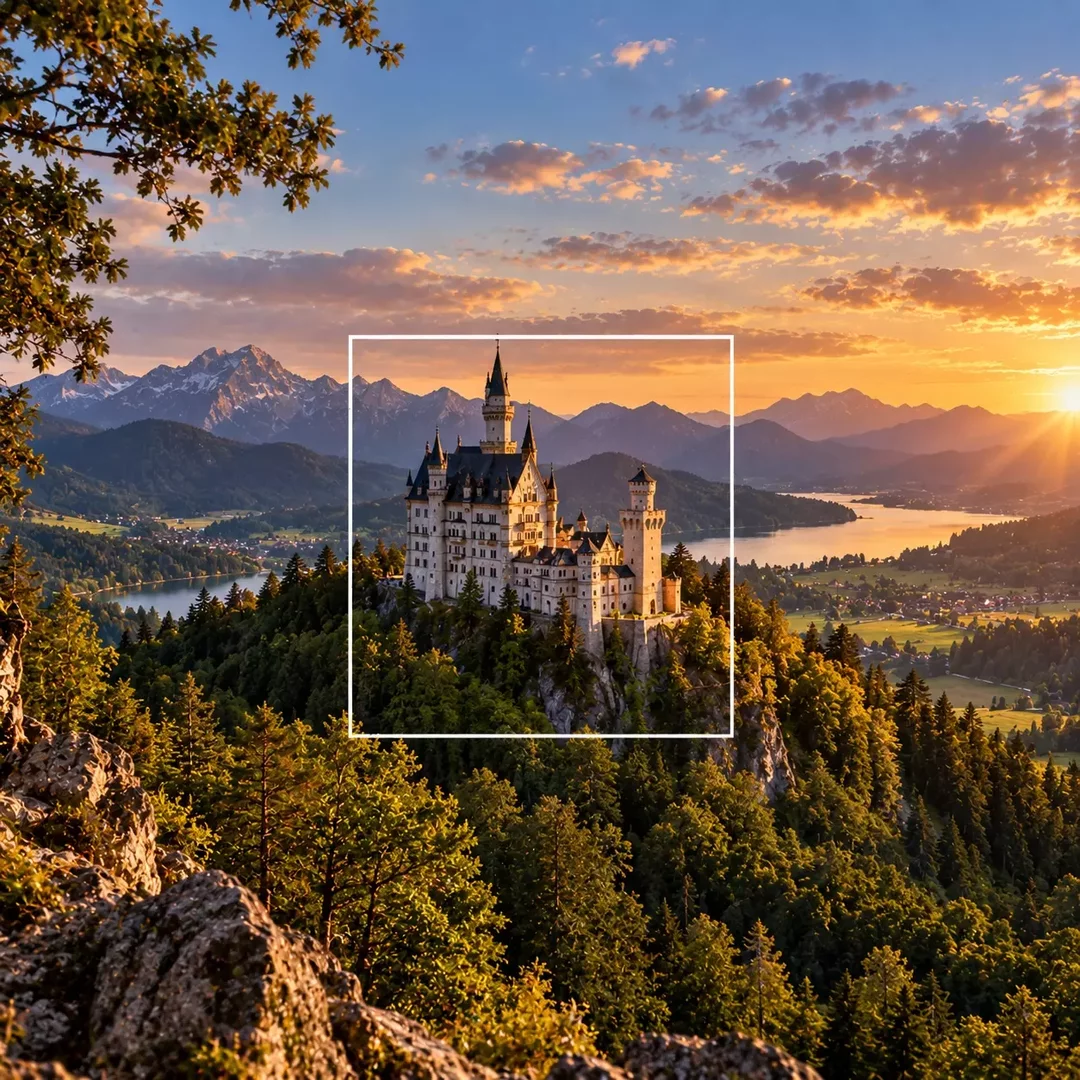
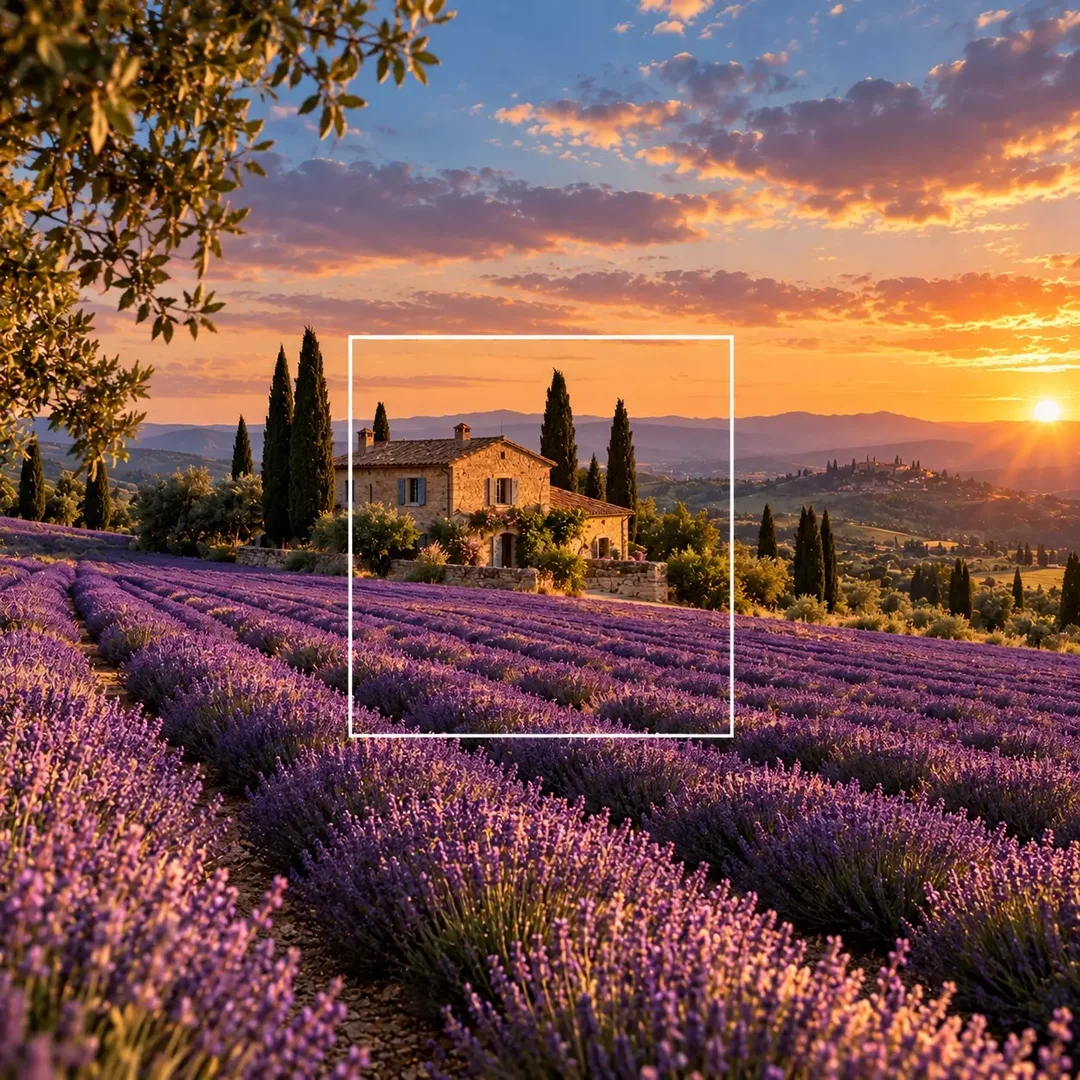
Show more of the scene than the original frame. The AI Image Extender adds new content around your picture, continuing the scene in the same style, lighting and perspective, so you can add space for text or turn a close-up into a wide shot.
How AI Image Extender works?
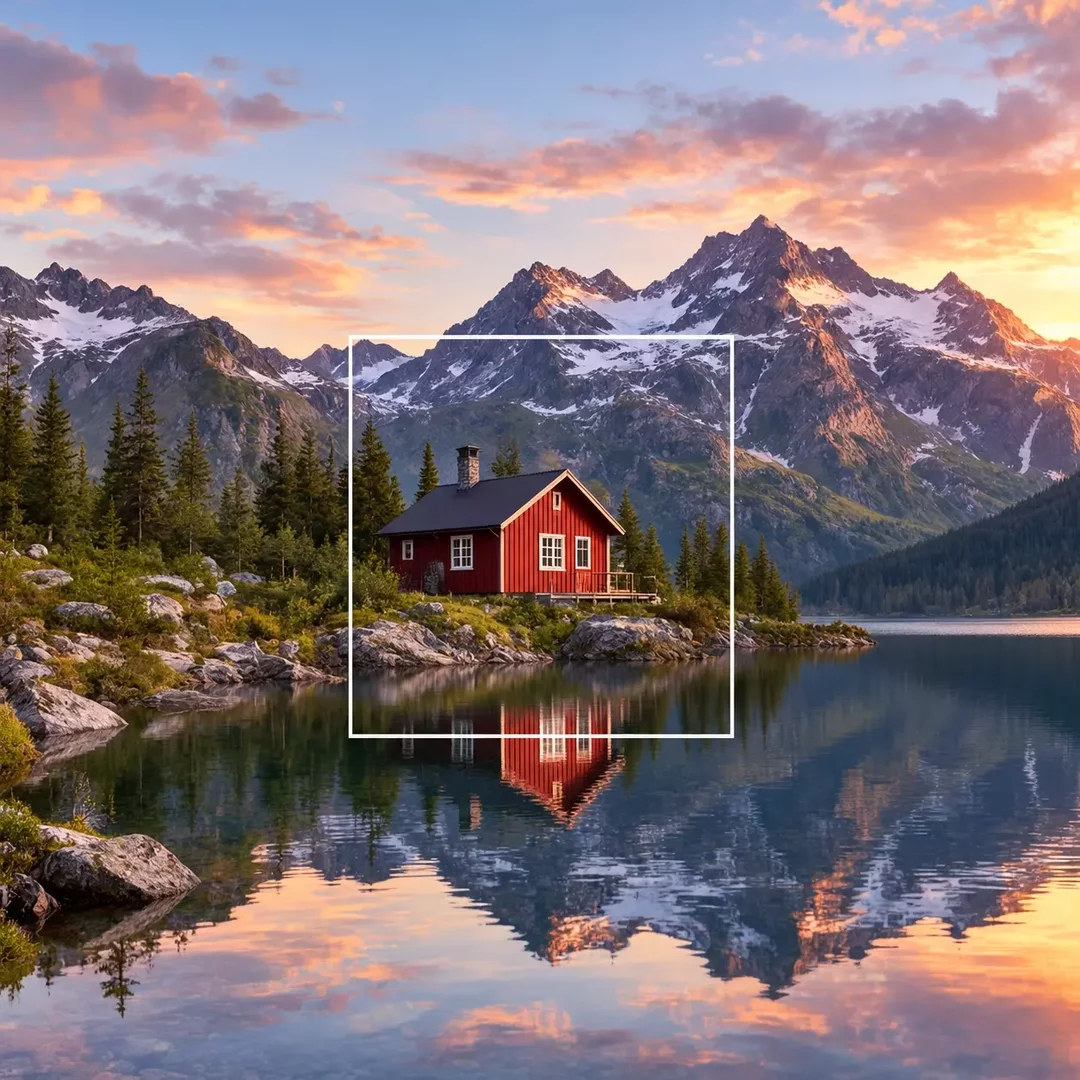
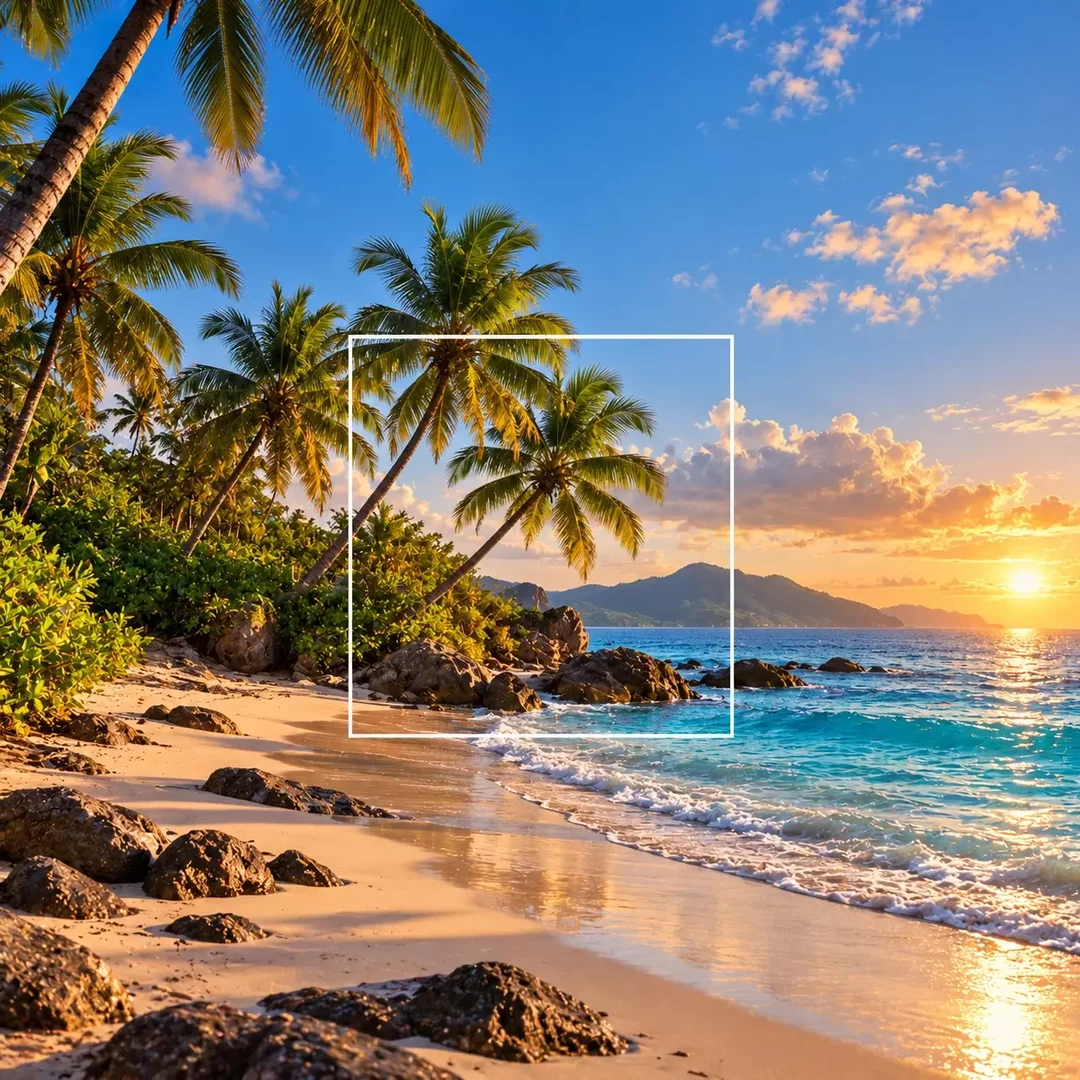
An AI image extender, also known as outpainting, generates new content beyond the borders of an image. It studies the colors, textures, light and objects of the original picture and continues them outward, so the added areas look like a natural part of the scene.
Use it to recover a composition that was cropped too tightly, show more of the place where a photo was taken or add empty space for a headline.
- Upload the image you want to extend.
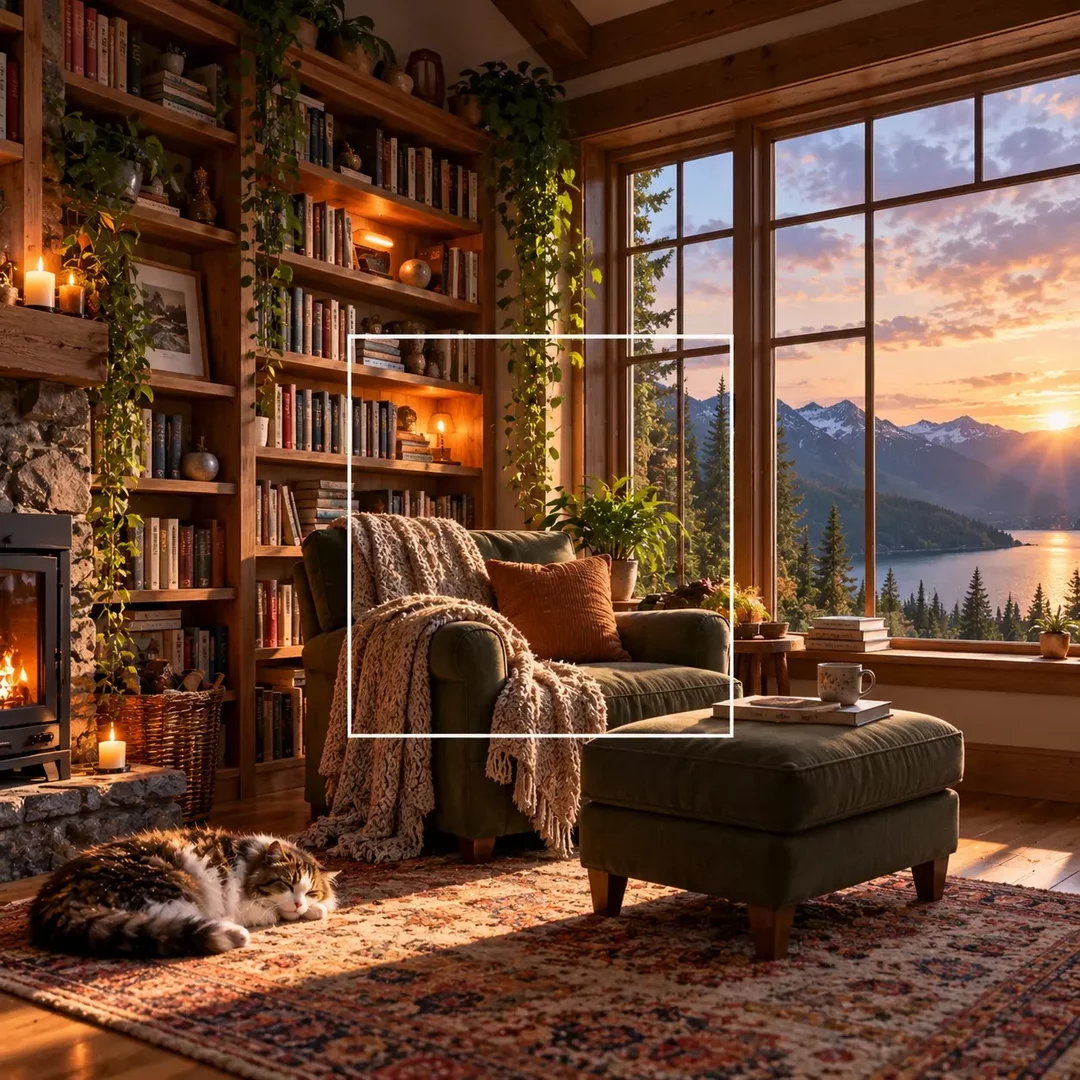
- Describe how to extend it, for example "zoom out and show more of the room around the sofa".
- Optionally, describe what should appear in the extended areas.
- Generate the extended image, review it and download the result.
Frequently Asked Questions
An AI image extender is a tool that expands a picture beyond its original borders. It generates new content around the image that matches its style, lighting and perspective, so the extended version looks like one seamless picture.