AI Background Remover
Remove the background from any image in seconds. The AI Background Remover separates people, products, animals and objects from their surroundings, so you can place them on a clean background, a new scene or use them in your designs.
How AI Background Remover works?
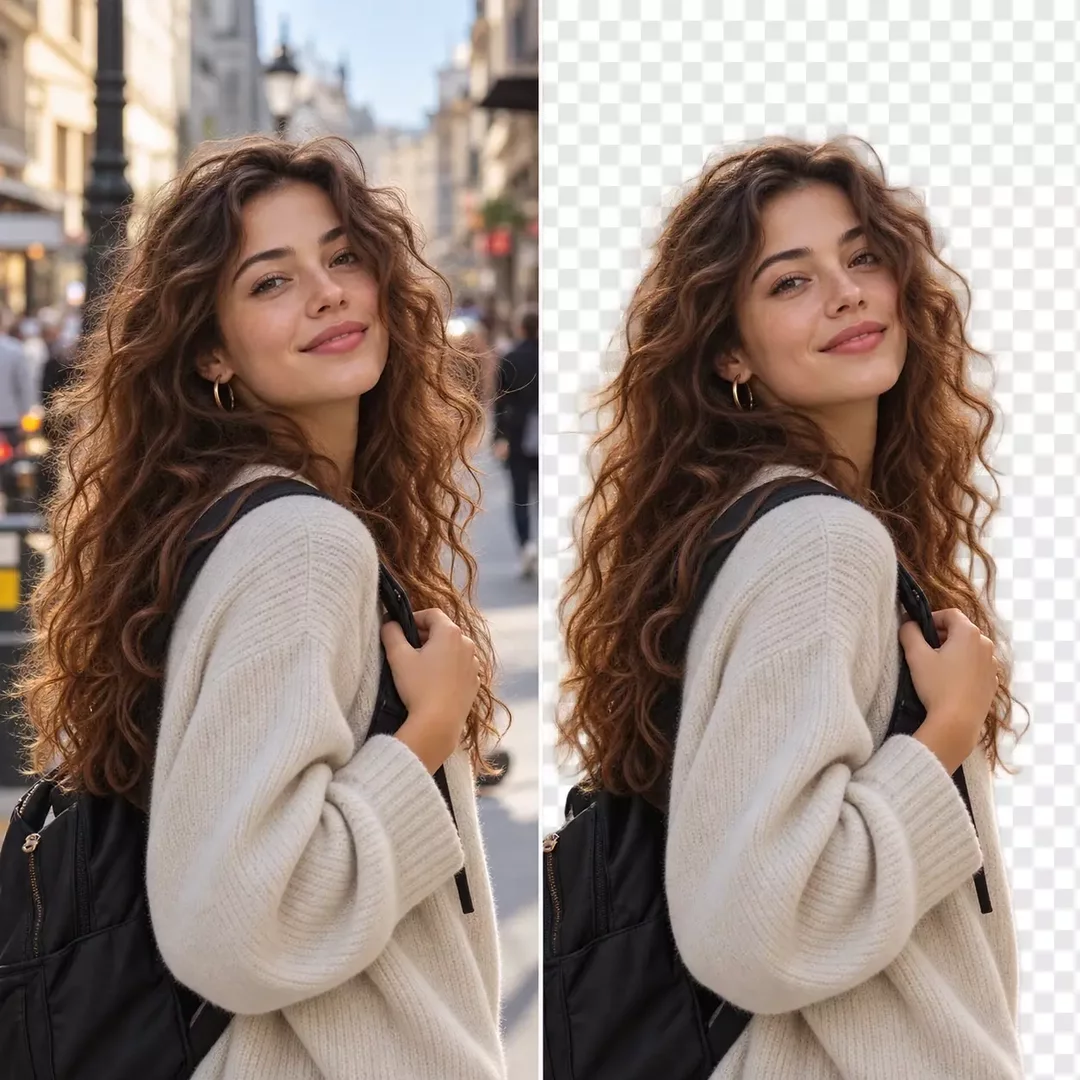
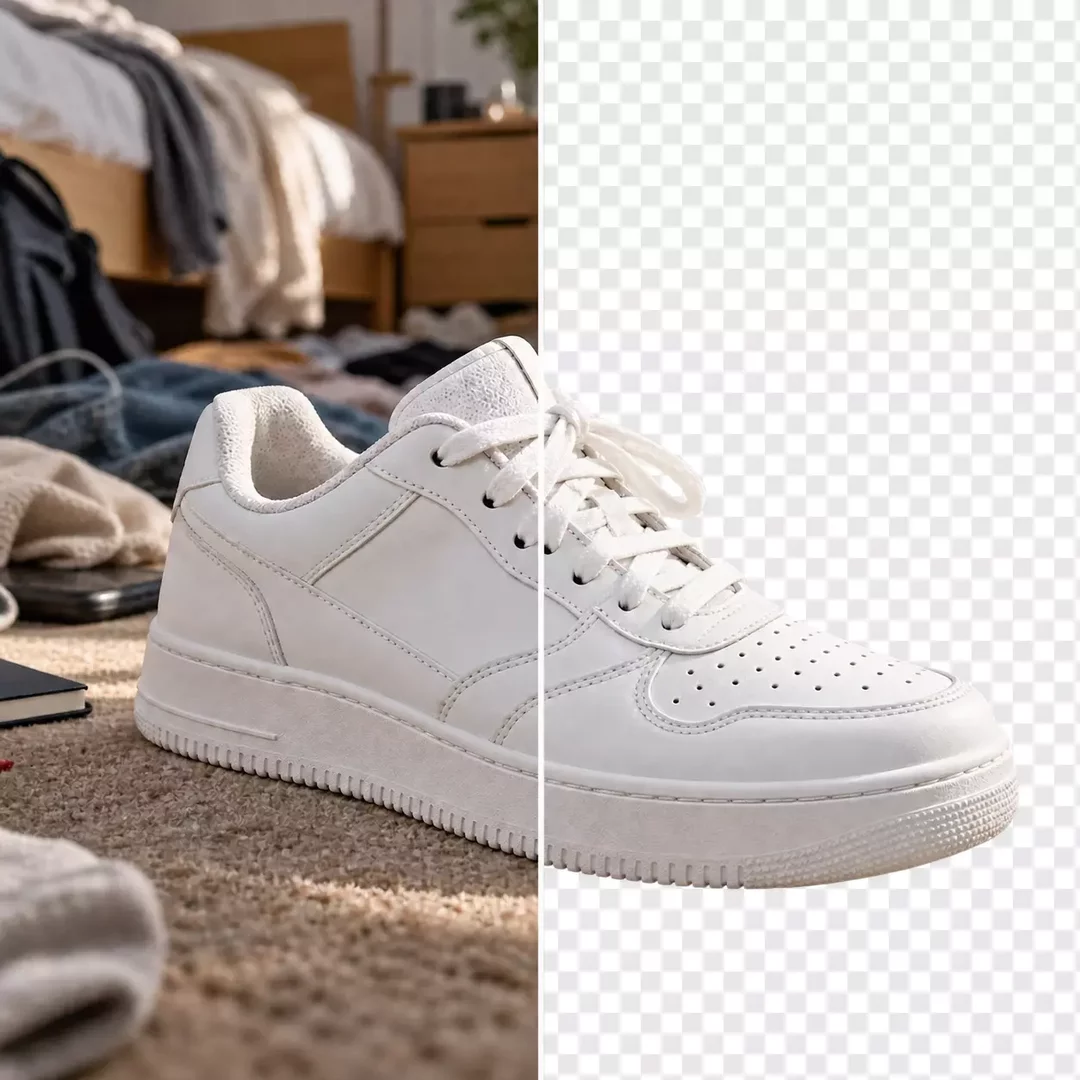
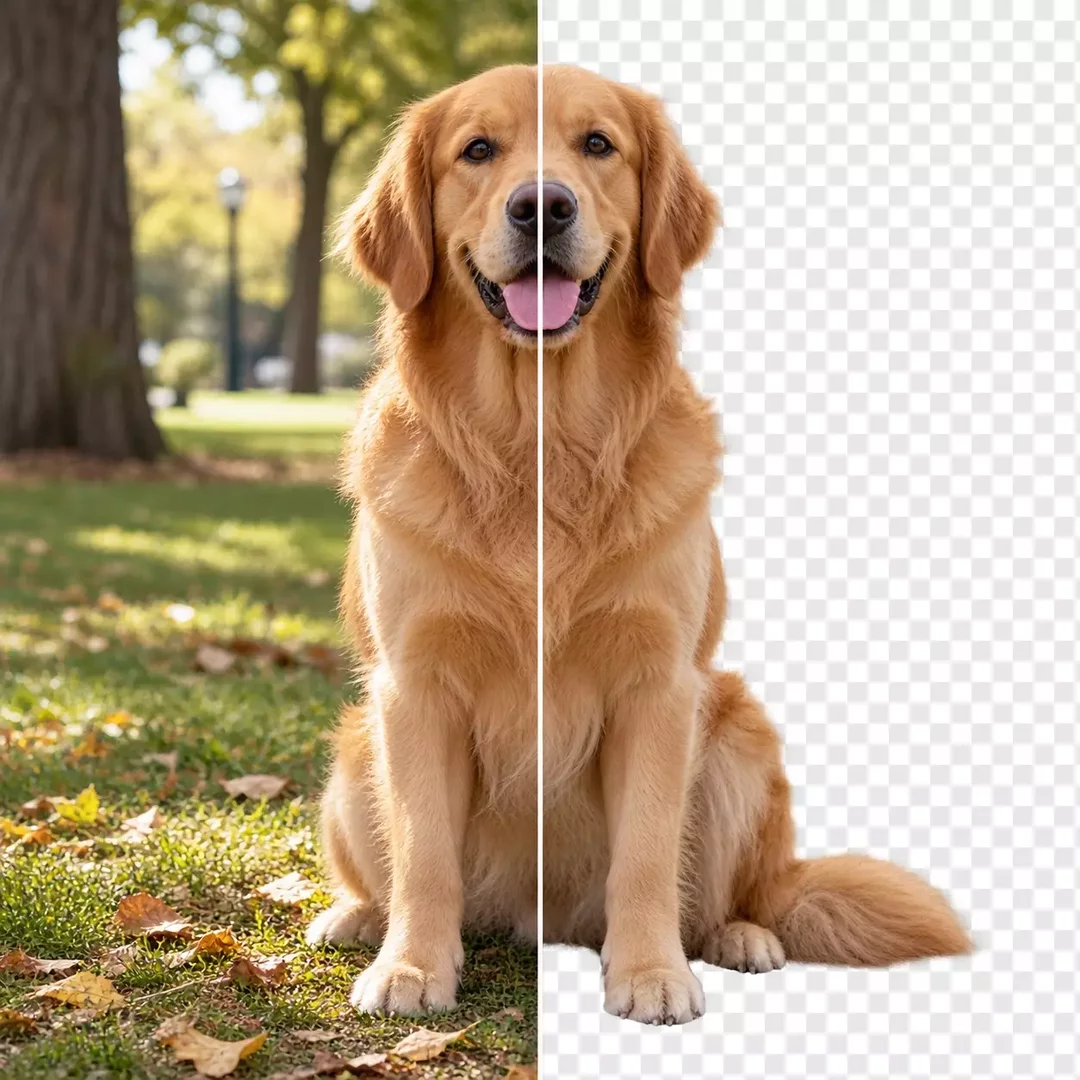
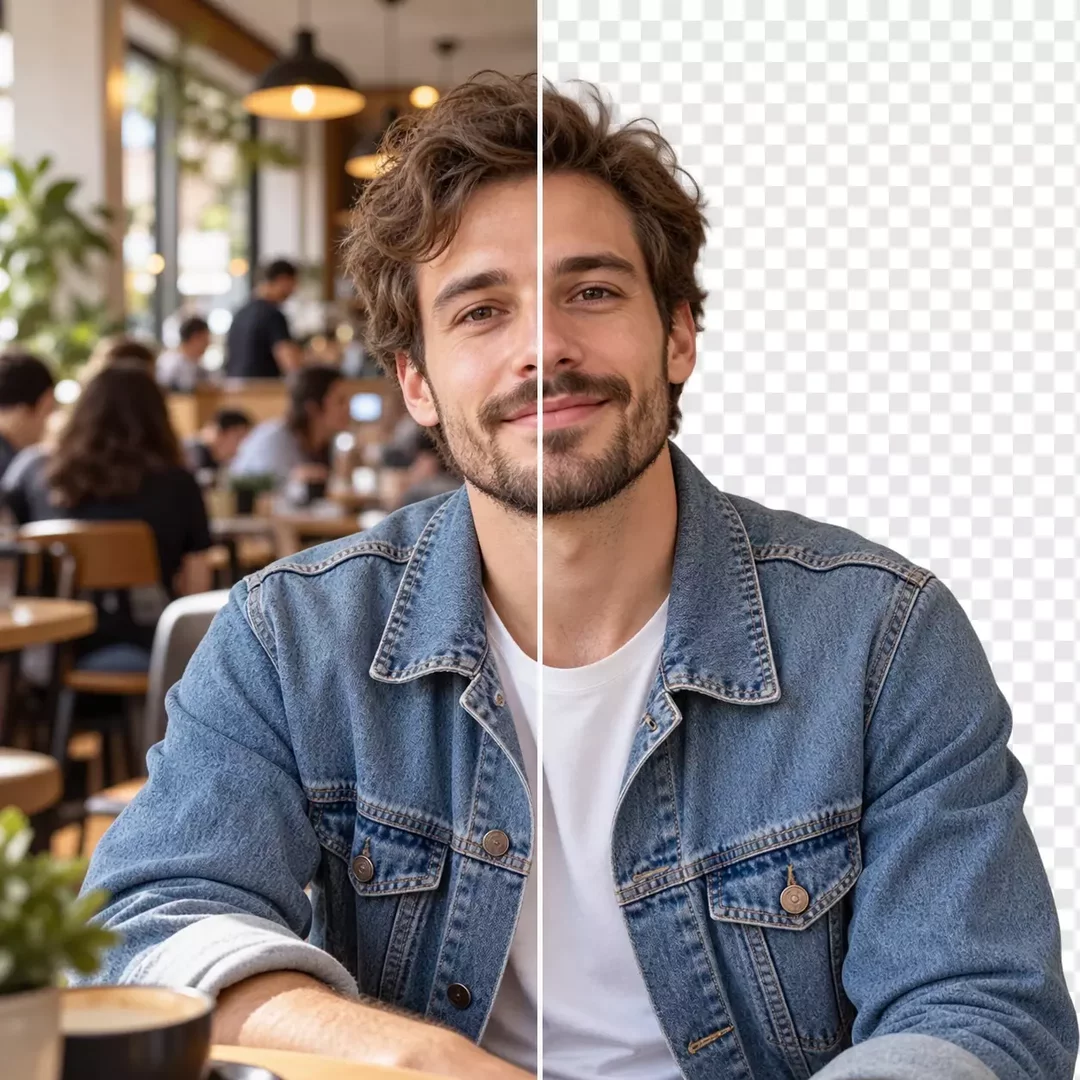
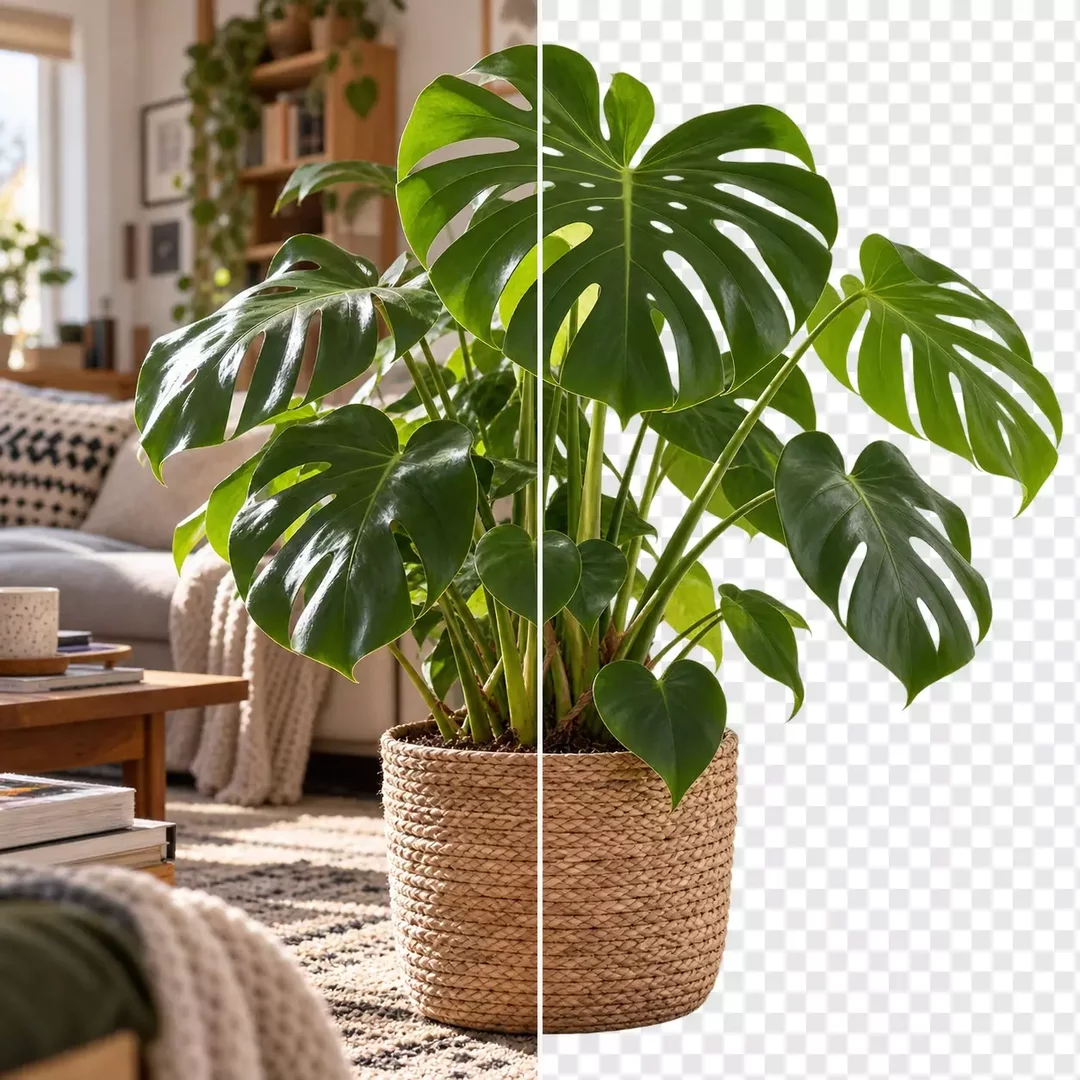
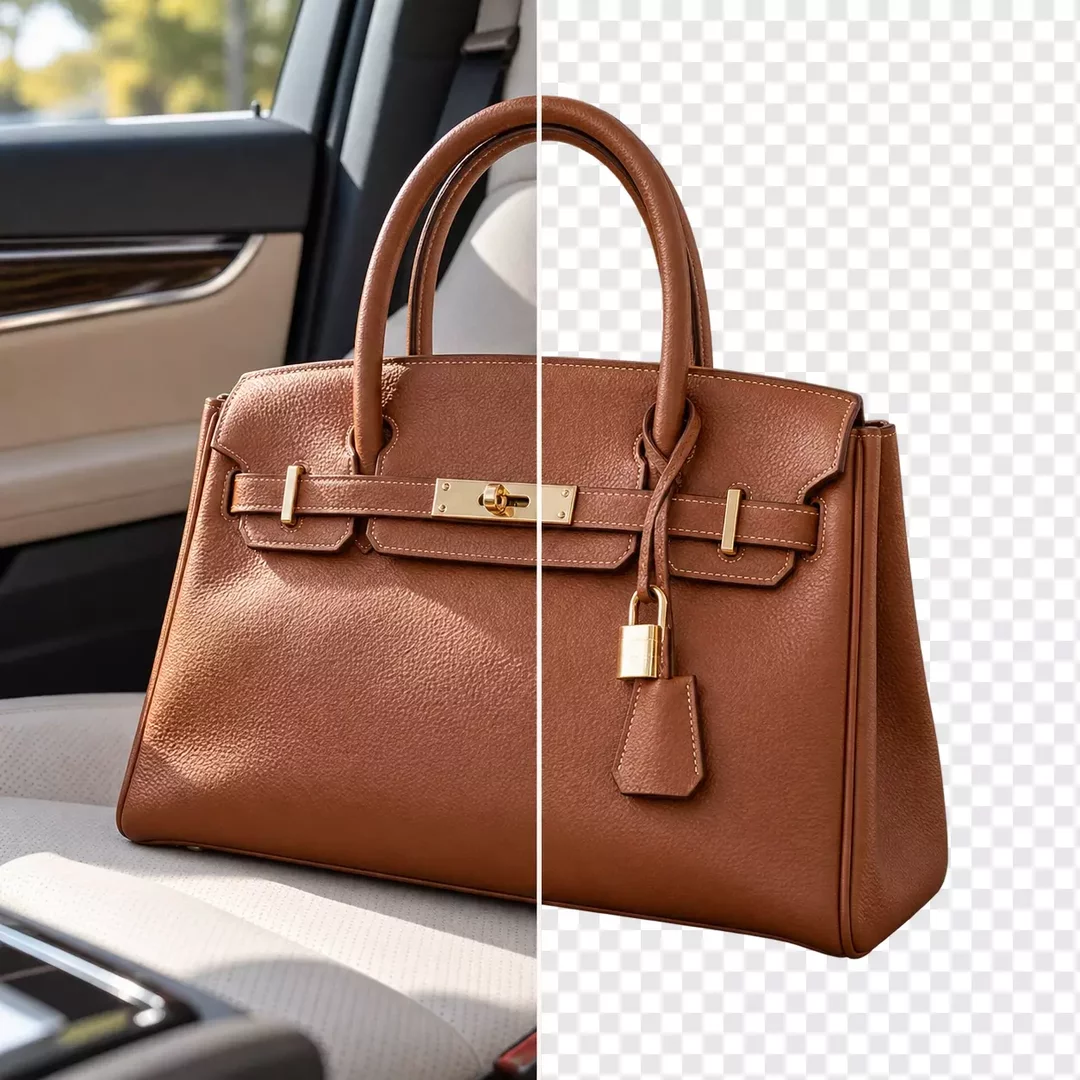
An AI background remover detects the main subject of an image and separates it from everything behind it. It recognizes fine details like hair, fur and transparent edges, which are the hardest parts to cut out by hand.
Once the background is gone, you can keep a plain white or colored background, or describe a new one and let the AI generate it with matching light and shadows. This makes it easy to prepare product photos for online stores, profile pictures or marketing visuals.
- Upload the image you want to edit.
- Describe the change, for example "remove the background" or "place the product on a white background".
- AI will separate the subject and apply the new background.
- Review the result and download your image.

Frequently Asked Questions
An AI background remover is a tool that automatically detects the subject of an image and removes everything behind it. It saves the time you would spend selecting and masking the subject by hand in a photo editor.