AI Terrain 3D model generator
Are you looking for a simple and quick way to create a high-quality 3D Terrain model in a matter of 90 seconds? Our advanced 3D Terrain model generator, CGTrader, can turn written commands or reference images into fully working models. This software works with production 3D generation engines, including Meshy, Hunyuan and Tripo3D. This helps with the quick modeling of 3D models for both design beginners and experts for visualization, experimentation, and prototyping. It supports both text-to-3d and image-to-3d, and is compatible with 3D printers. This means that you can upload an image in a JPG or PNG format. You can also write a description in the form of text. CGTrader takes care of the steps for you.
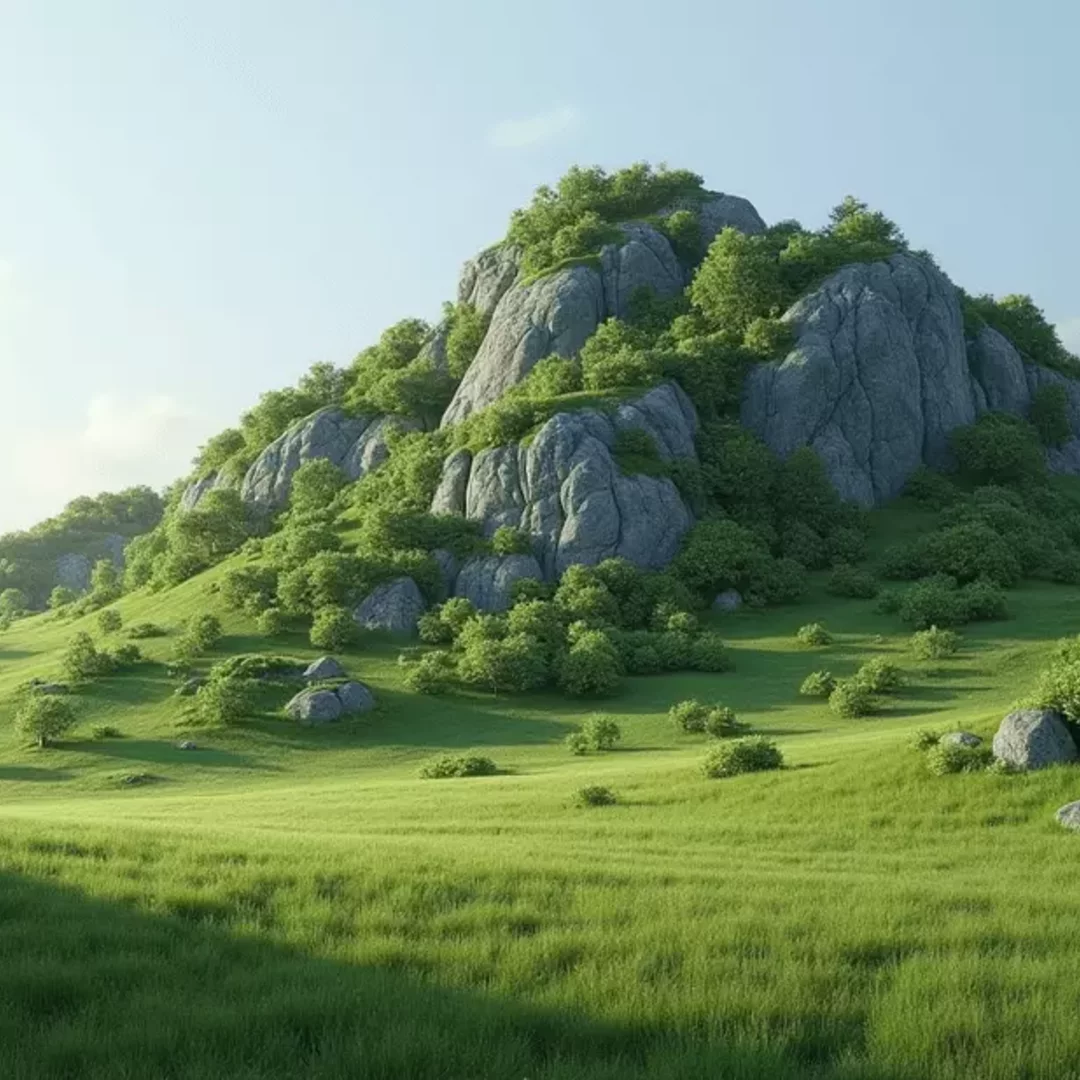
Generate Terrain From Image or Text Prompts
It is very easy to design a three-dimensional Terrain model. In the left sidebar, on the top-left, click the button to upload your image of the Terrain to construct a 3D model. Users can also enter a prompt in the "Please describe the 3D model you would like to generate" field at the bottom. If you do not have an idea in mind, CGTrader AI can refine a short description into a detailed prompt for you.
The right-hand sidebar gives you good control of your 3D Terrain model. Choose settings like the mesh type, material, prompt guidance, and file format. You can also use texturing to customize your Terrain model. This means that you can choose between a textured 3D Terrain model or a texture-free one. After entering your text instructions or image, click "Generate". The tool will process your instructions and create your downloadable 3D Terrain model. CGTrader AI processes your input in a few minutes, depending on system load, material, mesh type, shapes, seeding values, and quality.
- Write your text description and/or attach a reference image to improve the final accuracy of your 3D Terrain model.
- Adjust the prompt guidance value, select seed variation, add a custom polygon count, select material type, or choose your quality level.
- Hit Generate to create a 3D Terrain model from your prompt and/or reference image.
- Download your created 3D Terrain model in different formats (GLB, FBX, OBJ or STL).
Frequently Asked Questions
The CGTrader 3D Terrain Model generator, an AI-based tool, creates a three-dimensional Terrain model from written instructions or reference images. The CGTrader Terrain Model Generator looks at your idea and creates a downloadable model for design, prototyping, and visualization. Our paid subscriptions offer higher monthly limits.