AI Silhouette Generator
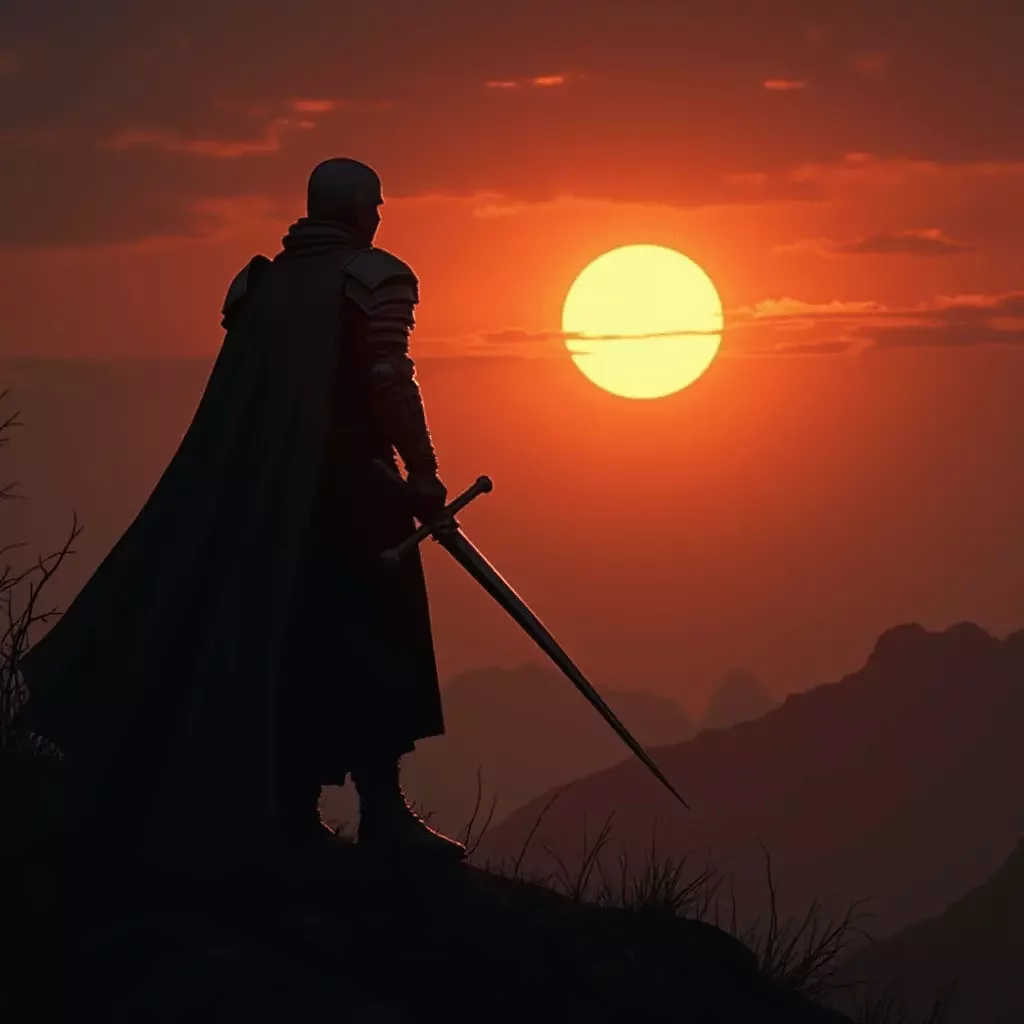
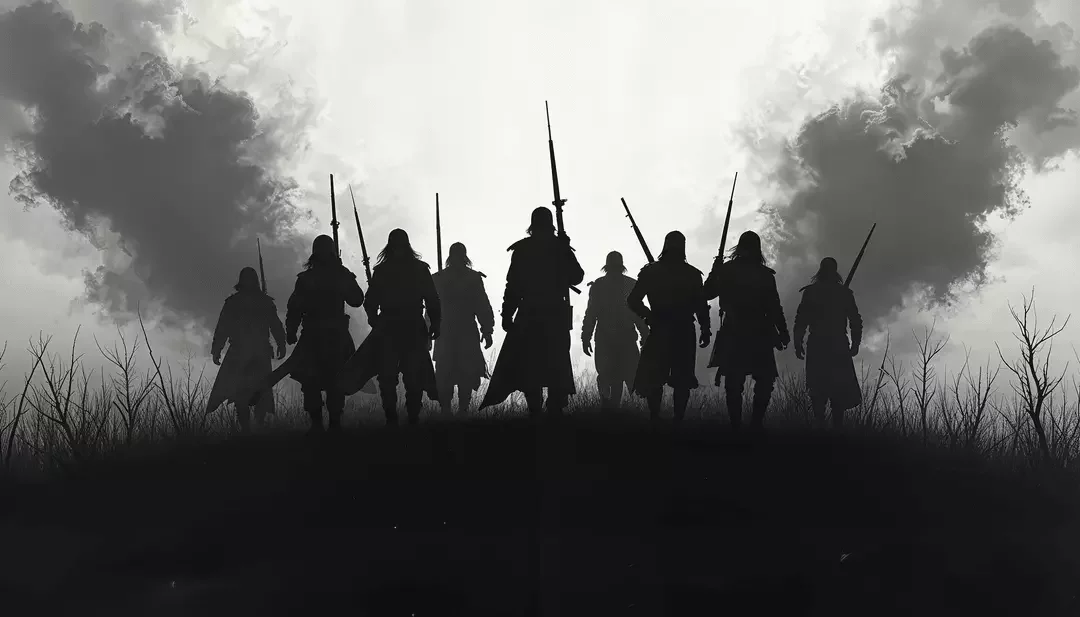
The AI Silhouette Generator converts your dream ideas into amazing visual representations. Whether crafting an Silhouette for artistic expression, professional uses, or just for fun, it empowers users to develop detailed images of professional quality with ease.
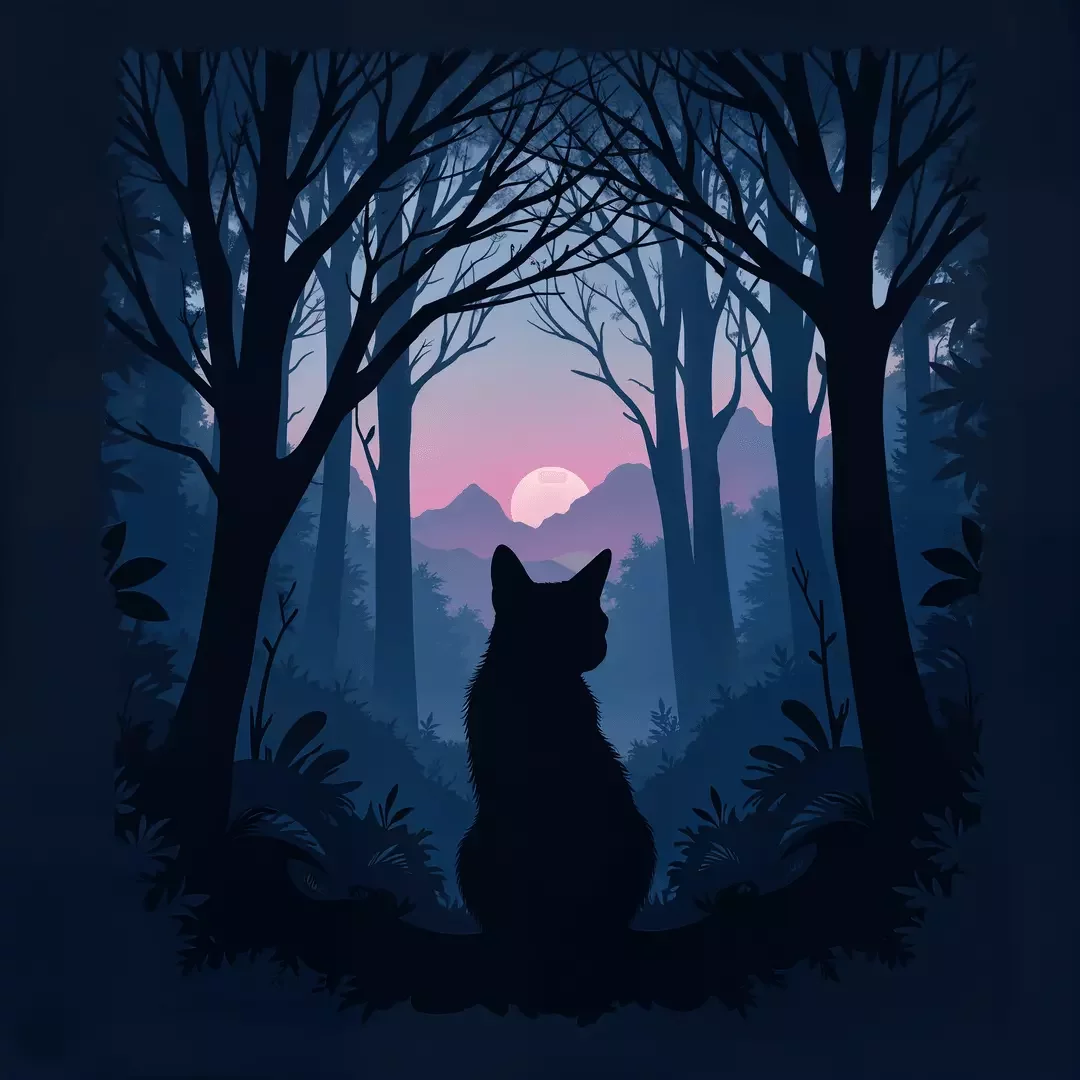
How the AI Silhouette Generator Works
The AI Silhouette generator is equipped with cutting-edge text-to-image models such as FLUX.2 Pro by Black Forest Labs and Nano Banana by Google. The base model transforms your text inputs into highly detailed and visually accurate Silhouette images. Here's a step-by-step guide of how it works:
- Input a Prompt. Start by describing your desired topic about Silhouette in detail.
- Add a reference image to guide the style, colors or composition of the generated Silhouette image.
- Optionally, upload reference images, combine several of them or apply the style of another image to control and guide Silhouette image generation.
- Choose FLUX.2 Pro or Nano Banana as the AI model.
- Press Generate to create an image. Describe what you want in detail, and CGTrader AI will follow your prompt closely, making the final Silhouette image more detailed and coherent.
Frequently Asked Questions
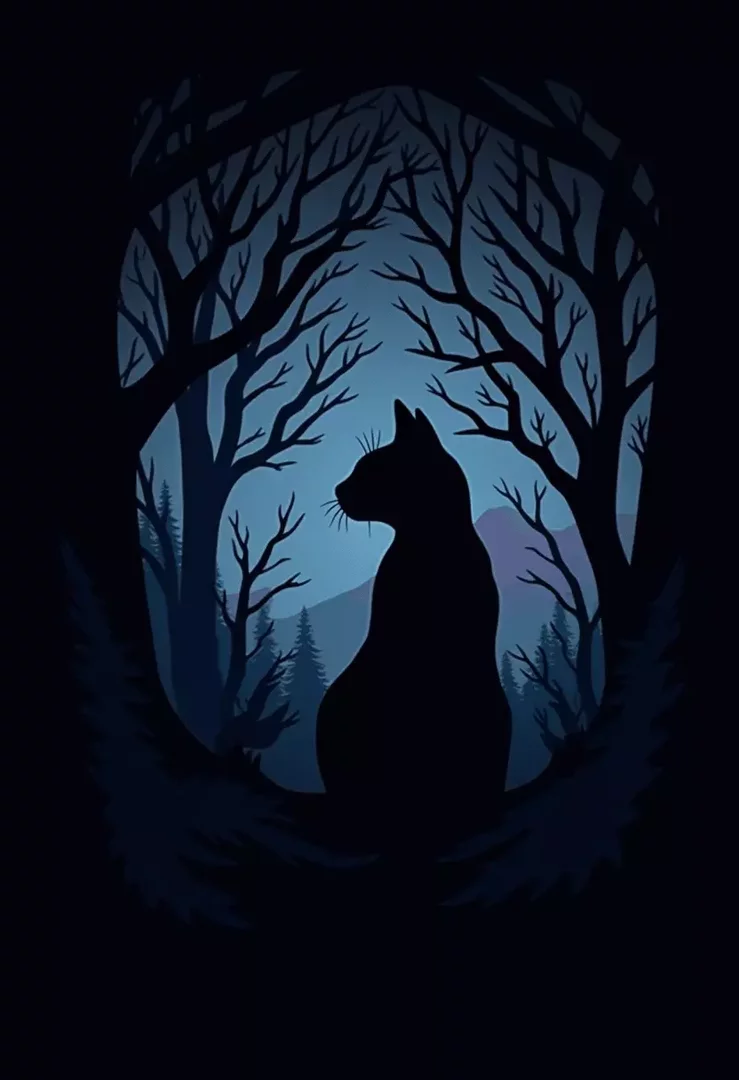
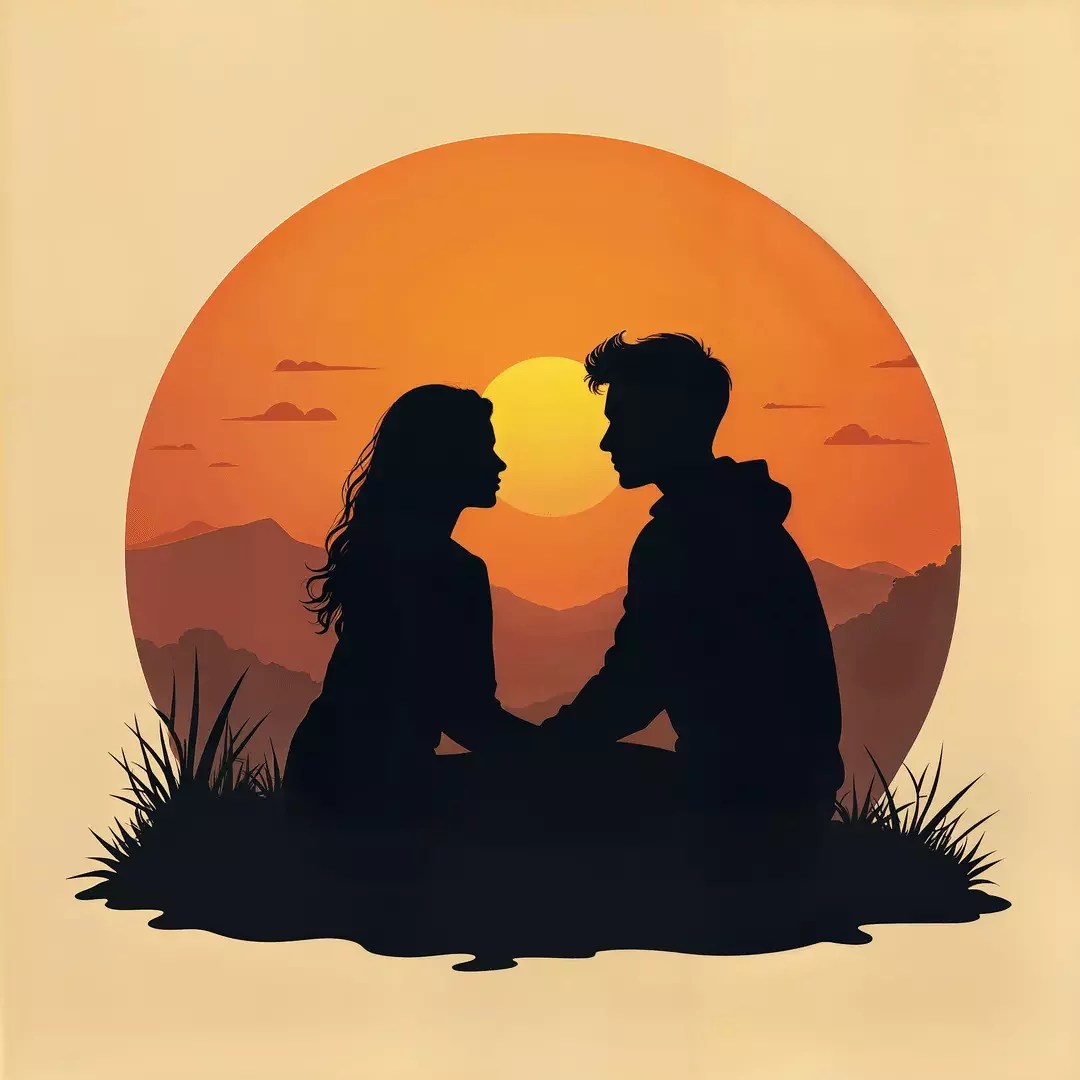
AI Silhouette generator is an AI-powered tool that generates visually stunning Silhouette images from text prompts provided by a user. It takes away the need for intensive design skills or manual work, thus enabling users to create custom Silhouette images for whatever purpose they may have in mind, be it artistic exploration, marketing, gaming, or personal projects. By using neural networks trained on vast datasets, the generator can produce detailed and imaginative results for any kind of Silhouette, from realistic designs to abstract concepts.