Free AI Label Generator
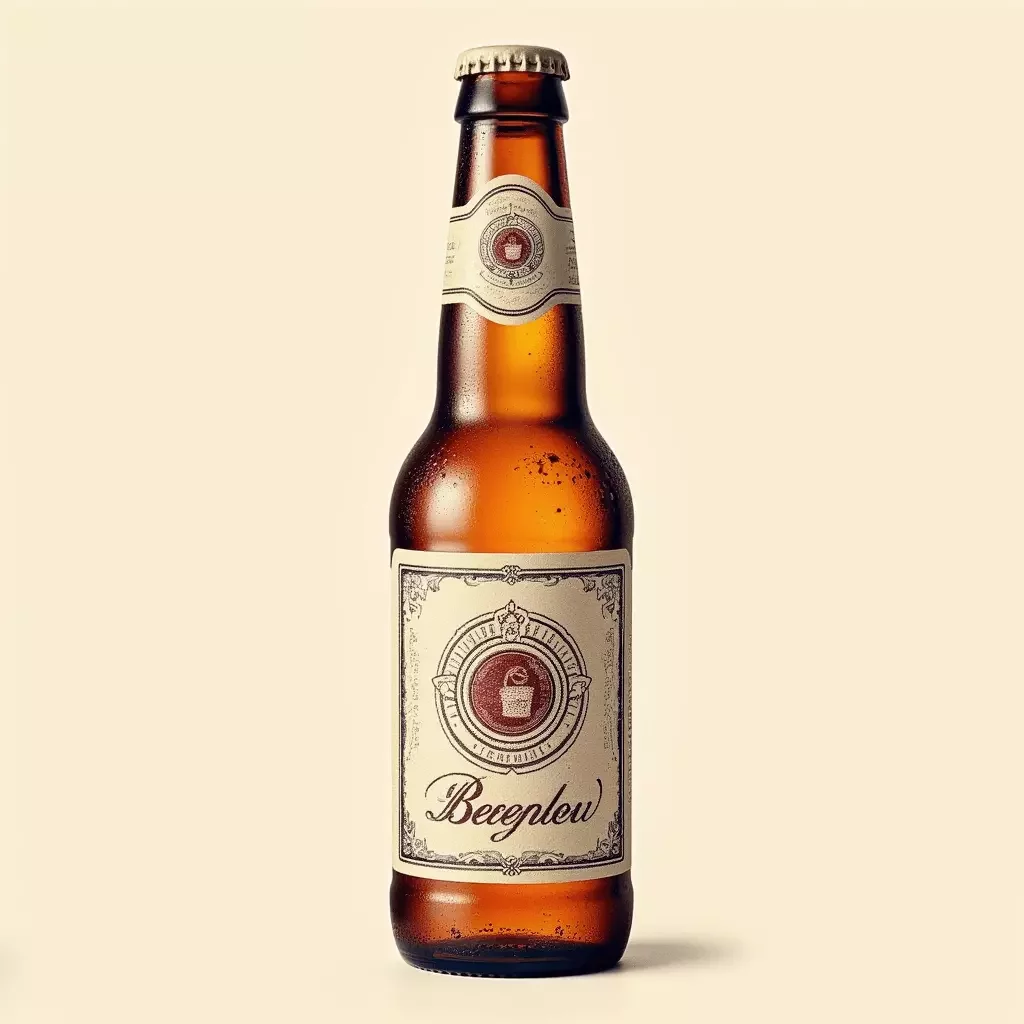
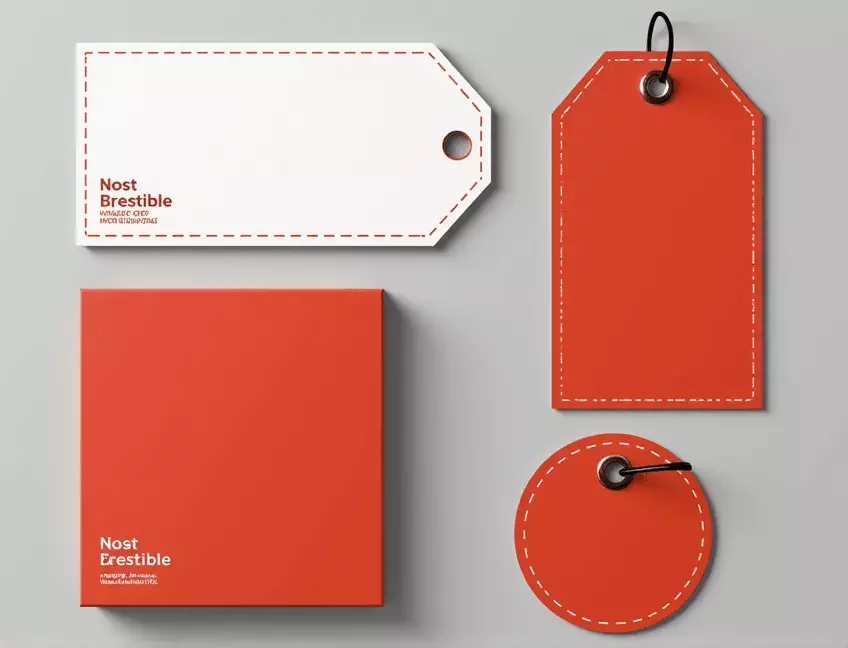
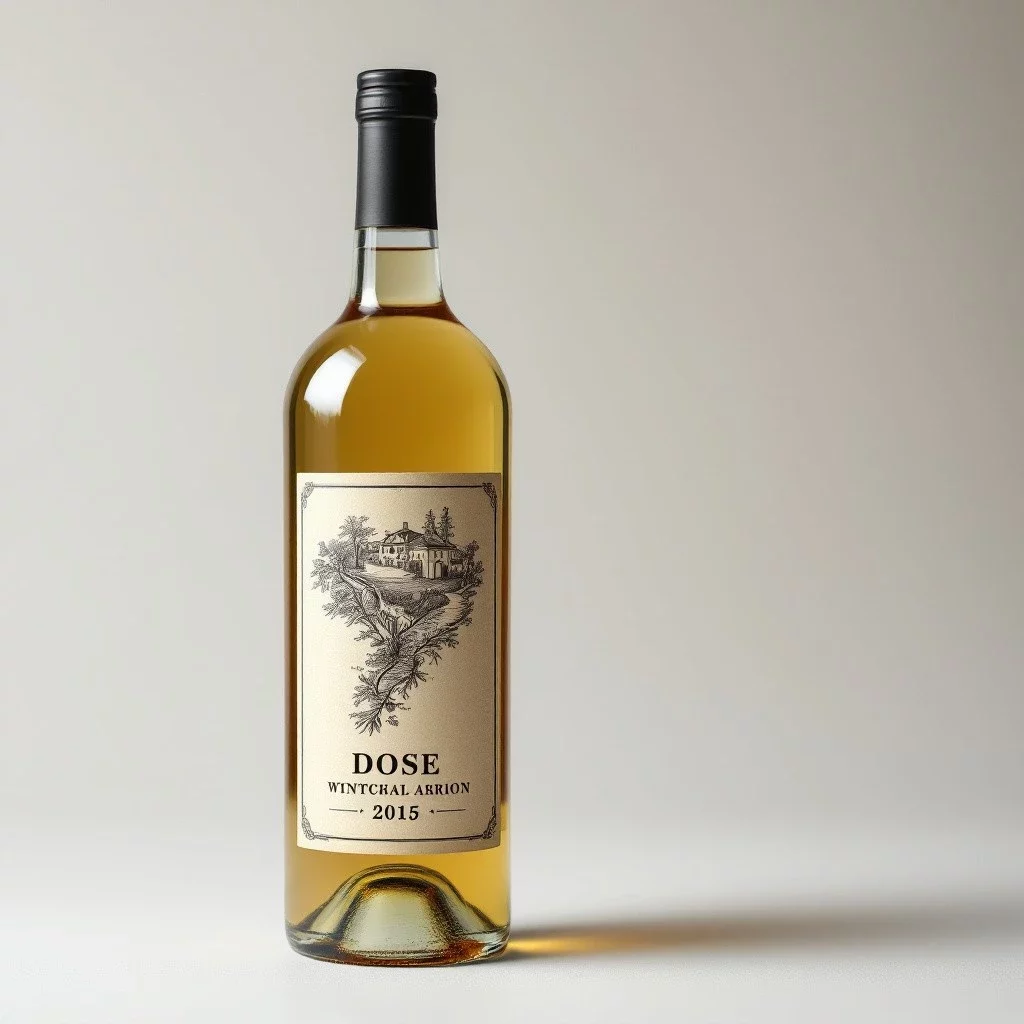
CGTrader’s ai label generator is a succinct yet powerful tool crafted specifically for designing label visuals that speak directly to your brand’s essence. Using state-of-the-art image models FLUX.2 Pro and Nano Banana, it transforms basic concepts into striking label designs optimized for product packaging. Whether you’re creating a beer label, a wine package, or any other product label, this online solution minimizes manual effort while delivering high-quality label designs. It emphasizes essential design aspects—brand identity, product information, imagery, and composition—to ensure that every label not only captures attention but also effectively communicates your brand’s story. With a focus on the specialized elements of label visuals, such as a compelling logo, harmonious color palettes, and balanced layouts, this tool provides a refined approach to design that is both efficient and visually impactful.
How to Make a Label with AI
CGTrader’s ai label generator is designed to address the unique challenges of label visuals, where every element must work in harmony to communicate key product details and brand identity. The tool quickly interprets your product description and transforms it into a clear, eye-catching design by extracting essential elements like product name, regulatory details, and the overall visual mood. It prioritizes clarity and balance, ensuring that the final label design conveys critical information while standing out on the shelf.
Below are the steps on how to create a logo with AI using CGTrader’s platform:
- If needed, upload a reference image, it will be used as a base reference for the image generation
- Write a text prompt, which will guide the generation (and will change the uploaded image according to the prompt if one selects such an option)
- Add a reference image to further guide the details and style of your images
- Select the corresponding Aspect Ratio and number of Variations
- Use additional AI tools from CGTrader AI, like applying the style of another image, combining several reference images, or editing the result with a text instruction
- If interested, convert the generated image to a 3D model, change the angle, add some more parameters mentioned above, and press generate to watch how your uploaded image is transformed into an improved 2D visual

Frequently Asked Questions
A well-crafted prompt is key to achieving the desired outcome with the ai label generator. Start by clearly describing your product’s essential elements—such as the intended color palette, typography, and any specific motifs to be featured in the label design. Mention your preferred style, whether it’s modern minimalism or an ornate vintage look, and include details about layout and key information placement. Specifying textures, mood, and the balance between imagery and text helps the tool accurately interpret your vision.