Free AI Product Design Generator
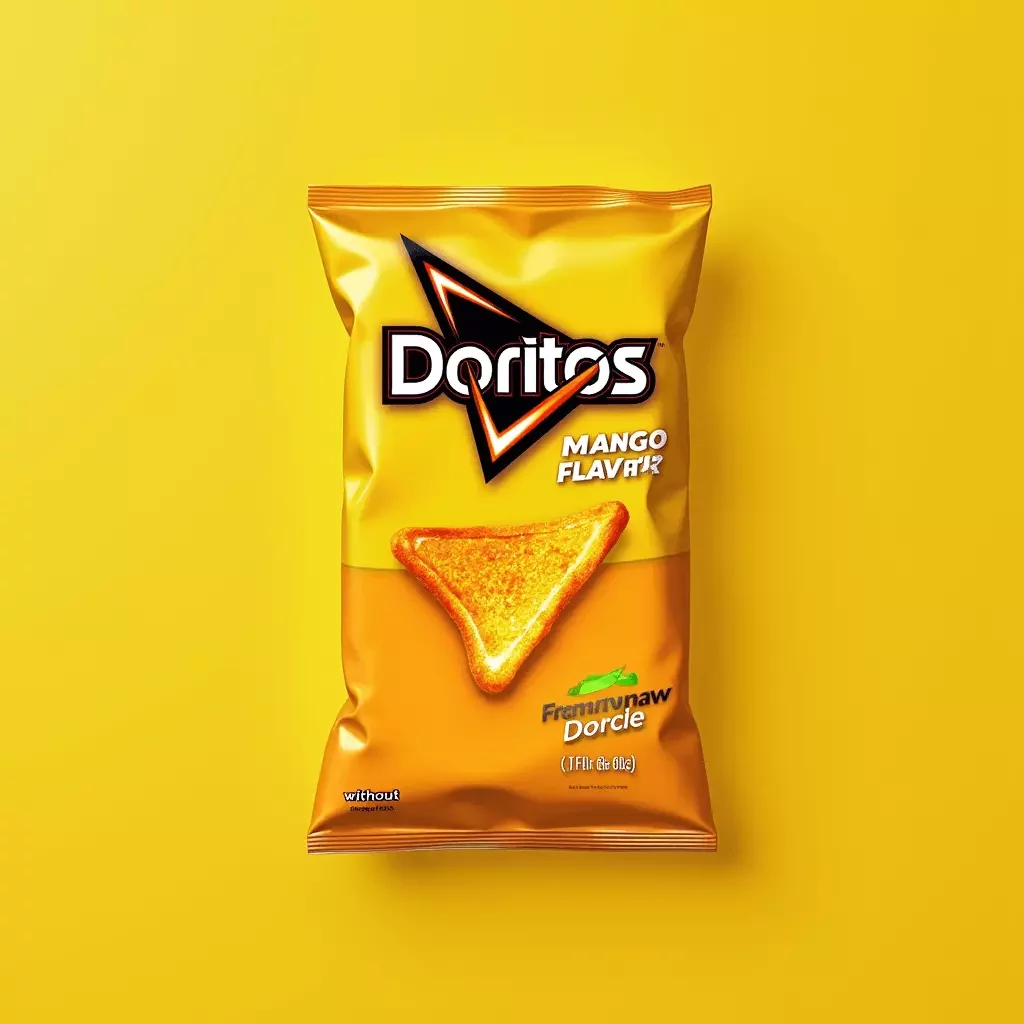
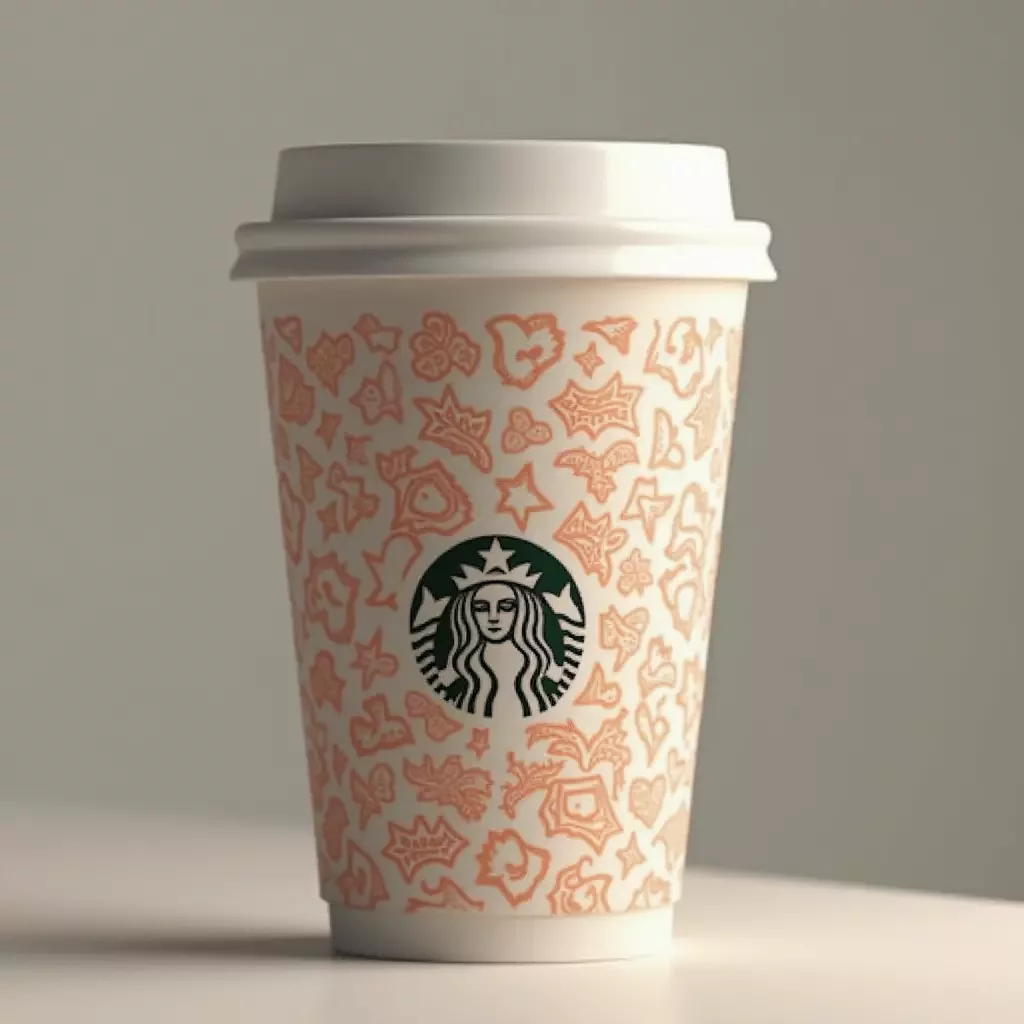
Experience an approachable way to produce compelling product visuals, backed by the FLUX.2 Pro and Nano Banana image models. Ideal for e-commerce sellers, designers, and innovators, it can enhance existing photos, generate compelling product visualizations, or spark new design concepts. By reducing the need for traditional photoshoots and lengthy editing processes, this flexible tool makes professional results accessible to everyone, speeding up creative workflows while maintaining high-quality output.
Product Photography with AI: how it works?
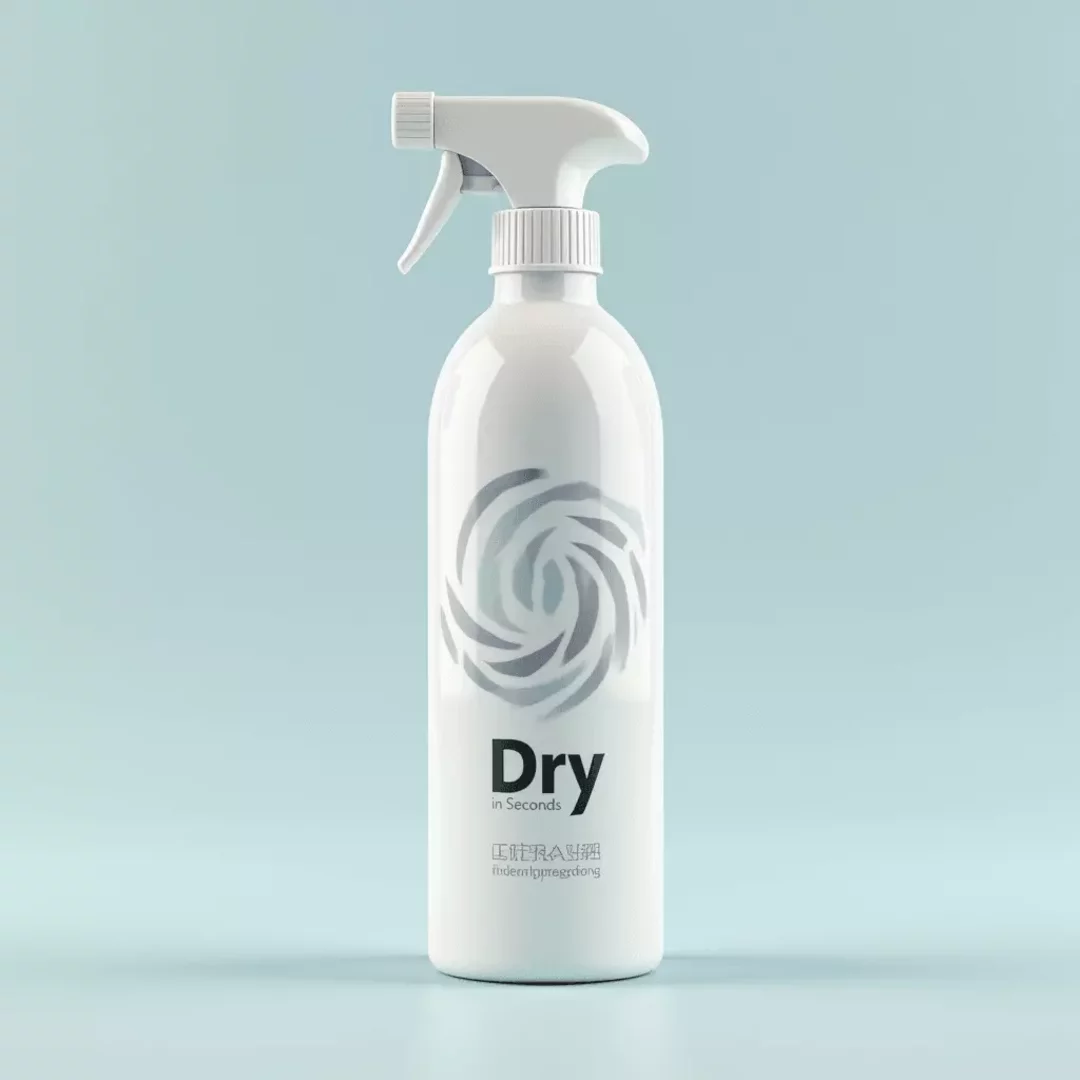
Our solution merges text prompts, 3D models, and reference photos to create stunning product visuals. Upload 3D models to guide structure and perspective, then apply diverse styles, textures, or lighting through prompts. You can also use any image to refine details like background, shadows, and highlights. This flexible approach empowers you to produce high-quality, professional product images faster and more affordably than traditional photography.
- Enter a Prompt: Describe your desired product design in detail. Mention style, layout, and ambiance.
- Upload Reference Inputs: Optionally, upload a 3D model or a photo of your product to guide the AI. Use the 3D viewer for easy navigation.
- Apply a Style: Use a reference image to enrich design aesthetics, enhance image quality, and introduce artistic effects.
- Use Reference Images: Upload a reference image, combine several images, or apply the style of another image for more intuitive control and fine-tuning of your generated image.
- Choose a Model & Generate: Select FLUX.2 Pro or Nano Banana, then click Generate for detailed, coherent results.
Frequently Asked Questions
Yes, you can effortlessly create a compelling product image background using our AI. The simplest method is by writing a detailed text prompt that describes the desired background. For example, you might input: “A minimalistic product image background featuring a soft gradient from pastel blue to white, perfect for showcasing modern tech gadgets.” You can further enhance the output with a text edit that adjusts color balance and texture. Additionally, if you have a specific image in mind, upload a 3D model or a reference photo to guide the AI. This approach not only saves time but also ensures that the generated background aligns seamlessly with your overall product aesthetic. Whether you are a startup or an established brand, using the AI tool simplifies the creation of professional, ready-to-use backgrounds that elevate your visual presentation.