Free AI Jewelry Design Generator
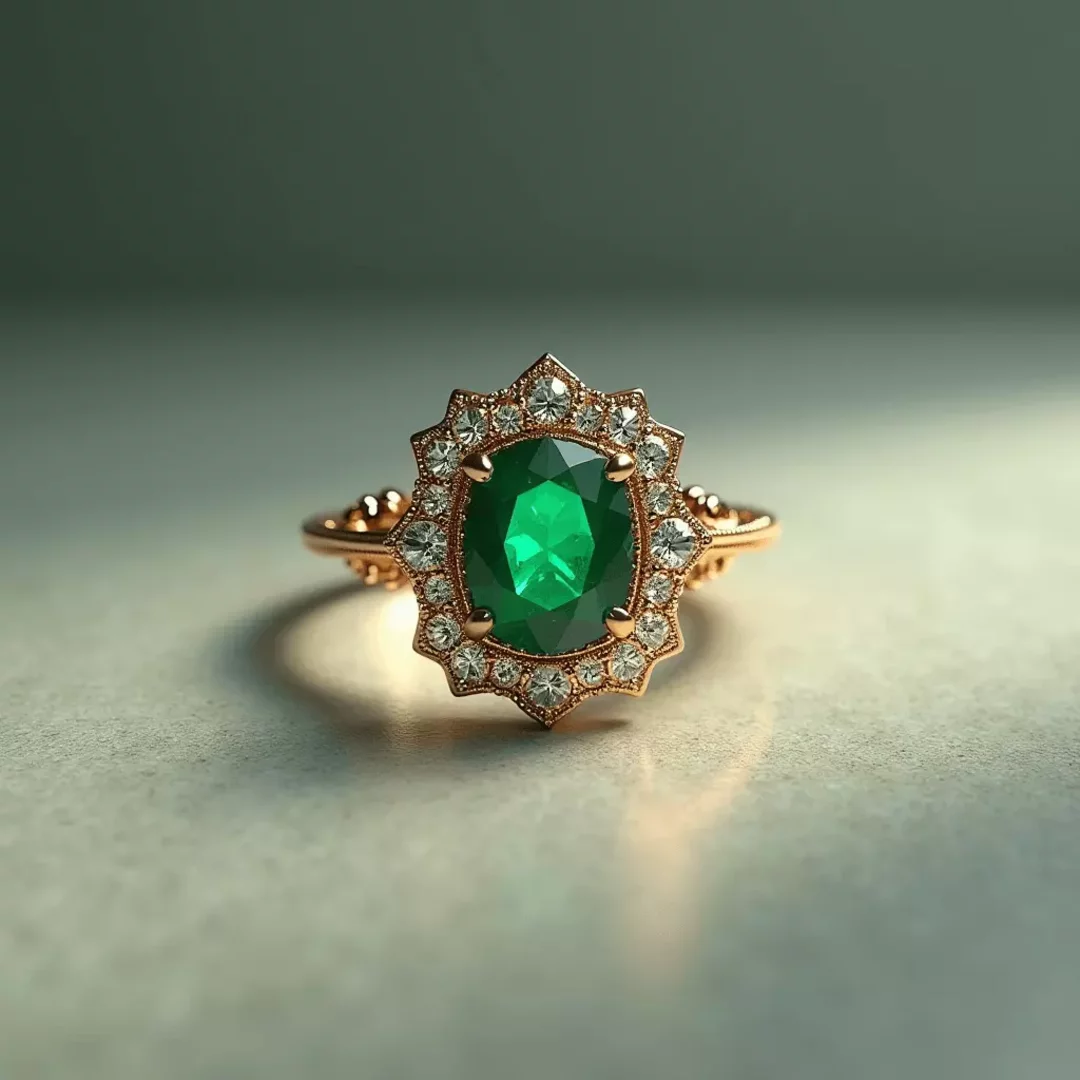
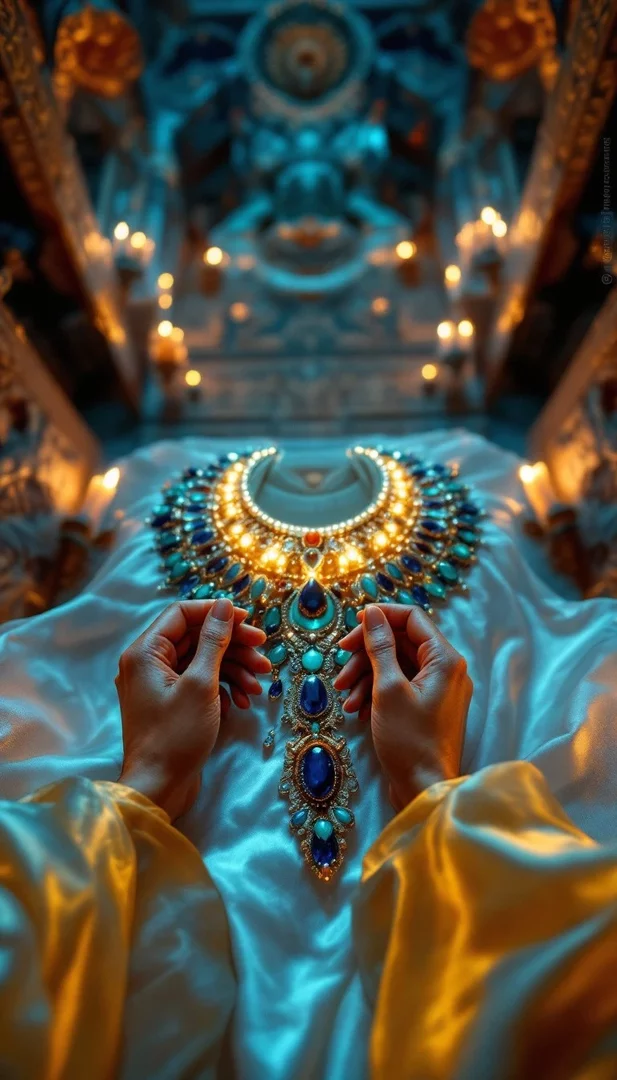
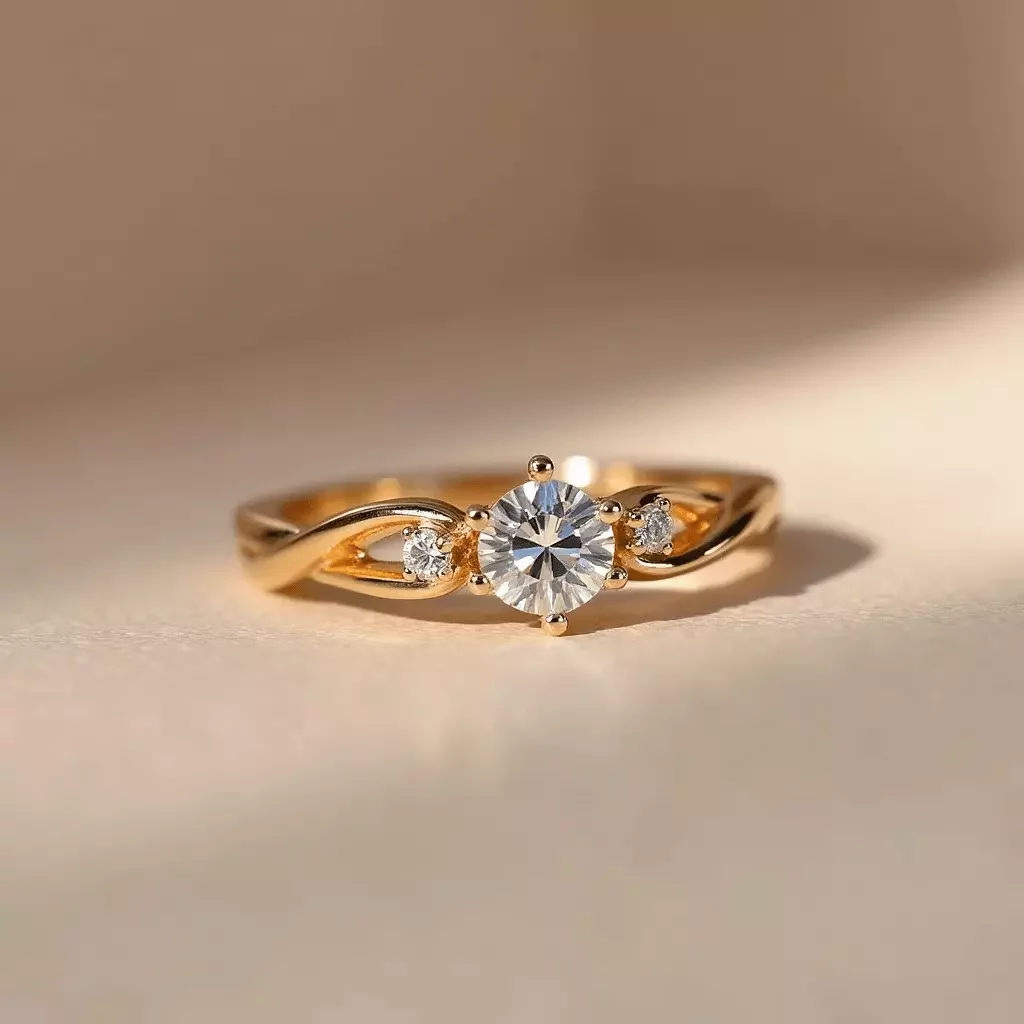
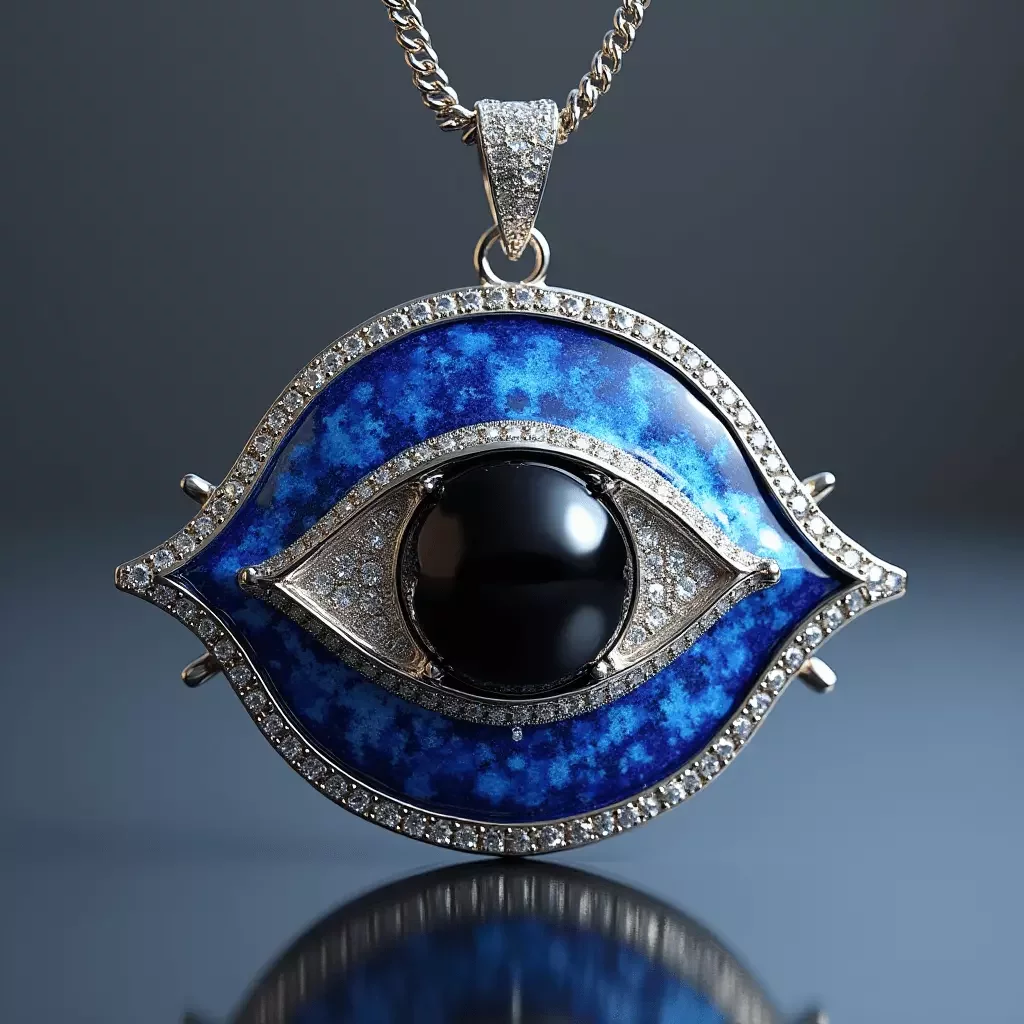
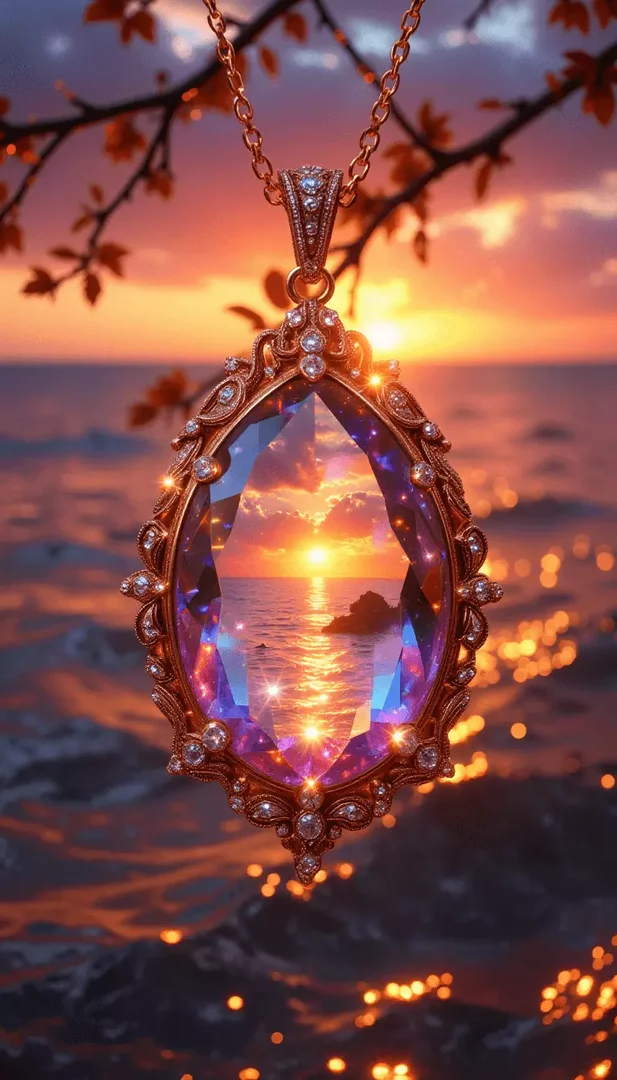
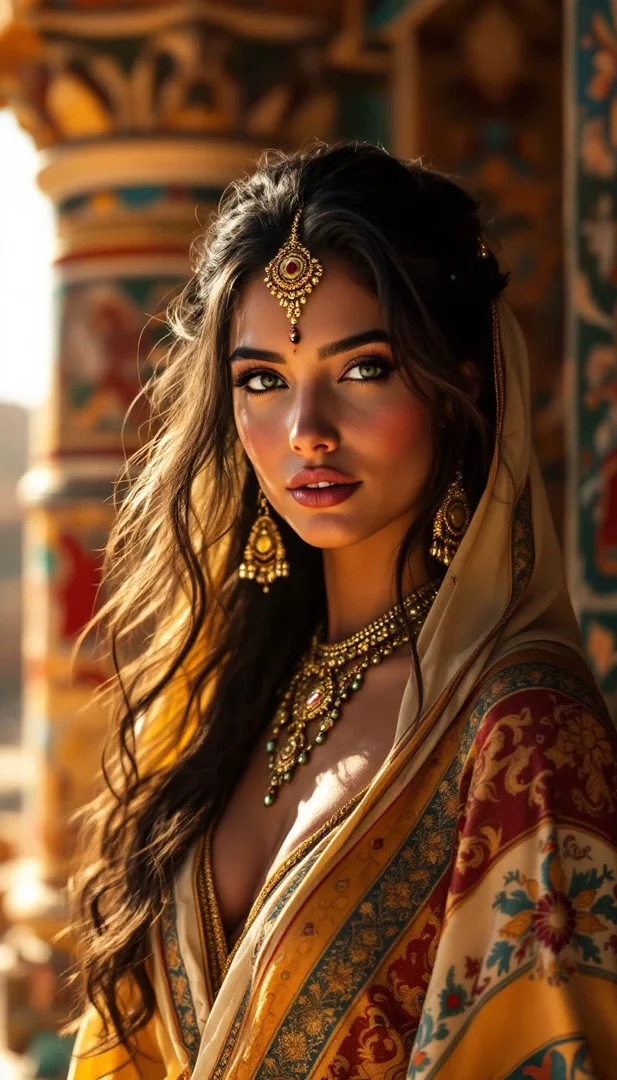
Discover the ai jewelry design generator – a creative tool designed for artists, designers, and jewelry enthusiasts seeking to craft exquisite designs with ease. Powered by image models FLUX.2 Pro and Nano Banana, this tool enables rapid concept generation by quickly producing multiple design variations from simple text prompts. Enjoy customization and personalization tailored to your specific style, along with photorealistic visualization and prototyping. Perfect for creating captivating visuals for marketing and content creation, and best of all, it’s completely free to get started.
How AI Jewelry Design Generator works
This AI product image generator allows you to create collage images from text prompts or even from a reference image. It transforms your ideas into stunning visual concepts with a few simple steps:
- Describe Your Image in Detail: Clearly specify the subject, setting, perspective, and lighting to guide the AI effectively. For example, “A delicate silver necklace with intricate engravings, set against a soft pastel background with natural light.”
- Use Reference Images: Enhance image quality and refine the artistic style by adding a reference image whose style CGTrader AI will follow. Combine several reference images to adjust details, add artistic effects, or match a specific aesthetic.
- Style Transfer (Optional): Use style transfer to mimic a specific art style, or upload a reference image to keep its composition while modifying visual elements.
- Select the Best AI Model: Choose FLUX.2 Pro for highly detailed imagery or Nano Banana for more creative and stylized results.
- Generate & Refine: Click “Generate” to instantly create an image. Optionally, refine your prompt for enhanced clarity and coherence during the refinement process.
Frequently Asked Questions
Designing jewelry with AI begins with crafting a well-thought-out text prompt. Be specific about details in the text prompt; include precise elements like the type of metal, gemstone, setting, and any intricate design features you envision. For instance, you might write: “A vintage-inspired brooch featuring intertwined gold filigree with embedded sapphires, reflecting a soft glow under ambient lighting.” You can also add a reference image of diamonds to enhance texture and style. Once your detailed prompt is set, you have the option to upload a reference image to provide additional context. The AI then interprets your description and reference to generate a unique design, which you can further refine by tweaking the prompt or editing the result for a more polished outcome.