Free AI Interior Design Generator
Discover the revolutionary ai interior design generator that transforms your visions into reality. Powered by image models FLUX.2 Pro and Nano Banana, this tool is designed for creative professionals, interior decorators, homeowners, and anyone who dreams of designing stylish interiors. Create stunning home designs online with the best technology available.
How to use AI for interior design
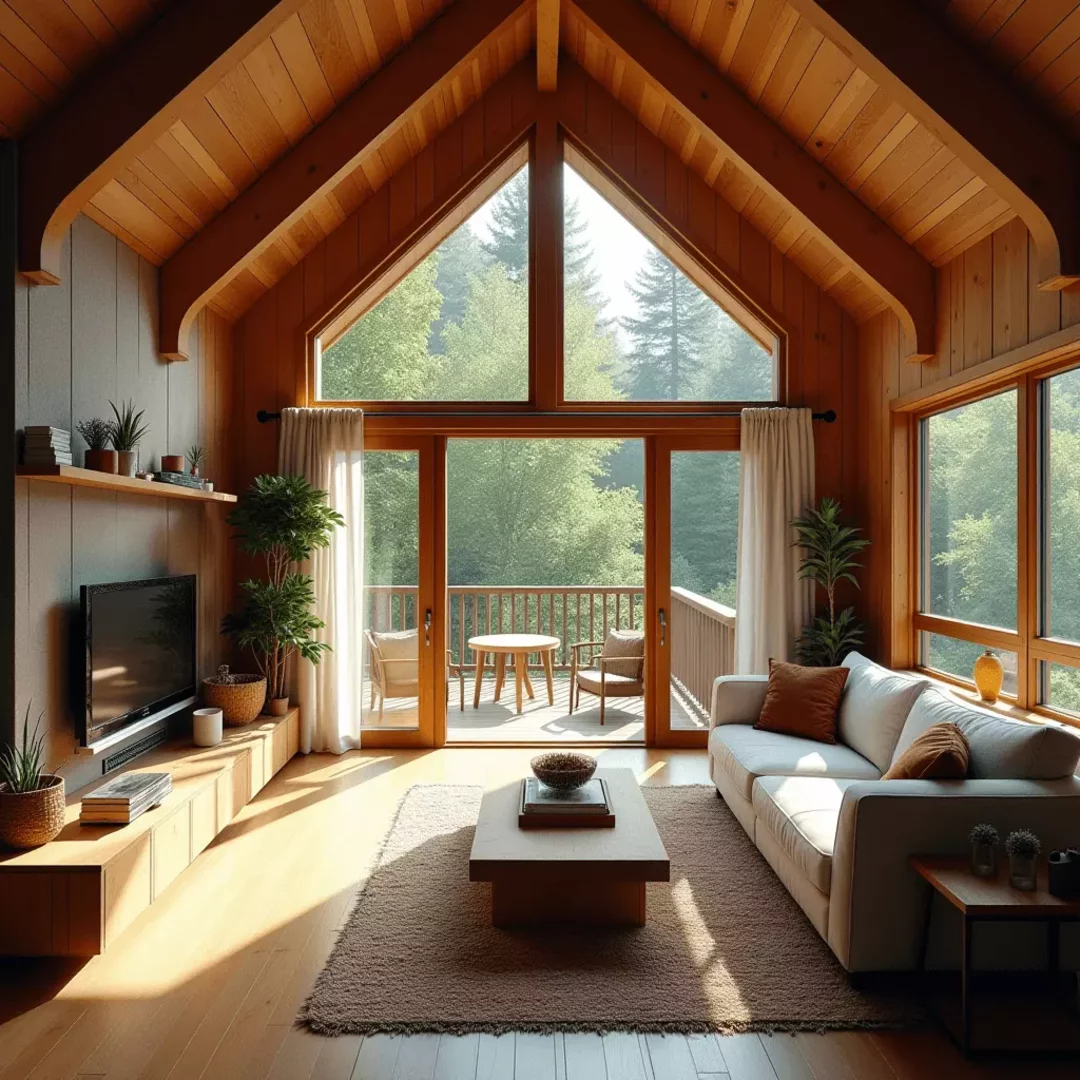
Explore a variety of methods to design interiors using our ai interior design generator: you can simply write a text prompt that outlines your vision, or upload 3D models of your interior to guide the structure and perspective during image generation. Once you've provided a prompt, the tool can render your design in various styles, textures, and lighting conditions. Additionally, you have the option to use any image or photo as a reference to further refine and inspire your interior design, ensuring every detail aligns with your creative vision.
- Input a Prompt: Begin by describing your desired interior design in detail, including style, layout, and ambiance.
- Upload Reference Inputs: Optionally, upload your 3D model and navigate in the 3D viewer or upload a photo of your interior to guide image generation.
- Apply a Style: Use a reference image to enhance image quality, enrich design aesthetics, and add artistic effects.
- Use Reference Images: Upload a reference image, combine several images, or apply the style of another image to control and guide the generation process.
- Choose a Model & Generate Your Image: Pick FLUX.2 Pro or Nano Banana, then press Generate to render your interior design with detailed, coherent results.
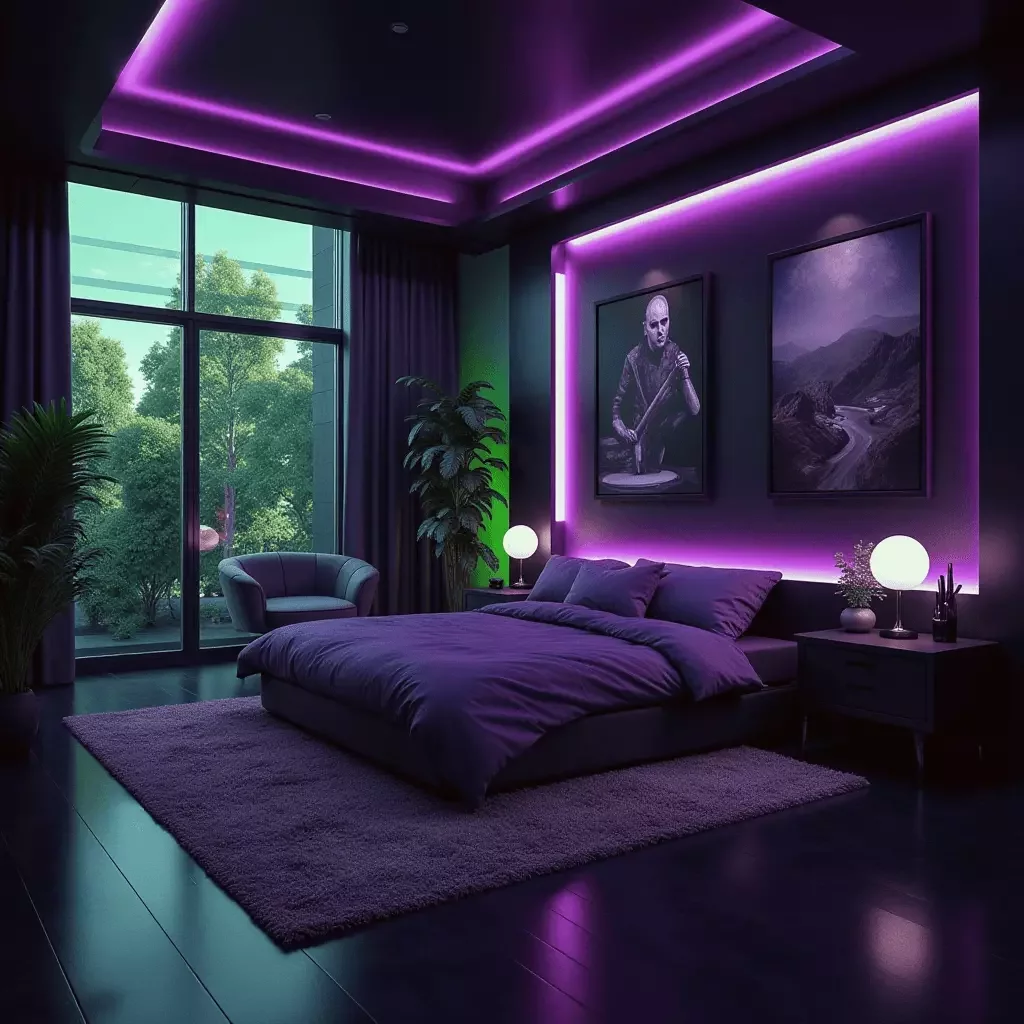
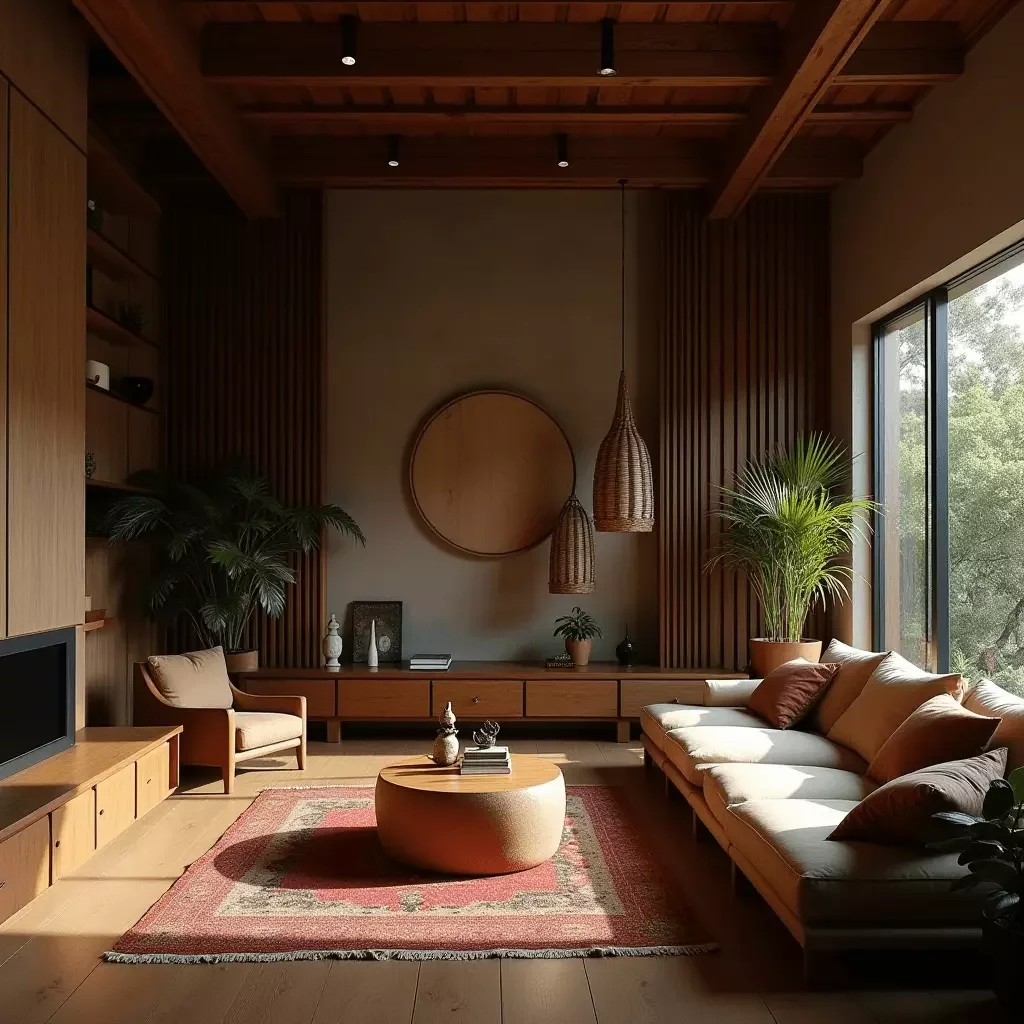
Frequently Asked Questions
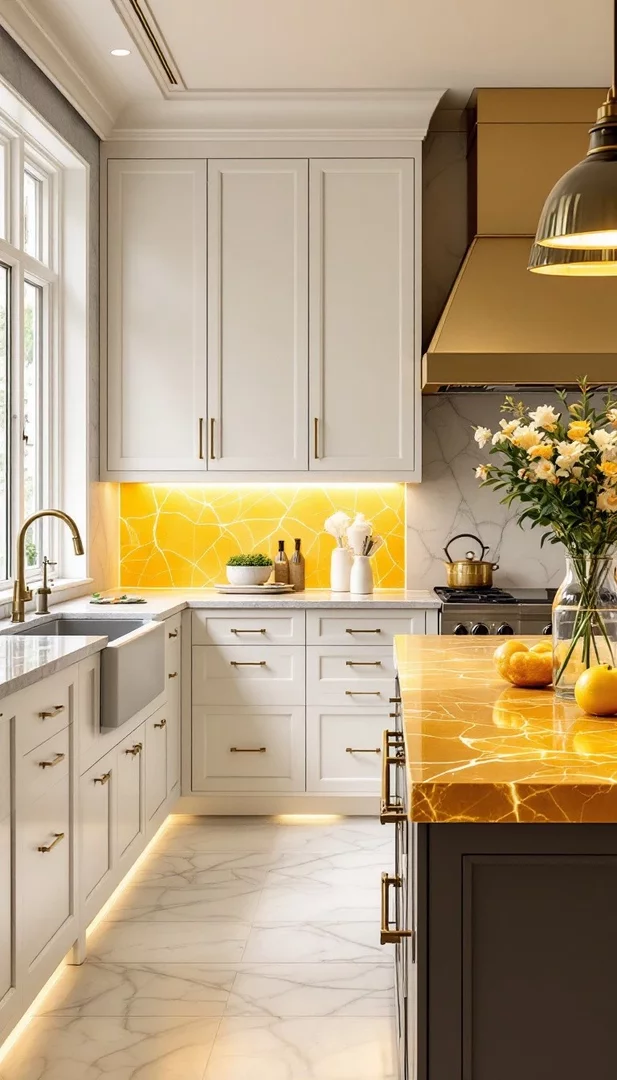
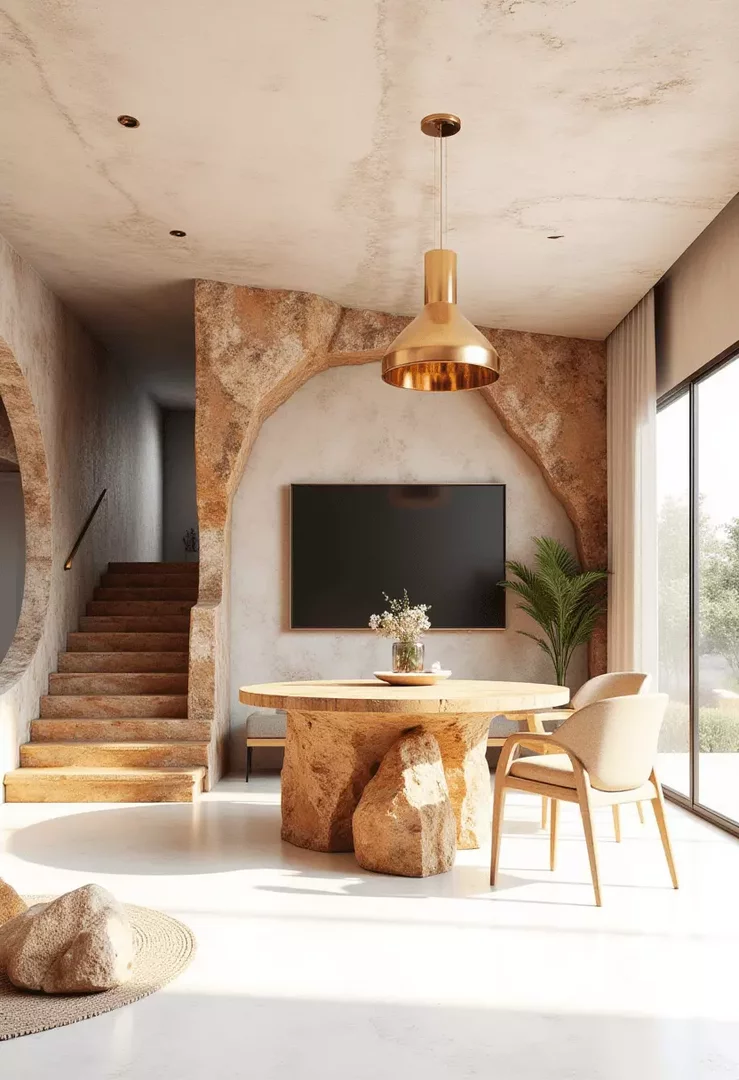
There are several ways to bring your interior design ideas to life using our tool. The simplest method is to write a detailed text prompt. For example, you might input: “Bright and airy living room with modern Scandinavian furniture and soft natural lighting.” Additionally, you can enhance your design with a reference image that adjusts the aesthetic to your taste. Another method is to start from image references: you can upload an existing photo and let the AI build on that foundation. If you have a 3D model of your space, you can also generate highly realistic 3D interior renders that add depth and perspective to your vision. This versatility ensures that whether you're starting with a blank canvas or working from a photo of your room, you can design the interior you want.