Free AI Image Generator for Presentations
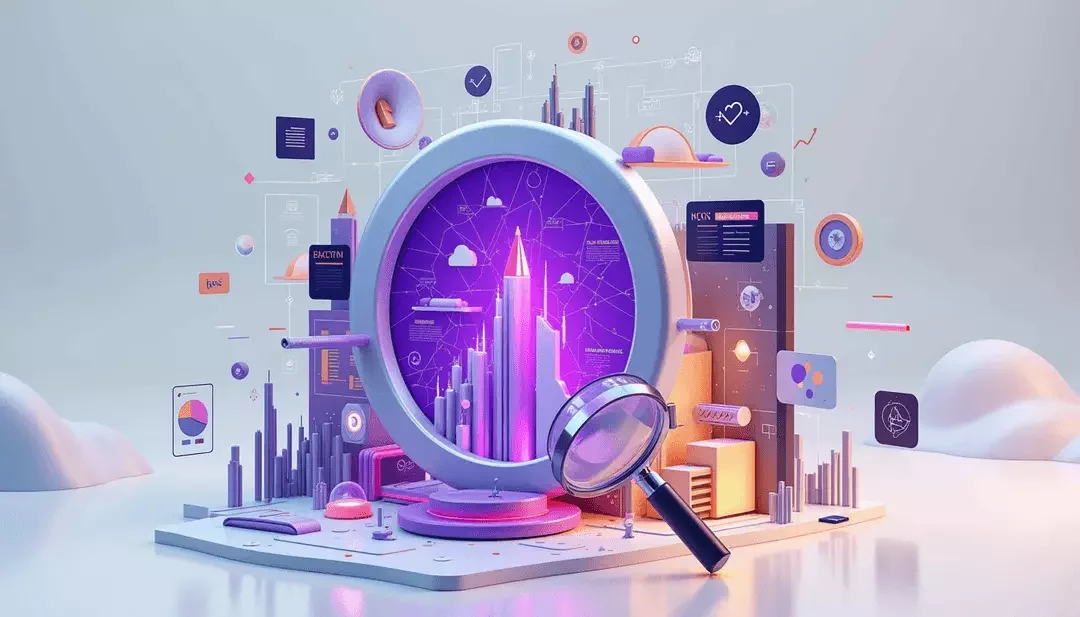
CGTrader's AI image generator for presentations is a practical tool that transforms simple prompts into tailored visuals using advanced image models FLUX.2 Pro and Nano Banana. This tool acts as an efficient maker for professionals who need custom images without the hassle of complex design software. It streamlines the process by converting text descriptions into images that perfectly match slide topics, color schemes, and overall presentation design, helping users deliver their message with clarity and visual appeal. CGTrader is particularly useful for enhancing content visuals—whether through evocative photographs, illustrative graphics, or data-driven charts—that are essential for engaging and persuasive presentations.
How can an AI image generator improve my presentations
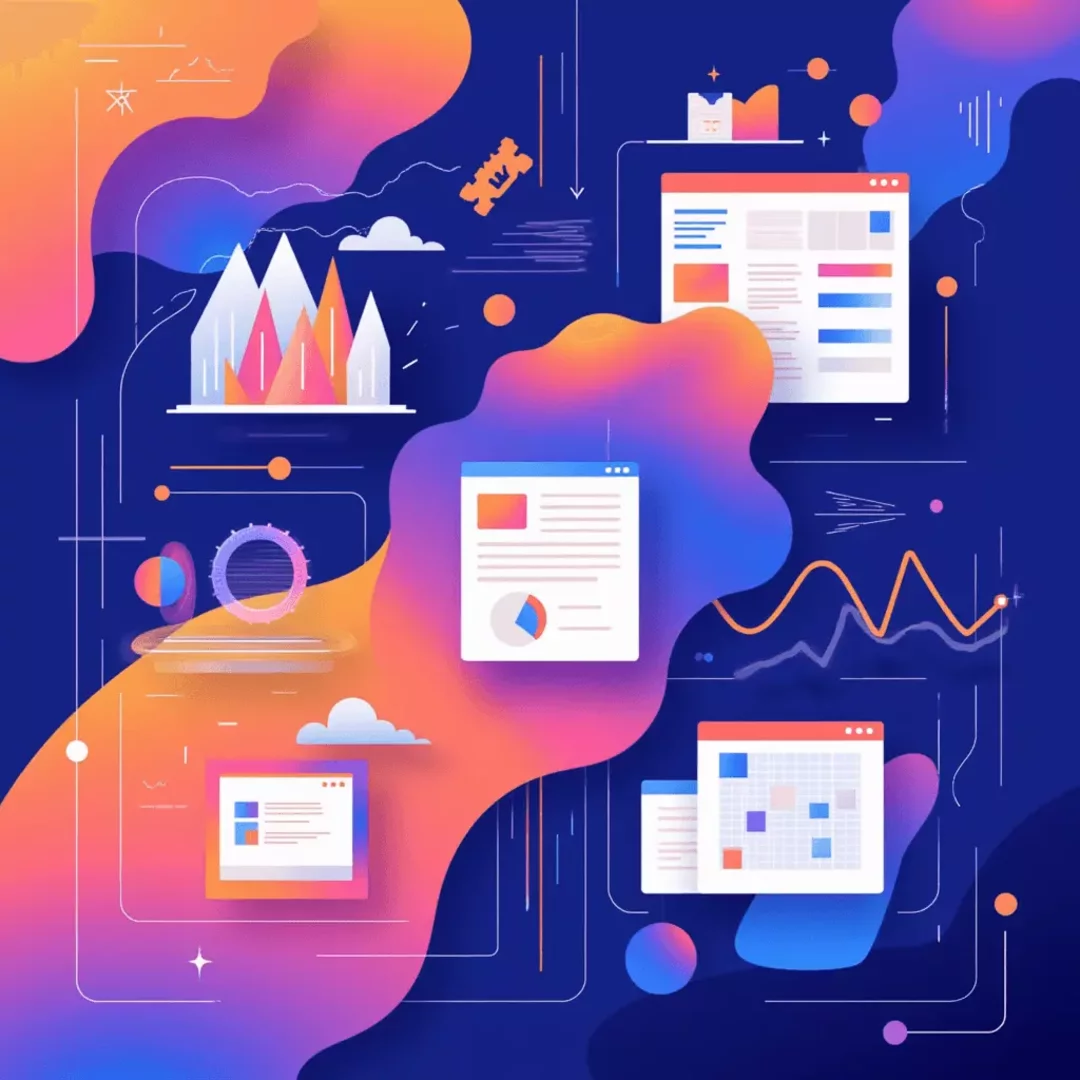
By interpreting user inputs like slide topics, style cues, and color preferences, CGTrader’s AI tool quickly produces images with structured layouts optimized for presentations. The system utilizes a deep text encoder to transform prompts into latent design parameters, which are then refined by a diffusion-based synthesis model. This process results in images that are not only visually striking but also optimized through light post-processing adjustments. In turn, these enhancements help emphasize key points, illustrate data trends, and support the overall narrative of your presentation.
Presentations typically encompass several key areas that work together to support your message. Whether you are using images and photographs to evoke emotion, incorporating charts, graphs, and infographics to simplify complex information, or integrating multimedia elements like videos and animations to tell a more dynamic story, the visual consistency provided by the AI image generator is invaluable. Additionally, attention to design elements such as typography, color, visual hierarchy, and slide layout ensures that every image generated aligns with a coherent aesthetic. This integration of content visuals, multimedia elements, and design & layout principles not only creates a visually appealing presentation but also reinforces the overall message, helping you engage your audience more effectively.
- If needed, upload picture as an image/style/structure/character reference or a 3D model, it will be used as a base reference for the image diffusion process
- Write a text prompt, which will guide the generation (and will change the uploaded image according to the prompt if one selects such an option)
- Add a reference image to further guide the details and style of your images
- Select the corresponding Aspect Ratio and number of Variations
- Use additional AI tools from CGTrader AI, like applying the style of another image, combining several reference images, or editing the result with a text instruction
- If interested, convert the generated image to the 3D model, change the angle, add some more parameters mentioned above and get the enhanced 2D visual.


Frequently Asked Questions
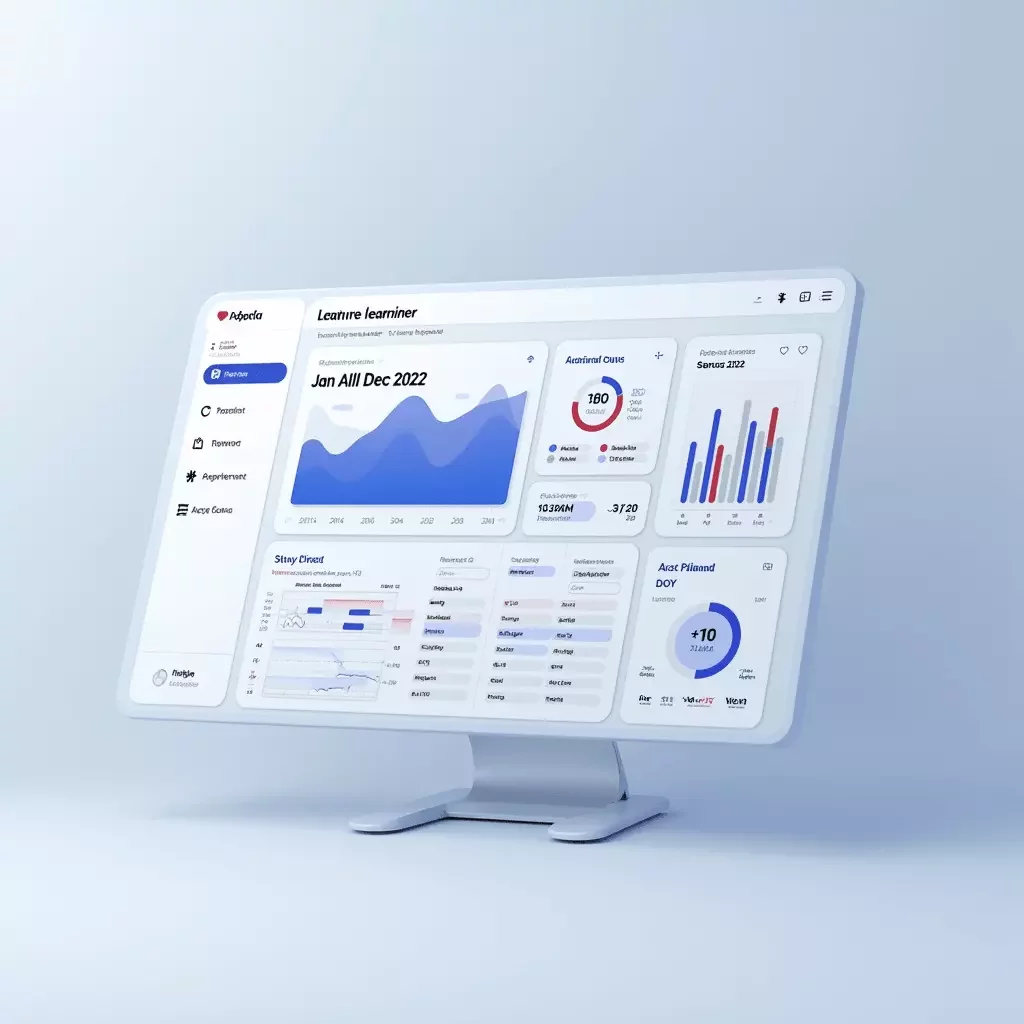
AI generated images can be seamlessly incorporated into your presentations to improve clarity and engagement. Once you have produced images with the ai image generator for presentations, you can simply insert these visuals into your slide decks. These images are crafted to be high quality and versatile, meaning they work well with various presentation software such as PowerPoint, Keynote, or Google Slides. The clarity and professional finish of the visuals help emphasize key points, illustrate data, and capture your audience’s attention. In addition, the images can be edited further within your presentation software to match your layout or design needs. Furthermore, the tool features an inpainting capability, allowing you to selectively process and modify specific parts of a visual. This means that if only a certain section of an image needs refinement, you can adjust it without re-generating the entire visual, thereby maintaining design consistency while achieving targeted enhancements.