Free AI Image Generator for Graphic Design
Powered by the advanced FLUX.2 Pro and Nano Banana models, CGTrader's free ai image generator for graphic design applies key principles of typography, color theory, and grid systems to generate visuals that align with contemporary design standards. By automating intricate tasks—such as achieving perfect kerning, precise layout alignment, and optimal color balance—the tool allows designers to produce refined imagery for branding, digital ads, and print media without compromising on quality. Its results are both technically robust and visually compelling, reflecting the rigorous demands of modern graphic design.
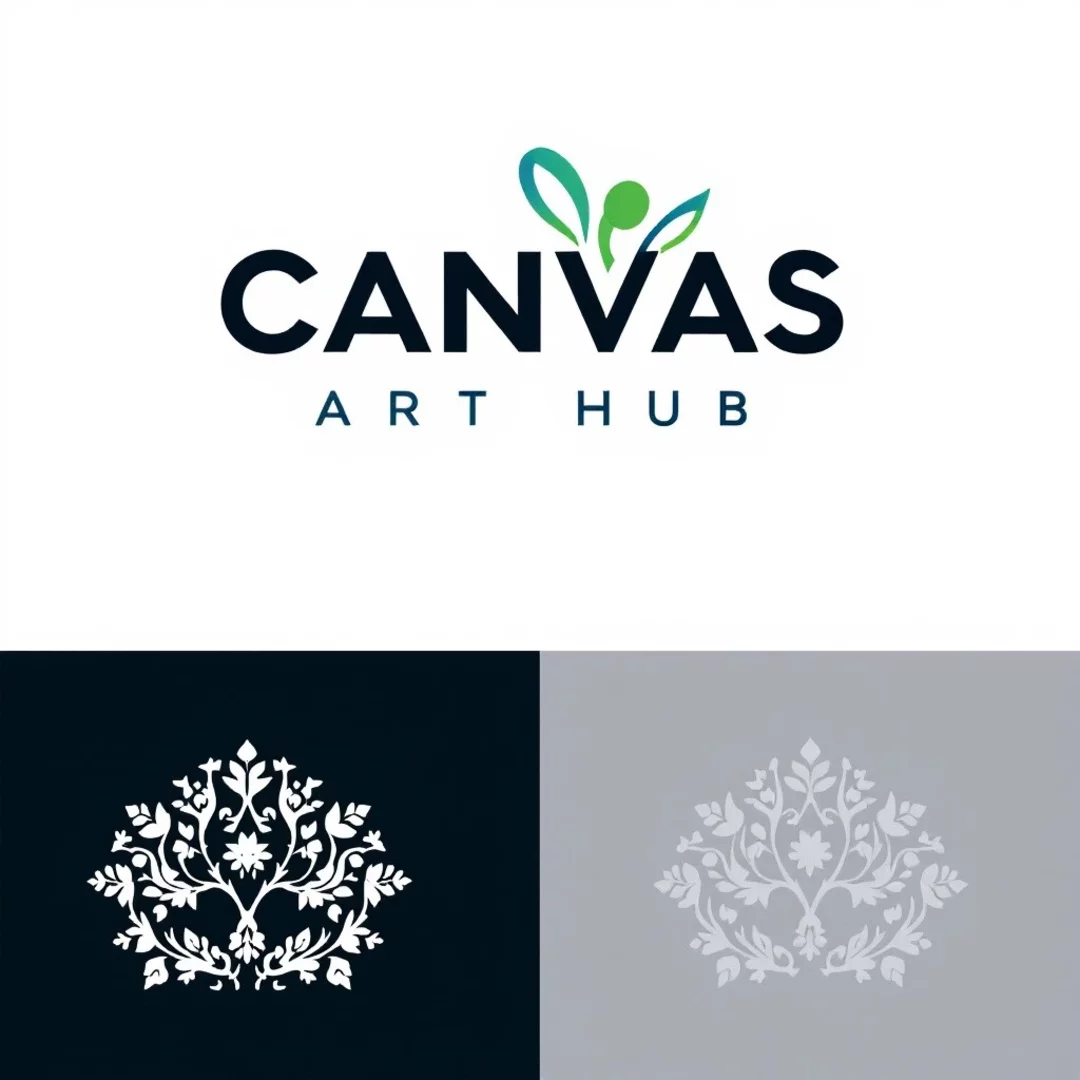
Transform your graphic design process with AI image generation
CGTrader’s AI generator redefines the creative workflow by interpreting detailed design specifications into concrete visual elements. It processes specific inputs like contrast ratios, negative space, and typographic style to create balanced compositions that meet professional criteria. Designers can leverage its rapid prototyping capabilities to explore diverse approaches—whether embracing minimalism, experimenting with bold maximalism, or fine-tuning modular layouts—without starting from scratch each time. This targeted automation supports a faster, more iterative design process that stays true to the foundational principles of graphic design while encouraging creative innovation.
- If needed, upload picture as an image/style/structure/character reference or a 3D model, it will be used as a base reference for the image diffusion process
- Write a text prompt, which will guide the generation (and will change the uploaded image according to the prompt if one selects such an option)
- Add a reference image to further guide the details and style of your images
- Select the corresponding Aspect Ratio and number of Variations
- Use additional AI tools from CGTrader AI, like applying the style of another image, combining several reference images, or editing the result with a text instruction
- If interested, convert the generated image to the 3D model, change the angle, add some more parameters mentioned above and get the enhanced 2D visual
Frequently Asked Questions
By automating routine design tasks such as layout adjustments, precise color matching, and maintaining style consistency, AI-generated images drastically cut down the time needed to produce professional visuals. Designers can instantly generate multiple design options, compare them side-by-side, and refine their ideas without rebuilding from scratch each time. This capability streamlines the workflow and provides ready-to-use visual variations that directly support the development of a compelling visual narrative.