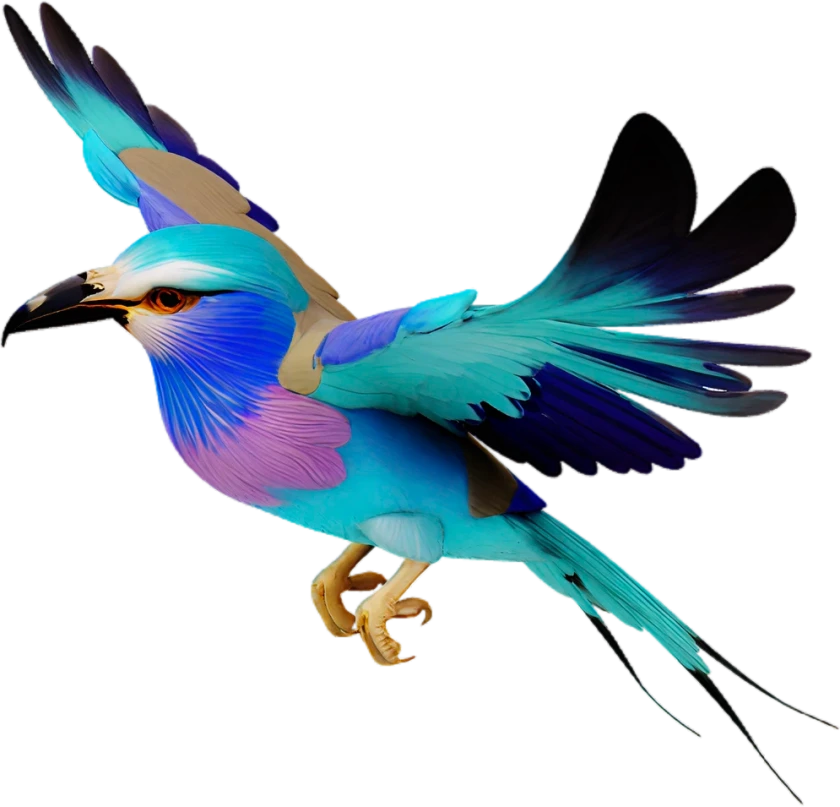
AI Texture Generator for 3D Models
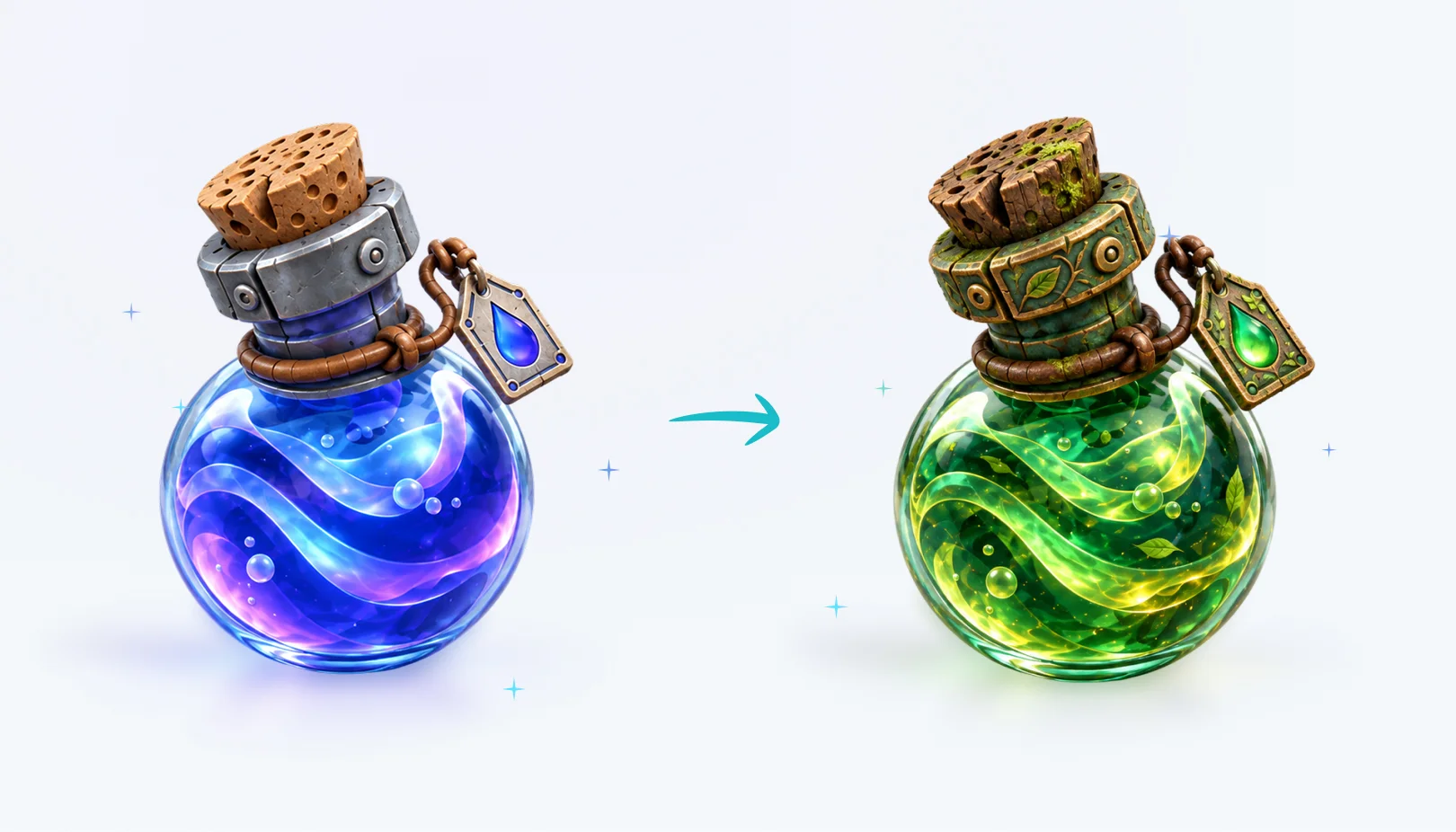
Give any 3D model a new look in minutes. The CGTrader AI texture generator creates realistic materials for your model from a simple text description. Choose PBR or basic materials, pick a resolution up to 8K and compare the new texture with the original one before you download the model.
How the AI Texture Generator Works
The AI texture generator paints new textures directly onto the surface of your 3D model, following its shape. You describe the look you want, and AI generates matching colors, details and materials.
PBR materials include the maps game engines and renderers need for realistic lighting, while basic materials keep the result simple and light. You can retexture the same model as many times as you like to explore different styles.
- Generate a 3D model, upload your own or pick one from your library.
- Open the Texture tab in the 3D viewer sidebar.
- Describe the texture you want and choose PBR or basic material and a 2K, 4K or 8K resolution.
- Click Generate Texture, compare the initial and new texture and download your model.
Frequently Asked Questions
An AI texture generator is a tool that creates textures for a 3D model from a text description, so you do not have to paint or map them manually.