AI 3D Model Rigging & Animation
Bring your 3D characters to life without manual rigging or skinning. The CGTrader AI animation tool rigs your model automatically and applies ready-made animations, so you can go from a static mesh to a moving character in minutes.
How AI Rigging and Animation Work
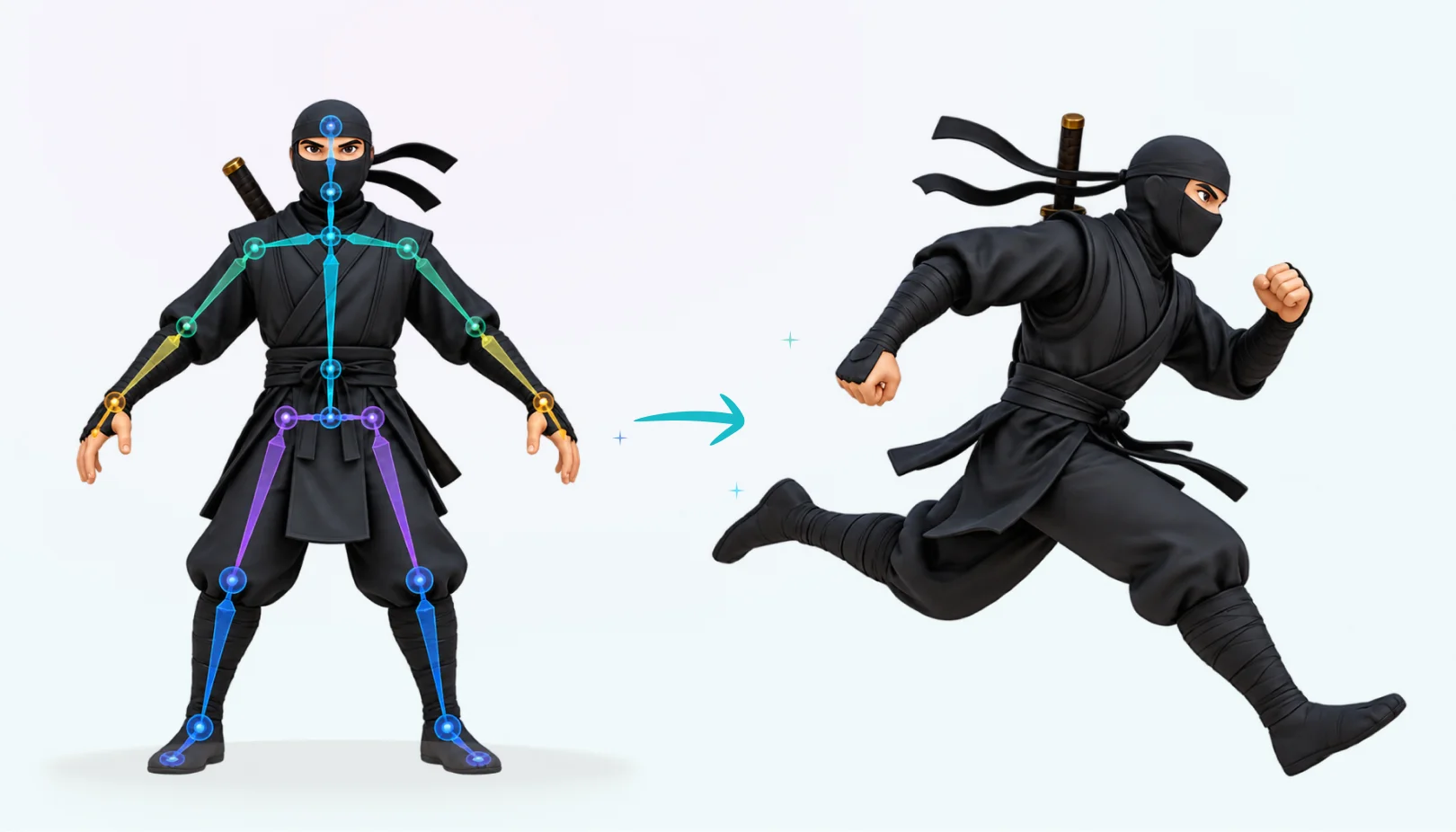
AI detects the structure of your model and builds a skeleton for it. The mesh is bound to the skeleton automatically, so it bends naturally when the model moves.
Once the model is rigged, you can search the animation library and apply a ready-made motion, then download the animated model for your game, video or AR project.
- Generate a 3D model, upload your own or pick one from your library.
- Open the Animate tab in the 3D viewer sidebar and rig the model.
- Search the animation library and pick the motion you need.
- Click Animate, preview the result and download your animated model.
Frequently Asked Questions
AI rigging creates a skeleton for a 3D model and binds the mesh to it automatically. AI animation then applies motions to the rigged model, with no manual keyframing.