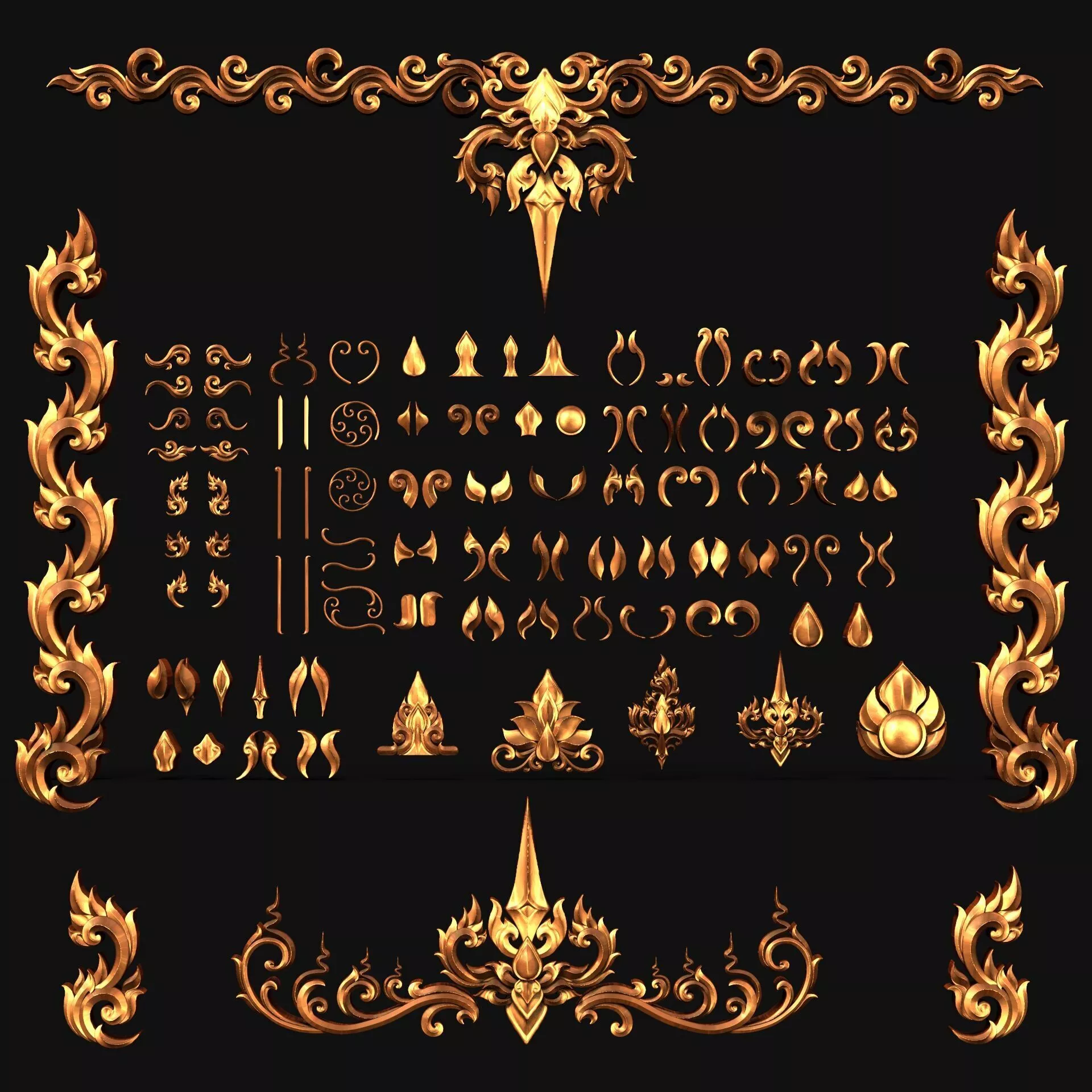
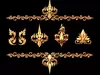
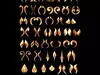
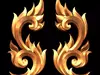
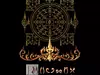
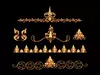
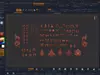
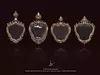
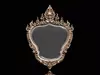
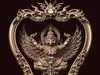
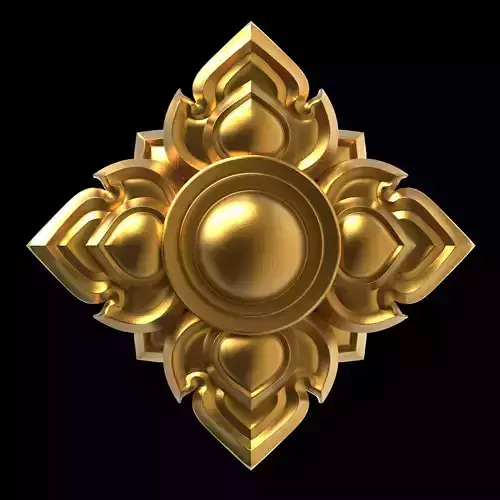
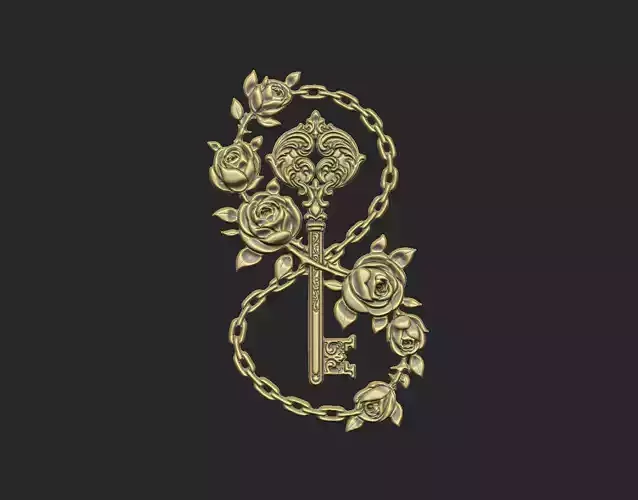
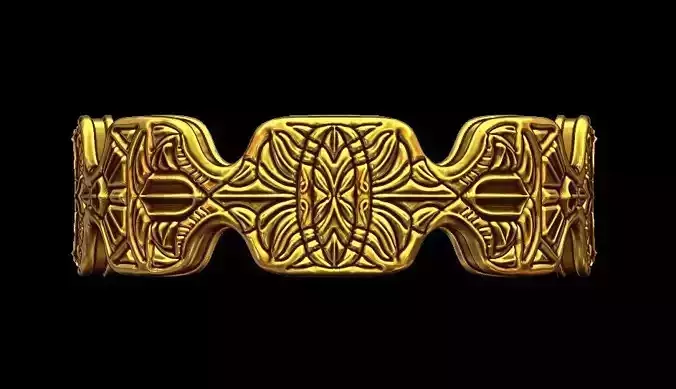
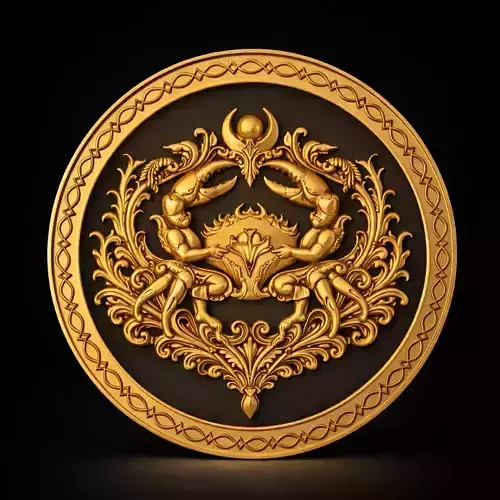
This package includes 141 unique IMM brushes designed for creating countless variations of Thai ornamental patterns and decorative designs. Perfect for professional artists, sculptors, and designers working in both traditional and contemporary Thai art styles.
Features
High-detail and sharp patterns suitable for jewelry casting and small-scale productionIdeal for CNC wood carving and digital sculpting workflowsSupports both low relief and high relief 2D artworkPerfect for decorating Buddha bases, Buddhist art, and traditional Thai ornamental projectsGreat for repairing and enhancing Thai pattern files for cleaner and more precise casting resultsSuitable for Art Toy production and resin castingCan be used to create decorative frames, amulet borders, and ornamental elementsExcellent for various 3D projects that require elegant decorative surfaces and premium visual value
Highlights
Easy to use and time-saving for creating complex ornamental detailsPatterns can be combined, modified, and expanded into thousands of new designsSuitable for both beginners and professional artistsHelps elevate the artistic and commercial value of Thai-inspired 3D artwork
Perfect For
3D ArtistsThai Pattern DesignersCNC CraftsmenDigital SculptorsBuddhist Art CreatorsArt Toy DesignersResin Model MakersJewelry Designers and Premium Decorative Artists
Installation & Usage Guide
Copy the files: Thai Art 1–3Paste them into:C:\Program Files\Maxon ZBrush 20xx\ZStartup\BrushPresetsOpen ZBrush and select the brushesPress T to search for brushes in the Thai Art categoryAdditional Tips
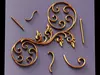
The IMM Brushes in the Thai Art 2 category that contain straight-line ornamental elements can be further customized using the Bend Curve function to create flowing curved patterns as desired.
How to Use Bend CurvePress WClick the Gear IconSelect Bend CurveAdd approximately 3–6 control pointsGradually adjust and bend the pattern into the desired shape
This technique is especially useful for creating elegant Thai ornamental curves and customized decorative compositions.
IMM Brush ลายไทยประยุกต์ สำหรับ ZBrush
มีทั้งหมด 141 ชิ้น สามารถนำไปต่อยอดสร้างลวดลายใหม่ได้หลากหลายนับพันรูปแบบ เหมาะสำหรับทั้งงานศิลป์ไทยร่วมสมัยและงานผลิตระดับมืออาชีพ
คุณสมบัติเด่น
ลวดลายคมชัด รองรับงานหล่อจิวเวลรี่และงานขนาดเล็กที่ต้องการรายละเอียดสูงเหมาะสำหรับงานแกะไม้ CNC และงานแกะสลักดิจิทัลรองรับงาน 2D ทั้งแบบนูนต่ำและนูนสูงใช้สร้างลวดลายประดับฐานพระ งานพุทธศิลป์ และงานตกแต่งไทยทั้งขนาดเล็กและขนาดใหญ่เหมาะสำหรับงานซ่อมไฟล์ลายไทย เพื่อเพิ่มความคมและความสมบูรณ์ก่อนการหล่อรองรับงาน Art Toy และงานหล่อเรซิ่นใช้สร้างลวดลายประดับกรอบพระ เครื่องราง และงานไทยประยุกต์เหมาะสำหรับงาน 3D ทุกประเภท ที่ต้องการเพิ่มรายละเอียดลวดลายให้ดูหรูหรา มีมิติ และมีคุณค่า
จุดเด่นของชุด Brush
ใช้งานง่าย ประหยัดเวลาในการขึ้นลายสามารถนำลายไปดัดแปลง ผสม และต่อยอดได้อย่างอิสระเหมาะทั้งสำหรับมือใหม่และมืออาชีพช่วยเพิ่มมูลค่าให้งานพุทธศิลป์ งานประดับ และงานออกแบบไทยร่วมสมัย
เหมาะสำหรับ
ศิลปิน 3Dนักออกแบบลายไทยช่างแกะ CNCนักปั้นโมเดลสายงานพระเครื่องและพุทธศิลป์ผู้สร้าง Art Toy และงานเรซิ่นผู้ผลิตจิวเวลรี่และของตกแต่งระดับพรีเมียม
วิธีการใช้งาน
- Copy ไฟล์ Thai Art 1-3
- ไปวางไว้ที่ C:\Program Files\Maxon ZBrush 20xx\ZStartup\BrushPresets
- เปิดโปรแกรม ZBrush เลือก Brush ต่างๆ
- แล้วพิมพ์ T (ค้นหา Brush ในหมวด T)
IMM Brush ในหมวด Thai Art 2 ที่ พวกลายที่เป็นเส้นตรง สามารถสร้างลายโดยใช้คำสั่ง Blend curve ดัดเพิ่มให้ได้การขดตามความต้องการครับ
(Blend curve : กด W เลือกรูปเฟืองแล้วเลือก Bend curve จากนั้นเลื่อนเพิ่มจุด ให้ได้ 3-6 จุด เพื่อ ค่อยๆดัดให้ได้ตามต้องการ)