COMMERCIAL LICENSE NOTE
This is a commercial model with an included STEP file for further customization. The license allows you to print and sell physical 3D-printed versions of this model, but does not permit reselling or redistributing the digital 3D file itself.
INCLUDED FILE FORMATS
-
STEP (.step / .stp) - Fully editable CAD file for modifications and custom printer tolerance tuning.
-
STL (.stl) - Standard ready-to-print 3D model file.
-
3MF (.3mf) - Pre-configured slicer project file.
DESCRIPTION
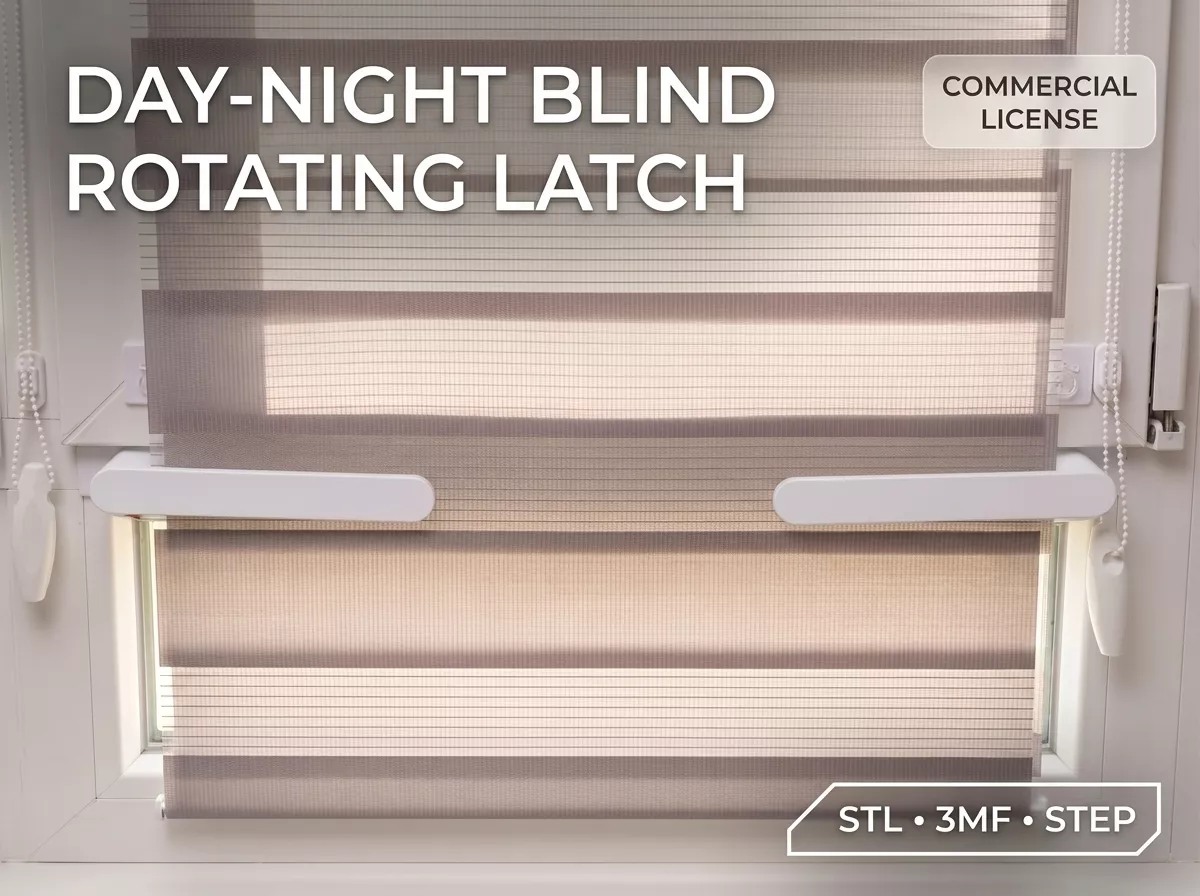
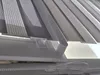
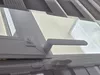
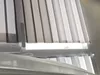
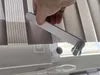
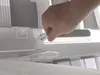
This simple 3D-printable rotating latch solves the issue of multi-tier window blinds flapping and moving away from the glass in the wind. It works like a small window handle that holds your blinds close to the frame when needed, and rotates out of the way when you want to roll them up.
HOW IT WORKS
The model consists of two main parts designed for easy mounting and operation:
-
Mounting Base: A tiny cylinder on a thin plate that attaches to your lower window frame with regular double-sided tape, requiring no drilling and featuring 4 internal notches.
-
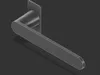
15cm Lever: A flat bar with split cylindrical petals on one end that snaps right into the base, creating a simple ratchet mechanism that clicks and holds in 4 directions.
TECHNICAL SPECIFICATIONS
Detailed physical dimensions and setup requirements are listed below.
-
Lever Size: 150 mm long, 24 mm wide, 5 mm thick
-
Blind Clearance: Holds the blinds about 4 cm away from the glass to keep them securely pressed and stop flapping
-
Setup Quantity: Print two of these and mount them on both sides of your lower window frame
HOW TO ASSEMBLE & USE
Follow these simple steps to install and operate the rotating latches:
- Clean the window frame and stick the bases near the top edge of the lower window using double-sided tape.
- Snap the levers in and turn them vertically down.
- Roll your blinds all the way down and open your top window.
- Push the blind slightly toward the frame and flip the levers horizontally to lock them, then turn them back down to release.
RECOMMENDED PRINT SETTINGS
For optimal strength and proper snap-fit functionality, use standard functional print settings:
-
Material: PLA or PETG
-
Layer Height: 0.2 mm
-
Infill: 20-25%
-
Walls: 3-4 wall loops
-
Supports: Not required