Intro
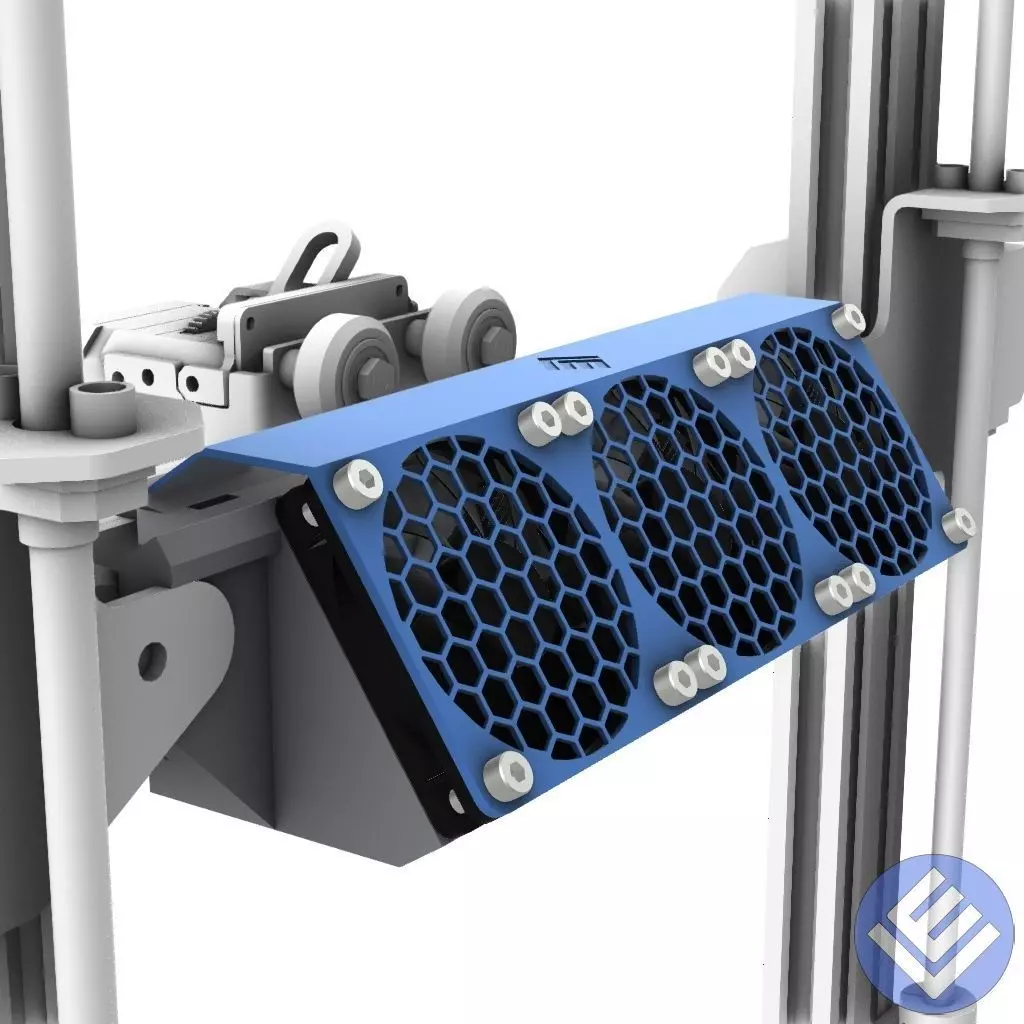
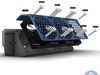
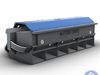
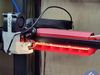
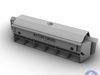
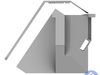
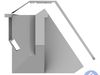
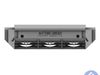
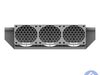
As everyone knows Ender3 has problems with cooling PLA if printed at high speed, due to the small stock fan. Taking inspiration from Bambulab Aux Fan I made this Aux Fan assembly that you can just slide in over the X-axis without any modification on the printer.
For controlling the fan I use a special Klipper macro that responds to the M106 P2 Sxxx command that Orcaslicer uses for controlling the Aux Fan.
BOM
- 3 x 6010 Fan 24v (you can also use 6015 fans, just use 5mm longer screws)
- 12 x M4x20mm screws
- 30cm LED strip
Assembly
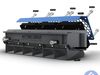
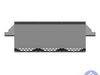
Slide in the LED strip, there's not much space in height so you can leave the backing paper on the adhesive so it will be easier to insert the strip. Then you can put the transparent LED cover to keep the LED strip in place.
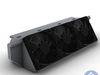
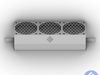
Fix in position the fans with a couple of screws and do the connections on the top of the fan assembly, there are many slots for cable ties for fixing the cables to the structure.
! keep the connections small as there's not much space under the cover !
When everything is connected remove the temporary screws and put on the cover, use the 12 M4x20mm to fix the cover and the fans to the main assembly.
In the front there are 2 M4 threaded holes, these are used if you see that the assembly doesn't fit tightly into the printer structure.
Electrical connection
As I had a really bad experience with Creality motherboards I connected the fans and the LED light to another MCU, I'm using an Arduino MEGA so everything is running at 12v with another power supply so there's no interference with the main board.
Anyway, you can connect both the fans and the LED also to the original 24V LED so you can use the same button to turn on the LED and the fans.
! DANGER ! modify the original electric circuit of the printer only if you know what you're doing
There's also a possibility to use at least 2 unused PINS on the original Mainboard located near the screen cable. These PINS should be connected to power MOSFETs, not directly to the fans.
Klipper integration
In the file aux_fan.cfg.txt there's a sample of the config for controlling the fan directly from the slicer.Just remove the .txt extension and include it in your printer.cfg*