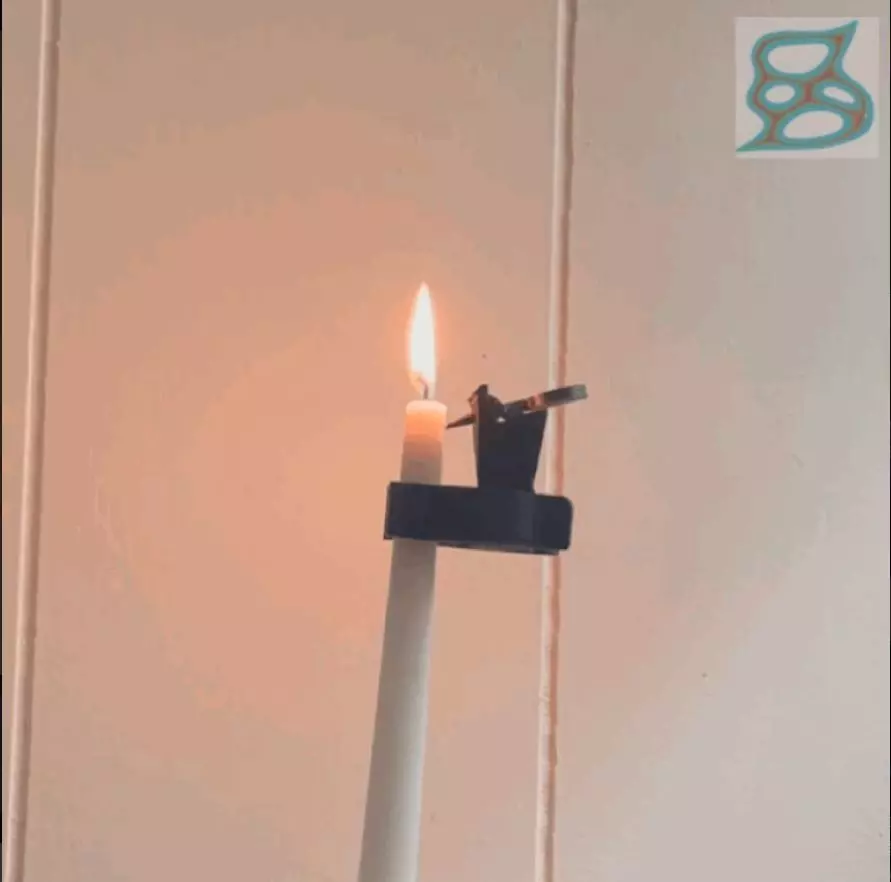
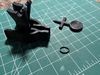
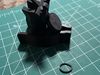
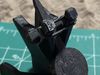
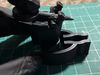
Automatic Candle ExtinguisherPlace the candle snuffer spoon onto the clamp as seen in the photos with the concave side facing down.Next, place a rubber band stretched across the two posts above the spoon. I like to use those tiny elastic bands used for small braids, and as a man with two daughters they are not in short supply in my household. Other rubber bands may be used as well as long as they are of an appropriate size to fit comfortably on the clamp posts.Pull back the spoon so that it's under tension from the rubber band and hold it back. Use the clamp to attach the Candle Extinguisher to your candle and stab the pointed end of the spoon into the wax of the candle approximately half a centimeter below the point at which you would like the candle to be extinguished and light your candle.As the candle burns down to the point at which you've stabbed the extinguisher into the wax, the wax will soften and release the tension of the spoon, which swings around at a high rate of speed and extinguishes the flame.I've used this extinguisher many times, and it has functioned successfully every time. I have had zero problems with the PLA melting or burning, and zero problems with embers being thrown from the candle. With that being said, the safe use of this device is solely the responsibility of the user, and proper fire safety should be a priority. Do not leave a burning candle unattended.