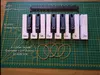
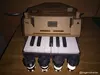
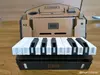
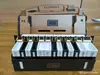
/!\3d print files only/!\
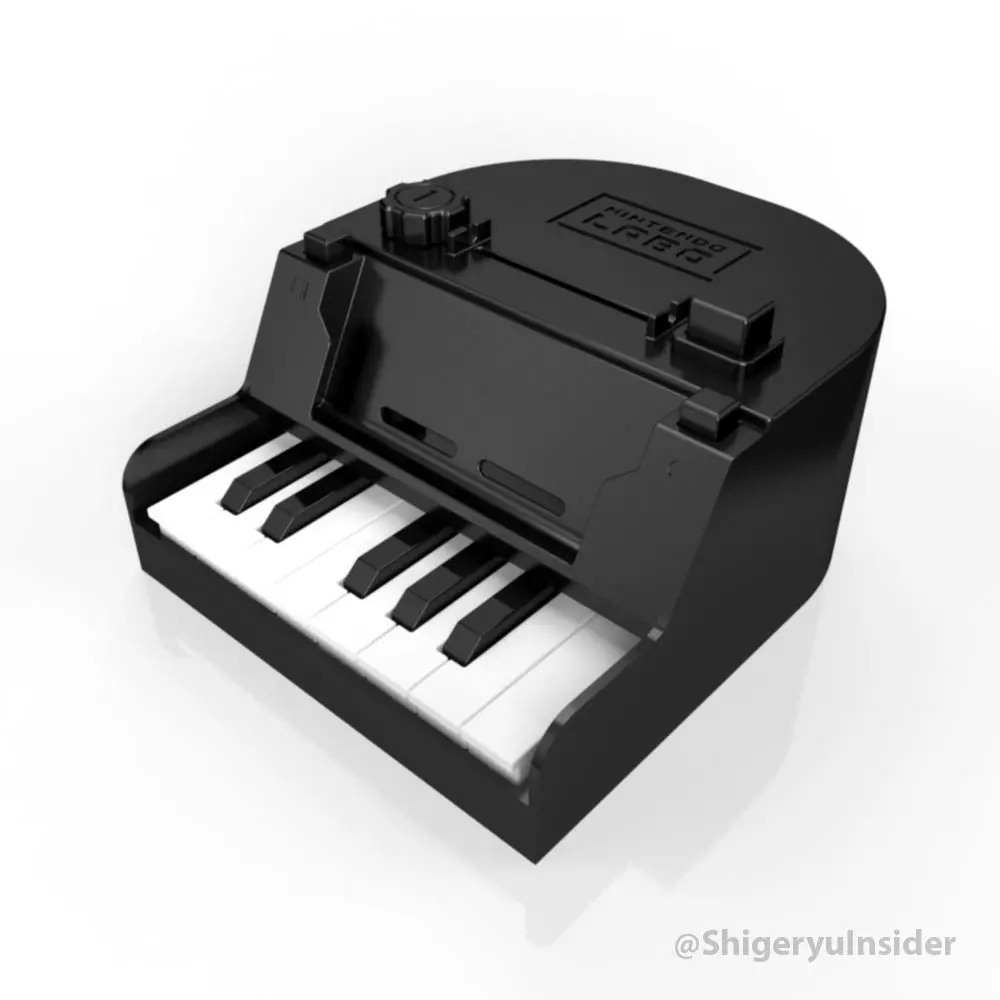
/!\ You Need Nintendo labo Kit 01 (piano)/!\
Time to print = Aprpoximately 34hours
- Add Joy-con_Support 23/08/2018
- Maj 3d keys 09/07/2018 (back keys now are flat for reflective tapes).
- Add full Piano files 04/06/2018
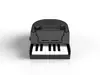
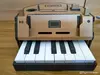
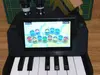
Nintendo labo Piano (Kit01) full and improvements(Keys, Knobs and more...)
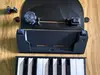
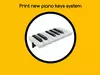
Pack including the full piano set keys to print and replace (redrawn, compatible cardboard version) new pressure system (using rubber bands and a new support for the keys of the piano), new buttons and body redrawn.
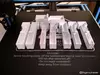
- 13 pinao keys (BlackKeys need supports for good print)
you need to print :
x2 Do
x3 Ré
x2 Mi
x1 Do(Key13)
and 5 Do# keys (black keys) need supports for printing)
- Support piano keys (no need supports)
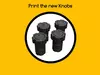
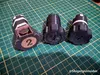
- Buttons (optional) Knobs (Button4JoyCon vibration need supports) /!\Knobs edited : 13/05/2018
Add the full piano on 04/06/2018
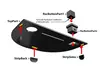
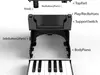
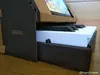
Body piano (need supports) : 240 x 284 x 125 mm
Play/Rec buttons : 16 x 15 x 35
Side button (2 parts)
SupportSwitch (need supports) : 232 x 55 x 70 mm
SupportKeyboard (need supports) : 109 x 232 x 44 mm
TopPart (with or without logo) : 240 x 14 x 160 mm
StripBack/Sides (for TopPart, you need glue)
AnalyseButton (2 parts, part 2 need support)
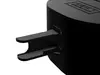
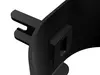
Joy-con_Support : 45.50 x 49.40 x 101mm (need supports)_
_Joy-con_Support(part2) : 42 x 25 x 2mm (print x2 for joy-con_support, no need supports)
I used Creality CR-10
My Cura setting :
Layer Height = 0.3mm
Wall = 0.8mm
Top/bottom Thickness = 0.6mm
Infill Density = 10%
Print temperature = 203°
Build plate = 66°Time to print = Aprpoximately 34hours