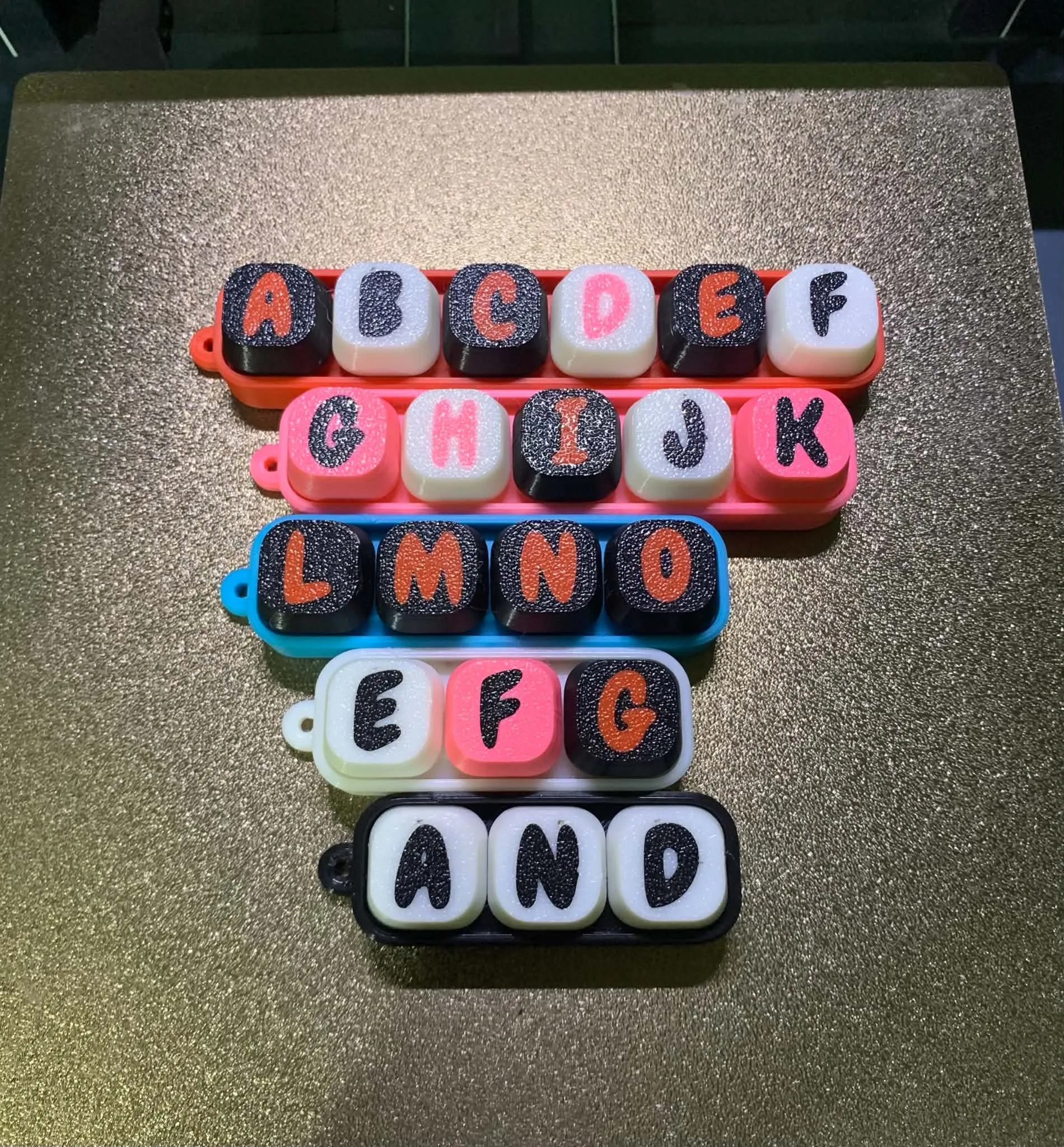
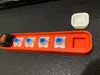
These are fidget clickers which you can customize. Fits nice and snug on Royal Kludge keyboard switches but you have to snip the bottom part and bend the two pins, make sure the shaft part is moving freely. I uploaded Fusion files as well if you want to customize yourself.
I used a single-color extruder to produce a multi-color first layer print using multi-pass method. If you have an Elegoo neptune 4 pro, I also uploaded the Gcode file for you to try out.
Print isntructions:I printed with 0.32mm initial layer height, 0.4 nozzle, 10% infill.I enabled z-hop on travel only at the 1st and 2nd layer to get a clean text on the keycaps.
Steps to do the multi-pass method with a single-color extruder:In Cura, load the file, Ctrl+A to select all, rotate by 180deg for the keycaps to face downward. Delete select all the bodies and then delete so that only the letters will remain, slice it and save. After that, ctrl+Z to return the keycap bodies, select all the letters and delete, and then slice again and save. Make sure to turn of brim. If you use skirt, make sure to remove it after the first print so that the nozzle will not catch the other color for the next print.