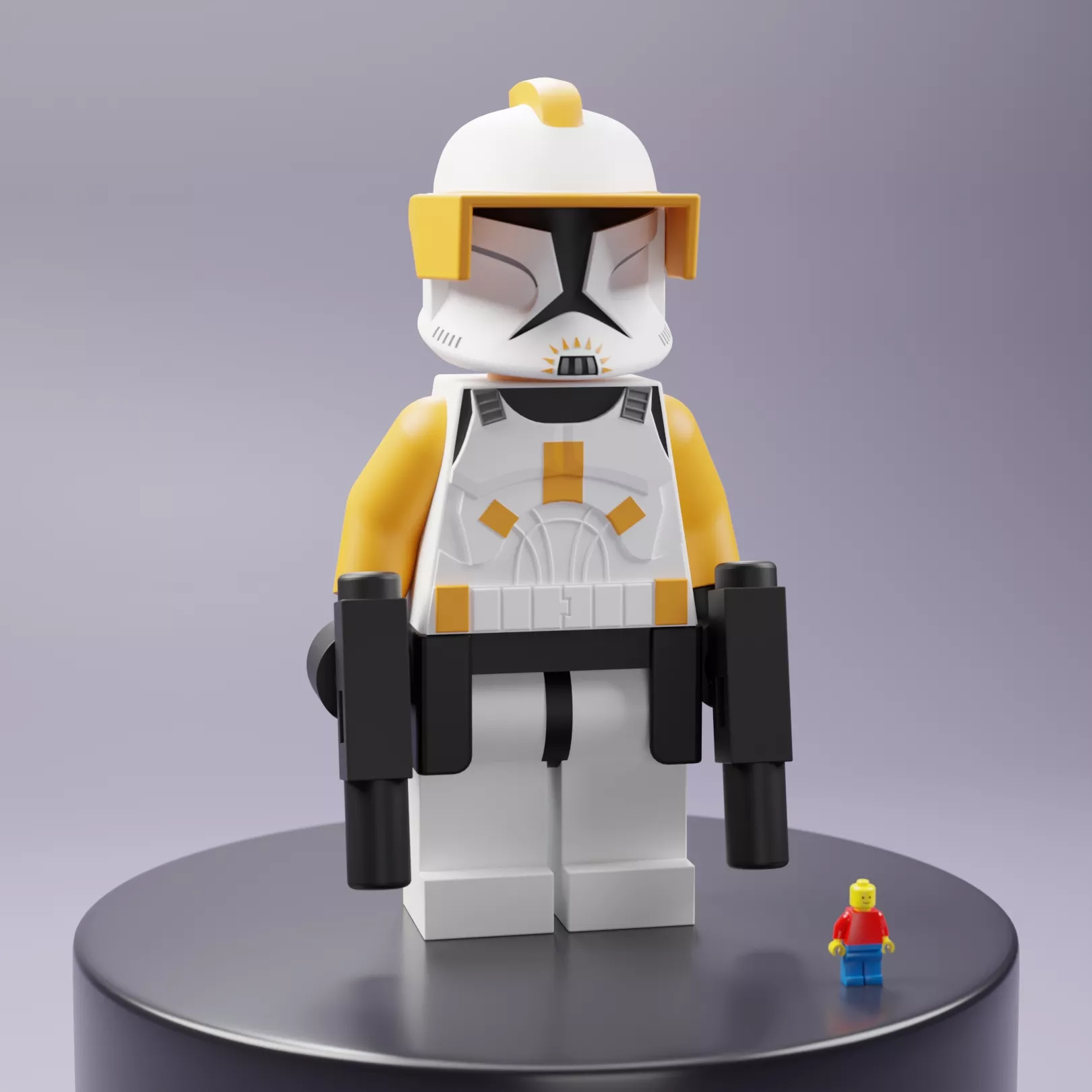
Attached is everything you need to assemble a 30-cm, 12-in Commander Cody maxifig, suitable for play or display.
Files include STL and 3MF color data for multicolor printing.
Registration holes are sized for 1.75mm filament.
Print the connector pins horizontally. Any thin part printed vertically is going to break.
Questions or a file that won't load? Message me before leaving a review and I'll sort it out.
3MFBambu Studio, OrcaSlicer, Anycubic Slicer, Creality Print, PrusaSlicer - Opens already colored. Nothing to set up.Any other slicer, or the file above didn't show colors - Opens with a color prompt.
STLPrinting in a single color, or you have one extruder - Ordinary single-color model. No AMS or MMU needed.
Cura stores multicolor data in its own format and cannot read color from these files. The geometry will load fine, but it will be a single color. If you use Cura, print STL or paint the model by hand in Cura after loading. Each color is raised by one millimeter for clear demarcation.
Use whatever filament you like. If you swap a color, just change it in your slicer's filament list after loading.
If the Colors Land on the Wrong Slots:This is normal and takes about ten seconds to fix. Your slicer matched my colors against the filaments you happen to have loaded, and sometimes it guesses wrong.
In Bambu Studio / OrcaSlicer: Click the colored square next to each filament in the right-hand panel and pick the correct color. The model updates immediately.
In PrusaSlicer: Right-click the object, choose the part in the list, and set its extruder number.
Tip: loading the file onto an EMPTY plate (drag and drop) worksmore reliably than File > Open Project.