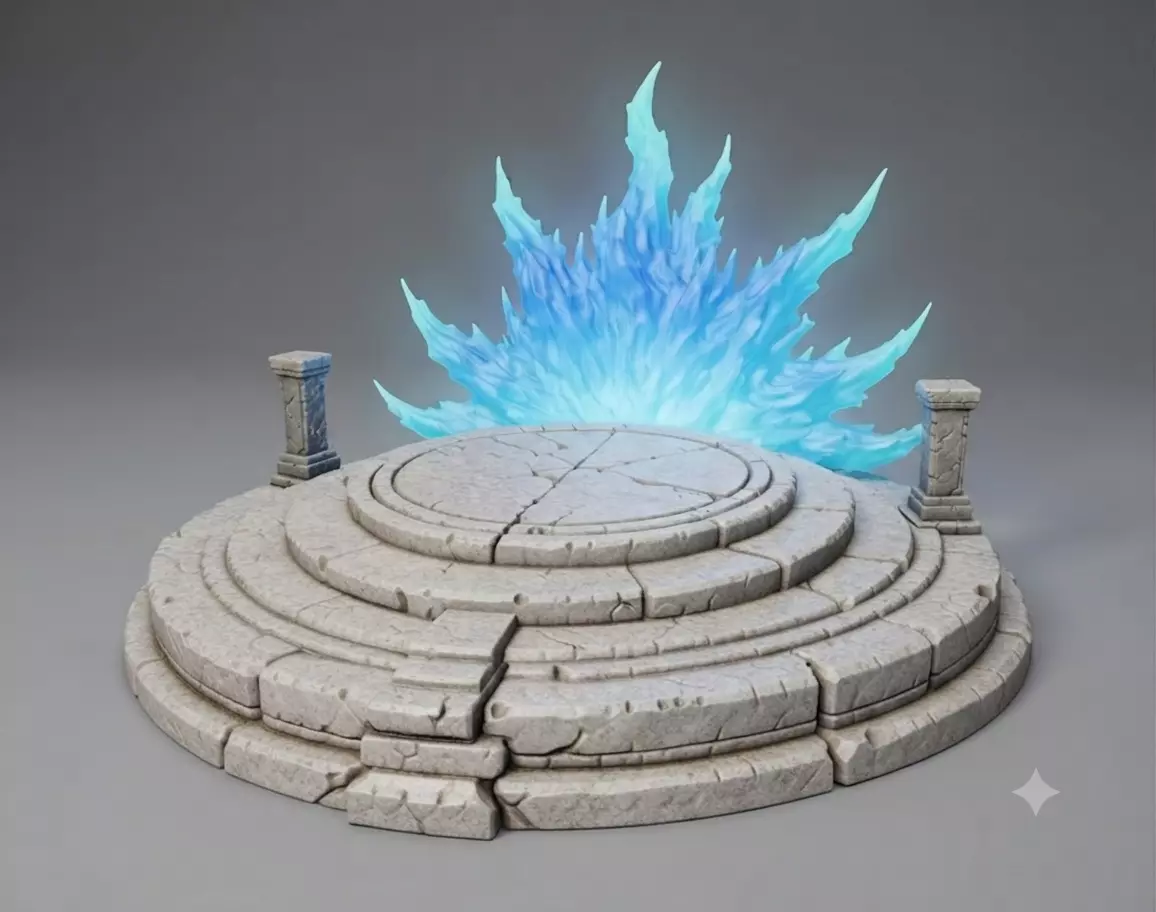
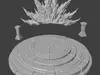
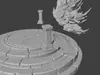
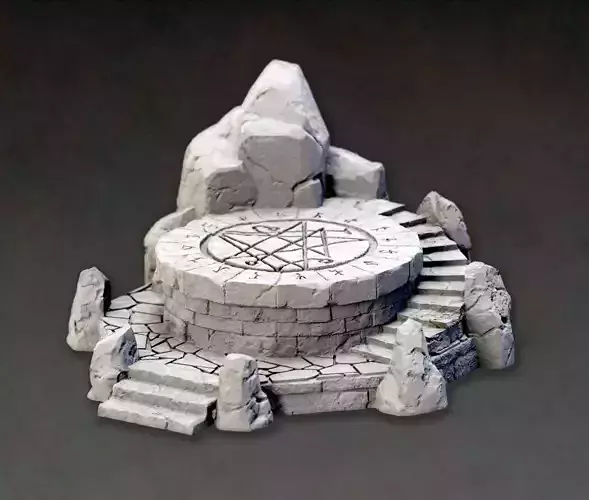
Just a simple but cool base, weather you bought a model and don't like the base it came with or your model didn't come with a base this is a cool little base to spruce up the look of your model! Split into 4 parts total, 2 pillars, aura and the rock base. Parts are cut to fit into the base. Aura can be printed in clear resin for a super cool look! Current scale fits perfect on my Heygears Reflex RS, but feel free to scale to your needs/capacity. Fitting your model to this base is also super simple. There's great youtube videos of how to do this but i'll give a simple rundown.
- After downloading, drag the RockBase file into Blender(or your preferred 3d sculpting software) and set your characters feet on top of the base, then hide the base.
- Add mesh cube and scale appropriately, place it slightly into your characters foot.
- Select that cube then SHIFT+D to duplicate, immediately right mouse click to leave it in the same location.
- Hide the original cube, upscale the new cube 0.30mm on x,y,z and apply scale
- Make the base visible, select it, add a boolean difference modifier to the base, select the upscaled cube then apply the modifier.
- Delete the upscaled cube and unhide the original
- Shift click your model and the cube then press CTRL-J to join the 2.
- Thats it! Repeat for other limbs.You can get fancy with it and scale one side of the cube to taper it or use cylinders.