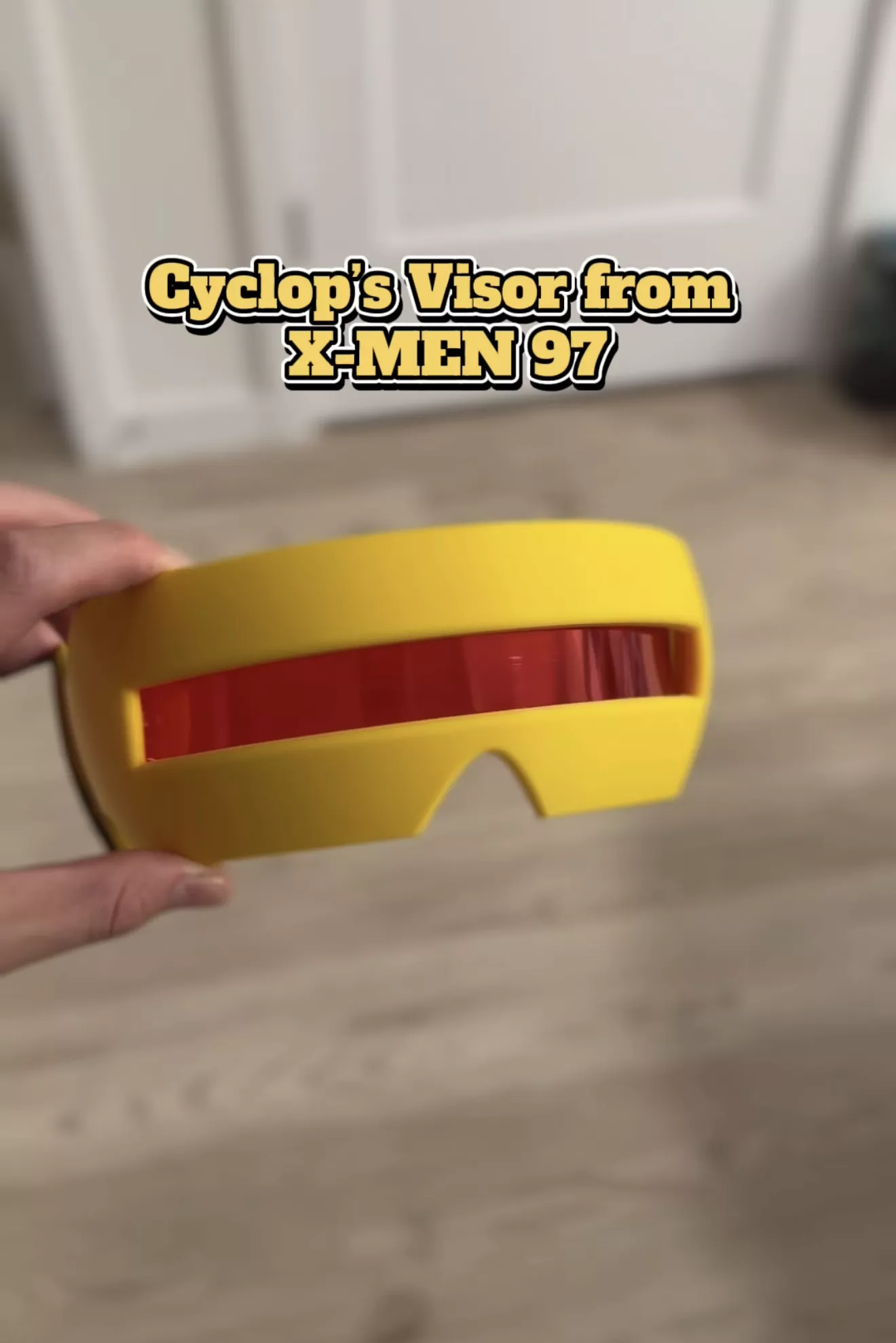
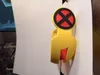
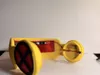
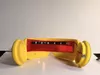
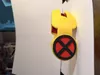
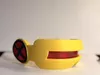
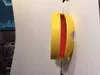
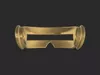
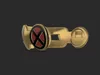
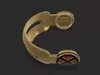
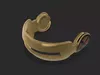
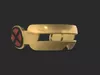
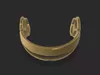
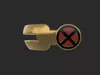
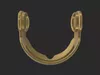
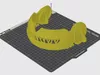
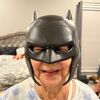
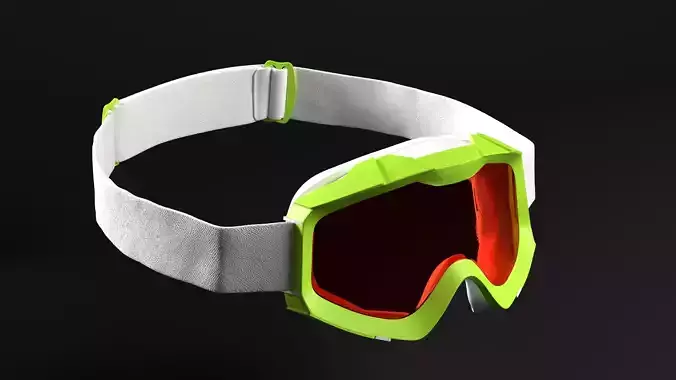
Bring Cyclops to life with this X-Men '97-inspired visor, designed as a wearable cosplay piece with two versions included.
Here’s are some links to a video where I showcase how I assembled mine:
https://www.tiktok.com/t/ZPLd2msSU/
https://www.instagram.com/reel/DdrTCvYJAT1/?stkn=cW92NDFiZGpucjhk
What's Included:
Standard Version – Designed to be printed and used without electronics.Electronics Version – Includes dedicated slots for adding the electronics needed for a light-up red laser effect.
Recommended Print & Finish
I recommend printing the entire visor in yellow for a clean base. After printing, paint the X-Men logo to match the classic Cyclops look. The length from ear to ear is nominally around 6 inches, but you can scale it to match your head dimensions.
For the signature red laser effect, cut a piece of red transparent film and tape it to the inside of the visor. This gives the visor its red-tinted appearance while still allowing you to see through it.
Electronics
For the electronic version, you can add:
Red transparent film – https://amzn.to/46X8U9CLED strip – https://amzn.to/46XMYv0Wire Cutters – https://amzn.to/4ytxR8uMomentary switch – https://amzn.to/4yn6XiC12V battery – https://amzn.to/4yAy3DeThe electronics version is designed to help keep the components tucked into the visor while maintaining the overall appearance of Cyclops' iconic X-Men '97 design.
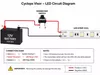
Circuit Diagram:
The diagram shows how to wire the 12V battery, momentary switch, and 12V LED strip for the Cyclops visor.
Connect the battery positive (+) to Switch Terminal 1.Connect Switch Terminal 2 to the LED strip positive (+12V).Connect the battery negative (−) directly to the LED strip GND (−).The red wires should be connected to the two terminals on the momentary switch that are positioned diagonally from each other, as shown in the diagram.The black wire connects the battery negative (−) directly to the LED strip GND (−).When the momentary switch is pressed, it completes the circuit and powers the LED strip. Releasing the switch turns the LEDs off.
Important: Make sure your LED strip is rated for 12V DC and double-check the polarity before powering the circuit.
Print it. Paint it. Add the red film. Then suit up as Cyclops.
Manufacturing settingsPrint Settings
The visor can be printed with your preferred infill percentage and wall count. Keep in mind that higher infill and/or more wall loops will reduce the amount of light that shines through the visor. This can also help more light bounce off your forehead and reflect outward, creating a brighter red glow.
For supports, I recommend using Tree Supports with the Top Z Distance set to 0.22 mm.
Recommended settings:
Infill: Your preferenceWall loops: Your preferenceSupports: Tree SupportsTop Z Distance: 0.22 mmOrientation: Print as shown in the model files