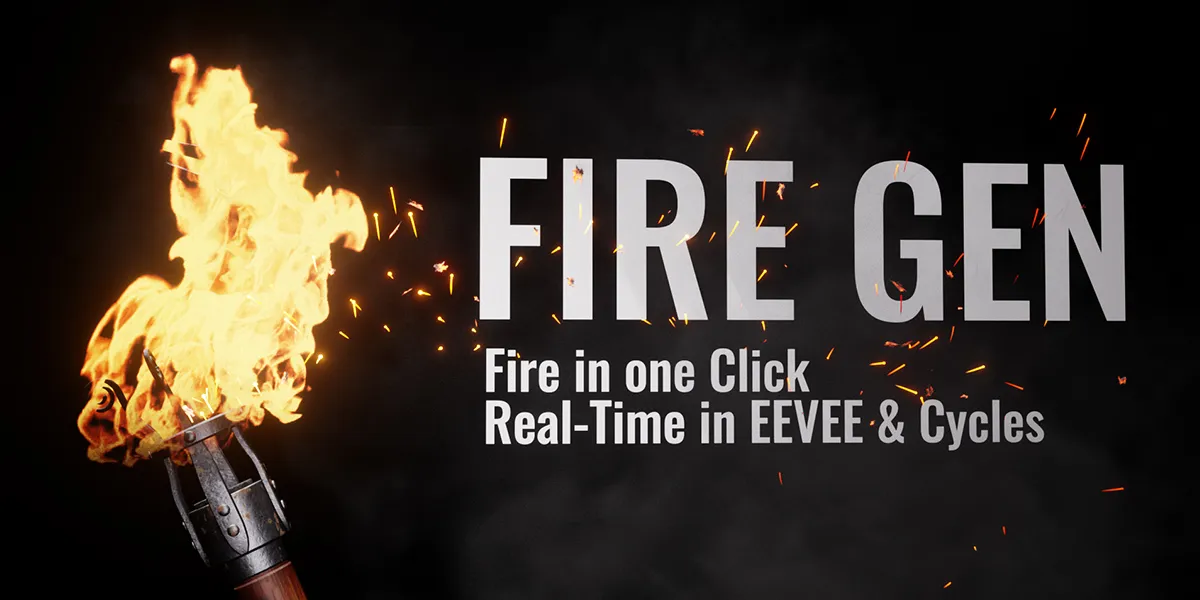
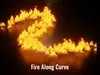
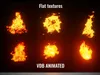
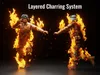
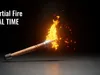
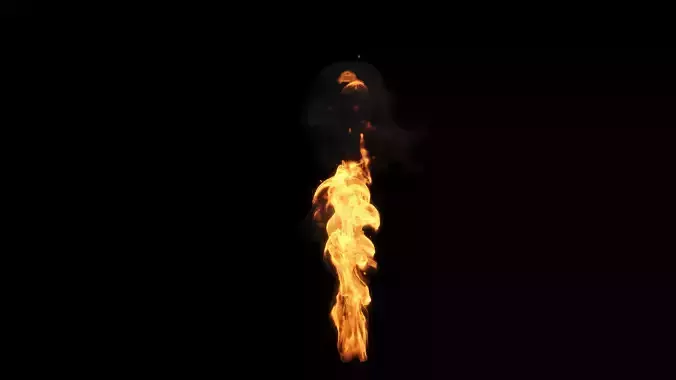
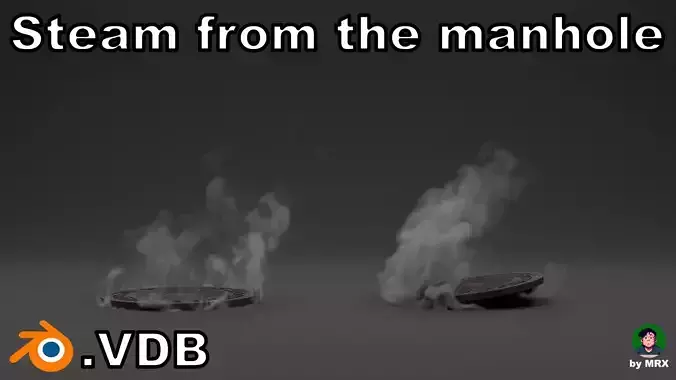
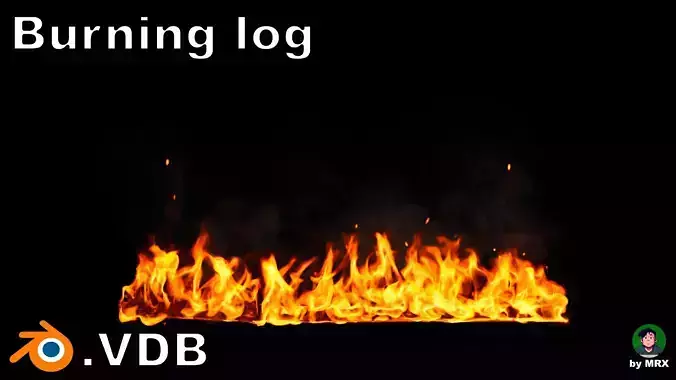
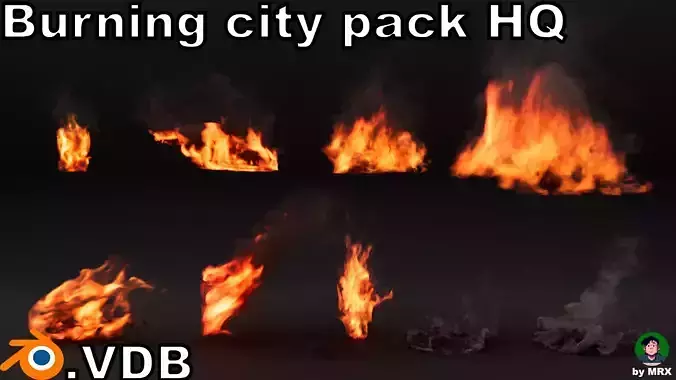
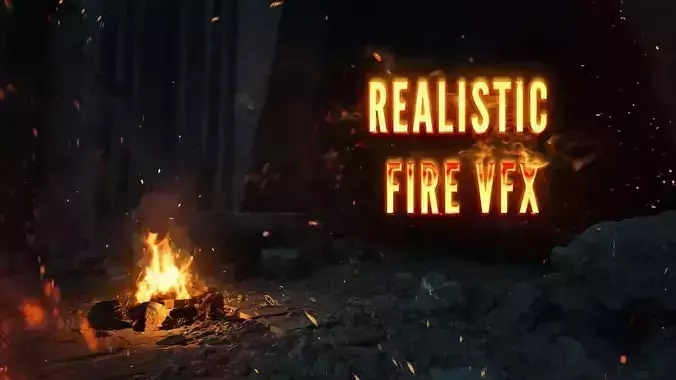
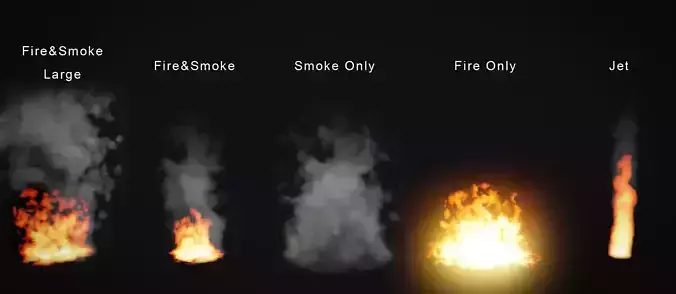
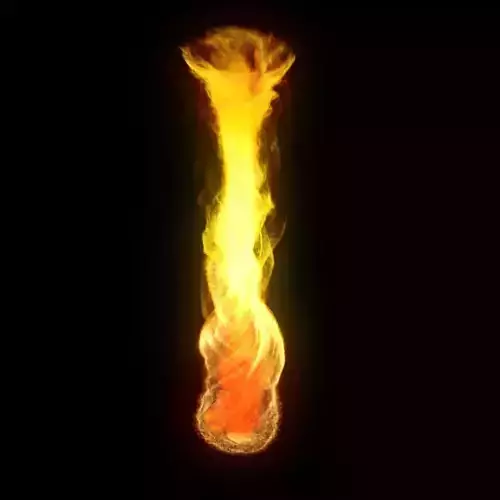
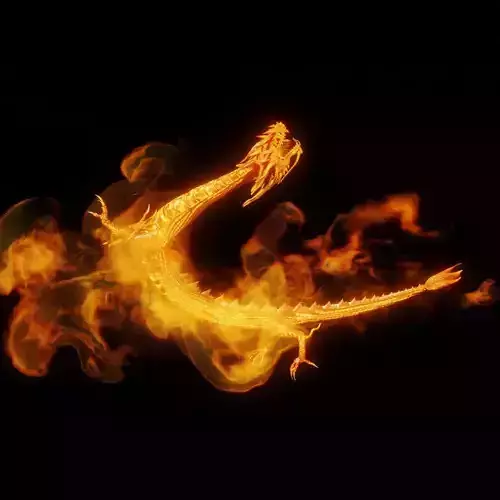
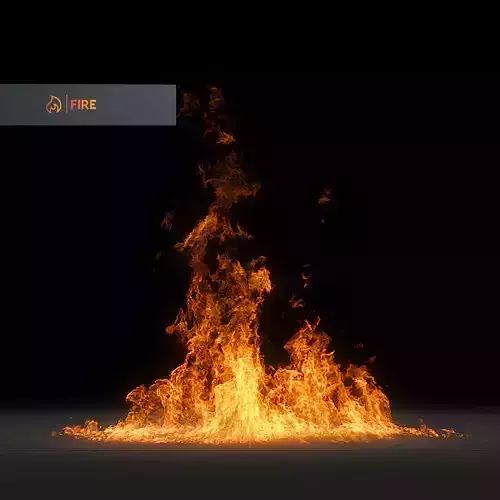
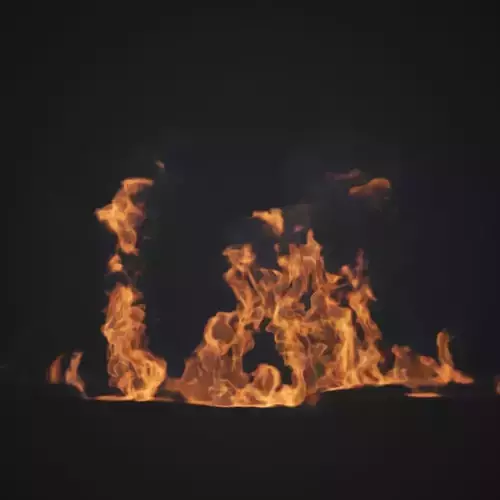
Fire Gen is a Blender add-on for creating animated fire, smoke, sparks, flying ash and progressive surface charring.
Apply Fire Gen to a mesh or curve, choose a preset and adjust the effect directly in the Geometry Nodes modifier. The object becomes the emitter, making it easy to add fire to props, environments and animated characters.
This is an editable Blender tool—not a collection of rendered fire videos.
KEY FEATURES
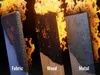
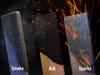
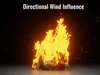
• Three fire modes: Flat, Ribbon and VDB.• Adjustable flame size, color, amount and animation.• Smoke, round sparks, spark trails, textured flying ash and heat haze.• Wind and gust controls for compatible effect modes.• Fire growth with adjustable starting point and spread speed.• Painted weight masks and object masks with an Invert option.• Progressive charring for Wood, Iron, Fabric and Organic surfaces.• Three-stage Organic charring with adjustable layer coverage.• Original materials remain visible outside the burnt area.• Save your own reusable presets.
10 INCLUDED PRESETS
Master Clean, Torch Flame, Campfire, Bonfire, Fireball, Flame Trail, Burning Character, VDB Fire — Small, VDB Fire — Medium and VDB Fire — Large.
WHAT YOU RECEIVE
• Installable Blender Extension ZIP.• Geometry Nodes preset library integrated into Blender’s Asset Browser.• Bundled effect textures and VDB fire sequences.• Separate editable example scenes.• English quick-start guide.
REQUIREMENTS AND COMPATIBILITY
• Blender 5.2 or newer.• Interactive previews in EEVEE; rendering supported in Cycles.• No additional paid plug-ins required.• Performance depends on your hardware, scene complexity and settings.
ANIMATION AND BAKING
Atlas-based fire does not require a fluid simulation. Simulation-driven effects, such as particle motion and charring memory, should be played from the scene start and baked for reliable rendering at arbitrary frames.
For animated characters, place Fire Gen after the Armature or other deformation modifiers and keep the mesh topology consistent.
INSTALLATION
In Blender, open Edit > Preferences > Get Extensions > Install from Disk. Select the ZIP without extracting it, then enable Fire Gen. Access the presets through Asset Browser > Fire Gen, or select an object and use Object > Fire Gen > Add Fire Gen to Selected.