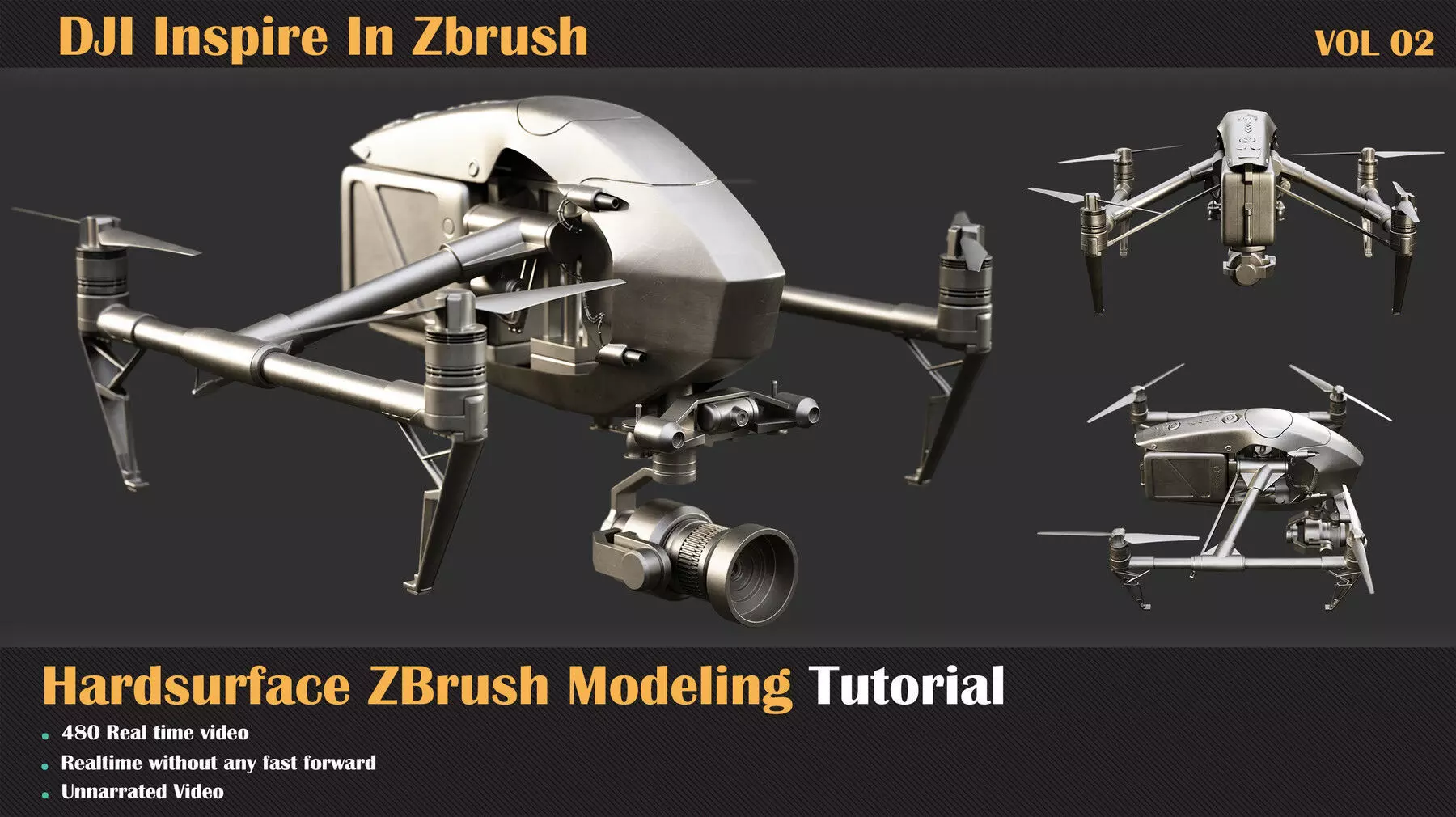
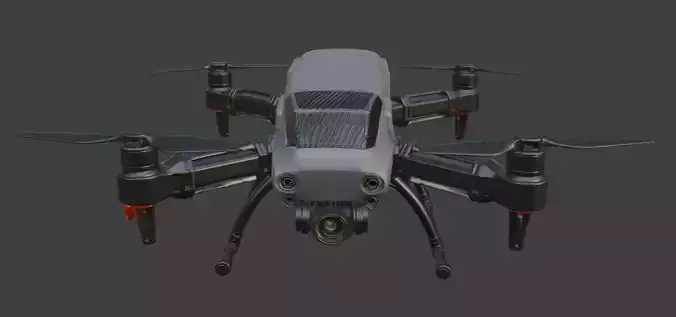
We will model a DJI Inspire Drone in the second section of the ZBrush modeling video process! Zbrush has a great set of features for modeling and hard surface modeling, and you can use them without any worries about topology problems. Except for those features, in Zbrush, you can handle lots of vertices, which we need here! So let's start this journey in Zbrush and enjoy modeling Hard-surface Models!Contents:
480 minutes of unnarrated videos1080 Resolution
Chapters:
In this tutorial, due to the complexity of the model, to divide the workflow more efficiently, we divided this model into 15 different parts. For each of these parts, we have three parts, which are as follows:chapter one: start blocking out and getting the overall form for each partchapter two: making the first level of details and final the overall lookchapter there: Final details and assembling the model
This product has 19 training parts. The whole process of making models and assembling them is done in 480 minutes.
Some of the techniques used in this tutorial:
Polymodeling with ZmodelerAlpha BrushesReference GridHardsurface SculptingSmoothing and Polishing (Brushes, Clay Plolish)DynameshMirror and WeldDecimateGizmo Tools (Deform)Boolean and Live Boolean
Software Used:
Pixologic Zbrush 2022Level:
IntermediatePrerequisite Basic knowledge of Zbrush ( how to navigate and work with primary functions in Zbrush )
Attention: the final model doesn't include this product.
Attention: A Project File includes the links to items used in the tutorial and a reference zip file that contains references.
Attention: all videos are unnarrated (it means there are no voice-over videos or subtitles)