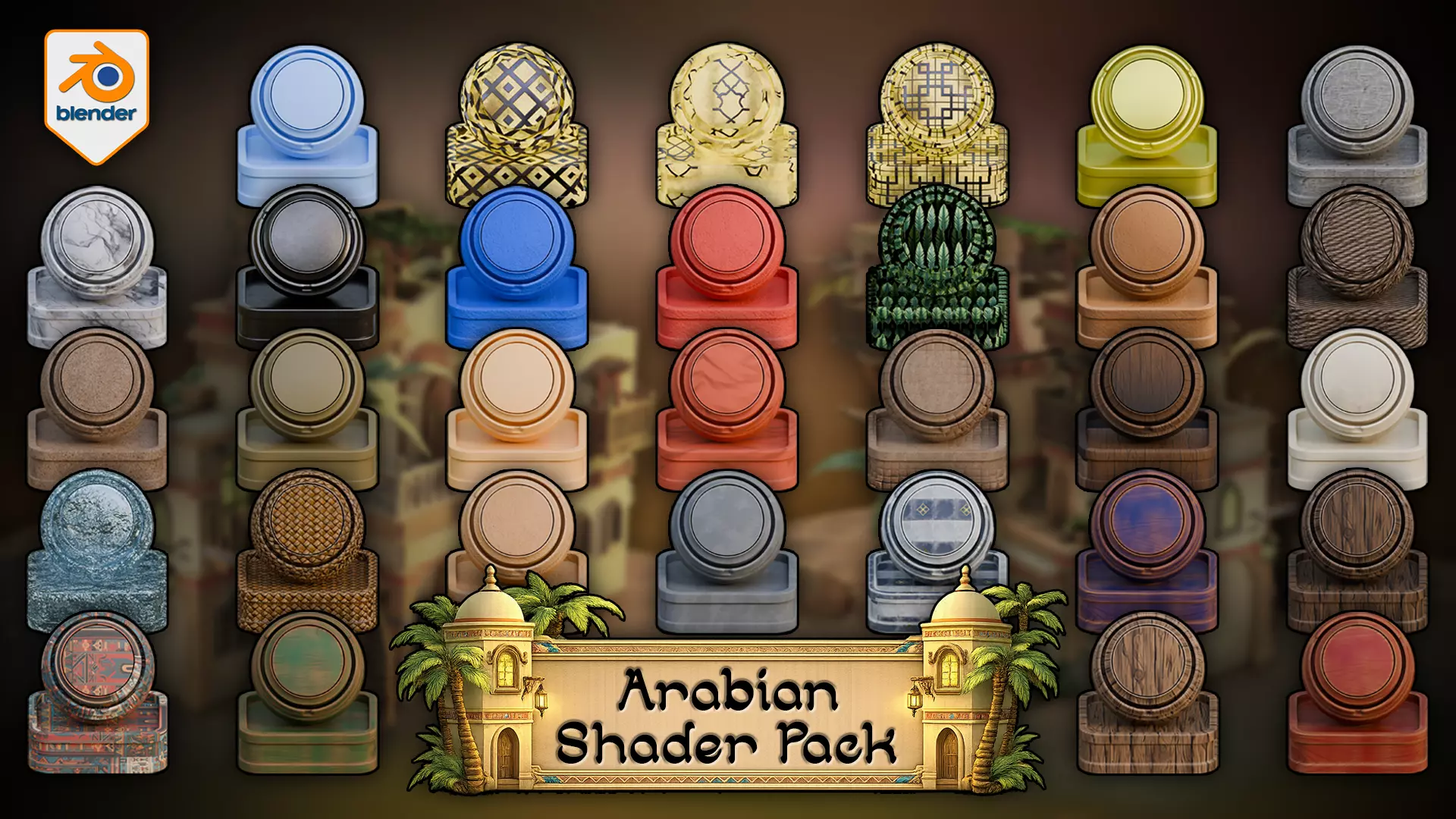
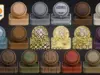
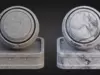
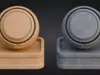
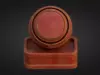
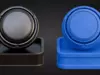
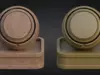
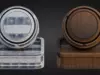
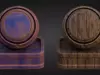
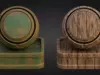
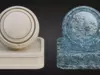
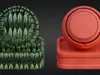
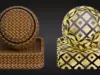
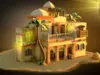
Build stronger Arabian-inspired scenes in Blender with one shader library designed to hold a world together.
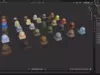
The Arabian Shader Pack for Blender includes 31 verified materials built for stylized architecture, props, courtyards, trims, foliage, glowing windows, terrain blending, and water. Instead of forcing a scene together from unrelated surfaces, this pack gives you a controlled material system designed for hierarchy, contrast, and practical reuse inside Blender.
What is included
- 31 stylized materials for Blender
- 24 texture-based materials
- 1 fully procedural water shader
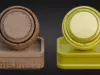
- 4 simple solid-colour materials
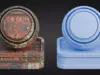
- 13 materials with automatic edge wear
- 4 displacement-enabled materials
- 1 alpha-cutout foliage material
- 3 emissive window shaders
- Adjustable tiling across all textured materials
Material coverage
The pack covers the surfaces that do the heavy lifting in a stylized Arabian scene:
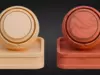
- Painted woods and natural woods
- Stone, marble, walls, and decorative architectural finishes
- Rope, weave, sand, and ground surfaces
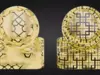
- Patterned ornamental materials for trims, panels, and focal accents
- Palm leaves with alpha cutout support
- Lit window shaders for instant interior glow
- Fully procedural water for scene support without obvious tiling artifacts
Some materials are deliberately simple for quieter support areas and blocking. Others are more layered and are designed to carry visual weight on beams, trims, doors, panels, courtyards, and focal props. That balance is what helps a scene feel controlled rather than noisy.
Key features
- Automatic edge wear: 13 materials use edge wear so corners and edges pick up chipping, weathering, and breakup more naturally.
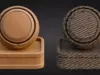
- Layered painted woods: the painted wood materials are not flat colour swaps. Paint wears through to reveal the timber beneath, which gives them stronger behaviour on architectural surfaces, trims, props, and beams.
- Displacement where it matters: sand, rope, weave, and the floor material use displacement for genuine surface depth on the materials that benefit most from it.
- Emissive windows: three glowing window materials add quick interior light and stronger mood support to buildings and scene edges.
- Alpha foliage: palm Leaves includes transparency support for leaf-card style foliage use.
- Procedural water: the water shader is fully procedural and combines refraction, transparency, emission, procedural breakup, and displacement, which helps avoid visible repetition on larger surfaces.
Node & Control Highlights
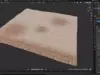
- Floor shader: red reveals stylized stone tiles through sand. Blue controls visibility. Green and Alpha remain free for custom use. Tiling, displacement, and normal strength can be adjusted for stronger or softer ground depth.
- Water shader: adjust colour, control wave scale. tune transparency and refraction. Adjust glow and displacement for calmer or more active water surfaces.
- Displacement guidance: push displacement harder on close hero surfaces where the depth will actually read, and keep it more moderate on broader mid-range scene elements where cleaner surface control matters more than maximum relief.
- Edge-wear materials: adjust wear amount, tiling, and breakup to suit cleaner props or more weathered architecture.
Standout workflow feature
The floor shader is the standout workflow material in the pack. It lets material transitions be painted directly onto the mesh in Blender, revealing stylized stone tiles through sand in real time. Red controls the sand-to-tile blend, Blue controls visibility, and Green plus Alpha remain free for custom use. That makes it especially useful for courtyards, thresholds, walkways, and larger ground planes where one flat surface quickly becomes dull.
Scene support, reuse, and larger-scene behaviour
This pack does not stop at object surfacing. Emissive windows, alpha foliage, ground blending, adjustable tiling, and procedural water extend the material system into atmosphere and scene support, which makes it more useful for full Blender environments rather than isolated shader previews.
In larger Blender scenes, the pack works best when displacement is used deliberately rather than pushed across every surface by default. The simpler materials keep support areas lighter and quieter, while the more layered shaders and deeper displacement are better reserved for focal surfaces where the extra depth actually pays off. Adjustable tiling helps the same materials scale more cleanly across different asset sizes, which keeps the pack more reliable when moving from props to larger architectural elements.
How to use
- Open your Blender project.
- Use Append to bring in the materials you need from the pack file.
- Apply the materials to your assets and adjust tiling, wear, displacement, and shader controls where needed for the scene.
- For the floor shader, use Vertex Paint mode to reveal stylized tiles through sand directly on the mesh.
If you are building a reusable material library scene, keep the source .blend organised and append only the materials you actually need into the working file to keep things cleaner as the project grows.
Render engine
This pack is built for Blender 5 and for Cycles.
FAQ
What do I get?
31 stylized materials for Blender covering architecture, props, terrain, ornamental surfaces, foliage, glowing windows, and water.
Does this support Eevee?
No. This pack is built for Cycles.
Does the pack include water and window shaders?
Yes. It includes a fully procedural water shader and three emissive window shaders.
Can the materials be reused across projects?
Yes. The pack is built as a reusable Blender material library, with adjustable tiling and a material spread designed to support both focal surfaces and quieter support areas.
What kind of scenes is it built for?
Stylized Arabian-inspired architecture, props, trims, courtyards, foliage accents, glowing windows, and water-supported environment scenes in Blender.
Is there a simple pipeline note before buying?
This pack is designed as a Blender / Cycles shader library first, so the strongest fit is for artists building and surfacing scenes directly inside Blender before adapting finished scene work into any broader downstream workflow.
For support, inspiration, and updates, join the 3D Tudor community and unlock the full potential of your artistic journey.
- Discord: https://discord.gg/vdbUGJbAfY
- Facebook community:https://www.facebook.com/groups/1152218958467185
If you have any questions or need support, feel free to reach out via email: bettison.gamedesign@gmail.com