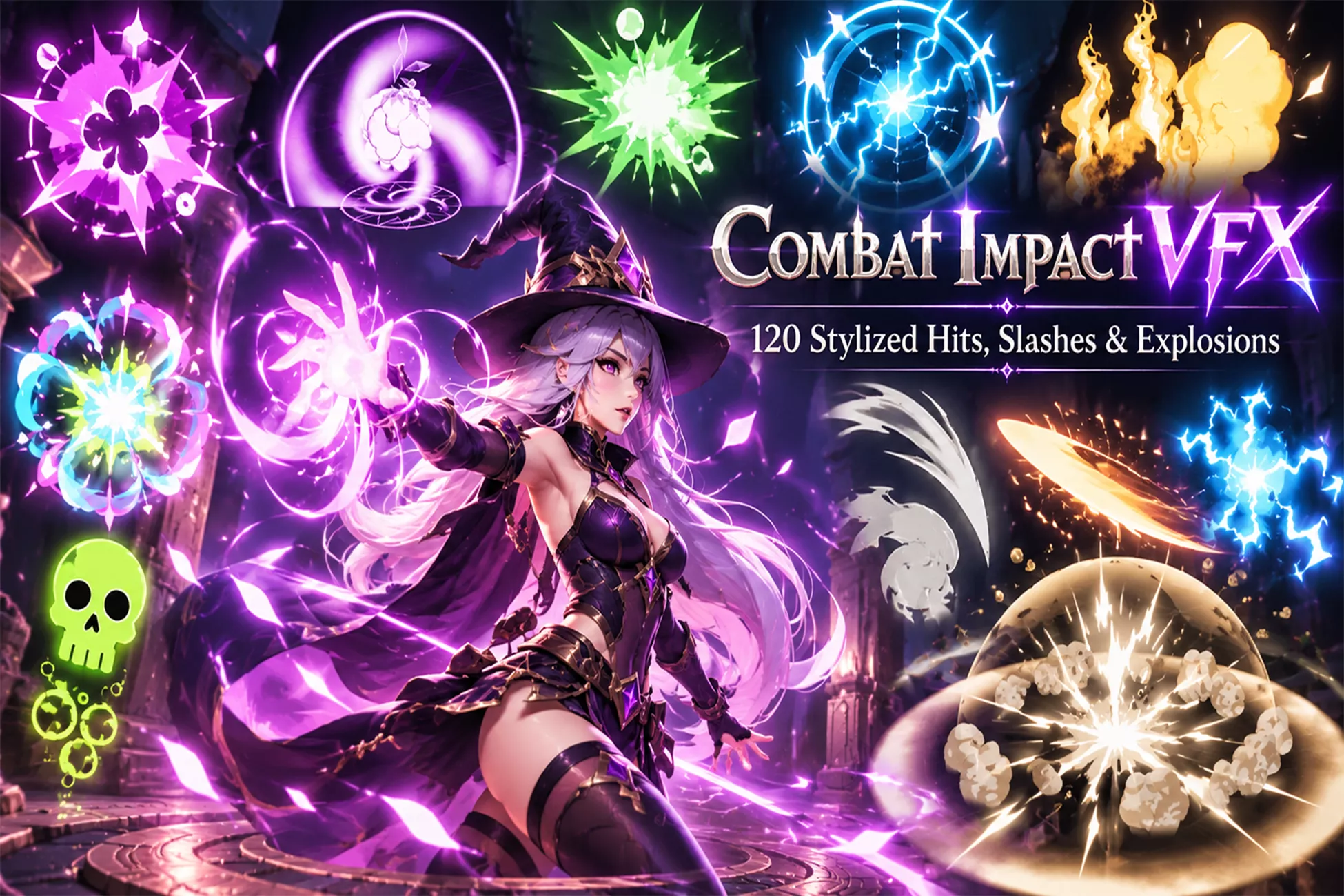
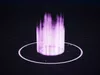
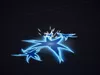
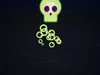
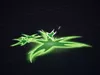
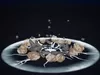
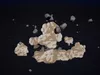
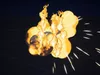
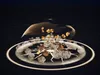
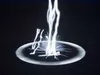
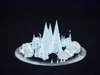
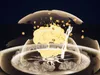
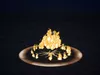
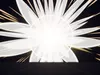
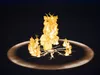
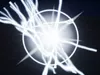
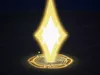
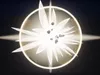
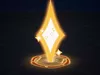
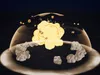
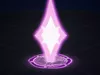
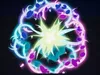
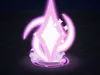
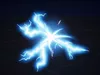
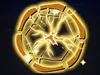
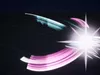
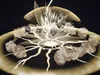
Stylized Combat Impact VFX is a ready-to-use library of 96 Niagara combat effects for action RPGs, hack & slash, brawlers, MOBAs and anime-style games. The pack has two looks in one:
-
Classic (50): punchy stylized effects with glowing arcs, shockwaves, debris, heat haze and impact frames.
-
Toon (46): anime-style 2D effects with cel-shaded bands, clean inner lines, a white impact flash, hand-drawn line boil and a frame-stepped dissolve.
Every effect ships in two versions:
- a one-shot version for hits and abilities;
- a _Loop version for buffs, status effects, menus and previews.
That makes 192 Niagara systems in total.
What's inside
CLASSIC: 50 effects
-
Slash (10): Light, Heavy, Horizontal, Vertical, Cross, Double, Circular, Spiral, Energy, Ultimate
-
Hit (10): Physical, Fire, Ice, Lightning, Dark, Holy, Poison, Critical, Heavy, Boss
-
Explosion (10): Small, Medium, Large, Fire, Magic, Energy, Dark, Holy, Shockwave, Ultimate
-
Ground Impact (10): Dust, Rock, Fire, Ice, Lightning, Magic, Dark, Holy, Crack, Heavy Slam
-
Weapon FX (10): Sword, Axe and Spear trails, Hammer Impact, Dagger, Katana, Dual Blade, Magic Sword, Energy Blade, Ultimate Weapon
TOON: 46 effects
-
Radial hits: Fire, Blue, Green, Purple, Magic Burst, Crit
-
Slash hits: 5 colours, Big Slash (Fire, Blue), Arrow Hit
-
Electric: Electric, Electric Flower (Blue, Gold)
-
Splashes: White, Green, Pink, Sand, Cyan
-
Ground sparks: 4 colours, Ground Slam
-
Block / shield: Blue, Gold
-
Skill ready: Gold, Blue, Purple
-
Status: Heal, Buff (Gold, Fire), Poison, Stun, Teleport (Blue, Purple)
-
Projectiles and explosions: Fire, Blue projectiles; Fire, Purple explosions
-
Movement dust: Jump, Run, Dodge
Features
-
One-shot and looping version of every effect, ready to drag and drop.
-
Recolour any effect from Blueprint with one user parameter (CFX_Color). If you leave it unset, the authored colours are kept.
-
Resize with actor scale. Particle size, speed and spread follow the component scale.
-
Quality levels for low-end PCs. Built-in effect types follow the engine's Effects Quality setting:
- distance culling;
- instance limits per system and in total;
- decoration emitters turned off on Low;
- off-screen culling.
-
CPU simulation only: no GPU compute, so the effects behave the same on every RHI.
-
3 camera shakes (Light, Medium, Heavy), ready to play on impact.
-
Toon master material with cel colour bands, glow, gradient, inner line, line boil and stepped dissolve. All parameters are exposed.
-
2 demo maps. Press Play and every effect replays in a loop with its name.
-
PDF documentation: quick start, Blueprint spawning, recolour and scale, quality settings, full effect list.
-
Content only: no C++, no plugins beyond the built-in Niagara, no project settings to change.
Easy to use
- Drag any NS_ system into your level, or call Spawn System at Location / Spawn System Attached.
- Optional: set CFX_Color to recolour, and set Scale to resize.
- For status effects, use the _Loop version and call Deactivate when the status ends