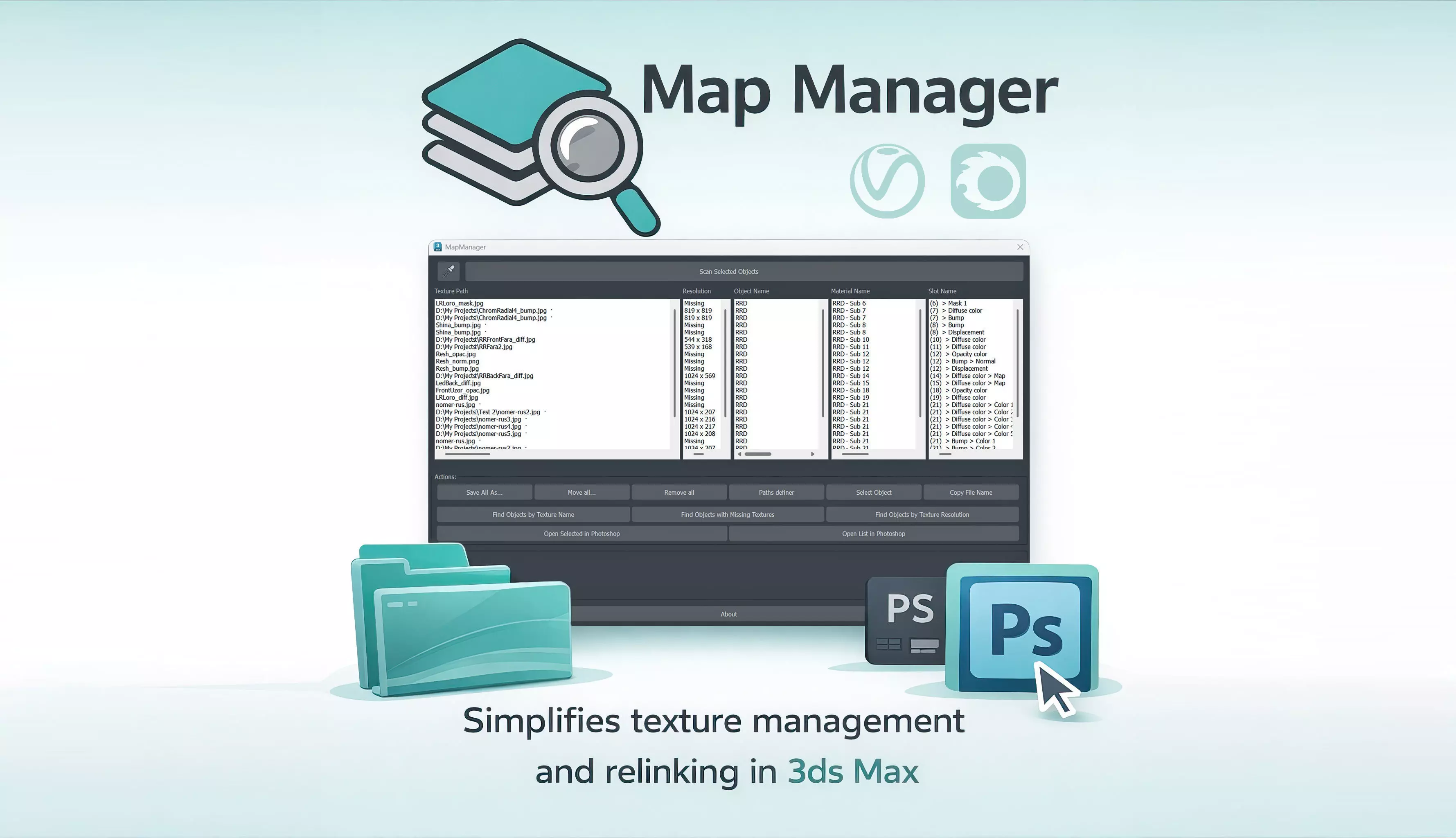
Hello everyone! I'd like to introduce my new MapManager plugin. It allows you to easily and, most importantly, interactively manage the textures of selected objects.
MapManager isn't just a simple interlinker; it's a fully-fledged texture management console that fully understands the texture locations of all materials.
Key Features:Deep Scan: The plugin combs through any complex links—CoronaMultiMap, V-Ray MultiSubTex, nested Multi-Sub materials, and procedural maps. No texture will go unnoticed.
Smart Resolver: The script doesn't just display files; it understands the structure of your project. If texture paths are broken, it will automatically find them in project subfolders, custom paths, or external files for its operations, without forcing you to manually specify each folder.
Eyedropper Tool: My favorite feature. You can select specific polygons on an object, and the plugin will show textures only for them. Ideal for working with heavy meshes, or if the object has a Multi-Sub/Object Material with multiple materials.
Physical File Management: You can rename, move, and copy files directly from the list. The script will automatically perform the operation on disk and correctly update the paths in materials, preserving their structure (relative paths will remain relative).
Implemented Undo: Full Ctrl+Z support, which even works for physically renaming files on disk. Made a mistake? Just undo the action.
One-Click Optimization: Resize and convert heavy formats to JPG with pre-calculated resolution.
Photoshop Integration: Simply select an object, collect all its textures, and open any of them in Photoshop directly from 3dsmax.
Integration with the default viewer: Double-click or select View from the context menu to easily view any texture using your favorite default Windows viewer.
Search for heavy textures in the scene: Simply specify the texture's longest dimension, and the script will find all objects containing heavy textures that can be resized later.
Search for missing textures: Now, lost textures will no longer go unnoticed. The script will collect all objects missing at least one.
Path definer: Automatic texture path relinking. Now all texture addresses can be easily kept up-to-date, avoiding rendering errors.
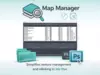
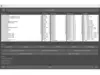
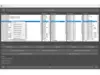
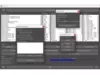
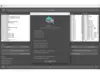
Why is this convenient?The interface is designed like an interactive table: 5 synchronized columns (Path, Resolution, Object, Material, Slot) provide complete asset information at a glance. These features allow you to instantly open a file in Photoshop, find an object in a scene, or display a file in File Explorer. MapManager was created as a smart assistant that handles all texture management directly from 3ds Max.
Video tutorial on the plugin: https://youtu.be/oGDqRtDQBrU?si=X0b7qtDwmwiPhVTU
I welcome your feedback and suggestions for improvement!