
DESCRIPTION

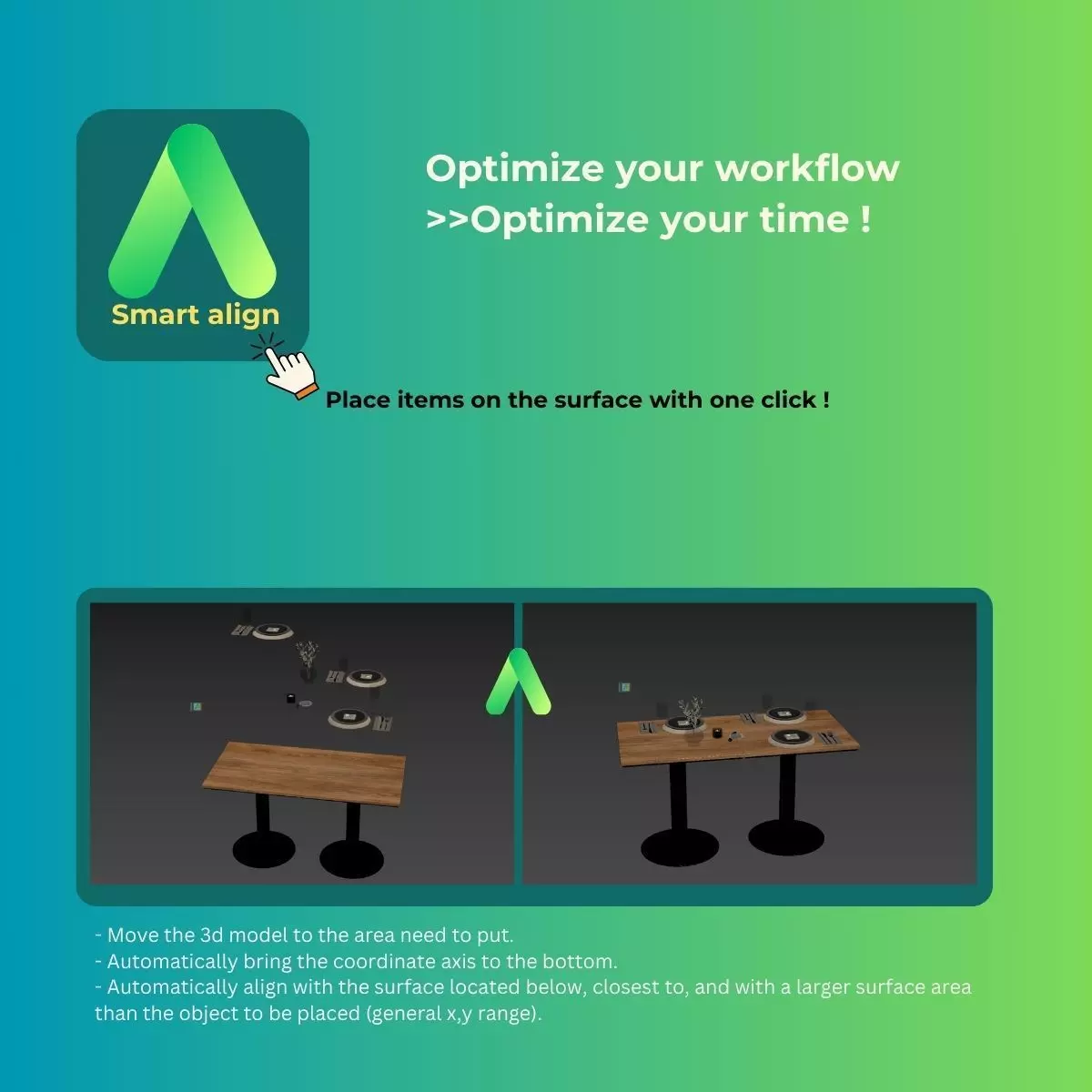
Smart Align --Place items on the surface with one click!

Raise the issue:Spend much time placing items on each surfaceProblem with control model fly

Let's improve workflow with our script!Move the 3d model to the area need to putAutomatically bring the coordinate axis to the bottomAutomatically align with the surface located below, closest to, and with a larger surface area than the object to be placed (general x,y range)

REVIEWS & COMMENTS

See what other buyers think about this model - real feedback on quality,
accuracy, and usability.
There are no reviews or comments yet. Please be the first one to write it.
BEST PRICE GUARANTEED
Found this model cheaper on another marketplace? Let our support team know - we’ll match it.

Smart Align Place items on the surface with one click 3D model

Royalty Free License
Hire
Like this model to show appreciation to the designer.
See how many times this model was viewed.
Share this model to support the designer and boost their visibility.
File formats
MS
3ds Max macroScript | 2 files<br />Version: 1.1<br />File Size: 22.7 KB
OTHER
Other | 2 files<br />File Size: 22.7 KB
Provided by designer
Information and details shared directly by the model's designer.
3D Features
Plugins Used
Some external plugins were used to create the model. These may be required for full functionality.
3D printing
Indicates whether the designer marked this model as suitable for 3D printing.
Model is not 3D printable
The designer indicates this model is intended for digital use only (rendering, animation, or AR/VR) and not for 3D printing.
Geometry
Other
The model uses a different geometry type (e.g., voxels, point cloud).
Unwrapped UVs
Publish date
Model ID
Chat