MeshFlow PRO: Surgical Mesh Optimizer for Blender
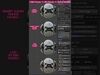
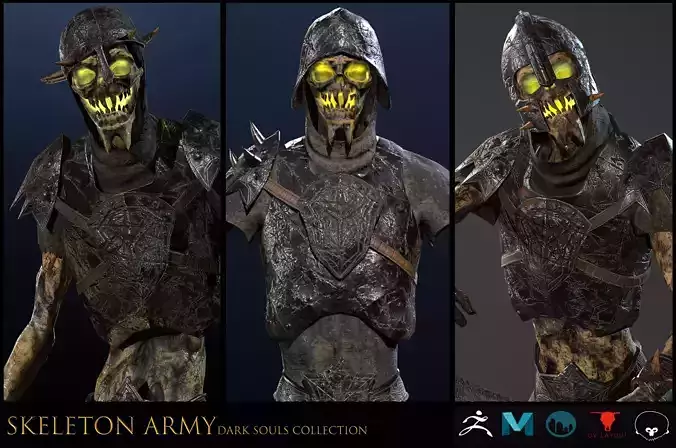
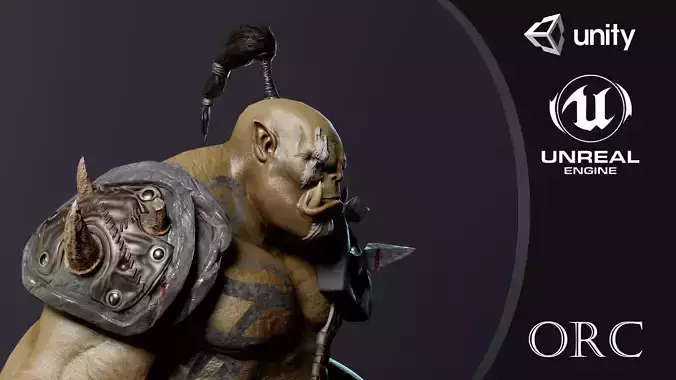
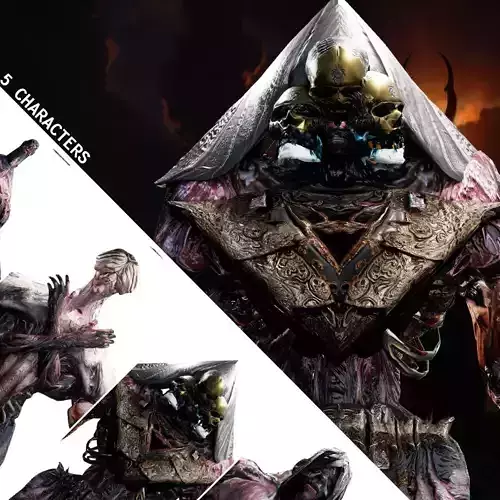
PLEASE NOTE: The 3D models shown in the preview images (Fox, Robe, etc.) are NOT included in this package. They are used strictly for demonstrating the optimization capabilities of the software add-on. You are purchasing the Blender software add-on tool itself.
Stop wasting hours on manual retopology and cleanup. Transform messy meshes into production-ready assets with a fast, reliable, and streamlined workflow directly inside Blender.
MeshFlow PRO is a professional mesh optimization toolkit designed by Artmesh Studios for 3D artists, game developers, environment creators, and asset publishers. Whether you're working with complex hard-surface models, photogrammetry scans, commercial assets, or dense CAD imports, MeshFlow PRO handles the heavy lifting with a single click.
What MeshFlow PRO Can Do
Clean and Repair: Instantly wipe loose geometry, duplicate vertices, degenerate elements, and common import artifacts.
Surgical Optimization: Reduce polygon density intelligently while 100% preserving your model's silhouette and artistic details.
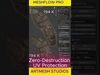
Zero-Destruction UV Protection: Automatically detect and shield UV boundary edges, sharp edges, and centerlines. Your textures and baked maps will never break.
Production-Ready Prep: Format origins, scales, and topology to match strict industry standards for modern game engines.
Key Features and Toolbox
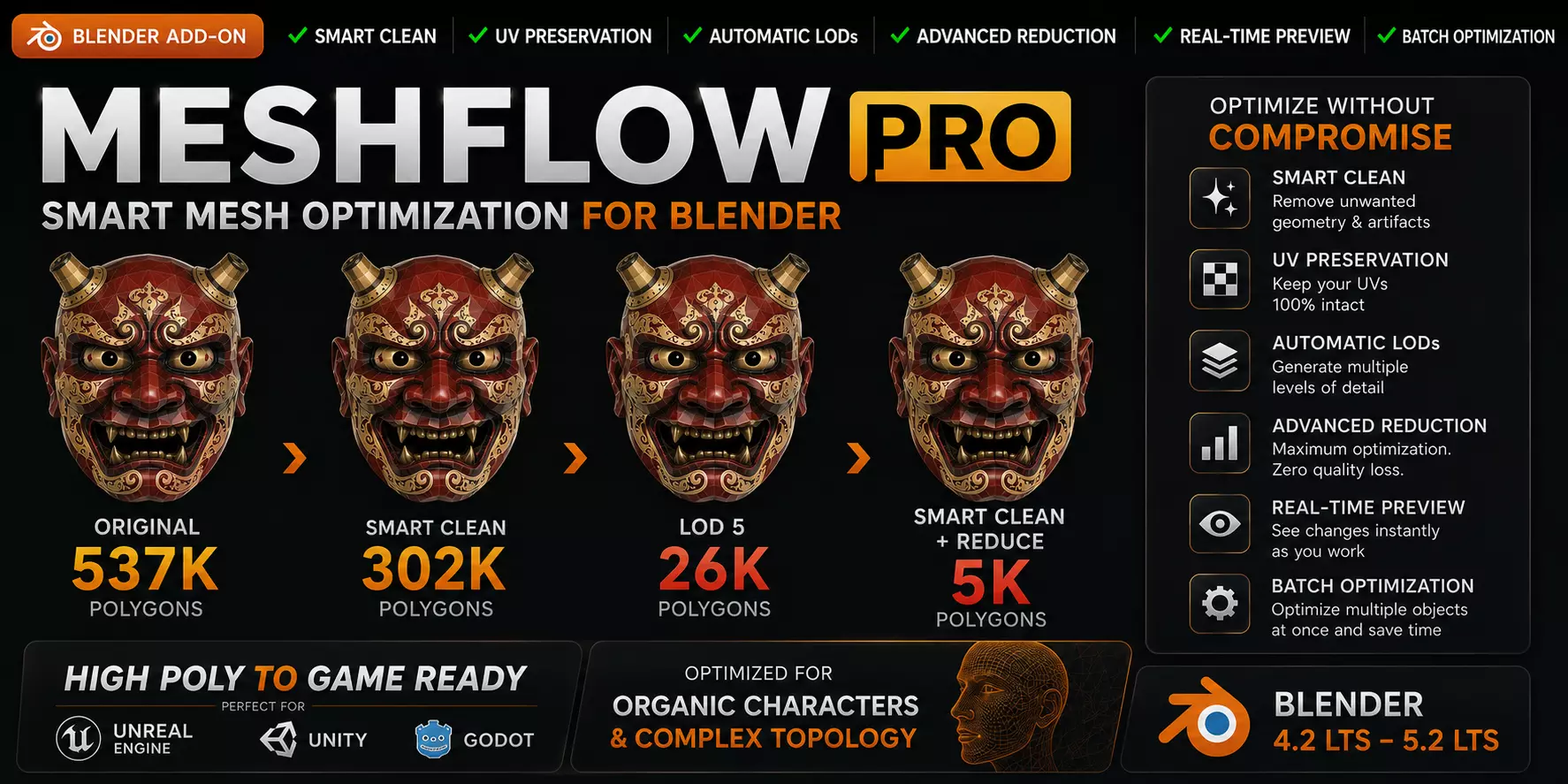
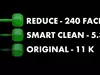
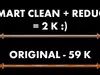
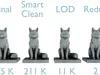
Smart Clean + Reduce: The ultimate one-click action. Effortlessly clean garbage data, remove doubles, and reduce polycounts in one seamless operation.
Advanced Pipeline Modes: Tailored optimization algorithms for every scenario: Auto-Detect, Scan/AI, Hard Surface, Organic, and Game Ready.
Surgical Dissolve (Heatmap Mode): Visual control at your fingertips. See high-density areas instantly and decide exactly what to keep or dissolve.
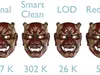
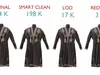
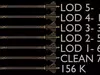
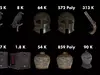
Instant LOD Generation: Create perfect Level of Detail chains (LOD0 to LOD5) in seconds to hit your game's performance budget effortlessly.
Game Ready Prep: Automatically aligns origins, applies scale/rotation, and prepares auto-sharp seams for baking tools like Substance Painter and Marmoset Toolbag.
Specialized Sub-Tools:
Tri / N-Gon Fixer and Smart Quad: Rebuilds problematic topology into cleaner layouts.
Planar Bulldozer: Simplifies large flat regions without losing the overall form.
Final Normals and Auto UV: Eliminates shading artifacts and generates quick UV layouts automatically.
Ideal For
Game Assets and Environment Art (Unreal Engine 5, Unity, Godot)
Photogrammetry and Raw 3D Scans
Hard Surface and CAD Models
3D Asset Publishing and Store Management
Freelance and AAA Production Workflows
Compatibility and Product Details
Blender Versions: Blender 4.2+, Blender 5.2+ (and future versions)
Target Engines: Unreal Engine, Unity, Godot
What's Included in the Package:
MeshFlow PRO Add-on (.zip file)
Step-by-Step Installation Guide
Quick Start Documentation and Best Practices
Free Lifetime Updates for all V1.x releases
Built for Artists Who Want Results, Not Cleanup WorkSpend less time fixing topology and more time creating. Get MeshFlow PRO today and speed up your production pipeline instantly!
Asset Credits, Licensing and Optimization Notice:
The original high-poly 3D models showcased in specific preview images are utilized under the Creative Commons Attribution 4.0 International (CC BY 4.0) license.
Detailed asset attributions and source files are specified below:
- Meshy AI Sourced Assets (CC BY 4.0):
- features the Japanese Oni Mask asset.
- features the Fox asset.
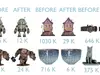
features the Warrior Bear, Stylized House, Robot, and Viking Shield assets.Original Source: Generated by and sourced via Meshy AI.
Public Domain & Free Royalty-Free Test Assets:
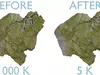
All other showcase models (including the Robe/Gown, Mace, Barrel, Rocks/Flowers, Helmet/Urn/Chest, and Terrain Scan) are royalty-free, public domain, or open-source community assets used strictly for software benchmarking and technical optimization demonstrations.
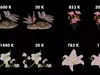
How these previews were created:All raw high-poly meshes were processed, cleaned, and decimated directly inside Blender using MeshFlow PRO. The Before and After results, poly-count reductions (e.g., from 375K or 537K down to game-ready counts), and LOD variations demonstrate the non-destructive topology preservation and professional optimization pipelines of the MeshFlow PRO add-on.
Disclaimer: The original 3D asset files are not included in this product package and belong to their respective creators. MeshFlow PRO is an independent software tool developed for mesh optimization and is not directly affiliated with, sponsored by, or endorsed by Meshy AI or any other asset creator.