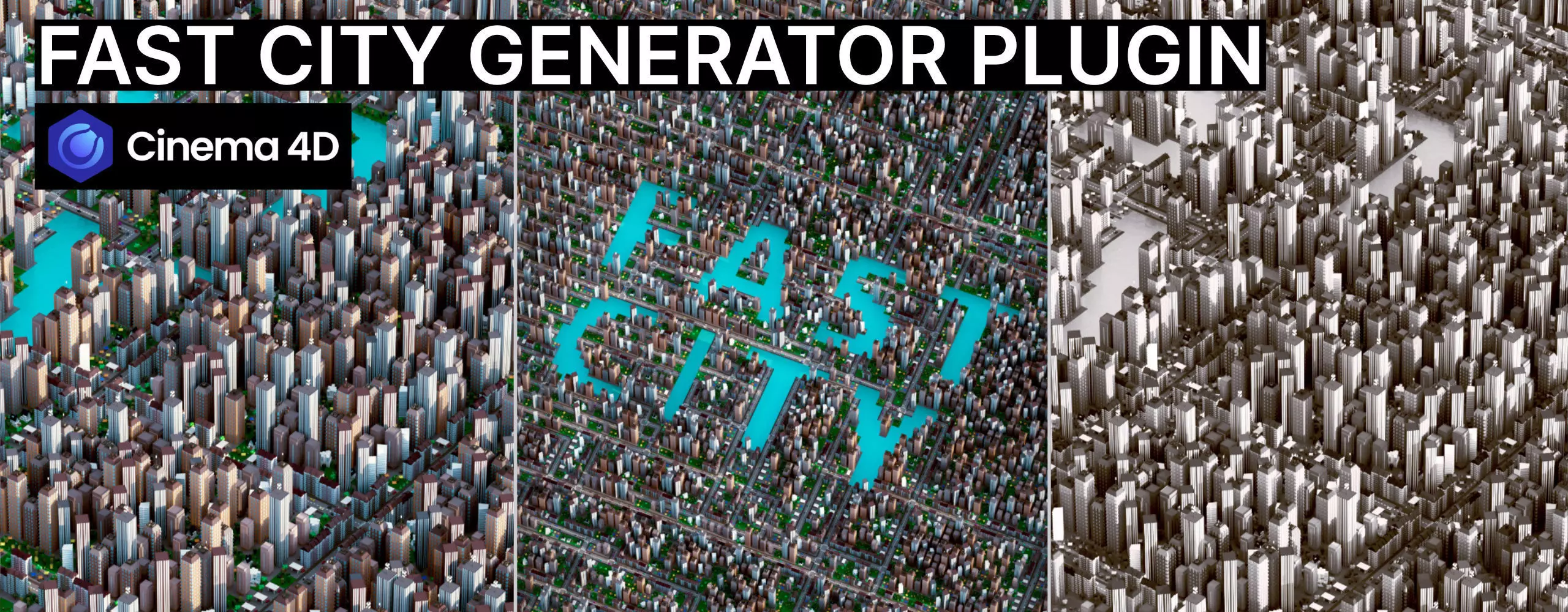
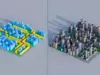
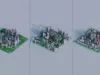
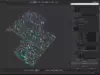
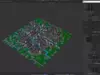
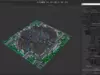
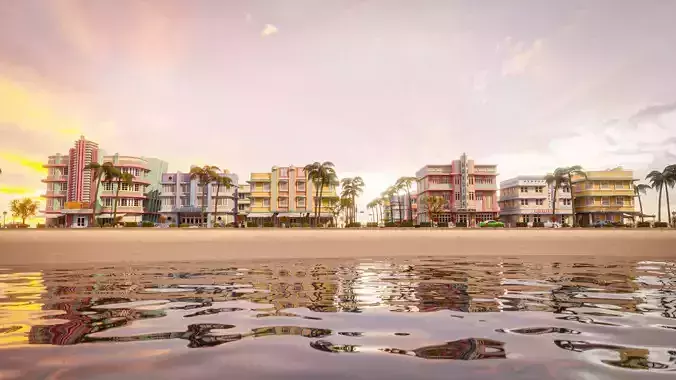
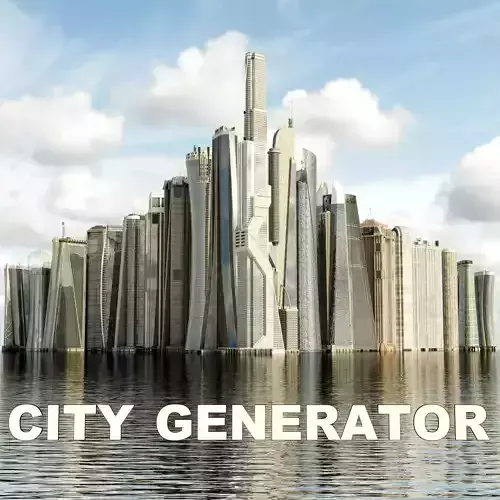
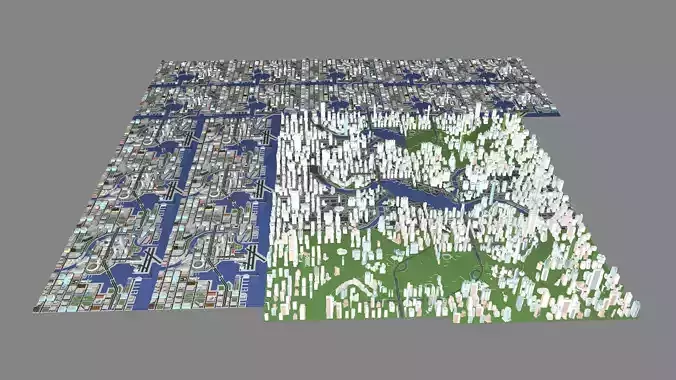
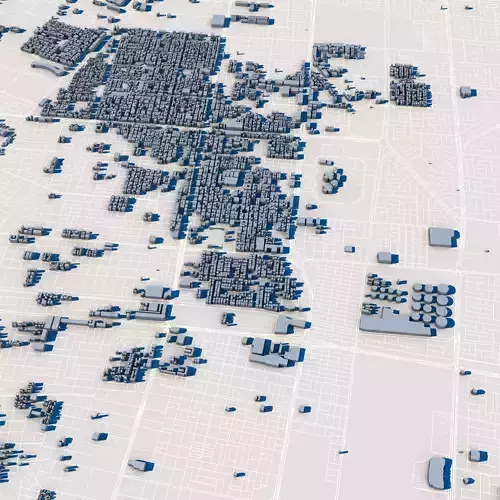
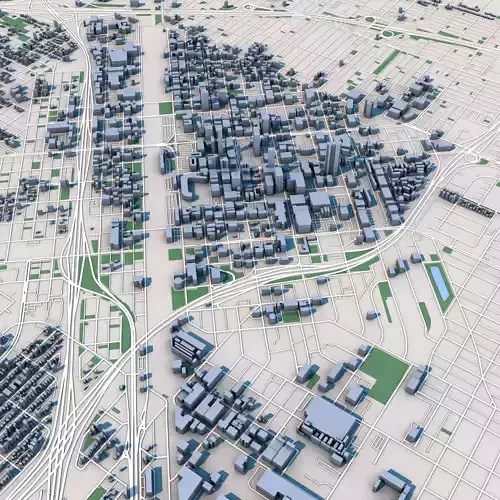
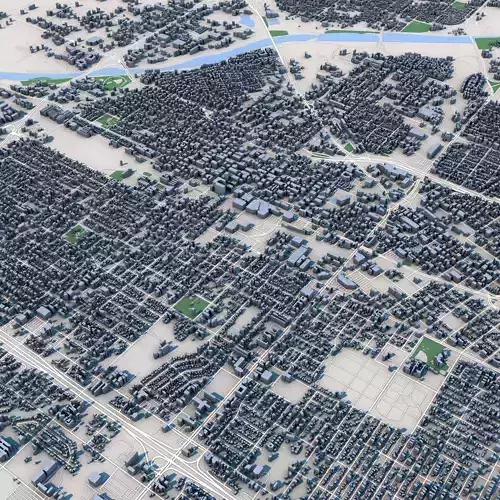
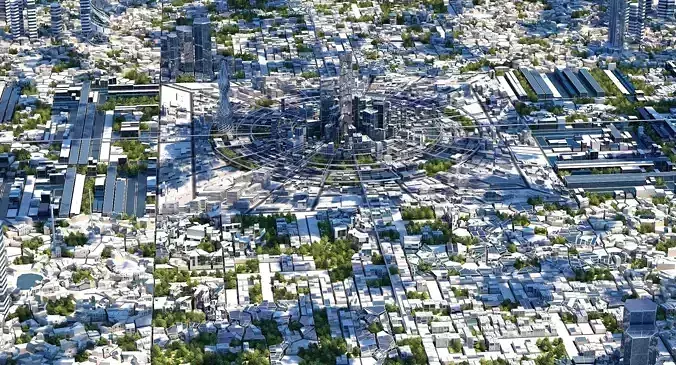
Plugin that creates fully procedural cities with streets, buildings, parks, rivers, bridges, and simulated traffic.
Version: 1.0
Compatibility: Cinema 4D 2026+ and Redshift (Ready-to-Use Assets and a Fully Set-Up Scene Included)
additional formats: .fbx, .obj, .gltf with material and textures
Why Choose Fast City?
Smart Layouts with WFC Logic:
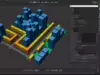
At the heart of the plugin is an advanced Wave Function Collapse (WFC) solver. The algorithm ensures that every tile—from complex intersections to river bridges—connects with perfect logical consistency, guaranteeing a seamless urban grid every time.
Integrated Traffic Simulation:
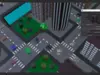
Bring your streets to life instantly. Fast City features a built-in autonomous traffic engine with lane-aware pathfinding and collision detection. Populate your city with dynamic vehicle movement that just works—without the need for complex external setups.
Total Creative Freedom:
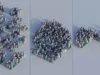
Use the robust spline boundary system to fill any custom shape, logo, or text with a detailed city. The high-precision winding number algorithm ensures your city stays perfectly within the defined boundaries, no matter how complex the shape.
Ready-to-Use Assets Included:
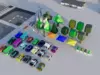
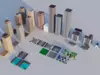
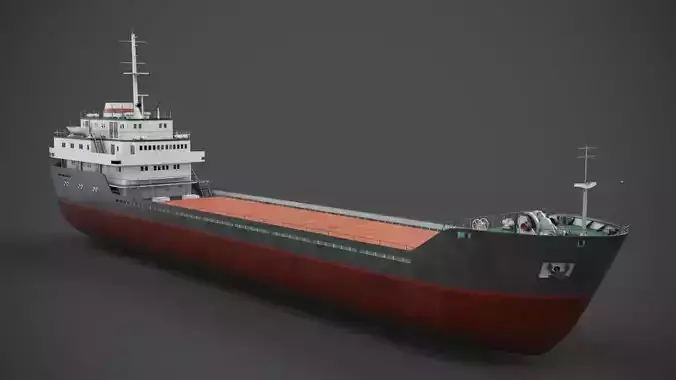
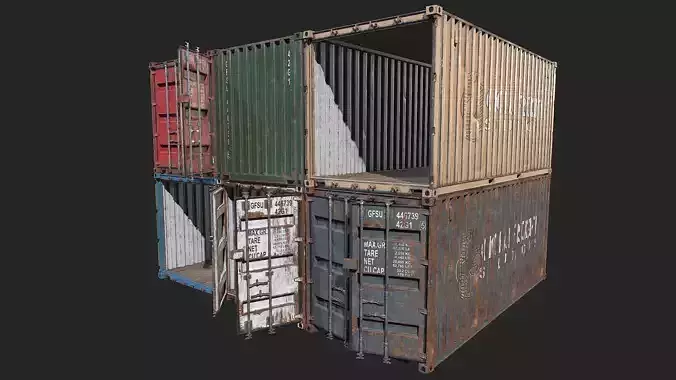
Go from a blank scene to a render in seconds. Fast City comes with a curated low-poly asset pack, including buildings, infrastructure, and vehicles—ready for production use or quick testing.
Features
Set a seed to reproduce the same city layout every time
Multiple tile types: straight roads, curves, T-junctions, crossroads
Buildings with adjustable size and density distribution, including support for block buildings
Parks that can represent anything: plazas, skateparks, forests, and more
Optional river with bridges integrated into the road network
Optional traffic simulation with cars that move, stop, and follow intersection phases; can run endlessly or be baked to keyframes
Adjustable tile size
Bake function to convert city tiles into single meshes for buildings, streets, parks, and rivers
Objects are created directly in Cinema 4D as render instances for easy editing
City Elements (Procedural and Customizable)
Streets (Straight, Curve, T, Cross), Buildings (Block Straight, Block Corner, Generic), Parks, Rivers (Straight, Curve), Bridges, Traffic Cars
How to Use
Copy the FastCity folder into your Cinema 4D plugins directory
Restart Cinema 4D
The plugin will appear in the Plugins menu
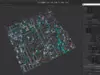
Set your generation parameters (grid size, tile size, layout options)
Generate your city or click Generate New to create a variation
You can move or duplicate any tile within the city structure and re-evaluate the assets, allowing buildings to update and traffic to adapt to newly created streets.
Output Structure
The plugin builds a tile-based city hierarchy with all streets, buildings, parks, rivers, and cars created as render instances.
For Best Results
Start with smaller grids to test layouts
Combine parks, rivers, and falloff curves to break up dense city areas
Replace generated procedural assets with your own models
Use the traffic system to bring the city to life
The FastCity Generator creates a complete, editable city layout in seconds—with simulated traffic included.
I will always find an individual solution for your 3D requirements, so do not hesitate to ask.
You are not alone with this 3D-asset, if you have any questions or suggestions or need a different format, please contact me:
Web | www.danielweinlein.com
Mail | d.wstudios@hotmail.de
Thank you!
Copyright: Daniel Weinlein 2026