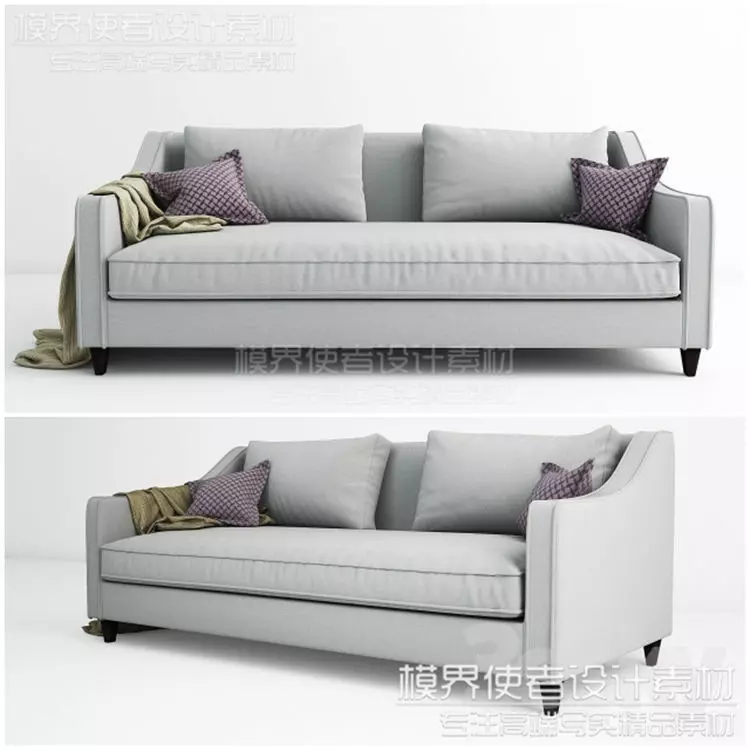
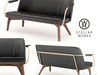
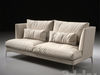
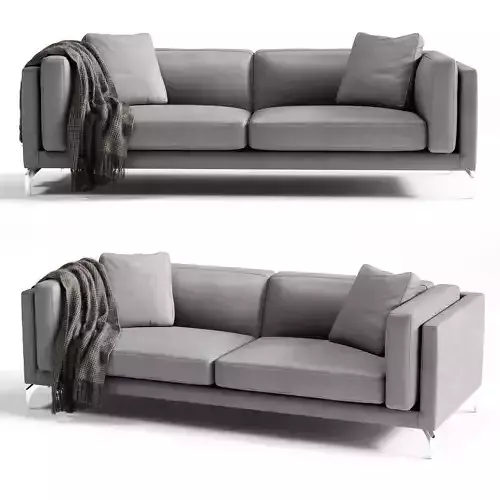
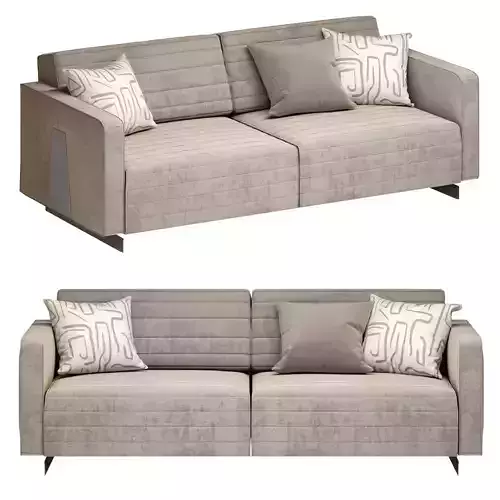
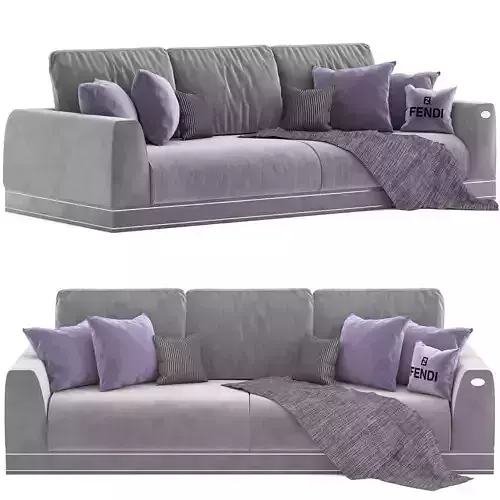
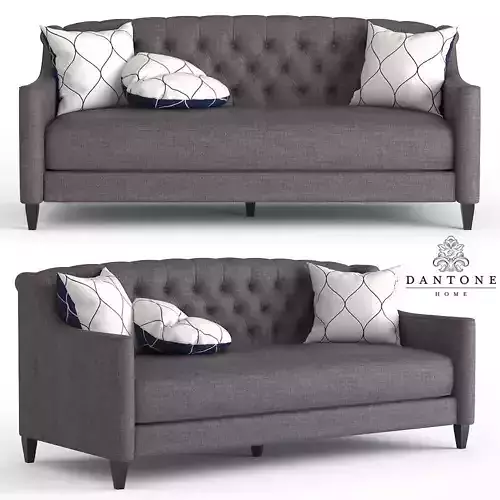
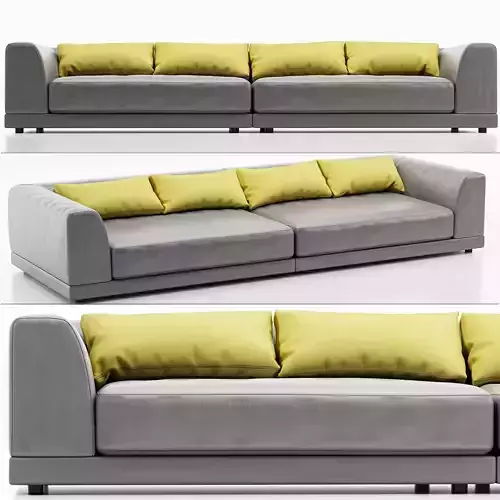
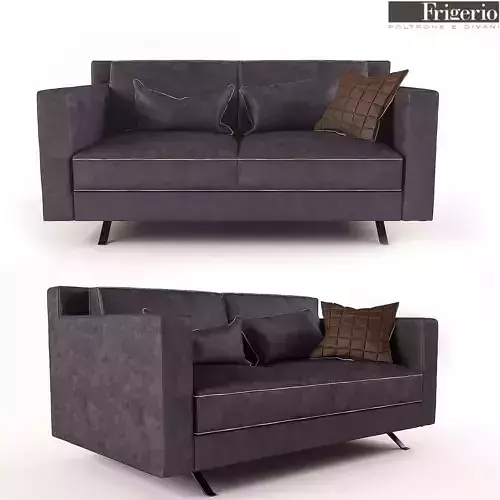
*Sofa *Model Best Quality render and Modefily Very Smooth
A 3D model of a sofa refers to a digital, three-dimensional representation of a sofa, created using specialized 3D modeling software. This model can be viewed, manipulated, and rendered from any angle, providing a realistic depiction of the sofa in a virtual space. 3D models are commonly used in interior design, architecture, virtual reality, video games, and product visualization.
Key Features of a 3D Sofa Model:
Detailed Geometry: The model includes the basic structure of the sofa—seat cushions, backrest, armrests, legs, and frame. It can also show complex details like stitching, textures, and padding. Some models even include elements like pillows, throws, or buttons for added realism.
Textures & Materials: High-quality 3D sofa models use textures and materials to replicate the look and feel of real-world surfaces. These can include fabric, leather, wood, metal, or other materials that make up the sofa’s components. Textures can simulate patterns, fabric weaves, color, or wood grains.
Scale & Proportions: 3D models are typically designed to accurate proportions to match real-world measurements. This is especially important for architectural visualizations or when the model is being placed into interior designs to ensure the sofa fits appropriately within the space.
Lighting & Rendering: The model can be rendered with realistic lighting effects, including shadows, reflections, and highlights. The quality of the lighting and rendering settings determines how realistic the 3D sofa will look when visualized in a digital environment.
Modifiable Components: Some advanced 3D sofa models allow for customization of components, such as changing the upholstery color, adjusting cushion firmness, or swapping out materials (e.g., from fabric to leather).
Rigging & Animation (Optional): Some models include rigging, which enables animation. This might be useful for demonstrating features like recliners, movable sections in sectional sofas, or convertible sleeper sofas.
File Formats: 3D sofa models are typically created and exported in file formats such as .obj, .fbx, .blend, .stl, or .3ds, compatible with various 3D modeling and rendering software like Blender, 3ds Max, or SketchUp. These models can also be imported into CAD programs for architectural or product design applications.
-
Use Cases:
-
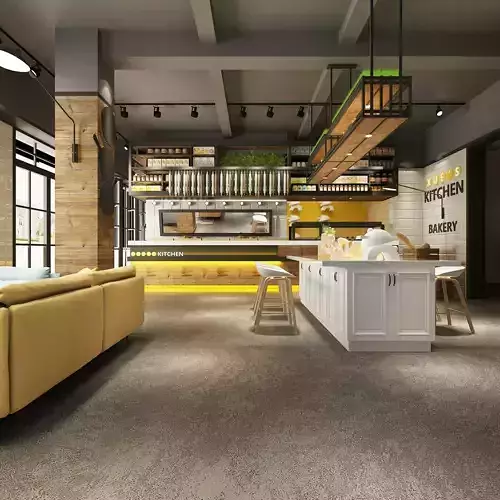
Interior Design Visualization: 3D sofa models allow designers to experiment with different furniture arrangements, colors, and materials in a virtual room.
-
E-commerce: Retailers often use 3D models to display their products in virtual showrooms or on websites, allowing customers to interact with the furniture before making a purchase.
-
Augmented Reality (AR): Some 3D models are optimized for AR apps, allowing users to place a virtual sofa into their real-world environment using a smartphone or tablet camera.
-
Animation & Game Development: 3D sofas can be part of virtual environments in video games, animated films, or simulations.
Example Features in a 3D Sofa Model:
-
Cushion Details: Individual cushions can have beveled edges, seams, and tufting details. Pillow modeling may include soft, rounded shapes that deform with pressure.
-
Leg Style: The legs can be made to reflect various design styles (e.g., mid-century modern wooden legs, minimalist metal legs, or no legs at all for a low-profile sofa).
-
Frame Design: The frame of the sofa might show intricate details, such as exposed wooden frames with visible joints or a fully upholstered base.
-
Interactive Elements: Some 3D models allow you to modify the color of fabrics or adjust the size of sectional sofas dynamically.
In essence, a 3D model of a sofa serves as a highly detailed and flexible digital representation of the furniture, which can be used for design, visualization, and interactive applications.