FREE UPDATES FOREVER - Updated june 2026 - Blender 5.1
MatPlus project version 1.2.2 (MatPlus is an external paid addon for texture inside Blender)
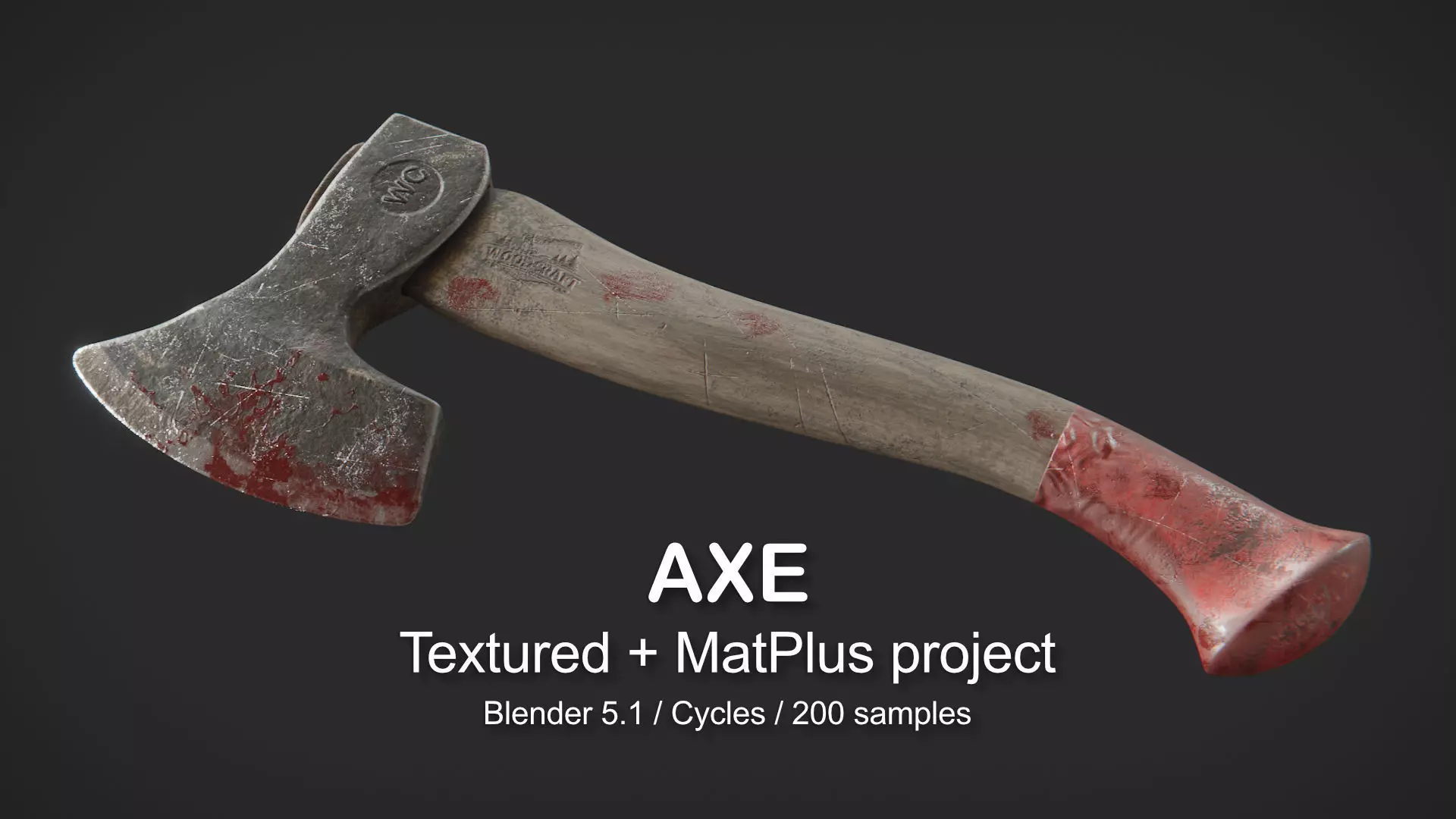
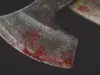
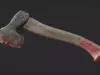
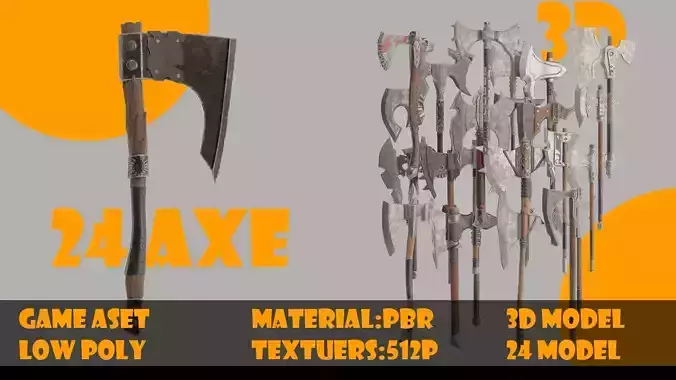
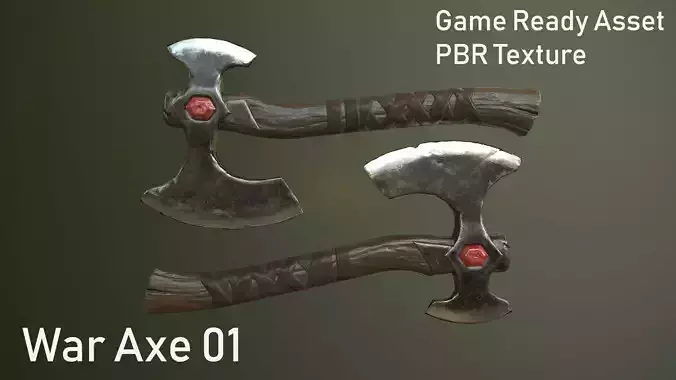
This product includes a complete Axe project built with MatPlus inside Blender. It’s designed for artists who want a practical, real-world example of layered texturing and lookdev, including subtle surface imperfections and readable decal/emboss details.
Remember if you do not want to use MatPlus you can use the Axe_Textured, the final mesh ready to export or use in your own scenes.
The scene is set up for Cycles.
What’s Included
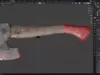
.blend project file (ready to open and render) - inside the Blender file you will find 2 meshes: Axe_MatPlus (here you can modify the material with MatPLus) and Axe_Texture (final exported textures).
Fully organized MatPlus layer stack.
Axe.zip (MatPLus project).
Features
Requirements
Blender 5.1+.
MatPlus (recommended to use the same or newer version than the one used to create the project, this is a paid addon).
Recommended render engine: Cycles.
Notes
Final appearance may vary depending on your HDRI/lighting, color management, and hardware.
If viewport performance is slow, reduce MatPlus/viewport texture resolution for faster interaction.
Remember to unzip the file (Axe.zip) inside your folder (Root Projects) so you can load the MatPlus project for this Blender file.
Want to get more for your money? You can get this product—along with all my other 3D assets—at a massive discount in the:
Mega Pack Volume 3
Get 27 high-quality products + the Camera Manager Add-on in one ultimate bundle!
Check it out here: https://www.cgtrader.com/3d-models/various/various-models/mega-pack-vol-2-25-products