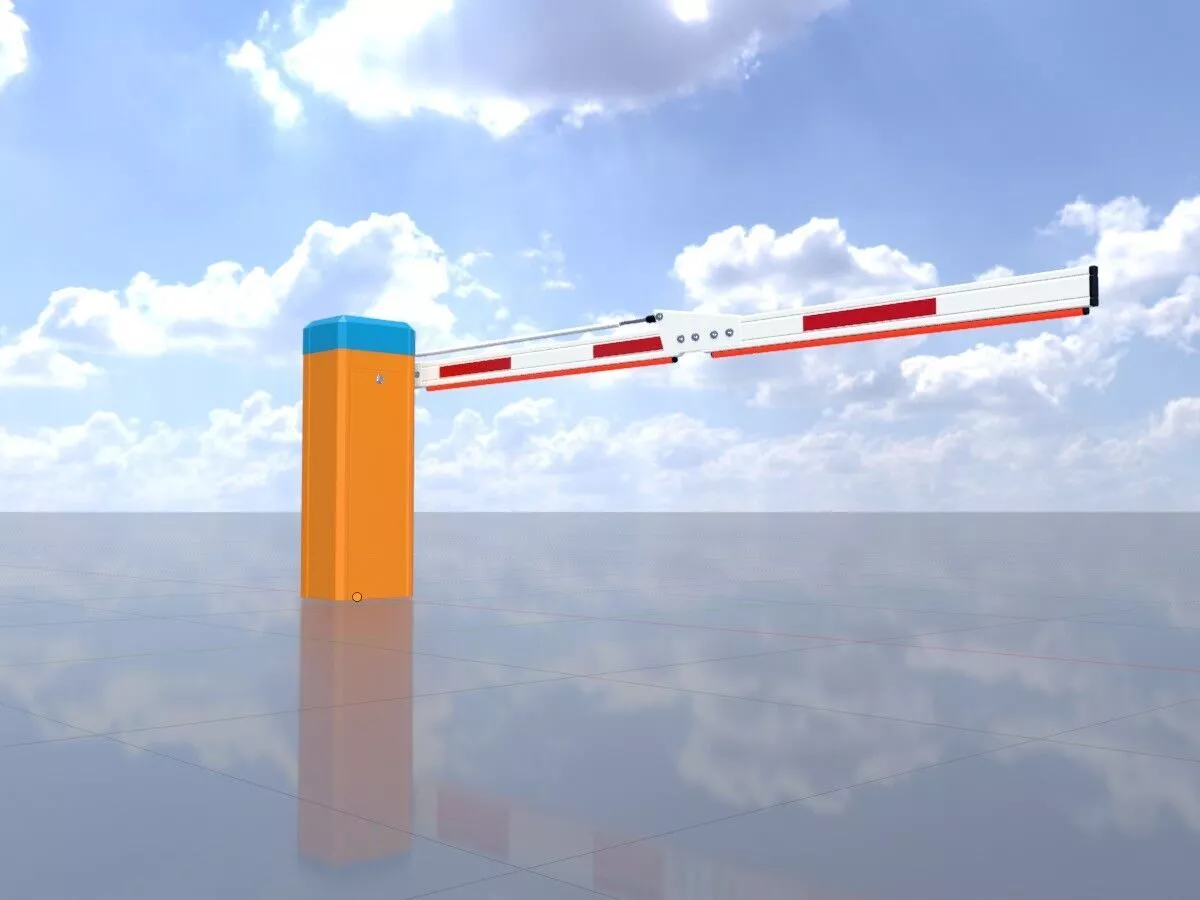
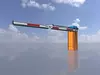
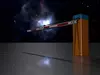
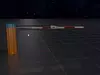
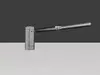
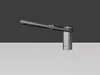
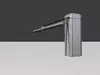
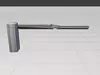
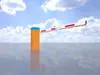
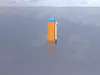
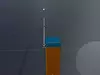
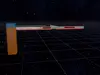
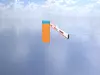
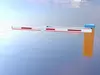
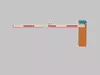
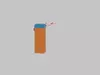
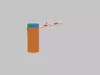
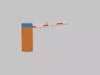
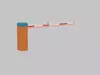
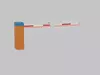
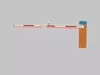
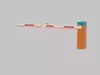
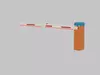
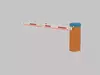
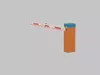
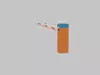
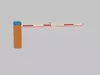
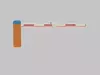
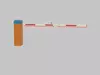
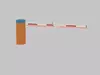
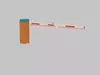
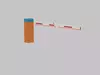
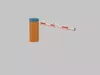
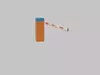
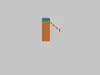
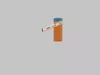
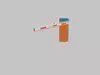
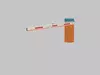
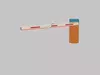
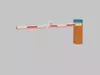
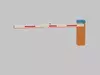
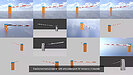
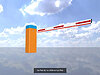
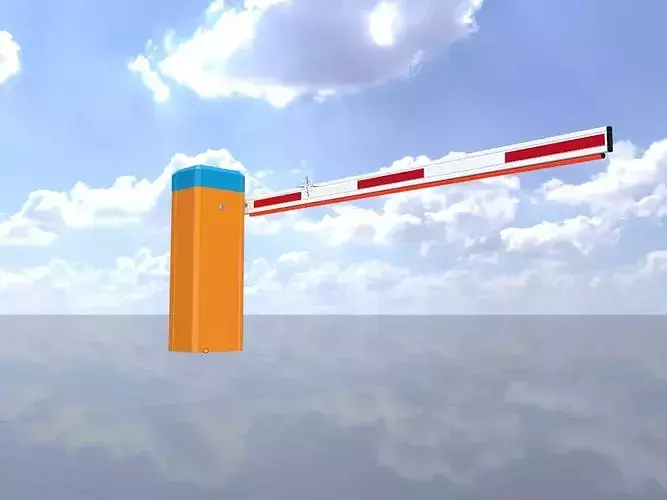
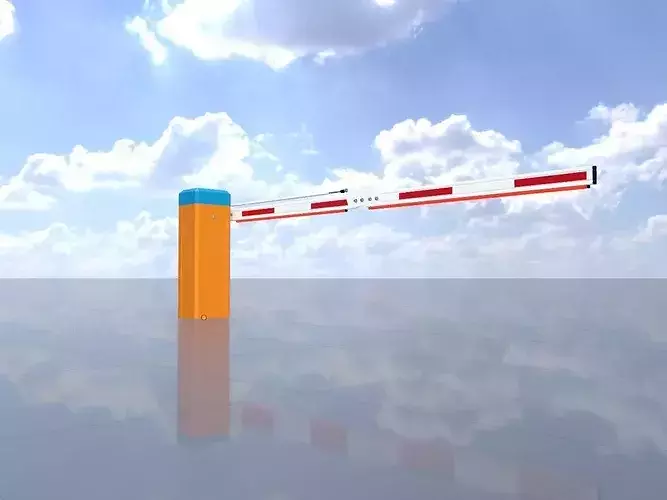
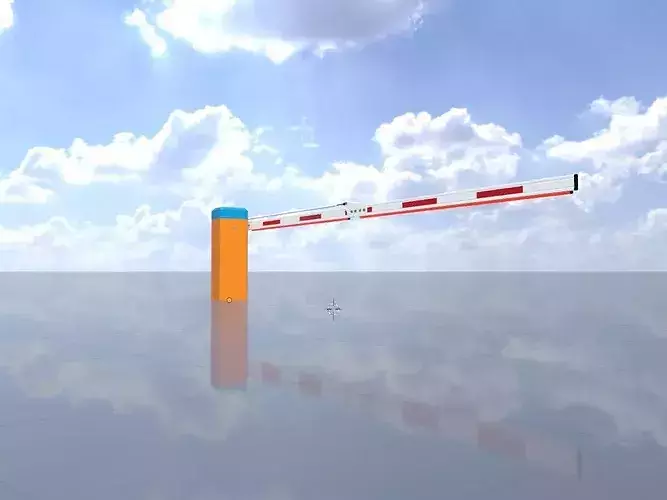
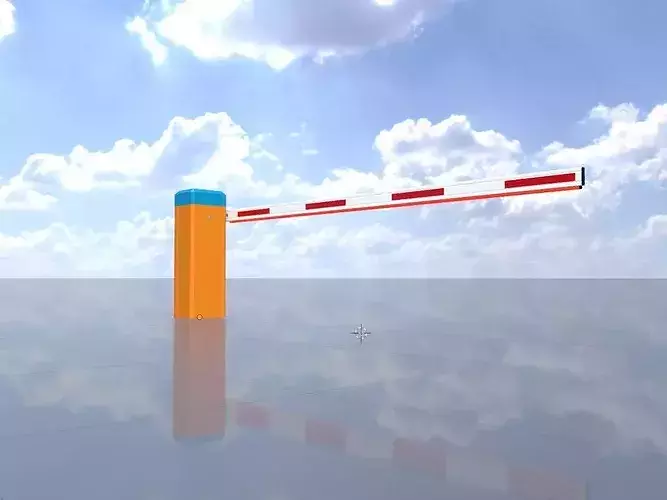
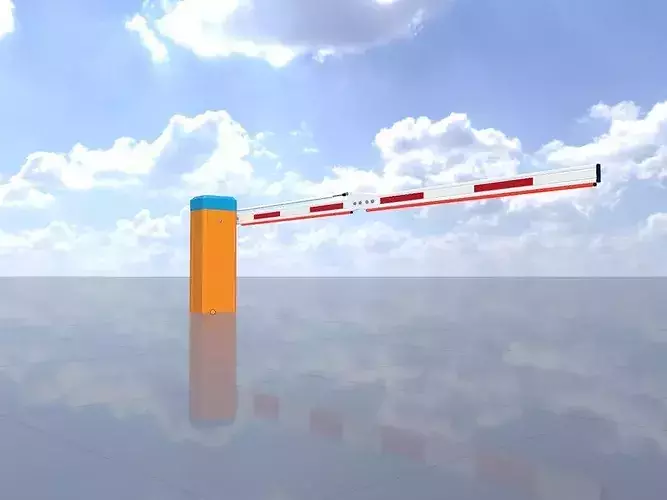
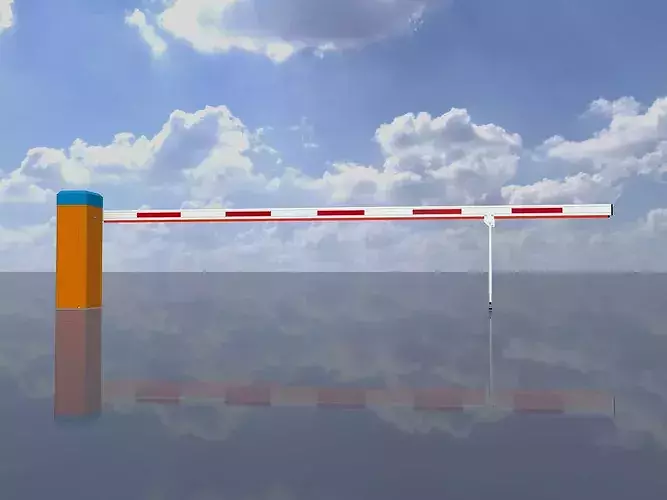
- Here you can see a 3D model of an electromechanical parking barrier with a hinged joint and a barrier arm length of 3,000 mm (high-poly).
- The parking barrier is equipped with a red LED light bar, which ensures good visibility.
- A parking barrier is a physical security and access control system that regulates vehicle access to a parking lot.
- It controls traffic flow, prevents unauthorized entry, and protects pedestrians and property from accidental vehicle collisions.
- Depending on their intended use, these systems can generally be divided into two main categories.
- Barriers that regulate entry and exit are classified as access control barriers. Protective barriers, on the other hand, serve to prevent damage and ensure safety.
- Although the 3D model is textureless, it is equipped with defined materials.
--
- Hier sehen Sie ein 3D-Modell einer elektromechanischen Parkplatzschranke mit Knickgelenk und einer Schrankenbaumlänge von 3.000 mm (High Poly).
- Die Parkplatzschranke ist mit einer roten LED-Beleuchtungleiste ausgestattet, die für eine gute Sichtbarkeit sorgt.
- Bei einer Parkplatzschranke handelt es sich um ein physisches Sicherheits- und Zugangskontrollsystem, das den Fahrzeugzugang zu einem Parkplatz regelt.
- Sie steuert den Verkehrsfluss, verhindert unbefugtes Befahren und schützt Fußgänger sowie Sachwerte vor unbeabsichtigten Fahrzeugkollisionen.
- In Abhängigkeit des Verwendungszwecks lassen sich diese Systeme grundsätzlich in zwei Hauptkategorien unterteilen.
- Zu den Barrieren, die den Ein- und Ausgang regeln, zählen Zugangskontrollbarrieren. Schutzbarrieren hingegen dienen der Verhinderung von Schäden und der Gewährleistung von Sicherheit.
- Das 3D-Modell ist zwar texturlos, dafür aber mit definierten Materialien ausgestattet.
--
Technical details of the 3D-model
Object Name - Car_Park_Barrier_Articulated_3000mm_High_Poly
Object Dimensions - 3.090m x 0.432m x 1.102m
--
Geometrie
Vertices = 56523
Edges = 119156
Polygons = 62579
--
Material - Yellow_Orange_RAL_2000_Hex_#D97604:
- Blend Mode: OPAQUE
- Shadow Mode: OPAQUE
Material - Red_Light:
- Blend Mode: OPAQUE
- Shadow Mode: OPAQUE
Material - Traffic_White_RAL_9016_Hex_#F0ECE1:
- Blend Mode: OPAQUE
- Shadow Mode: OPAQUE
Material - Dark_Plastic:
- Blend Mode: OPAQUE
- Shadow Mode: OPAQUE
Material - Aluminum_#bbbfc2:
- Blend Mode: OPAQUE
- Shadow Mode: OPAQUE
Material - Light_blue_RAL_5012_Hex_#0086B2:
- Blend Mode: OPAQUE
- Shadow Mode: OPAQUE
Material - Traffic_Red_RAL_3020_HEX_#C1121C:
- Blend Mode: OPAQUE
- Shadow Mode: OPAQUE
--
Textures
PBR = No
UV Map = No
Vertex Color = No
--
--
Animation
Animation = No
VertexGroup = No
Shape Keys = No
--
Location:
Rotation:
Scale:
--
Available Exchange Formats
Native file format - Blender-3D (.blend)
Autodesk FBX (.fbx)
OBJ (.obj, .mtl)
glTF (.gltf, .glb)
X3D (.x3d)
Collada (.dae)
Stereolithography (.stl)
Polygon File Format (.ply)
Alembic (.abc)
DXF (.dxf)
USDC (.usdc)
--
Last Update: 08.06.26 11:58:24