
3D Features
Textures
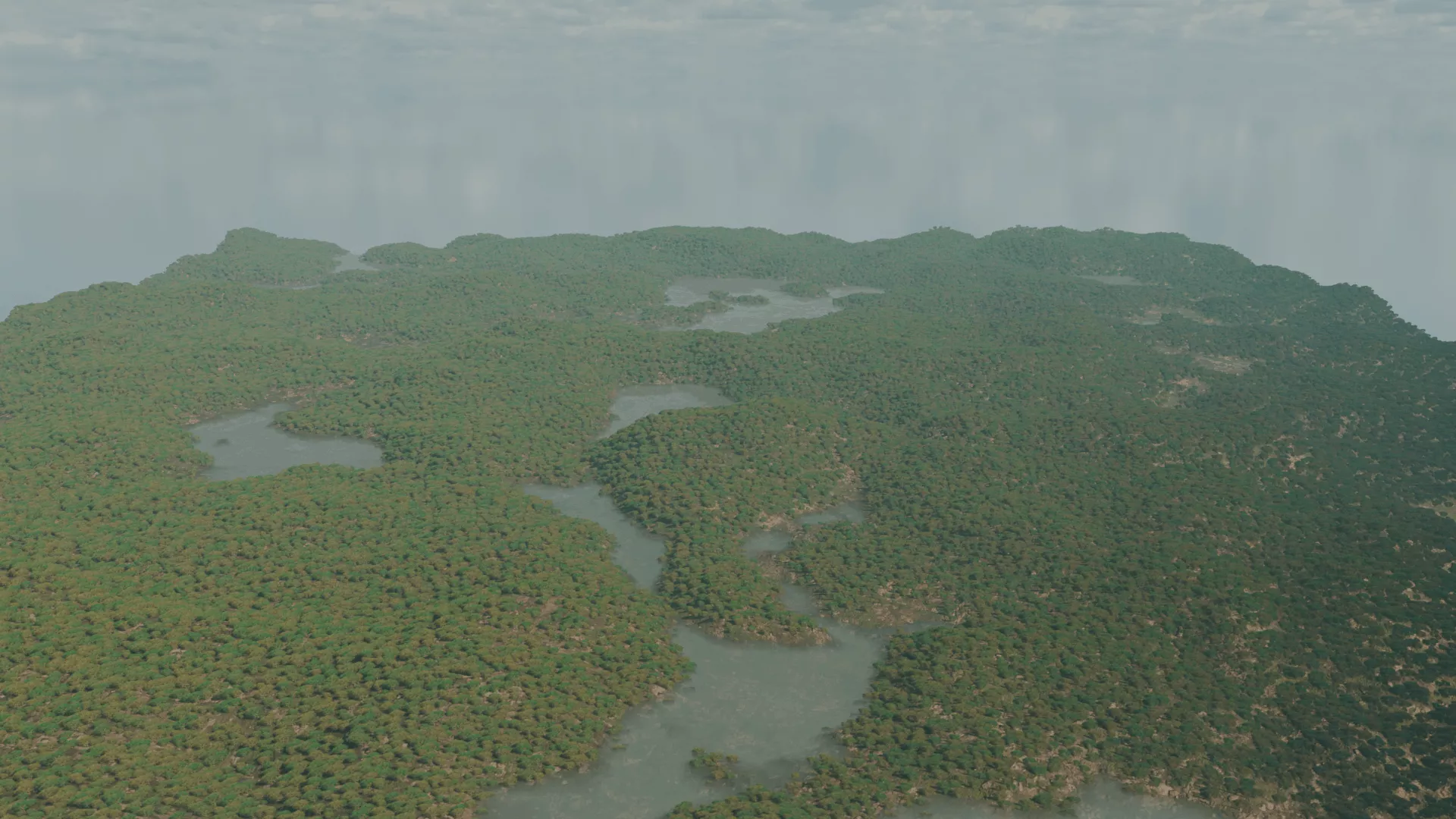
The model includes image files (textures) that add color, patterns, or detail to its surfaces.
Plugins Used
Some external plugins were used to create the model. These may be required for full functionality.
3D printing
Indicates whether the designer marked this model as suitable for 3D printing.
Model is not 3D printable
The designer indicates this model is intended for digital use only (rendering, animation, or AR/VR) and not for 3D printing.
Geometry /
2585282 polygons
The total number of polygons (flat shapes) that make up the 3D model.
2588805 vertices
The number of points (corners) that define the shape of the model's polygons.
Unwrapped UVs
Unknown
Publish date
2026-09-17
Model ID
#7574947