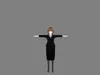
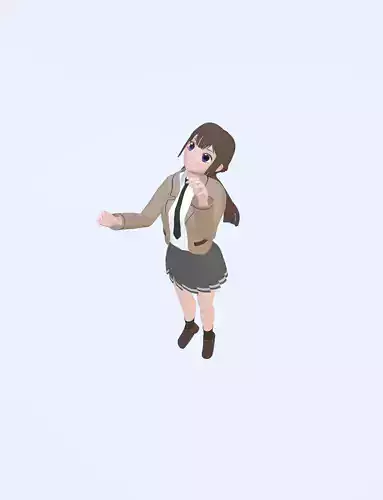
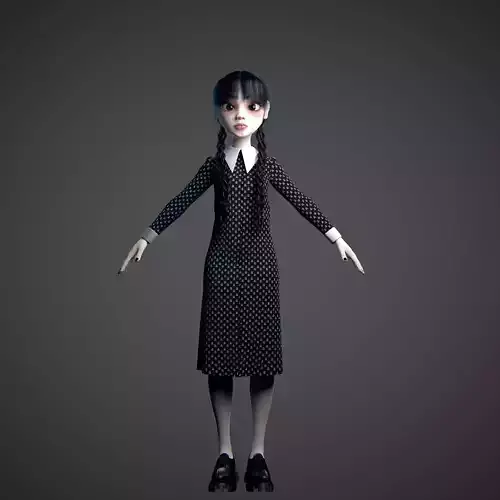
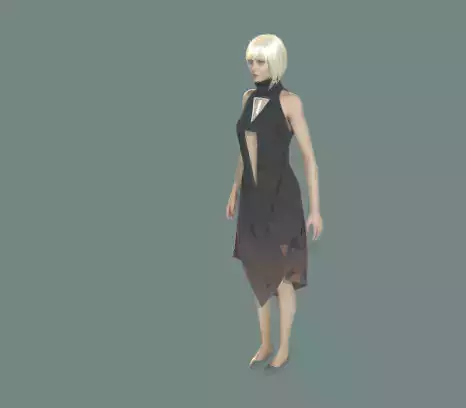
Looking to populate your game, classroom, modern office, or stylized city? Check out the full collection of modular props, detailed low-poly environments, and customizable anime character models available on the store profile!
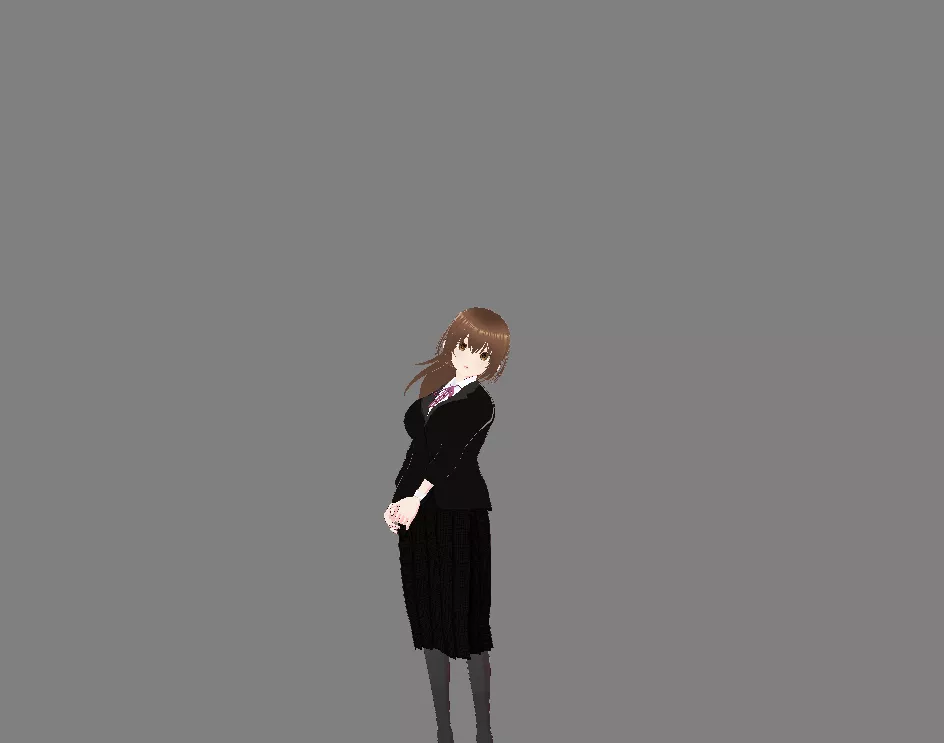
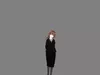
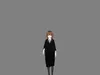
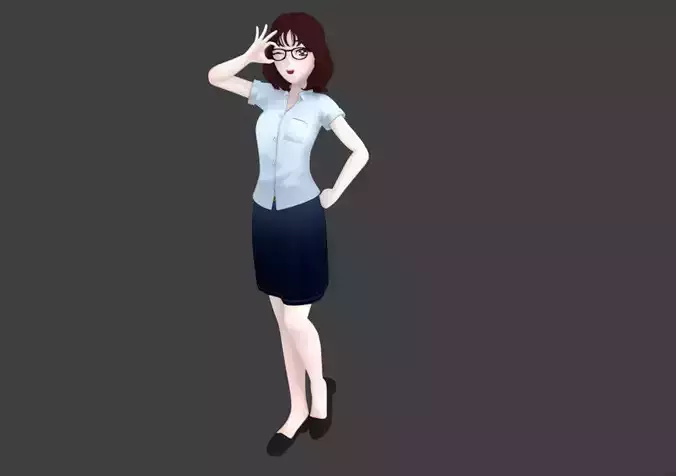
Meet Kaori Endo, a fully rigged, stylized anime female character designed for games, visual novels, animations, and real-time VTuber tracking. Dressed in a relaxed light-blue ribbed sweater, a dark pleated skirt, and casual sneakers, Kaori is styled as a modern working professional, office lady (OL), teacher, or everyday slice-of-life protagonist.
Whether you are producing dialogue scenes in Ren'Py, setting up real-time animations in Unity or Unreal Engine, rendering animated shorts in Blender, or streaming with facial tracking, Kaori Endo is ready to use out of the box with zero extra setup.
Key Features & Highlights
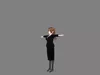
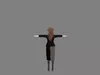
Complete Humanoid Armature: Built on a clean, standardized humanoid bone hierarchy. Fully compatible with standard motion capture libraries, Mixamo retargeting, and engine locomotion blueprints for smooth dancing, walking, and posing.
Full Facial Visemes & Blendshapes: Includes a comprehensive library of facial blendshapes for natural expressions and automatic lip-syncing (phonemes A, I, U, E, O). Features eye blinks, smiles, surprised looks, and anime emotional states for dialogue scenes and live tracking.
Native VRM Support: Fully configured for VTubing and avatar apps. Drop the .vrm file straight into VSeeFace, VNyan, Warudo, or compatible VR social platforms.
Self-Contained Blender Project (.blend): Native Blender project with pre-configured cel-shading material setups and packed textures, ready for rendering in EEVEE and Cycles.
Technical Specifications
Character Name: Kaori Endo
File Formats: .vrm (Self-Contained Avatar), .blend (Native Blender File)
Rigging: Full-Body Humanoid Skeleton + Facial Visemes / Blendshapes
Topology: Clean, optimized game-ready mesh for smooth deformations and lightweight viewport playback.
Textures & Shaders: Stylized anime cel-shading materials with packed texture maps inside both the .blend and .vrm files.
Compatibility: Blender 3.0+, Unity, Unreal Engine 5, Godot, VSeeFace, VNyan, and standard VRM software.
How to Use & Import
Blender: Open the .blend file directly. Armature bones, packed textures, and material shaders are pre-linked for immediate keyframing and rendering.
Game Engines (Unity / Unreal Engine): Import via UniVRM (Unity) or VRM4U (Unreal Engine) to retain spring-bone physics, blendshape channels, and bone weights automatically.
VTuber Software: Open your preferred tracking software (such as VSeeFace), select Add Avatar, and choose the .vrm file for instant webcam tracking.