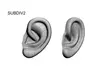
DESCRIPTION

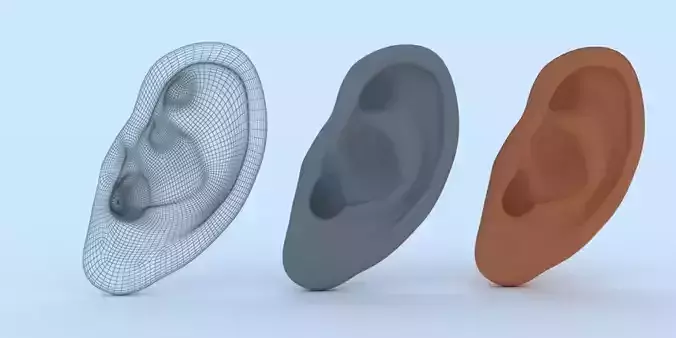
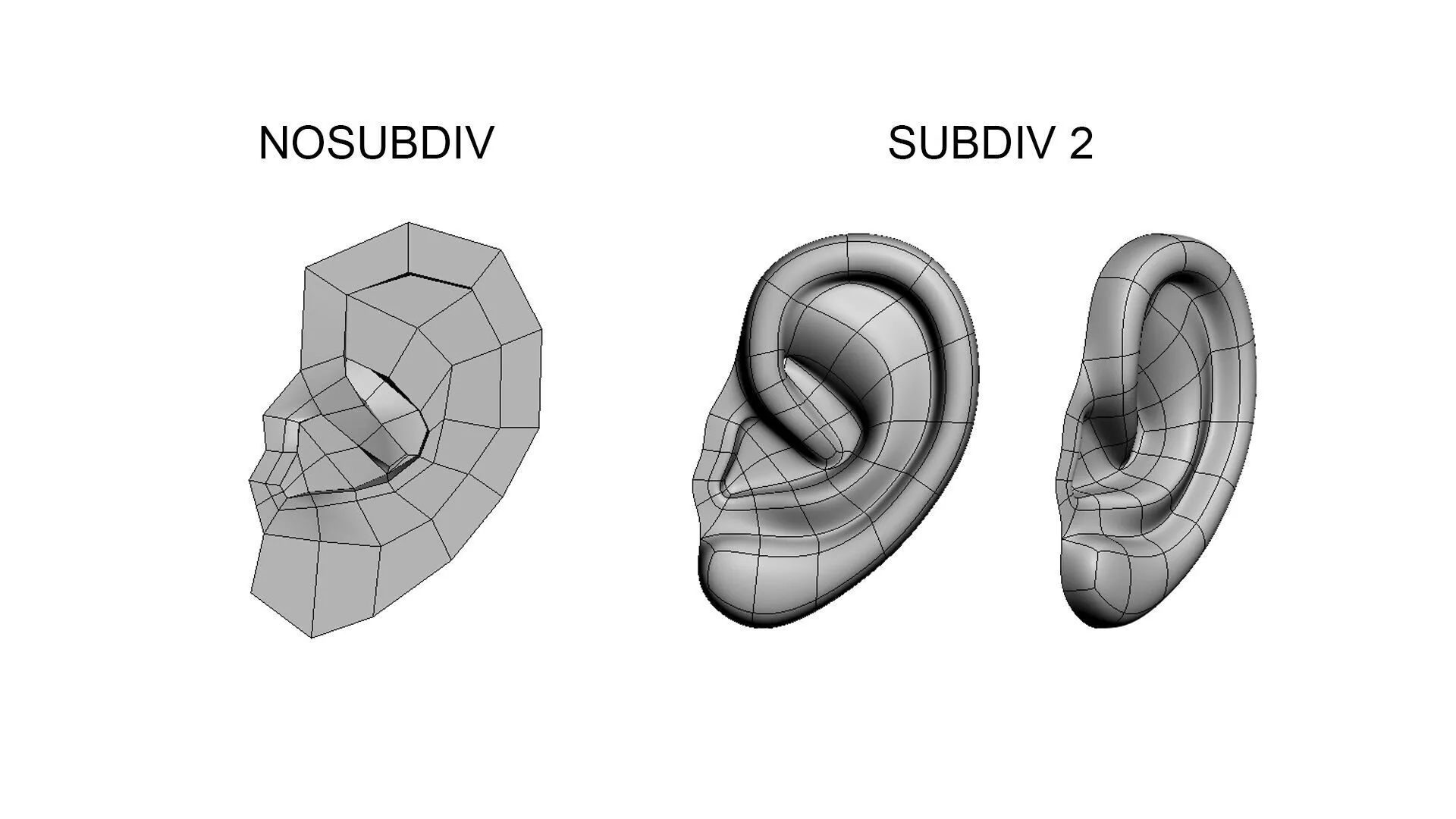
no subdiv = polys 93 verts 102 ( easy attachment subdivide once attached )subdiv1 = polys 742 verts 390subdiv 2 =polys 2968 verts 1522

Integrating ears into a character head is one of the most tedious tasks in 3D modeling. This asset provides a perfectly crafted, anatomically correct ear geometry that eliminates the headache.

Built completely by hand without automated retopology or messy booleans, every vertex and edge loop has been manually placed to maximize form definition while maintaining a strict, predictable polygon count. The outer rim terminates into a clean 16-sided boundary, making it incredibly easy to count, match, and weld directly into your existing head base meshes.

Whether you are kitbashing a new character, setting up a sculpting base, or preparing a production-ready model for animation, this topology ensures beautiful deformation and perfectly smooth shading when using subdivsion modifier

Technical SpecificationsBoundary: Standardized 16-sided outer edge loop for effortless head integration.

Topology: 100% clean, hand-welded quad topology. No N-gons and no high-sided poles.

Workflow: Fully optimized for Subdivision Surfaces (Sub-D). Holds its shape beautifully while maintaining clean, smooth transitions.

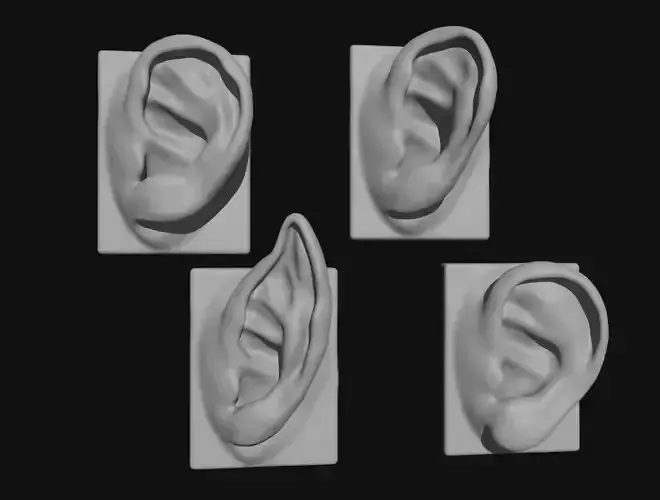
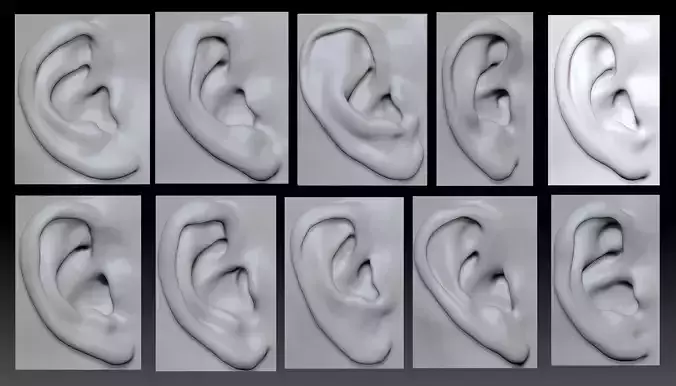
Anatomy: Accurately defines the helix, antihelix, tragus, antitragus, and concha without unnecessary geometric density.

no subdiv = polys 93 verts 102 ( easy attachment subdivide once attached )subdiv1 = polys 742 verts 390subdiv 2 =polys 2968 verts 1522

REVIEWS & COMMENTS

See what other buyers think about this model - real feedback on quality,
accuracy, and usability.
There are no reviews or comments yet. Please be the first one to write it.
BEST PRICE GUARANTEED
Found this model cheaper on another marketplace? Let our support team know - we’ll match it.

female ear Low-poly 3D model

Royalty Free License
One-time purchaseRoyalty-free
$3
  • Yours forever — royalty-free license
  • All 3 file formats included
  • Instant download after purchase
Like this model to show appreciation to the designer.
See how many times this model was viewed.
Share this model to support the designer and boost their visibility.
Native file format
MAX2 files
Size: 989 KB
Default (Scanline) 2022 | 2022
Exchange formats
OBJ
OBJ | 3 files<br />File Size: 665 KB
FBX
Autodesk FBX<br />File Size: 129 KB
Verified by CGTrader
Verified models are of higher quality as they have
passed CGT Standard technical and visual checks,
making them more professional-grade 3D assets.
Learn more.
FBX
This FBX file has successfully passed the CGT Standard technical and visual checks. The verification results are detailed in the section below.
File & scene
Binary FBX
Binary FBX file is more compact and faster to load and process.
Learn more
No unsupported objects
Unsupported objects:
- Lights
- Cameras
Learn more
Geometry
No N-gons
N-gons are polygons with five or more sides which might cause issues in certain processes like rendering or animation. Learn more
No faceted geometry
Faceted geometry uses flat surfaces without smoothing, which can look unrealistic on curves.
Learn more
Manifold geometry
Manifold geometry ensures all surfaces are properly connected, avoiding issues like edges shared by more than two faces.
Learn more
Textures & material
PBR textures
PBR textures simulate how light interacts with materials, making the model look realistic under different lighting.
Required PBR textures:
- Base Color
- Roughness
- Metalness
- Normal
Learn more
No embed textures
Embedded textures are stored inside the model file, increasing its size and sometimes causing compatibility issues.
Learn more
Square textures
Texture aspect ratio is the width-to-height ratio of a texture. Expected texture aspect ratio: 1:1
Learn more
Power of 2 texture sizes
Textures with dimensions in power of two (e.g. 512x512px, 1024x1024px) are used to optimize performance and memory usage.
Learn more
Assigned materials
Materials are applied to the 3D model to allow visualize a model's surface properties and appearance.
Learn more
UVs & naming
No UV overlaps
UVs overlap when multiple points on the 3D model's surface are mapped to the same point on the UV island causing texture stretching.
Learn more
UV unwrapped model
A UV unwrapped model means its 3D surface is flattened into 2D space, allowing textures to be applied accurately.
Learn more
Allowed characters
Allowed ASCII characters: a-zA-Z0-9-_
Learn more

Provided by designer
Information and details shared directly by the model's designer.
3D Features
3D printing
Indicates whether the designer marked this model as suitable for 3D printing.
Model is not 3D printable
The designer indicates this model is intended for digital use only (rendering, animation, or AR/VR) and not for 3D printing.
Geometry
Polygon mesh
A model built from polygons (triangles or quads) connected in a mesh.
93 polygons
The total number of polygons (flat shapes) that make up the 3D model.
/
102 vertices
The number of points (corners) that define the shape of the model's polygons.
Unwrapped UVs
Publish date
Model ID
Chat