===================================================================
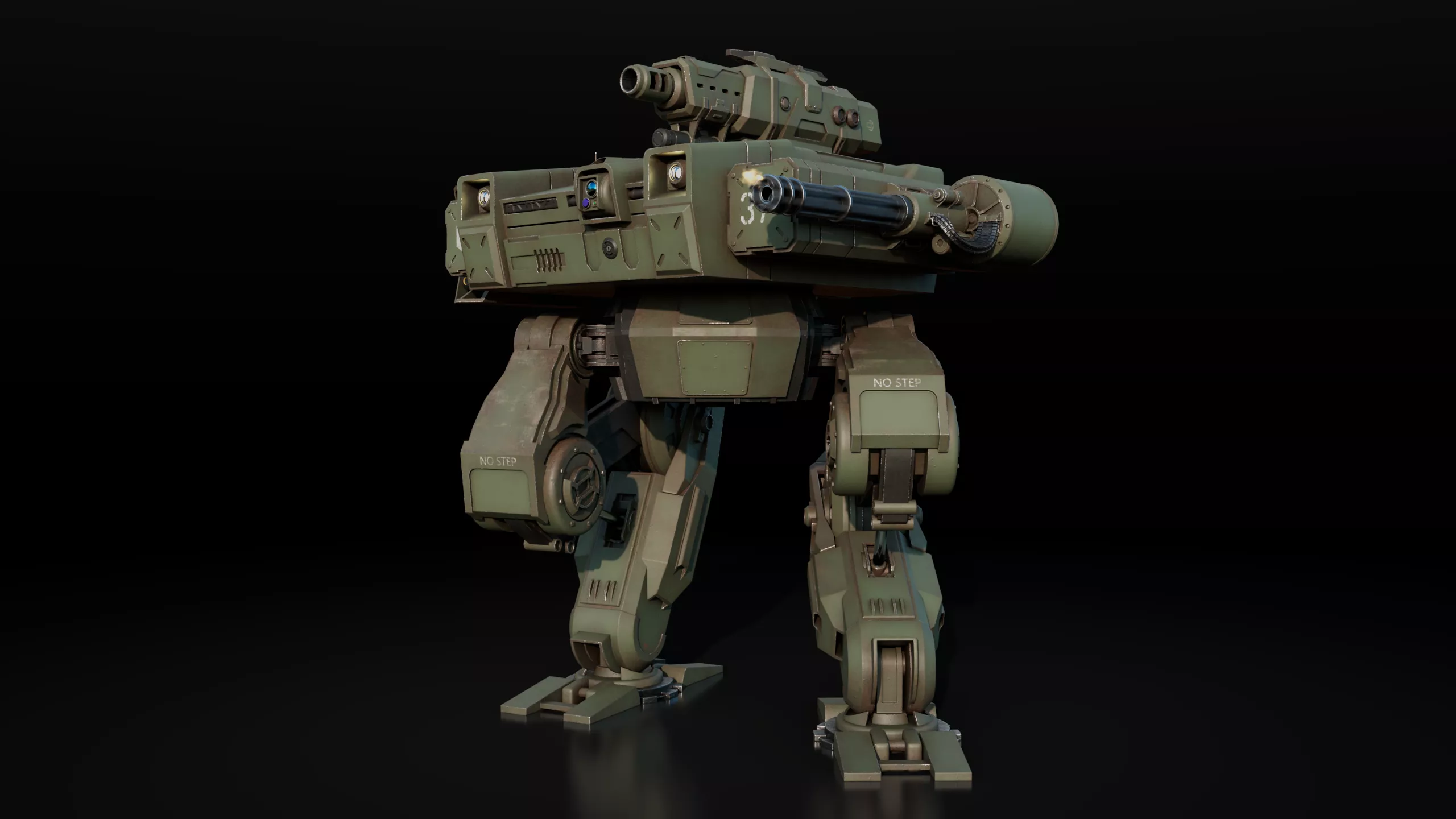
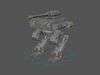
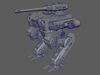
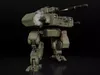
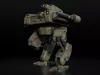
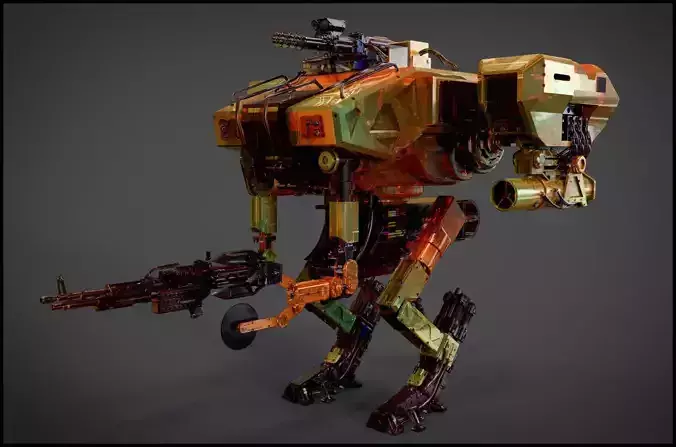
ADVANCED HEAVY MECH ROBOT — FULLY RIGGED WITH FX SIMULATION (UDIM WORKFLOW)
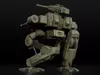
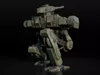
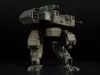
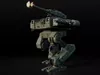
This is a premium, production-ready, highly detailed sci-fi Military Mech Robot model. It features an advanced mechanical animation rig, a complete Substance Painter source project, and integrated Autodesk Maya Fluid VFX simulations (smoke and muzzle flashes). Created in Maya 2024 and natively optimized for Arnold Renderer. Perfectly suited for cinematics, VFX, hard-surface reference, and custom game pipeline asset creation.
MAIN FEATURES & TECHNICAL SPECS:
- Software Compatibility: Created in Autodesk Maya 2024 (and newer).
- Texture Source: Includes original Adobe Substance 3D Painter project (Version 11.0.1).
- Render Engine: Natively configured for Arnold Renderer.
- Cross-Platform Flexibility: Thanks to the included Substance Painter source file and clean topology, this asset can be easily adapted to any modern render engine (V-Ray, Redshift, Corona) or game engine (Unreal Engine 5, Unity) by re-exporting maps.
- Geometry: Clean topology, optimized Mid-Poly mesh suitable for subdivision or real-time visualization.
- Polygon Count: 48 137 polygons
- Triangle Count: 87 927 triangles
- UV Mapping: Unwrapped, Non-overlapping workflow.
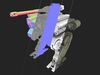
- UDIM Tiles: 20 UDIM layout for maximum texture resolution.
- Texel Density: Consistent 10.24 px/cm across all UDIM tiles for crisp details.
ANIMATION & ADVANCED MECHANICAL RIG (NATIVE MAYA ONLY):
- Full Rigging Solution: Complete skeletal setup with production-grade custom animation controls (available in .MA file).
- Realistic Mechanical Constraints: Designed with rigid physics engineering logic. To prevent geometry clipping and ensure realistic weight distribution, pelvis tilts are constrained when legs are rotated, and forward pelvis shifting is locked during leg pivots.
- Cannon Shot Animation: Pre-configured custom muzzle shot animation included in the initial timeline frames (currently muted/locked for easy customization).
- Organized Display Layers: The scene is clean and production-ready. Animation controls are isolated on the controls layer, and Fluid simulations are placed on the vfx layer, allowing you to toggle visibility in one click.
INTEGRATED VFX (MAYA FLUID EFFECTS):
- Dynamic FX Systems: High-quality built-in Autodesk Maya Fluid containers for Smoke and Gunshot Muzzle Flash effects.
- Gunshot Synchronization: The Fluid FX burst is perfectly synced frame-by-frame with the mechanical cannon recoil animation.
- Note: Fluid simulation is native to Maya and will not transfer to external file formats.
TEXTURES & SOURCE FILES INCLUDED:
- 2K Textures Pack: High-quality, production-ready PBR maps (includes BaseColor, Normal, Roughness, Metallic, Ambient Occlusion, etc. in .PNG format).
- Source Substance Painter Project (.SPP): Full texture source file included (Version 11.0.1)! Contains all original layers, masks, and smart materials. All decals and logos can be easily turned off or replaced.
AVAILABLE ARChIVES & FORMATS FOR DOWNLOAD:
- Mech_Robot_Maya_Native_Project.zip — [Native Format] Full active animation rig with Spring IK handles, custom control curves, live Fluid containers, Display Layers, and Arnold PBR materials. Requires setting project in Maya.
- Mech_Robot_Static_Mesh_FBX.zip — Completely clean, non-deformed static 3D geometry of the robot in default T-Pose/A-Pose. No skeleton, no animation. Note: Mesh preserves original material ID slots (may appear black initially). This is done intentionally so you can easily assign the provided UDIM textures to the correct parts. If you just need a clean clay/preview mesh, simply assign any standard material (like Lambert or basic gray shader) to the entire model in one click.
- Mech_Robot_2K_Textures_PNG_UDIM.zip — Separate high-fidelity 2K .PNG texture folder (20 UDIM tiles setup).
- Mech_Robot_Substance_Painter_Source.zip — Original .SPP project file for ultimate customization.
Military Mech Robot — Advanced Maya Rig & Substance SourceCRITICAL TECHNICAL NOTES FOR ANIMATORS (PLEASE READ):
- Fluid FX Activation: To optimize viewport scene performance, the Fluid VFX containers are disabled by default. To preview or render the smoke/muzzle flash, select the Fluid nodes in the Attribute Editor and uncheck Disable Evaluation.
- Simulation Best Practice: Before rendering or editing the VFX animation, it is highly recommended to generate an nCache for each Fluid container (FX -> NCache -> Create New Cache) to avoid viewport lag and physics calculation bugs.