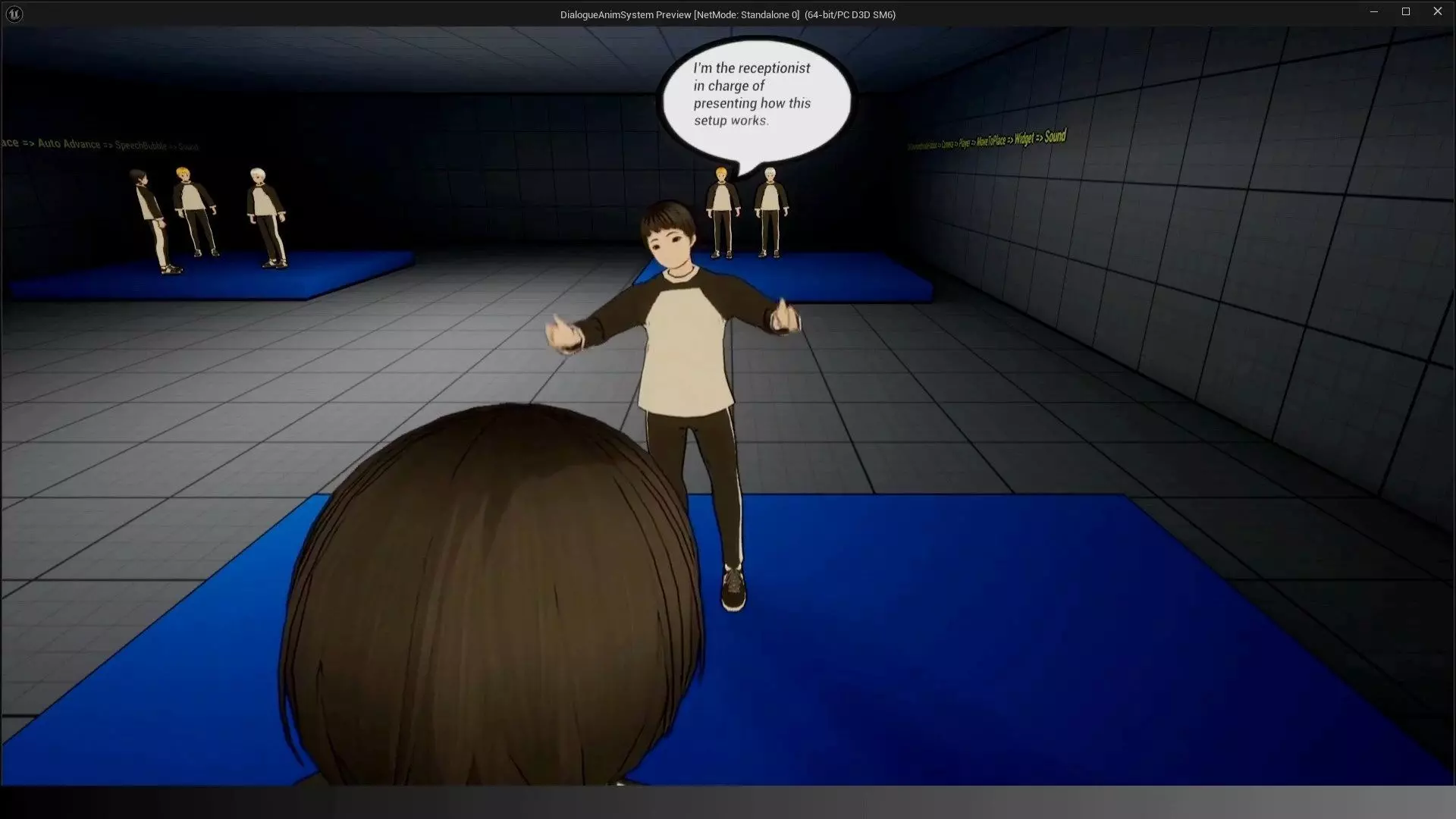
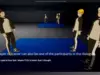
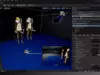
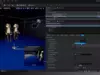
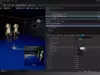
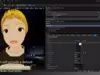
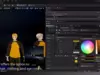
DialogueAnimSystem is a fully featured, animation-driven dialogue system designed for Unreal Engine 5.4 and above. Developed for single-player games, it supports any number of characters (more than the 3 shown in the demo) and delivers expressive, cinematic, and stylized conversations using morph targets, animation montages, speech bubbles, dynamic audio, and per-line customization.
Perfect for narrative-focused games, stylized/Anime projects, RPGs, platformers, adventure games, and interactive cutscenes, this system provides complete control over mouth animation, character expressions, head-tracking, voice behavior, and UI presentation.
Main Features:
- Morph Target Lipsync (Vowel-Based Mouth Animation)
- Automatic lipsync using A, E, I, O, U (Y -> I).
- Independent intensity limits per vowel with Vowel Morph Limits.
- Smooth 0->1->0 animation curves.
- Works with any skeletal mesh that contains morph targets.
- Ideal for stylized or anime-inspired facial animation.
Multiple Dialogue StylesDialogueAnimSystem supports four presentation modes (examples included):
- Silent Dialogue + Speech Balloons
- Two-Character Dialogue with Audio + Custom Widgets
- Three-Character Dialogue with Audio + Bubbles
- Player + NPCs with Cartoon/Mario-Style Sounds– Audio plays only when the mouth opens
Every dialogue line includes:
- Expression type (Default, Fun, Angry, Surprised, Joy, Sorrow)
- Speaker assignment
- Delay controls
- Optional animations
- Audio playback parameters
- Optional custom widget balloons(Bubble) override
Speech Balloons(Bubble) Widgets
- Manga/anime-inspired bubble styles
- Automatic resizing based on text
- Autoscroll for long dialogue lines
- Customizable colors, fonts, and outline via Dynamic Material Instances
- Ability to override the widget for each dialogue line
Audio Integration (Optional)Supports three audio modes:
- No audio (balloons(Bubble) only)
- Standard voice audio (wav, cue, or component)
- Cartoon SFX voice mode (short sounds triggered only on vowel peaks)
Features:
- Global audio offset via DialogueVolumeOffset
- Per-line sound parameter struct
- Fully compatible with Audio Components
- Loop via OnAudioFinished for continuous chatter
Head Tracking: NPCs and Player
- All NPCs automatically rotate their heads toward the current speaker.
- Player character rotates only when:
- Inside the Dialogue Box area
- The option PlayerHeadLookAtSpeaker is enabled
Animation Montage Support
- Loop sections
- Exit sections
- Repeat count (MontageRepeatCount)
- Required Montage Notifies for loop management
- Optional playback per dialogue line
- Fully compatible with stylized or cinematic gestures
Global Dialogue Control
- Modify all dialogue lines using global offsets:
- DialogueSpeedOffset (speech animation speed)
- DialogueVolumeOffset (global audio volume)
- Editor-callable function ApplyDialogueModifiers updates everything instantly.
- Per-line delays before and after dialogue.
- Optional infinite looping for ambient chatter NPCs.
Designed for Single-Player GamesDialogueAnimSystem is fully optimized for:
- Story-rich single-player adventures
- Stylized RPGs and JRPGs
- Visual novels
- Anime-inspired projects
- Narrative platformers
- Action-adventure dialogue encounters
- In-game tutorials (receptionists, guides, shopkeepers)
- Cutscenes and cinematic sequences
Supports any number of interacting characters, beyond the 3 shown in the demo.
Included in the Package
DialogueAnimSystem BlueprintCharacter Dialogue ComponentDialogue Interface (BPI_CharacterDialogue)Multiple Speech Bubble WidgetsExample cartoon SFX logic4 demonstration dialogues (ready to use)Demo level includedFully commented BlueprintsClear variable categories & tooltipsCompatible with Unreal Engine 5.4+Skeletal Mesh with morph targets for mouth animation