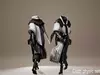
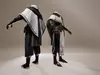
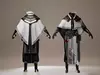

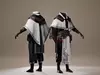

DESCRIPTION

Compatible with Unreal Engine 5.7 or higher

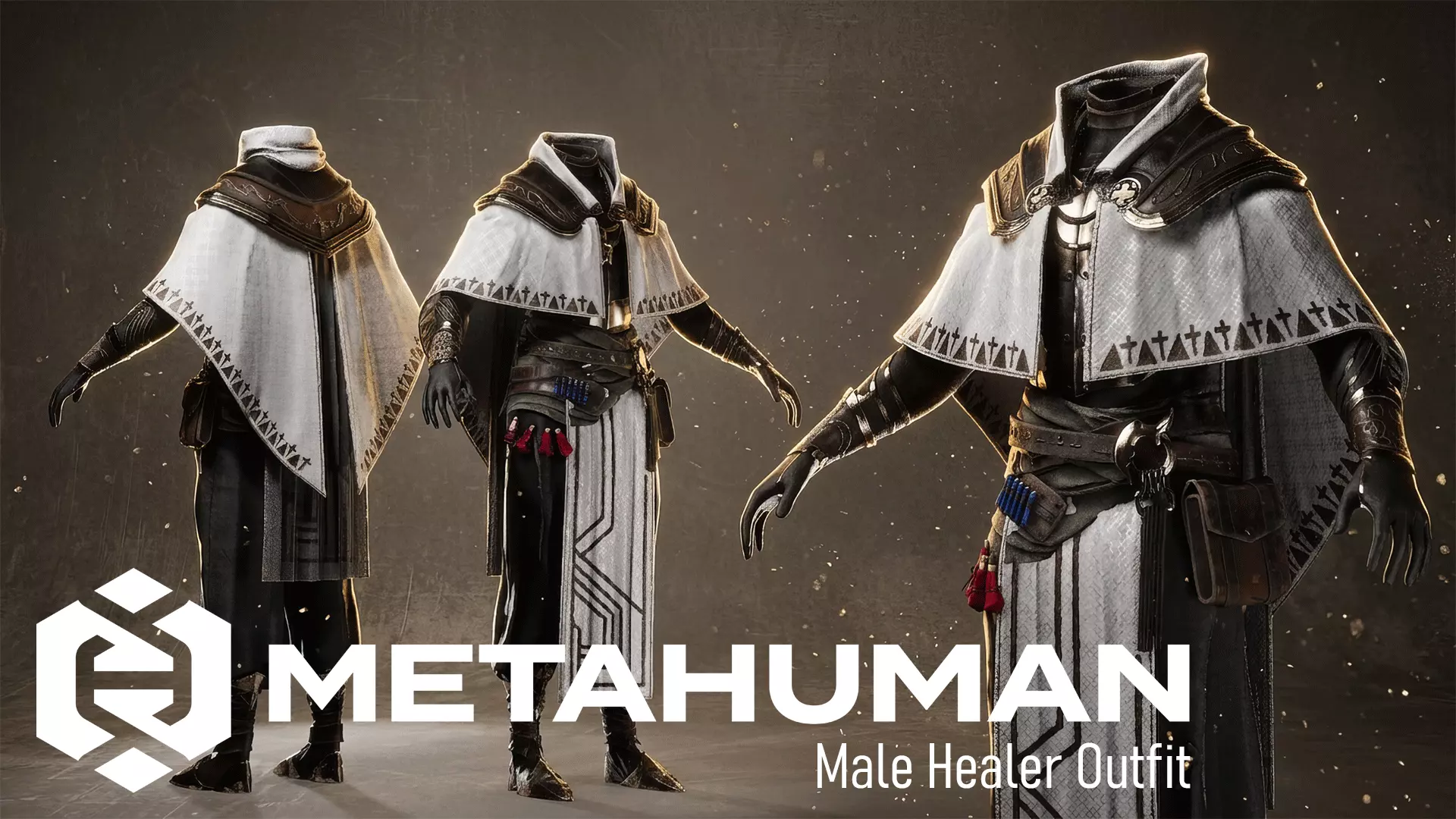
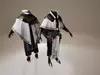
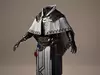
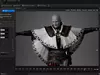
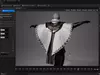
Welcome to a collection of high-end, production-ready digital apparel, designed exclusively for the MetaHuman ecosystem in Unreal Engine 5.We believe that true quality lies in the balance between visual aesthetics and physical simulation. Every asset in this collection is developed using our signature Core Pipeline, ensuring that your characters not only look exceptional but move with true-to-life realism.

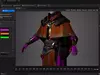
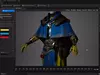
Key FeaturesDynamic Chaos Simulation: Our assets feature deep-tuned Cloth Simulation setups, delivering realistic draping, natural folds, and fluid movement for all fabric types.Adaptive Resizable System: Built with a flexible architectural foundation, our outfits are designed to support a wide range of MetaHuman body types, allowing you to easily adjust and tailor the fit to your specific character design.MetaHuman Creator Integration: Designed for a seamless workflow, our outfits offer direct customization within MetaHuman Creator, giving you full control over colors and textures right in the design phase.Advanced Material Customization: Take full creative control with our mask-based material system. Easily change colors or apply custom patterns to specific areas of the clothing. You can also blend in dirt or weathering effects directly within the material to achieve the perfect look for your project.Performance-First Design: Utilizing high-quality Virtual Textures and our proprietary 2-Line Data Pipeline, we ensure top-tier performance for both high-end cinematics and real-time gameplay.

Plug-in needed:Metahuman Core Tech (option)MetaHuman Creator (option)Chaos Cloth Asset (option)Chaos Cloth Asset Editor (option)Chaos Cloth Editor (option)Modeling Tools Editor Mode (option)

Quick Start GuideImport: Create folder with any name. Drag and drop the .mhpkg file into yourUnrealEngineproject/YourFolder.Using: Open CA_[NameOutfit] in Cloth Asset folder > link SK_MainMesh node to Line 2 and also Line 2 node to Terminal node in the end of data following comment in Cloth Asset. Open OA_[NameOutfit] and click on Evaluate Dataflow Graph and Save it > Open your Character Blueprint and under parent Mesh create Chaos Cloth assset (child) > Assign CA_NameOutfit in Cloth Asset folder to Chaos Cloth asset > Set Leader Pose (target) to this Chaos Cloth asset > Done.Resizable: Open CA_[NameOutfit] in Cloth Asset folder > link SK_MainMesh node to Line 1 and also Line 1 node to Terminal node in the end of data following comment in Cloth Asset. Open OA_[NameOutfit] and click on Evaluate Dataflow Graph and Save it > Drag and drop WI_[NameOutfit] asset to your Metahuman Creator (drop to Clothing section) > Double click on WI_[NameOutfit] in clothing section to equip on MH character > Edit or sizing your character and clothing will effect following> Assembly your character and clothing > Fix skinning weight on clothing and use. Node: If you using clothing to edit or sizing in MetaHuman Creator so UE will remove original skinning weight on clothing and force wrapping effect to clothing following character size and form so after Assembly clothing will using transfer skinning weight from new MetaHuman, it mean a pure new clothing asset so you need edit skinning weight and creating cloth asset to add cloth physic manual.If you love the quality of this groom, feel free to visit my store and check out my upcoming Premium hair assets! Your 5-star reviews truly motivate me to release even more high-quality freebies for the community.

REVIEWS & COMMENTS

See what other buyers think about this model - real feedback on quality,
accuracy, and usability.
There are no reviews or comments yet. Please be the first one to write it.
NEW
Recently added to CGTrader - explore one of the latest models on the marketplace.

MHC Male Healer Clothing Metahuman Outfit 3D model

Royalty Free License (no AI)
Hire
Like this model to show appreciation to the designer.
See how many times this model was viewed.
Share this model to support the designer and boost their visibility.
File formats
FBX
Autodesk FBX<br />File Size: 3.94 MB
UASSET
UnrealEngine<br />File Size: 408 MB
Verified by CGTrader
Verified models are of higher quality as they have
passed CGT Standard technical and visual checks,
making them more professional-grade 3D assets.
Learn more.
FBX
This FBX file has successfully passed the CGT Standard technical and visual checks. The verification results are detailed in the section below.
File & scene
Binary FBX
Binary FBX file is more compact and faster to load and process.
Learn more
No unsupported objects
Unsupported objects:
- Lights
- Cameras
Learn more
Geometry
No N-gons
N-gons are polygons with five or more sides which might cause issues in certain processes like rendering or animation. Learn more
No faceted geometry
Faceted geometry uses flat surfaces without smoothing, which can look unrealistic on curves.
Learn more
Manifold geometry
Manifold geometry ensures all surfaces are properly connected, avoiding issues like edges shared by more than two faces.
Learn more
Textures & material
PBR textures
PBR textures simulate how light interacts with materials, making the model look realistic under different lighting.
Required PBR textures:
- Base Color
- Roughness
- Metalness
- Normal
Learn more
No embed textures
Embedded textures are stored inside the model file, increasing its size and sometimes causing compatibility issues.
Learn more
Square textures
Texture aspect ratio is the width-to-height ratio of a texture. Expected texture aspect ratio: 1:1
Learn more
Power of 2 texture sizes
Textures with dimensions in power of two (e.g. 512x512px, 1024x1024px) are used to optimize performance and memory usage.
Learn more
Assigned materials
Materials are applied to the 3D model to allow visualize a model's surface properties and appearance.
Learn more
UVs & naming
No UV overlaps
UVs overlap when multiple points on the 3D model's surface are mapped to the same point on the UV island causing texture stretching.
Learn more
UV unwrapped model
A UV unwrapped model means its 3D surface is flattened into 2D space, allowing textures to be applied accurately.
Learn more
Allowed characters
Allowed ASCII characters: a-zA-Z0-9-_
Learn more
Provided by designer
Information and details shared directly by the model's designer.
3D Features
The model has a skeleton or bone structure, making it ready for posing or animation.
Textures
The model includes image files (textures) that add color, patterns, or detail to its surfaces.
Materials
The model has material settings that define how surfaces look (color, shine, transparency, etc.).
UV Mapping
The model's surfaces are mapped to a 2D image, allowing textures to display correctly.
3D printing
Indicates whether the designer marked this model as suitable for 3D printing.
Model is not 3D printable
The designer indicates this model is intended for digital use only (rendering, animation, or AR/VR) and not for 3D printing.
Geometry
Nurbs
A model created with curved surfaces using mathematical splines, not polygons.
Unwrapped UVs
Publish date
Model ID
Chat