
DESCRIPTION

----------------------------------------------- GENERAL INFORMATION ---------------------------------------------------

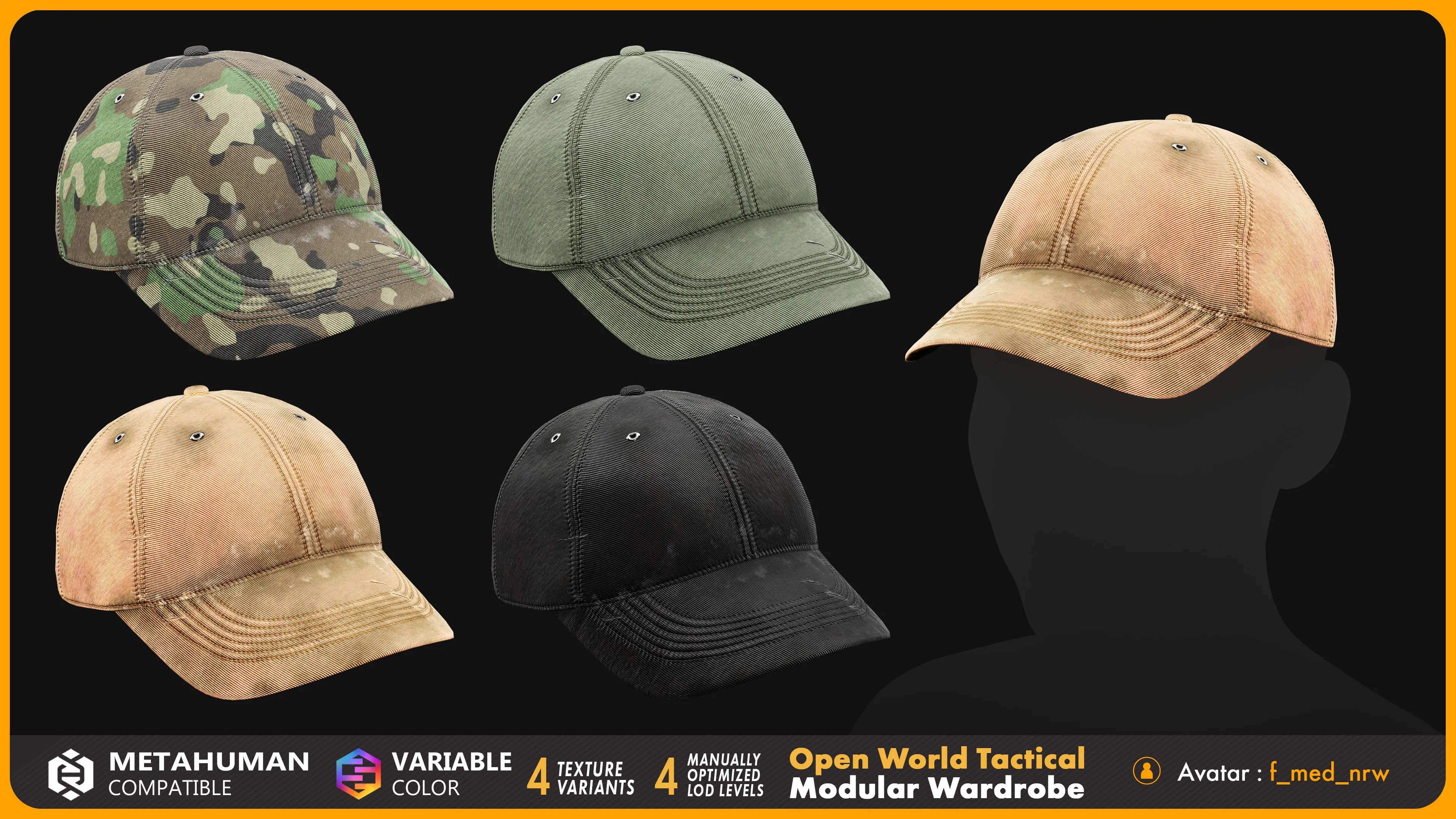
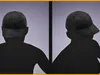
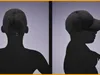
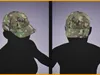
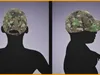
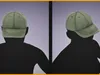
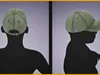
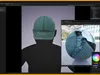
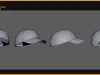
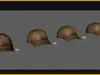
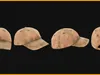
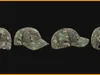
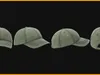
Open World Tactical – Modular Baseball Cap 002 for MetaHuman

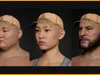
A modular tactical baseball cap designed for MetaHuman characters, featuring realistic fabric details, stitching, and multiple color variants. Easily customize its appearance and combine it with other CGMT Studio tactical wardrobe listings to create a variety of modern tactical and open-world characters.

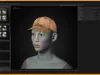
Fitted to the female body preset f_med_nrw and skinned to the MetaHuman skeleton with weights transferred from the MetaHuman body. Parametric and ready to use in MetaHuman Creator (UE 5.6 and later). Suitable for games, virtual production, and cinematic pipelines.

------------------------------------------------------ FEATURES -----------------------------------------------------------

Variable colors

4 texture variants

4 hand-made LODs (LOD0 to LOD3), not auto-generated

Realistic fabric materials and detailed stitching

MHPKG, FBX, and OBJ formats

MetaHuman compatible

Designed for tactical, military, and open-world character customization

------------------------------------------------------ DETAILS -----------------------------------------------------------

Fitted to the female body preset f_med_nrw

Can be fitted onto other MetaHuman bodies (not tailored for them)

No custom rig, no additional joints

Named objects, textures, and materials

Real-world scale

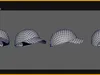
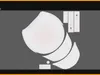
No NGons, no missing textures, no overlapping vertices, faces, or UVs

------------------------------------------------------ INSTRUCTIONS ------------------------------------------------------------

Step 1: Enable the MetaHuman Plugin

Before importing an .mhpkg file, Unreal Engine must have the MetaHuman plugin active to unpack and recognize the format.

Open your Unreal Engine project.

Go to Edit > Plugins.

Search for MetaHuman and check the box to Enable it.

Click Restart Now if prompted to restart the editor.

Step 2: Import the .mhpkg File

Download the .mhpkg from this FAB listing

Create a folder named Outfits inside your in your content folder, if you don't already have one. (All>Content>Outfits, or /All/Game/Outfits depending on how you are viewing it

Create a MetaHuman Character Asset ( In the Content Browser, right-click, select MetaHuman > MetaHuman Character, and name your asset)

Double-click your MetaHuman asset then Go to the Clothing section on the left sidebar

Drag OA_------.mhpkg into your Outfits folder. Unreal Engine will unpack the asset into your project's folder structure automatically.

Drag WI_OA_------ into the Outfit Clothing section in MetaHuman Creator (MHC) and double-click to apply it.

Click on Create Full Rig you will find it on the top of MetaHuman asset also you can download the texture of metahuman character

Click Assemble to run the automatic rig generation.

------------------------------------------------------ SUPPORT ------------------------------------------------------------

Questions before purchasing? cgmt.studio@gmail.com

Bugs and issues are fixed free of charge.

Custom work available for an additional fee: fitting to other body types, skinning adjustments, texture creation, cloth simulation, and asset merging.

REVIEWS & COMMENTS

See what other buyers think about this model - real feedback on quality,
accuracy, and usability.
There are no reviews or comments yet. Please be the first one to write it.
BEST PRICE GUARANTEED
Found this model cheaper on another marketplace? Let our support team know - we’ll match it.
NEW
Recently added to CGTrader - explore one of the latest models on the marketplace.

Tactical Baseball Cap 002 for MetaHuman - MHPKG Low-poly 3D model

Royalty Free License (no AI)
One-time purchaseRoyalty-free
$9.99
  • Yours forever — royalty-free license
  • All 5 file formats included
  • Instant download after purchase
Like this model to show appreciation to the designer.
See how many times this model was viewed.
Share this model to support the designer and boost their visibility.
Native file format
MA
Size: 524 KB
Exchange formats
OBJ
OBJ<br />File Size: 231 KB
FBX
Autodesk FBX<br />File Size: 250 KB
OTHER
Other<br />File Size: 110 MB
PNG
PNG<br />File Size: 130 MB
Verified by CGTrader
Verified models are of higher quality as they have
passed CGT Standard technical and visual checks,
making them more professional-grade 3D assets.
Learn more.
FBX
This FBX file has successfully passed the CGT Standard technical and visual checks. The verification results are detailed in the section below.
File & scene
Binary FBX
Binary FBX file is more compact and faster to load and process.
Learn more
No unsupported objects
Unsupported objects:
- Lights
- Cameras
Learn more
Geometry
No N-gons
N-gons are polygons with five or more sides which might cause issues in certain processes like rendering or animation. Learn more
No faceted geometry
Faceted geometry uses flat surfaces without smoothing, which can look unrealistic on curves.
Learn more
Manifold geometry
Manifold geometry ensures all surfaces are properly connected, avoiding issues like edges shared by more than two faces.
Learn more
Textures & material
PBR textures
PBR textures simulate how light interacts with materials, making the model look realistic under different lighting.
Required PBR textures:
- Base Color
- Roughness
- Metalness
- Normal
Learn more
No embed textures
Embedded textures are stored inside the model file, increasing its size and sometimes causing compatibility issues.
Learn more
Square textures
Texture aspect ratio is the width-to-height ratio of a texture. Expected texture aspect ratio: 1:1
Learn more
Power of 2 texture sizes
Textures with dimensions in power of two (e.g. 512x512px, 1024x1024px) are used to optimize performance and memory usage.
Learn more
Assigned materials
Materials are applied to the 3D model to allow visualize a model's surface properties and appearance.
Learn more
UVs & naming
No UV overlaps
UVs overlap when multiple points on the 3D model's surface are mapped to the same point on the UV island causing texture stretching.
Learn more
UV unwrapped model
A UV unwrapped model means its 3D surface is flattened into 2D space, allowing textures to be applied accurately.
Learn more
Allowed characters
Allowed ASCII characters: a-zA-Z0-9-_
Learn more
Provided by designer
Information and details shared directly by the model's designer.
3D Features
The model has a skeleton or bone structure, making it ready for posing or animation.
Textures
The model includes image files (textures) that add color, patterns, or detail to its surfaces.
Materials
The model has material settings that define how surfaces look (color, shine, transparency, etc.).
UV Mapping
The model's surfaces are mapped to a 2D image, allowing textures to display correctly.
3D printing
Indicates whether the designer marked this model as suitable for 3D printing.
Model is not 3D printable
The designer indicates this model is intended for digital use only (rendering, animation, or AR/VR) and not for 3D printing.
Geometry
Polygon mesh
A model built from polygons (triangles or quads) connected in a mesh.
1945 vertices
The number of points (corners) that define the shape of the model's polygons.
Unwrapped UVs
Publish date
Model ID
Chat