
DESCRIPTION
Parametric Healthcare Professional Set for MetaHuman

Description

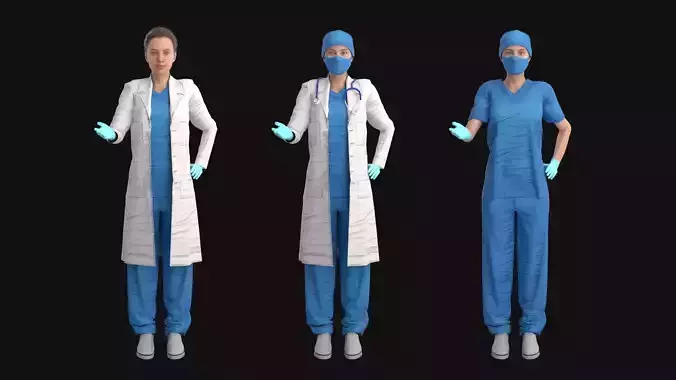
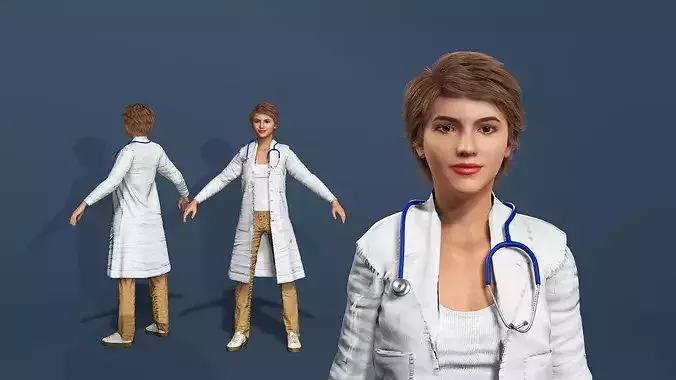
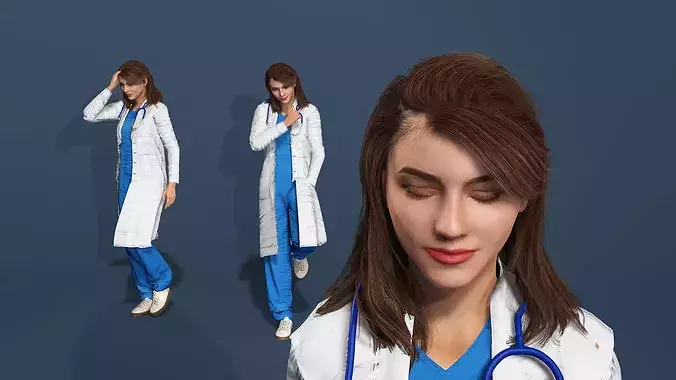
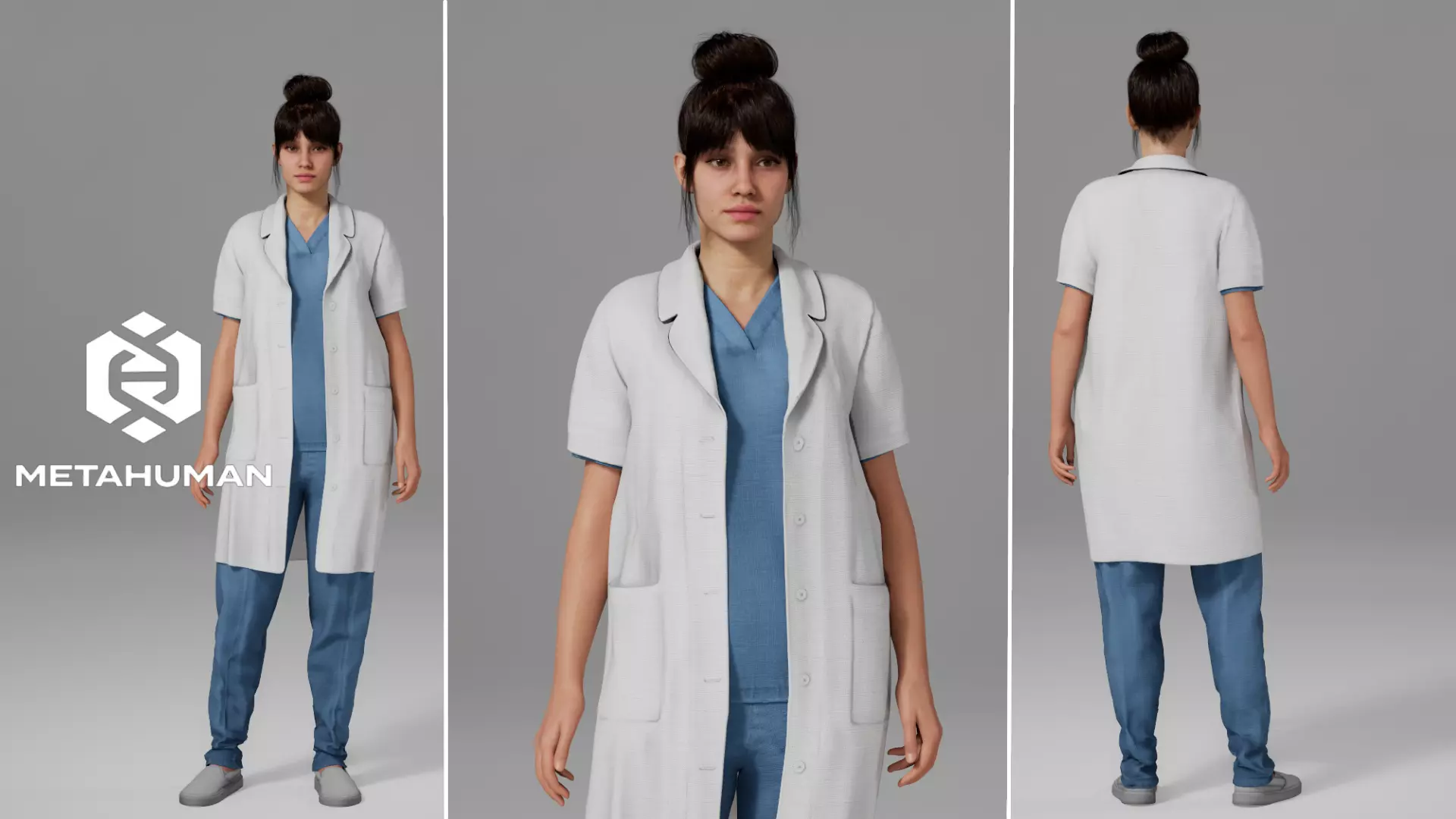
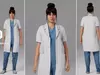
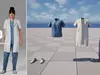
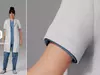
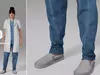
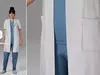
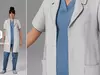
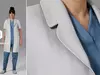
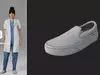
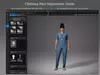
Create professional medical characters with this parametric clothing set, featuring detachable elements including a medical lab coat, scrubs shirt, pants, and shoes.

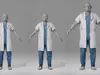
This outfit is fully compatible with all MetaHuman body types and automatically adapts to various body shapes and proportions directly within MetaHuman Creator, ensuring a clean fit without the need for manual adjustments.

Perfect for creating characters as:

  • Medical staff
  • Doctors
  • Nurses
  • Surgeons
  • Clinical personnel
  • Healthcare professionals

Features:

  • Full compatibility with MetaHuman Creator
  • Includes a lab coat, scrubs shirt, pants, and shoes
  • Support for all MetaHuman body types
  • Automatic body shape adaptation
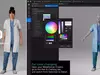
  • Easy color customization directly inside MetaHuman Creator
Quick Start Guide
  1. Download the .mhpkg file.
  2. Open your project in Unreal Engine.
  3. Create an Outfits folder.
  4. Inside, create a HealthcareProfessional folder.
  5. Drag and drop the .mhpkg file into the HealthcareProfessional folder.
  6. Ensure the MetaHuman Creator plugin is installed and enabled.
  7. Open MetaHuman Creator.
  8. Drag the WI_HealthcareProfessional asset into the Clothing section and apply it to your MetaHuman character.
How to Disable the Mask (Make Clothing Fully Visible):
  • Open the material instance of the clothing item where you want to remove the mask.
  • Locate the Opacity texture parameter.
  • Assign a white texture to this parameter to make the mesh fully opaque.
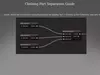
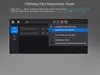
Clothing Part Separation Guide:
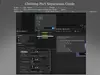
  1. Open the CA_ asset, delete the unnecessary StaticMeshImport by holding ALT + clicking on the Collection, and save the file.
  2. Open the AO_ asset. In the top-left corner of the screen, find Evaluate Dataflow Graph, click the three dots, and switch the mode from Automatic Graph to Manual Graph.
  3. In the AO_ tab, locate Variable Overrides. Under Source Asset, click Reset (the arrow icon) and reassign the same CA_ asset. Switch the Evaluate Dataflow Graph mode back from Manual Graph to Automatic Graph and save.
  4. Go to your MetaHuman tab and click Refresh Preview at the top of the screen. You're done!
Technical Specifications:
  • Engine Compatibility: Unreal Engine 5.8
  • Platform: MetaHuman Creator
  • Asset Type: Parametric Clothing
  • Supported Genders: All
  • Supported Body Types: All MetaHuman body types

If you have any questions before or after the purchase, please feel free to contact me at: sahvorostovak3@gmail.com

REVIEWS & COMMENTS

See what other buyers think about this model - real feedback on quality,
accuracy, and usability.
There are no reviews or comments yet. Please be the first one to write it.
NEW
Recently added to CGTrader - explore one of the latest models on the marketplace.
CGT STANDARD
This model passed automated CGT Standard checks and meets professional, PBR ready standards.

Parametric Healthcare Professional Set for MetaHuman 3D model

$19.99
Royalty Free License
Hire
Like this model to show appreciation to the designer.
See how many times this model was viewed.
Share this model to support the designer and boost their visibility.
Native file format
UASSET2 files
Size: 555 MB
5.8
Exchange formats
FBX
Autodesk FBX | 4 files<br />File Size: 1.48 MB
PNG
PNG<br />File Size: 192 MB
Verified by CGTrader
Verified models are of higher quality as they have
passed CGT Standard technical and visual checks,
making them more professional-grade 3D assets.
Learn more.
FBX
This FBX file has successfully passed the CGT Standard technical and visual checks. The verification results are detailed in the section below.
File & scene
Binary FBX
Binary FBX file is more compact and faster to load and process.
Learn more
No unsupported objects
Unsupported objects:
- Lights
- Cameras
Learn more
Geometry
No N-gons
N-gons are polygons with five or more sides which might cause issues in certain processes like rendering or animation. Learn more
No faceted geometry
Faceted geometry uses flat surfaces without smoothing, which can look unrealistic on curves.
Learn more
Manifold geometry
Manifold geometry ensures all surfaces are properly connected, avoiding issues like edges shared by more than two faces.
Learn more
Textures & material
PBR textures
PBR textures simulate how light interacts with materials, making the model look realistic under different lighting.
Required PBR textures:
- Base Color
- Roughness
- Metalness
- Normal
Learn more
No embed textures
Embedded textures are stored inside the model file, increasing its size and sometimes causing compatibility issues.
Learn more
Square textures
Texture aspect ratio is the width-to-height ratio of a texture. Expected texture aspect ratio: 1:1
Learn more
Power of 2 texture sizes
Textures with dimensions in power of two (e.g. 512x512px, 1024x1024px) are used to optimize performance and memory usage.
Learn more
Assigned materials
Materials are applied to the 3D model to allow visualize a model's surface properties and appearance.
Learn more
UVs & naming
No UV overlaps
UVs overlap when multiple points on the 3D model's surface are mapped to the same point on the UV island causing texture stretching.
Learn more
UV unwrapped model
A UV unwrapped model means its 3D surface is flattened into 2D space, allowing textures to be applied accurately.
Learn more
Allowed characters
Allowed ASCII characters: a-zA-Z0-9-_
Learn more
Provided by designer
Information and details shared directly by the model's designer.
3D Features
PBR
Uses Physically Based Rendering materials, which give the model realistic lighting and surface properties.
Textures
The model includes image files (textures) that add color, patterns, or detail to its surfaces.
UV Mapping
The model's surfaces are mapped to a 2D image, allowing textures to display correctly.
3D printing
Indicates whether the designer marked this model as suitable for 3D printing.
Model is not 3D printable
The designer indicates this model is intended for digital use only (rendering, animation, or AR/VR) and not for 3D printing.
Geometry
Polygon mesh
A model built from polygons (triangles or quads) connected in a mesh.
20995 polygons
The total number of polygons (flat shapes) that make up the 3D model.
Unwrapped UVs
Publish date
Model ID
Chat