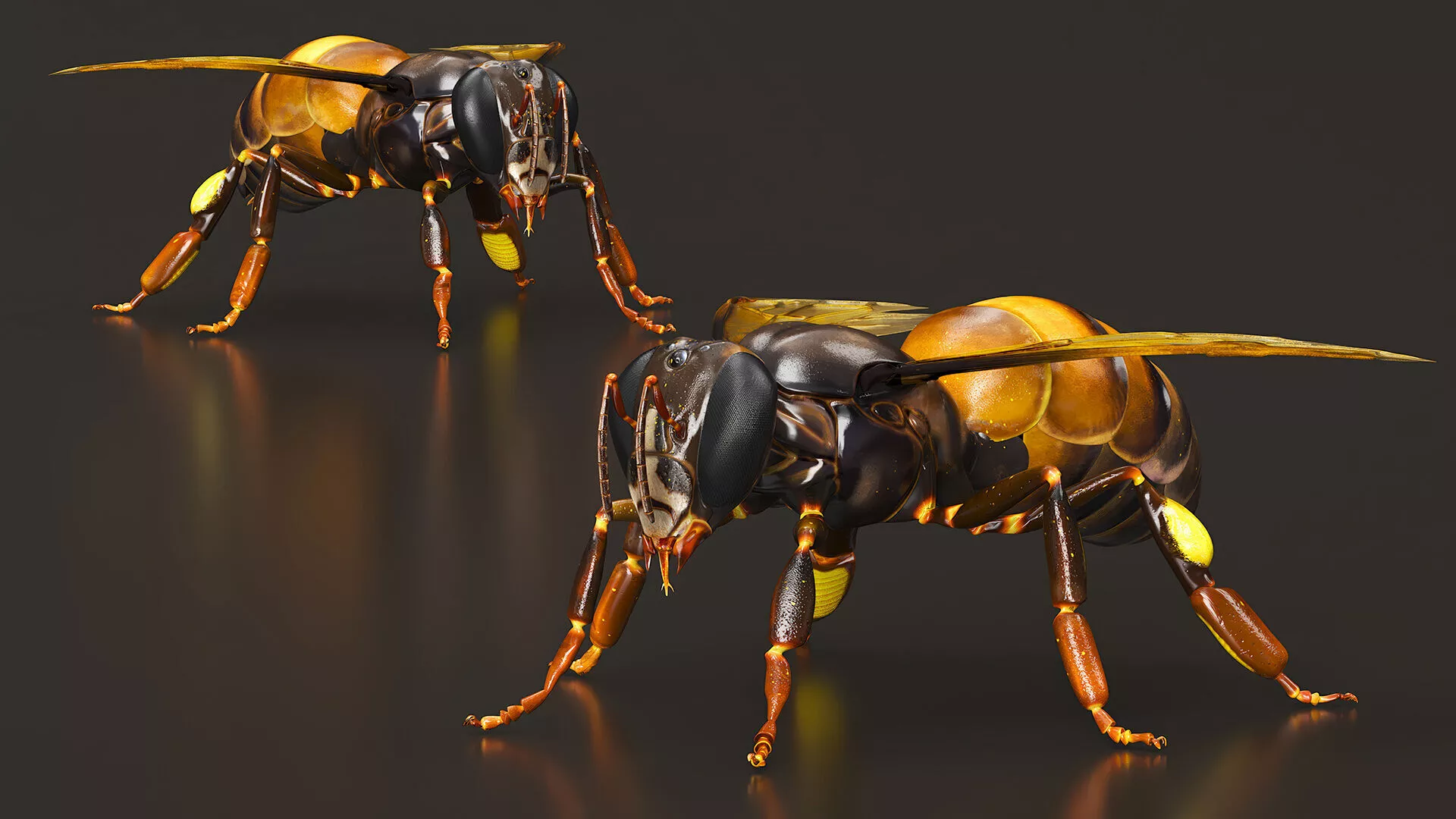
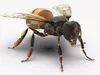
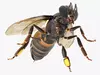
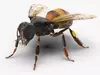
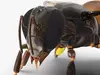
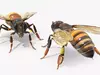
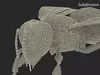
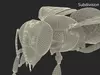
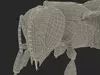
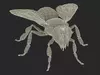
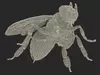
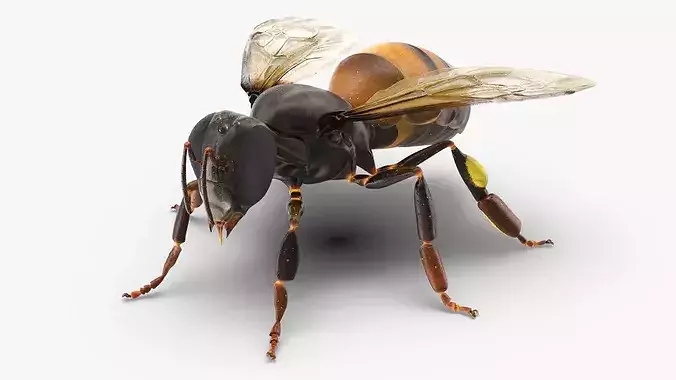
Honey Bee Insect Rigged is a three-dimensional model of honeybee that is a sample of social insect known for its role in pollination and honey production.
Honeybees live in organized colonies comprising a queen, worker bees, and male drones. The colony system enables efficient pollination, contributing to biodiversity and agriculture. These bees produce honey from nectar and store it in waxy combs within hives, which can be wild or maintained by beekeepers. As a member of the genus Apis, the honeybee is an insect noted for creating honey and wax.
For beekeeping products, apiary tools, farming equipment, honey bee accessories, vegetarian food, sweet confectionery, pastry cuisine, sweet food products, honey products, dessert cuisine, honey dessert food implements, apiary accessories, honey bee maintenance, food sweeteners, sweet desserts, vegetarian food, honey bee colonies maintenance, candy desserts, honey vegan food, honey bee brood farming, apiculture, and honey bee hive appliances.
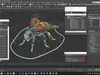
Honey Bee Insect Rigged is a high quality, photo real 3d model that will enhance detail and realism to any of your rendering projects. The model has a fully textured, detailed design that allows for close-up renders, and was originally modeled in 3ds Max and rendered with V-Ray. Renders have no postprocessing!
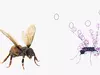
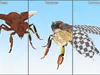
Honey Bee Insect Rigged is fully rigged and is ready to be animated. You can easily position it the way you need or animate it the way your project requires using helpers in 3D Studio Max. See the turntable to get an idea of how rigging works.
Hope you like it!
Features:
- High quality polygonal model, has real dimensions. Easy to merge into your scene.
- Units: cm
- The model was created with the optimal number of polygons. (The Meshsmooth modifier is assigned to the original mesh. Easy to increase mesh resolution if necessary.)
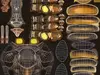
- All the objects come with complete UVsAll textures and materials are included and mapped. (All colors can be easily modified.)
- All objects are logically named and grouped for ease of objects selection and scene management.
- No part-name confusion when importing several models into a scene.
- No cleaning up necessary (Model does not include any backgrounds or scenes used in preview images.) - just drop model into your scene.
- No special plugin needed to open scene.
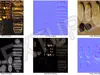
- PBR Materials
Textures Formats:
- 4 png (4096x4096)
- 4 png (2048x2048)
(c) 3d_molier International