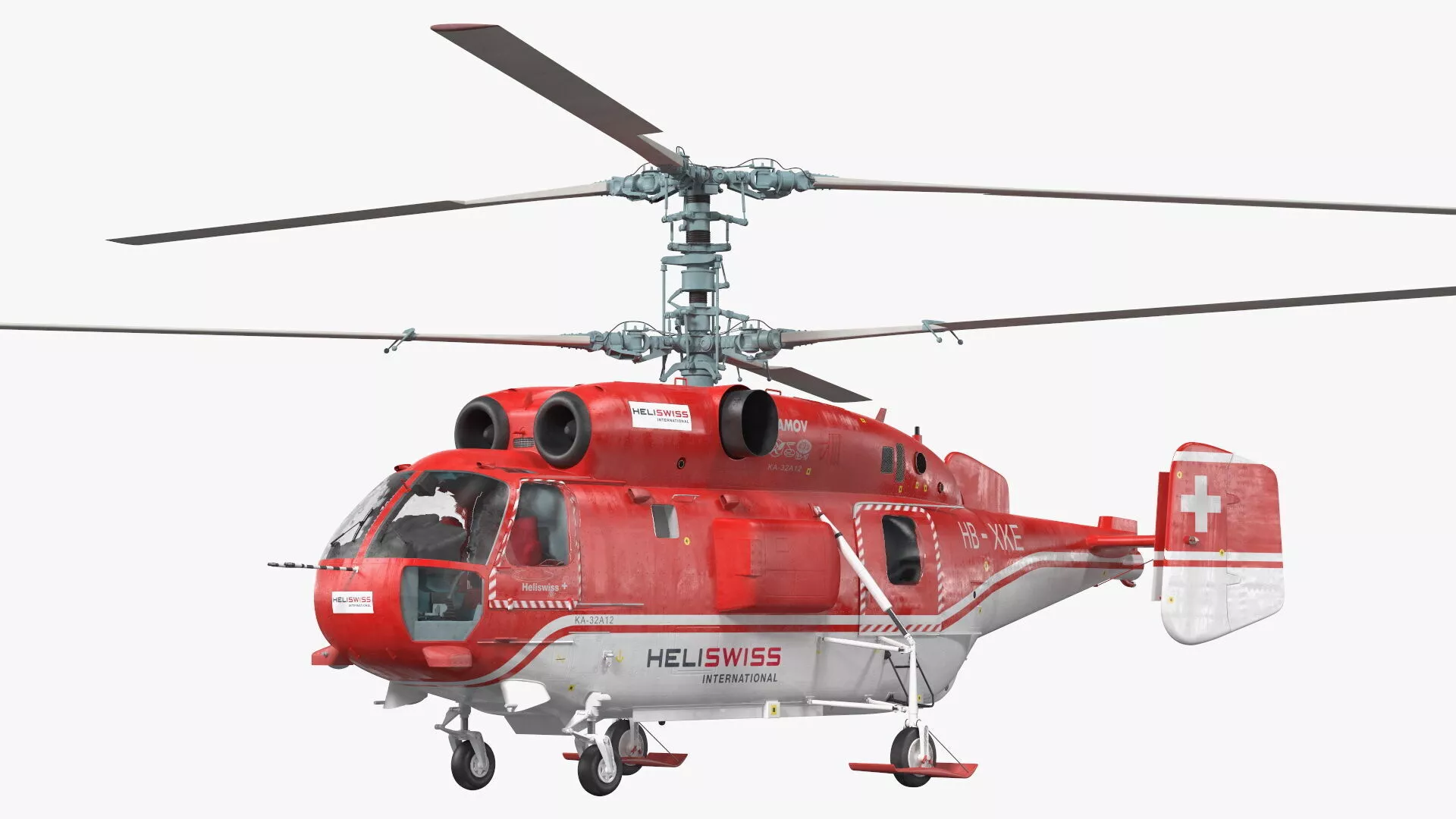
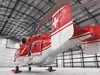
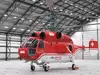
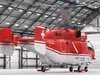
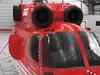
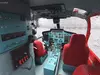
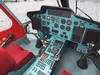
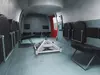
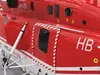
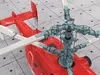
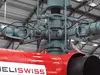
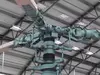
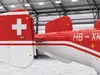
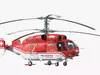
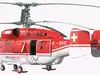
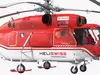
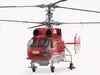
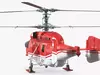
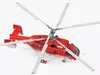
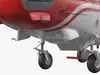
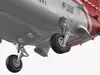
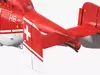
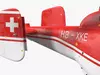
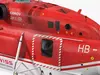
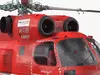
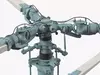
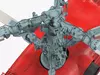
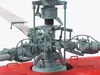
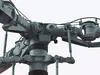
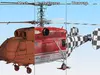
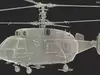
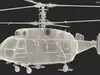
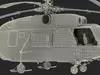
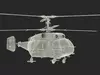
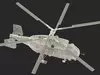
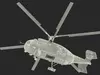
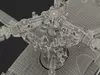
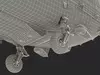
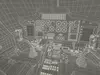
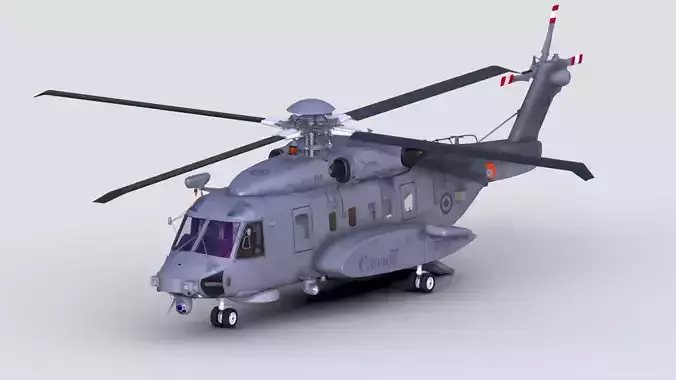
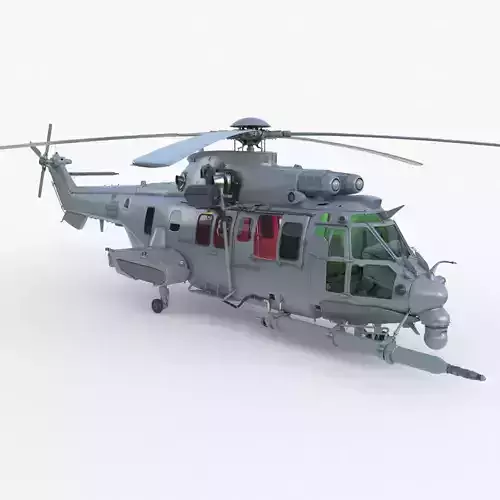
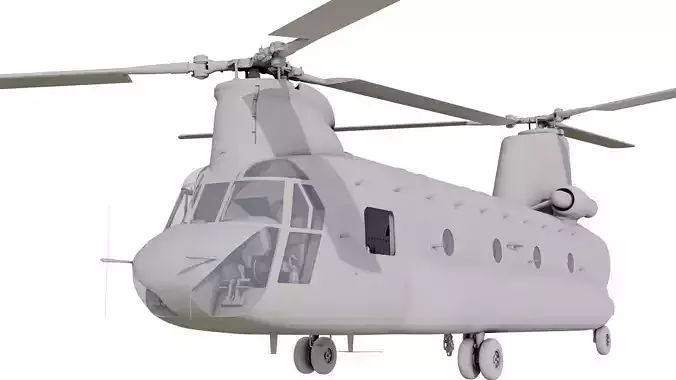
Kamov KA-32 Firefighting Helicopter Rigged fire fighting air vehicle, that can be equipped with a special helicopter bucket and suspended fire-fighting system.Civil Kamov KA-32 copter air vehicle with coaxial main rotors system and high lifting capacity used for complex fire fighting missions. Modern fire fighting rescue service Kamov KA-32 firefighting rotorcraft vehicle or helicopter transport.For firefighting helicopter transport, fire fighting chopper transport, fire fighter rotor plane transportation, rotor rescue air transport, fire protection hoverplane or windmill vehicles, environment fire safety helicopter transport, wildfire aerial protect helicopter transport, fire safety aviation, environment protections rotor plane transportation, forest wildfire protect rotor air transportation, fire fighting rotor plane transport, firefighting rotor aviation, and firefighter helicopters promotional, educational, advertising, documentary, or marketing projects.
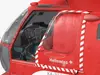
Kamov KA-32 Firefighting Helicopter Rigged is a high quality, photo real 3d model that will enhance detail and realism to any of your rendering projects. The model has a fully textured, detailed design that allows for close-up renders, and was originally modeled in 3ds Max and rendered with V-Ray. Renders have no postprocessing!
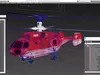
Kamov KA-32 Firefighting Helicopter Rigged is fully rigged and is ready to be animated. You can easily position it the way you need or animate it the way your project requires using helpers in 3D Studio Max. See the turntable to get an idea of how rigging works.
Hope you like it!
Features:
- High quality polygonal model, has real dimensions. Easy to merge into your scene.
- Units: cm
- The model was created with the optimal number of polygons. (The Meshsmooth modifier is assigned to the original mesh. Easy to increase mesh resolution if necessary.)
- All the objects come with complete UVsAll textures and materials are included and mapped. (All colors can be easily modified.)
- All objects are logically named and grouped for ease of objects selection and scene management.
- No part-name confusion when importing several models into a scene.
- No cleaning up necessary (Model does not include any backgrounds or scenes used in preview images.) - just drop model into your scene.
- No special plugin needed to open scene.
- PBR Materials
Textures Formats:
(c) 3d_molier International