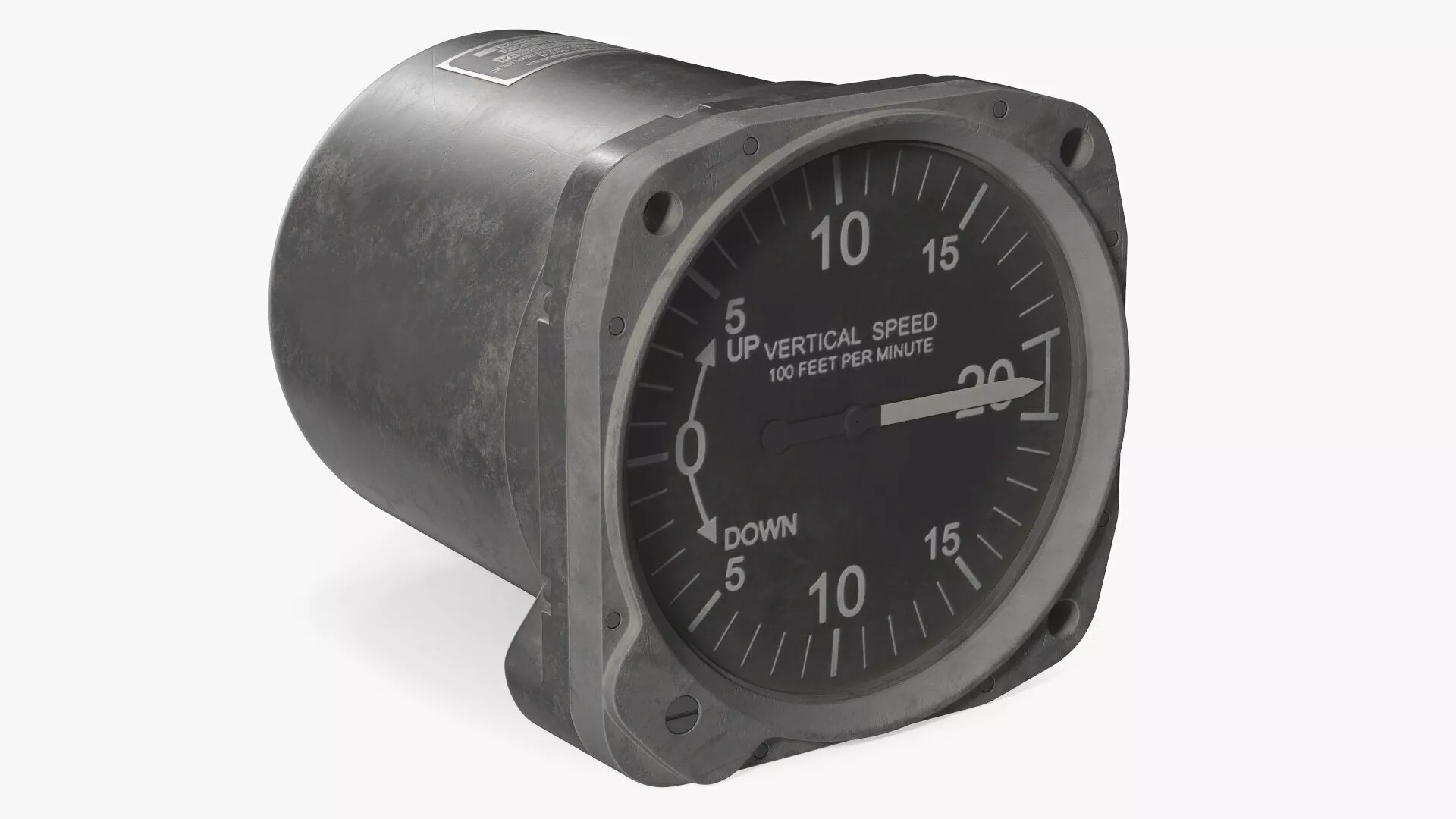
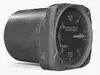
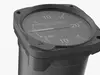
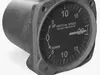
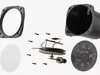
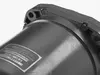
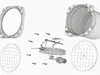
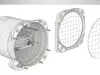
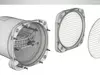
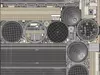
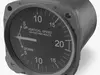
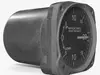
VSI Mikrotechna Analog Cockpit Rigged is a three-dimensional model of a vertical speed indicator (VSI) instrument, commonly found in aircraft cockpits to measure rate of climb or descent in feet per minute.
This analog cockpit component features a cylindrical black housing, a front-facing dial marked with graduations from -20 to +20 (x100 feet per minute), and a rotating needle indicating the vertical movement of the aircraft. The instrument face is cleanly labeled “VERTICAL SPEED” and “100 FEET PER MINUTE” with UP and DOWN directions clearly denoted. The rigged configuration allows animation-ready interaction with the pointer for simulation and training uses.
For aviation training simulators, flight instrumentation design, aircraft cockpit modeling, aeronautical visualization, aerospace engineering, flight-based VR environments, aircraft restoration digital twins, simulation-based pilot training, aircraft instrument panels, mechanical gauge animation, and analog avionics display development.
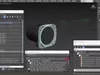
VSI Mikrotechna Analog Cockpit Rigged is a high quality, photo real 3d model that will enhance detail and realism to any of your rendering projects. The model has a fully textured, detailed design that allows for close-up renders, and was originally modeled in 3ds Max and rendered with V-Ray. Renders have no postprocessing!
VSI Mikrotechna Analog Cockpit Rigged is fully rigged and is ready to be animated. You can easily position it the way you need or animate it the way your project requires using helpers in 3D Studio Max. See the turntable to get an idea of how rigging works.
Hope you like it!
Features:
- High quality polygonal model, has real dimensions. Easy to merge into your scene.
- Units: cm
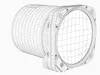
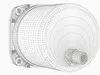
- The model was created with the optimal number of polygons. (The Meshsmooth modifier is assigned to the original mesh. Easy to increase mesh resolution if necessary.)
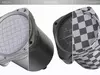
- All the objects come with complete UVsAll textures and materials are included and mapped. (All colors can be easily modified.)
- All objects are logically named and grouped for ease of objects selection and scene management.
- No part-name confusion when importing several models into a scene.
- No cleaning up necessary (Model does not include any backgrounds or scenes used in preview images.) - just drop model into your scene.
- No special plugin needed to open scene.
- PBR Materials
Textures Formats:-5 png (4096x4096)-Dimensions 8,65 x 12,71 x H8,66cm
(c) 3d_molier International