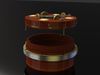
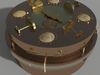
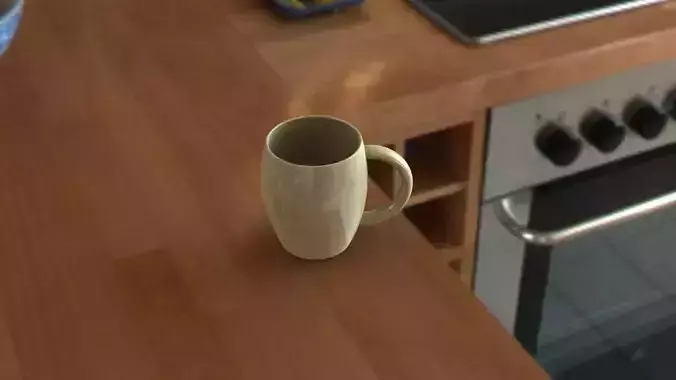
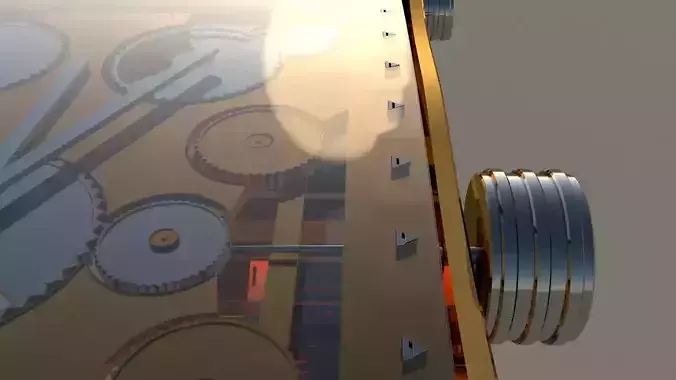
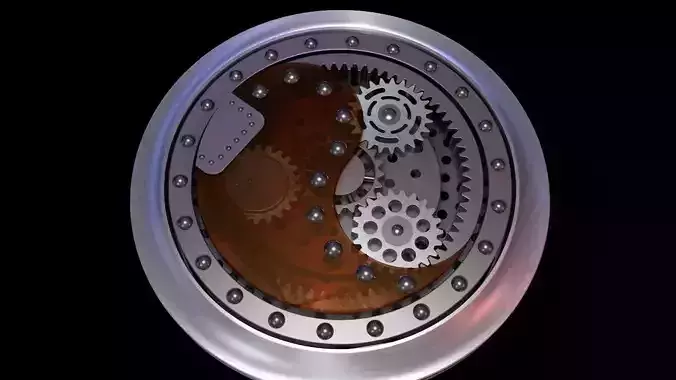
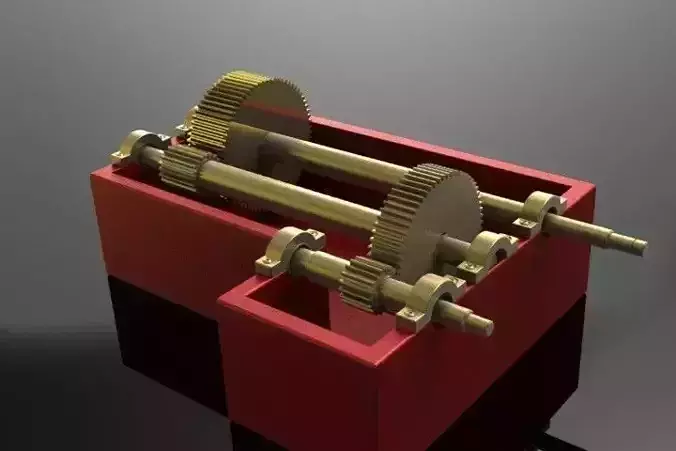
WARNING!!! All the renders above except the first one show the inner workings of the puzzle and contain spoilers! Don't look if you want to try to solve it yourself as described below.
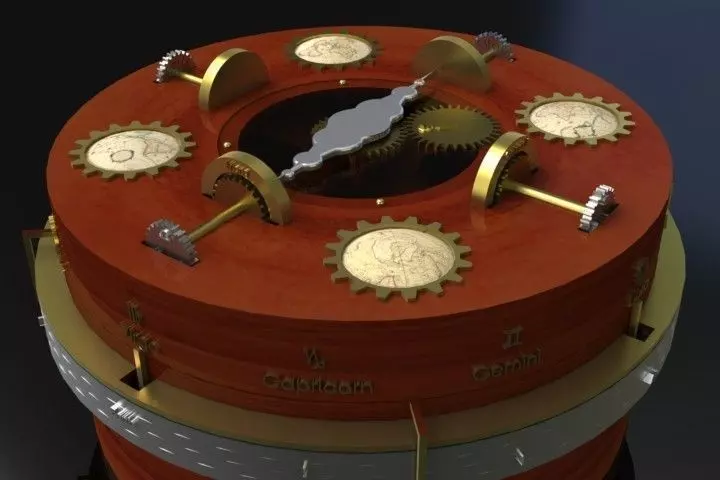
Here is my entry for the Steampunk puzzle box competition! The best thing about my puzzle is that the difficulty can be adjusted by the puzzle creator quite easily. With a simple change of the hints, the puzzle can be made more or less difficult depending on what player is trying to solve the puzzle. The puzzle is also very dynamic, in order to turn the different parts of the puzzle, the user must turn around and tilt the whole box in order to see the hints on the sides of every part.
As an avid gamer I have seen what many game developers use to help players have fun without giving away the game and making it too easy. Many games are confusing and lame because you don't know how to play. Top notch game companies use colors, light, and subliminal hints to help the player, even though they think they are doing all the work. In my puzzle, as seen in the render, parts that you can move are colored silver and stand out from the other darker colors. The hints are also shinier than their backgrounds so they stand out and help the player to figure out what to do without giving away the answer.
My puzzle involves 9 "locks" which all must be turned to open the box. The hints on how far the locks should be turned are shown in designs all over the box. The puzzle creator can easily change the current designs out for more confusing or simpler designs to make the puzzle easier or more difficult. For instance instead of symbols that must be matched here, a more difficult puzzle could be created by making the symbols into numbers so the user must do math to solve the puzzle. The symbols could also be changed to arrows pointing towards more hints to make the puzzle even harder.
3 files have been uploaded. A STEP, STL and SolidWorks. If you have Solidworks you can use the puzzle for real! Just open the assembly, click move component, turn on collision detection for all parts and give it a go! The bottom of the box can only be pulled down from the top half if you have solved all the puzzle right, otherwise, it wont move.Note: Collision detection takes a lot of CPU power and may be slow. If you get an error saying that you cant do collision detection, you may have moved one of the parts so it is already colliding with another part. To fix this just check out what is getting in the way in wireframe mode. Also, the decals that go on the domed surfaces of the cap of the box may not load properly, but it is obvious where they go. They are somewhat essential to solving the puzzle. The puzzle should currently be in the solved position so if you want to try and solve it, before you turn on collision detection, move all the silver parts around randomly.
Even though it didnt have to be for the competition, this puzzle is physically possible and you could build it in real life using these files if you wanted.