
DESCRIPTION
  • If you want to upgrade to PolySnow Plus, there is a 50% discount coupon in the files of this plugin.
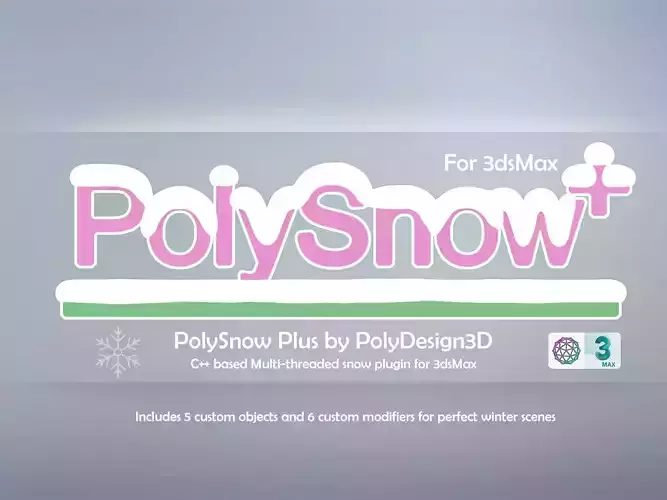
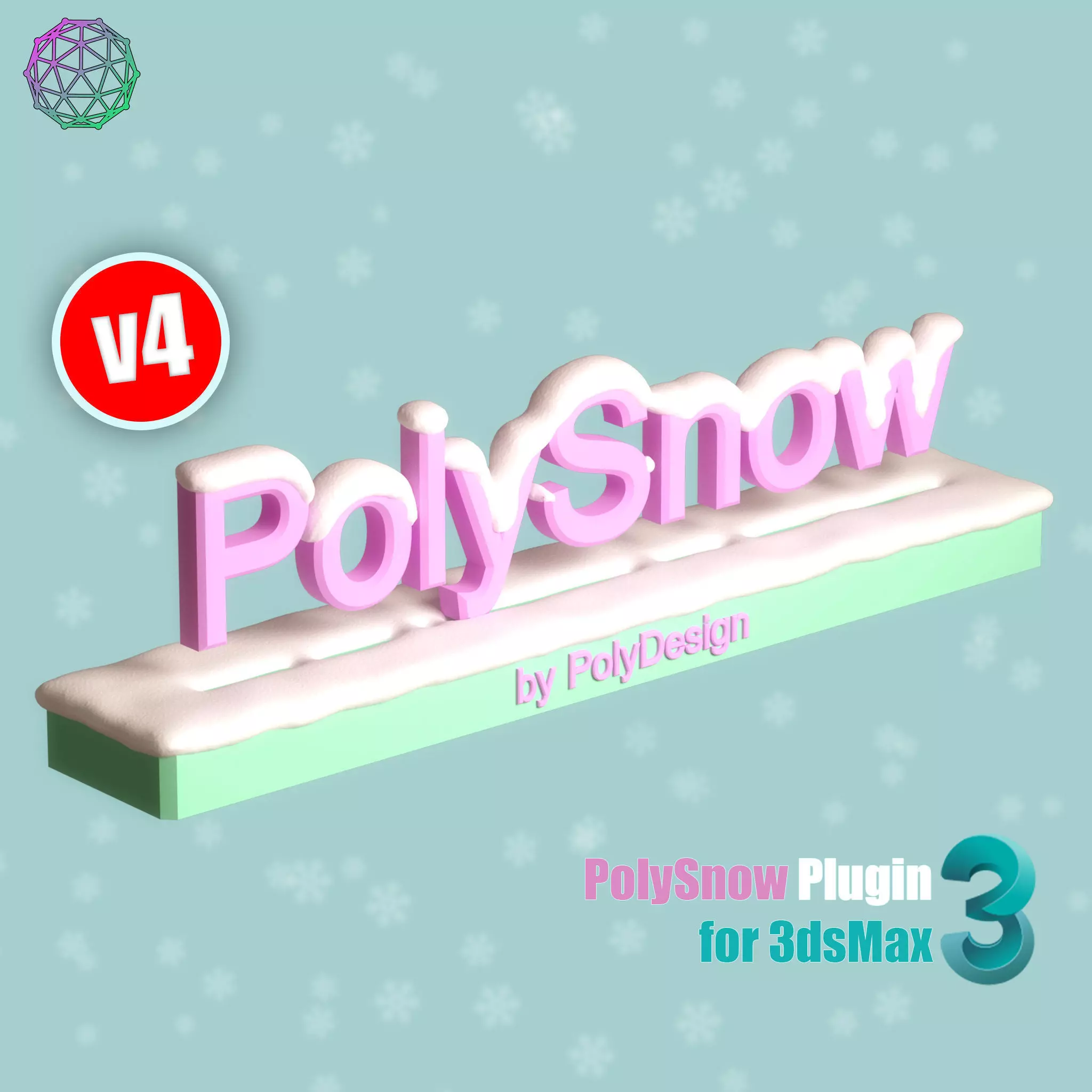
PolySnow
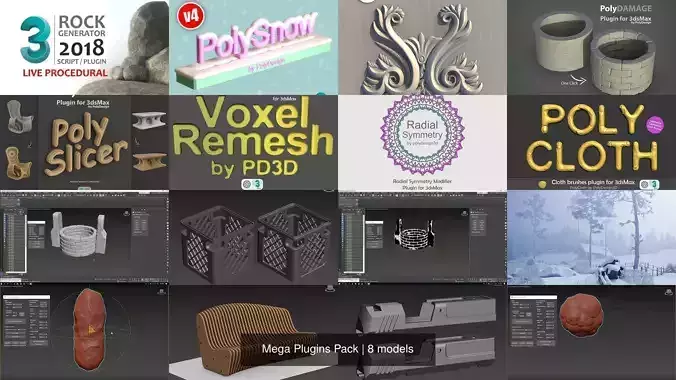
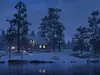
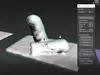
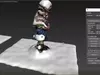
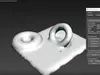
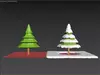
  • PolySnow is a 3DSMax plugin that creates realistic snow with a click. You just select your objects in scene and PolySnow does the snow for you! Let the snow fall on your 3D objects and scenes with a click of a button. A variety of parameters lets you get the desired results in every situation.
    • It's a macroscript so please read the Instructions for setting up the plugin. (It's just a few easy steps)
    • Make your 3d assets' winter versions with a click
    • Easy to use
Features:
  • User friendly user interface with some explanation tooltips on buttons.
  • Live parameters let you adjust the snow at anytime you want. Non-destructive workflow.
  • SnowMerge is a powerful tool lets you connect snow meshes seamlessly.
  • Full control over the calculated mesh. You can change the settings and get a large number of variations.
  • Very fast particle calculation with a different resolutions option.
  • Add or remove snow from the areas you want by using edit particles tool.
  • Multiple layers of snow can be created and combined seamlessly.
  • There is also mesh resolution settings so you can create a low poly or highly complex snow objects.
  • Can be used for multiple objects at the same time.
  • Snow mesh is seperated from object.
  • Polycount of the original object doesn't matter for snow quality (unlike extrusion methods)
  • You can sculpt the snow for more detail with a edit poly modifier.
What's New in V2:
  • New powerful Snow brush to quickly create snow on anywhere you want.
  • Scene Cleanup Tool lets you delete unnecessery snow objects.
  • Lots of bug fixes
  • Group snow error fixed.
  • Seamless merge tool for brush snow and particle snow.
  • Customized natural snow.
What's New in V3 :
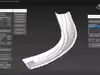
  • New tool : PolyPrint for creating deformation on snow.
  • Deforms snow mesh with your objects. This creates realistic snowprints based on the collision objects shapes. The calculation is almost realtime. You can select multiple collision objects to deform both particle and non-particle based snows.
  • New Methods for creating snows
  • Method 1: Particle Occluded
  • This is the method in previous versions of polysnow, It creates snow on only If it is not occluded by another mesh.
  • Method 2: Particle Non-Occluded
  • This method creates snow without checking if there's another mesh on it. It's faster than Particle Occluded method. Quickly creates particle based snow.
  • Method 3: Poly Extrusion
  • This method creates snow on the faces which look upwards. It's the fastest method and really good for covering large areas. However, there is a drawback of this method, you won't be able to merge this non-particle based snow object to other particle based snow objects.
  • Other bug fixes and optimizations.
What's New in V3.5 :
  • Slight performance increase for bigger objects.
  • Fixed scale problem.
  • You can achieve similar results for very big and and very small objects.
  • Added particle count warning.
  • It warns you if the particle size is too much relative to object and then If you want, Polysnow can decide the resolution number for faster results.
  • Recommended resolution range added.
  • Other bug fixes.
  • It's smarter.
What's New in V4 :
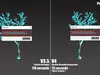
  • Added new snow creation method.
  • Particle Occluded Accelerated method included.
  • New voxel based algorithm implemented.
  • Up to 7x performance increase.
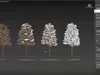
  • Improved calculation on trees
  • Added time indicator to the end of the process.

Preview renders belong to cgi artist Cihan Özkan (https://www.artstation.com/cihanozkan)

REVIEWS & COMMENTS

See what other buyers think about this model - real feedback on quality,
accuracy, and usability.
View all
44
0
21
co
coilbookBuyer of this model
This user has purchased this specific model
Amazing!
am
amgraphismeBuyer of this model
This user has purchased this specific model
Excellent, one click and done !
da
daniel1970Buyer of this model
This user has purchased this specific model
I have bought both Poly Snow (V4 and Plus). My passion for snow had always been very big. I love this weather phisic phenomen since I was child and, I must to say thi plugin is super and very powerfull . I do thank Batuhozer52 for his precious work!! I suggeest both plugin to everybody!!
la
landomclandBuyer of this model
This user has purchased this specific model
A great script for creating snow. The support is excellent too! I had a couple of issues with the creation due to the way we have our files set up and Batuhan got back to me extremely quickly, updated the script and now it works perfectly in our setup. Thanks!
si
simondaviesBuyer of this model
This user has purchased this specific model
Fantastic time saving product. Another great aspect is support. I ran into a small problem. It was fixed and a new version available within an hour. highly recommended plugin
PolyMart
PolyMartCommunity member
This user is part of the CGTrader community
awesome
TOP SELLING
One of the best-selling models in its category — trusted by many buyers.

PolySnow V4 for 3dsmax 3D model

Royalty Free License
Hire
Like this model to show appreciation to the designer.
See how many times this model was viewed.
Share this model to support the designer and boost their visibility.
File format
MS
3ds Max macroScript | 9 files<br />Version: 1<br />File Size: 1.34 MB
Provided by designer
Information and details shared directly by the model's designer.
3D Features
The model includes animations (movement or actions) that can be played in supported software or engines.
The model has a skeleton or bone structure, making it ready for posing or animation.
PBR
Uses Physically Based Rendering materials, which give the model realistic lighting and surface properties.
Textures
The model includes image files (textures) that add color, patterns, or detail to its surfaces.
Materials
The model has material settings that define how surfaces look (color, shine, transparency, etc.).
UV Mapping
The model's surfaces are mapped to a 2D image, allowing textures to display correctly.
Plugins Used
Some external plugins were used to create the model. These may be required for full functionality.
3D printing
Indicates whether the designer marked this model as suitable for 3D printing.
Model is not 3D printable
The designer indicates this model is intended for digital use only (rendering, animation, or AR/VR) and not for 3D printing.
Geometry
Polygon mesh
A model built from polygons (triangles or quads) connected in a mesh.
1 polygons
The total number of polygons (flat shapes) that make up the 3D model.
/ 1 vertices
The number of points (corners) that define the shape of the model's polygons.
Unwrapped UVs
Publish date
Model ID
Chat