DESCRIPTION

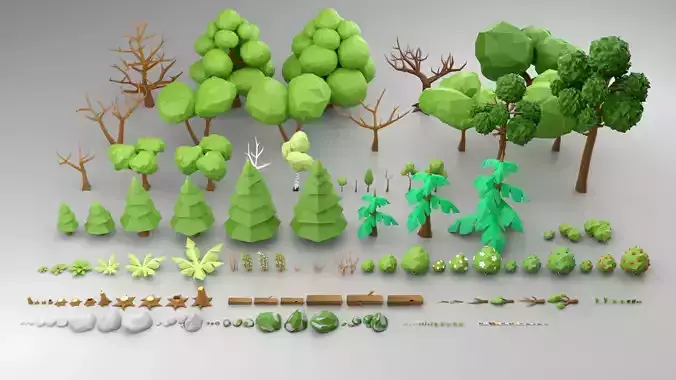
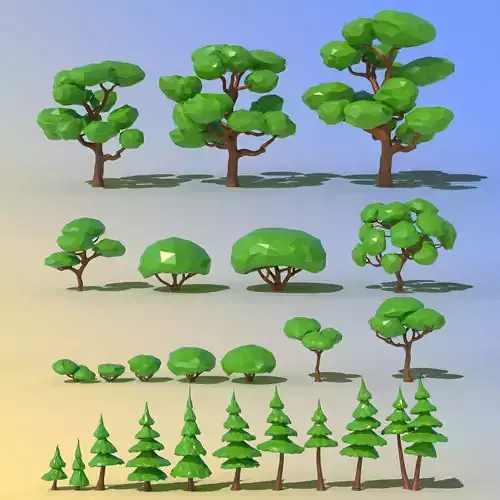
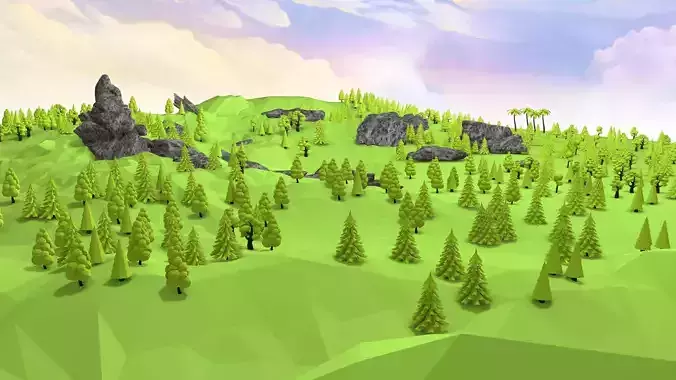
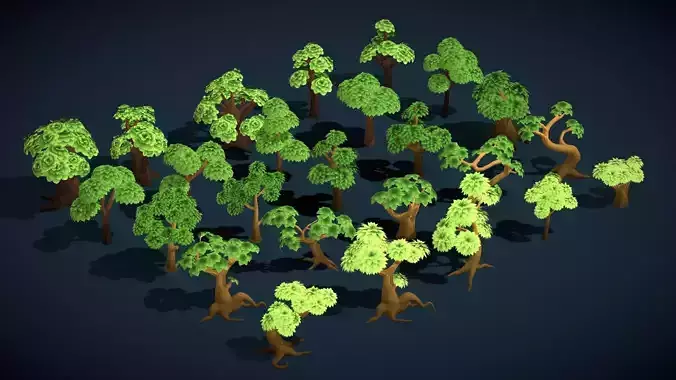
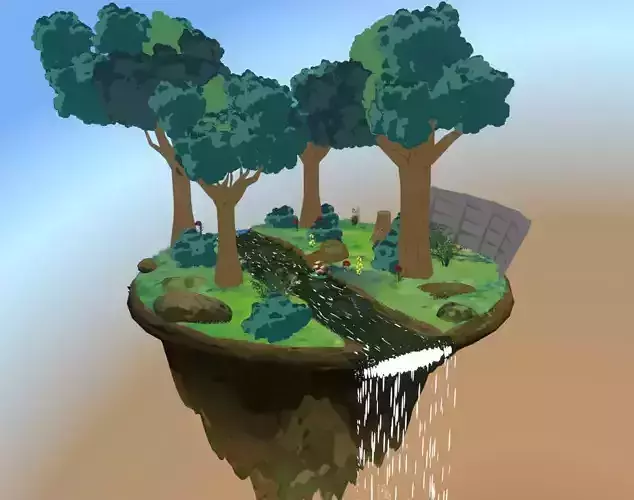
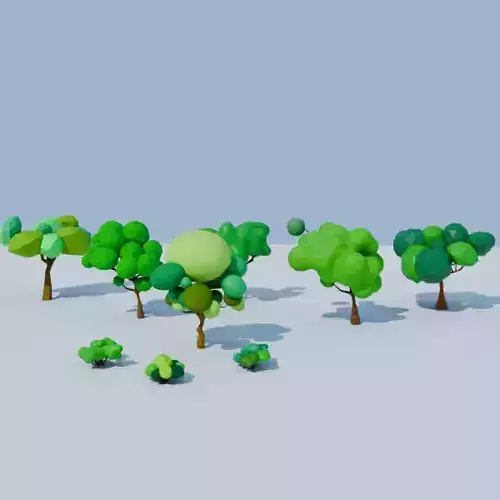
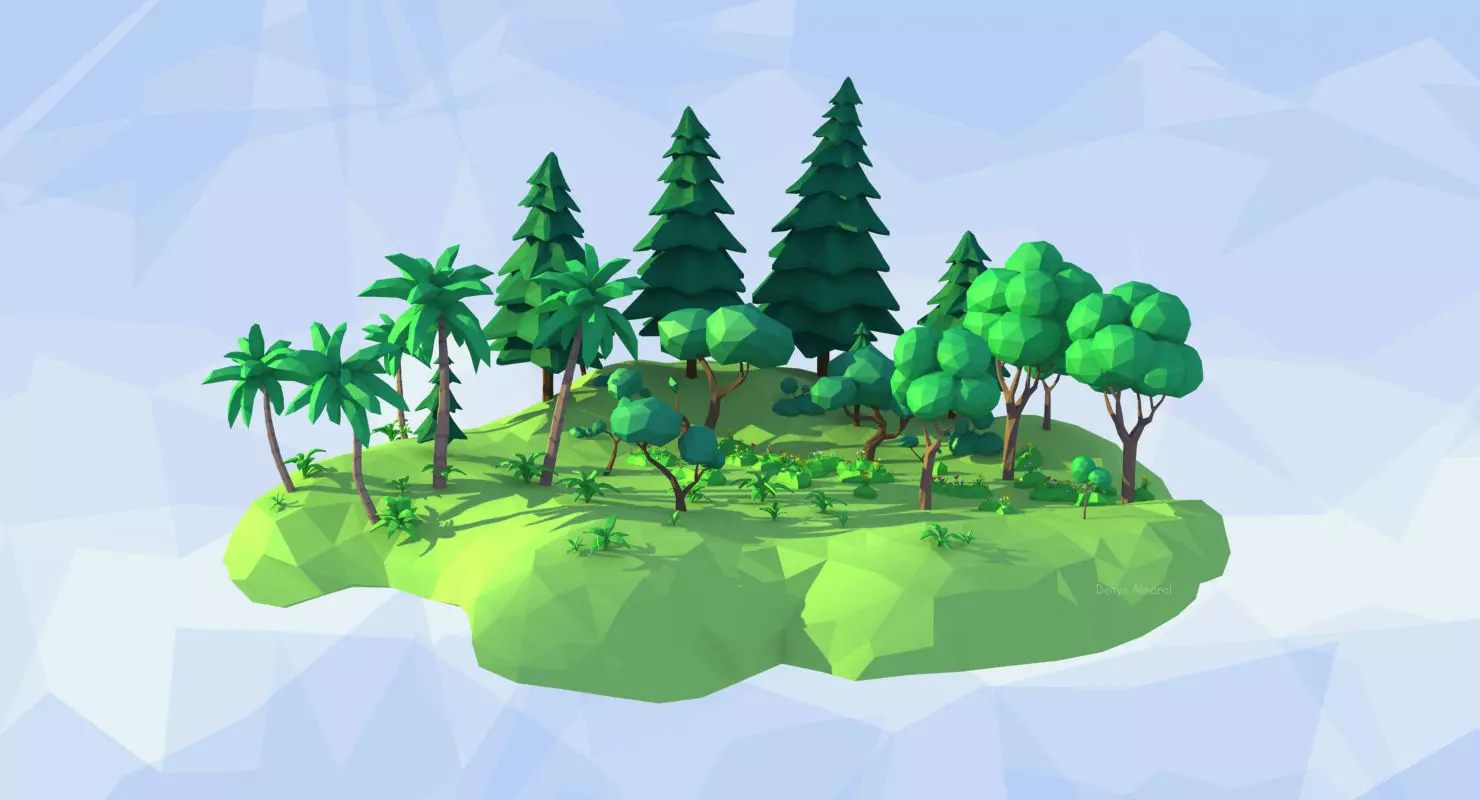
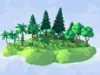
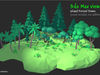
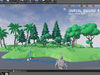
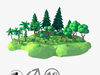
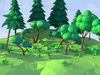
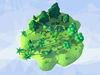
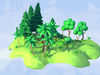
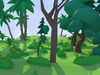
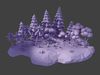
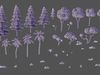
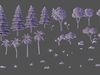
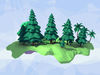
LowPoly Style animated forest kit! Ideal for stylized presentations or games. Created with 3ds Max 2014, easy to export to any software that supports FBX or OBJ.TIP: Bone-less single objects that you can use with 3ds Max Object Paint tool!

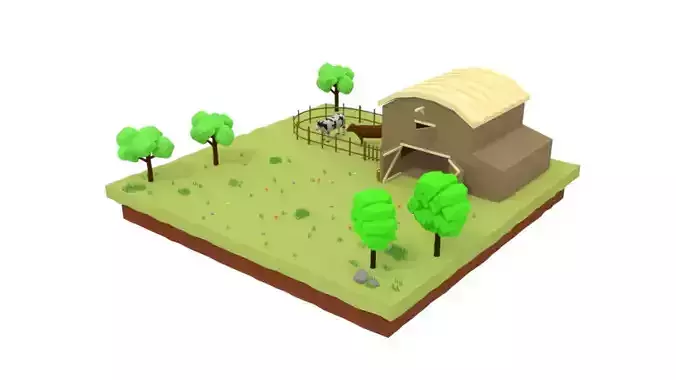
Suitable for Low Poly concept designs, presentations, animation, explaining videos and Architectural Visualizations.

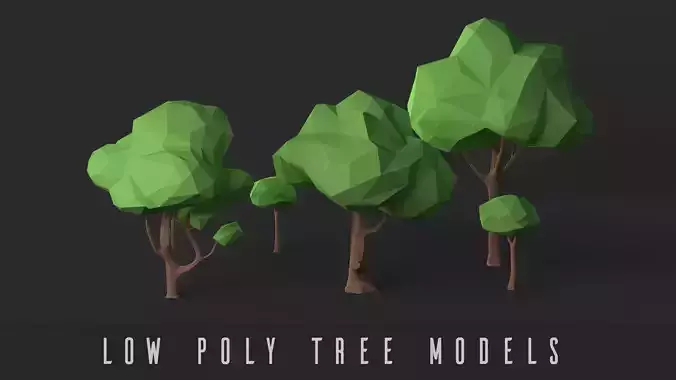
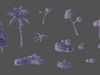
Trees and plants have been created in the popular and convenient LowPoly style, simple flat lowpoly style but with a bit more details than usual. No more that boring static trees these are subtly and nicely animated. These are original design and creation by the author based on its own knowledge and research.

SPECS

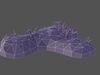
  • A single tree or plant object has about 400 polygons.
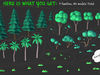
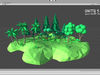
  • The full set of 40 models sums 16,848 polygons.
  • This model is not intended for mesh subdivision from its original concept but you can experiment for achieving new effects.
  • Units system is: 1 unit = 1 cm.
  • Modeled with real world size approximation.
  • The material is standard with a diffuse color.
  • The main file is currently using Default Scanline but can be easily switched to any renderer.

SETUP

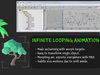
What makes these models unique is the 'Skeleton-Free' morph animation (blend shapes animation). It's animated using only morph targets, this way you can handle them very easy, cloning and transforming without the hassles of typical rigs that use bones and skins, or more often you get the trees as static mesh.

Each model is a single Editable Poly mesh with a Morpher modifier with about 3-5 morph targets.All animation are loopable and infinite! Looping at 120 frames at 30fps.

Are like 'Drag&Drop animated Trees' because you only need to drag and drop them wherever you want and forget.

FILE FORMATS

  • The main native 3ds Max 2014 file include all 40 models in a single scene.
  • The FBXs ZIP archive contains all animated models as separated files.
  • The OBJs ZIP archive contains all models as separated files, BUT without animation!

REAL-TIME

  • Importing the FBXs into Unity 5 was tested and works fine with animation.
  • Importing FBXs into UE4 shows a known issue with smoothing groups: If you import as static the models looks nice with flat polygons, but if you import with animation then the mesh surface look smooth.

Performance note: For games maybe it's better recommended to code vertex shaders, because morphing animation could be more resource consuming. In that case you need to implement your own custom solution and disable the current animation.

Purchase and Enjoy!

REVIEWS & COMMENTS

See what other buyers think about this model - real feedback on quality,
accuracy, and usability.
PolyMart
PolyMartCommunity member
This user is part of the CGTrader community
cool
BEST PRICE GUARANTEED
Found this model cheaper on another marketplace? Let our support team know - we’ll match it.
TOP SELLING
One of the best-selling models in its category - trusted by many buyers.

Animated Trees and Plants Low Poly Style Low-poly 3D model

Royalty Free License (no AI)
Like this model to show appreciation to the designer.
See how many times this model was viewed.
Share this model to support the designer and boost their visibility.
File formats
OBJ
OBJ<br />File Size: 631 KB
FBX
Autodesk FBX | 2 files<br />Version: 2014<br />File Size: 5.3 MB
MAX
Autodesk 3ds Max | 2 files<br />Version: 2014 - Renderer: Default (Scanline)<br />File Size: 4.62 MB
Verified by CGTrader
Verified models are of higher quality as they have
passed CGT Standard technical and visual checks,
making them more professional-grade 3D assets.
Learn more.
FBX
This FBX file has successfully passed the CGT Standard technical and visual checks. The verification results are detailed in the section below.
File & scene
Binary FBX
Binary FBX file is more compact and faster to load and process.
Learn more
No unsupported objects
Unsupported objects:
- Lights
- Cameras
Learn more
Geometry
No N-gons
N-gons are polygons with five or more sides which might cause issues in certain processes like rendering or animation. Learn more
No faceted geometry
Faceted geometry uses flat surfaces without smoothing, which can look unrealistic on curves.
Learn more
Manifold geometry
Manifold geometry ensures all surfaces are properly connected, avoiding issues like edges shared by more than two faces.
Learn more
Textures & material
PBR textures
PBR textures simulate how light interacts with materials, making the model look realistic under different lighting.
Required PBR textures:
- Base Color
- Roughness
- Metalness
- Normal
Learn more
No embed textures
Embedded textures are stored inside the model file, increasing its size and sometimes causing compatibility issues.
Learn more
Square textures
Texture aspect ratio is the width-to-height ratio of a texture. Expected texture aspect ratio: 1:1
Learn more
Power of 2 texture sizes
Textures with dimensions in power of two (e.g. 512x512px, 1024x1024px) are used to optimize performance and memory usage.
Learn more
Assigned materials
Materials are applied to the 3D model to allow visualize a model's surface properties and appearance.
Learn more
UVs & naming
No UV overlaps
UVs overlap when multiple points on the 3D model's surface are mapped to the same point on the UV island causing texture stretching.
Learn more
UV unwrapped model
A UV unwrapped model means its 3D surface is flattened into 2D space, allowing textures to be applied accurately.
Learn more
Allowed characters
Allowed ASCII characters: a-zA-Z0-9-_
Learn more
Provided by designer
Information and details shared directly by the model's designer.
3D Features
The model includes animations (movement or actions) that can be played in supported software or engines.
Textures
The model includes image files (textures) that add color, patterns, or detail to its surfaces.
Materials
The model has material settings that define how surfaces look (color, shine, transparency, etc.).
UV Mapping
The model's surfaces are mapped to a 2D image, allowing textures to display correctly.
Plugins Used
Some external plugins were used to create the model. These may be required for full functionality.
3D printing
Indicates whether the designer marked this model as suitable for 3D printing.
Model is not 3D printable
The designer indicates this model is intended for digital use only (rendering, animation, or AR/VR) and not for 3D printing.
Geometry
Polygon mesh
A model built from polygons (triangles or quads) connected in a mesh.
400 polygons
The total number of polygons (flat shapes) that make up the 3D model.
/ 400 vertices
The number of points (corners) that define the shape of the model's polygons.
Unwrapped UVs
Publish date
Model ID
Chat