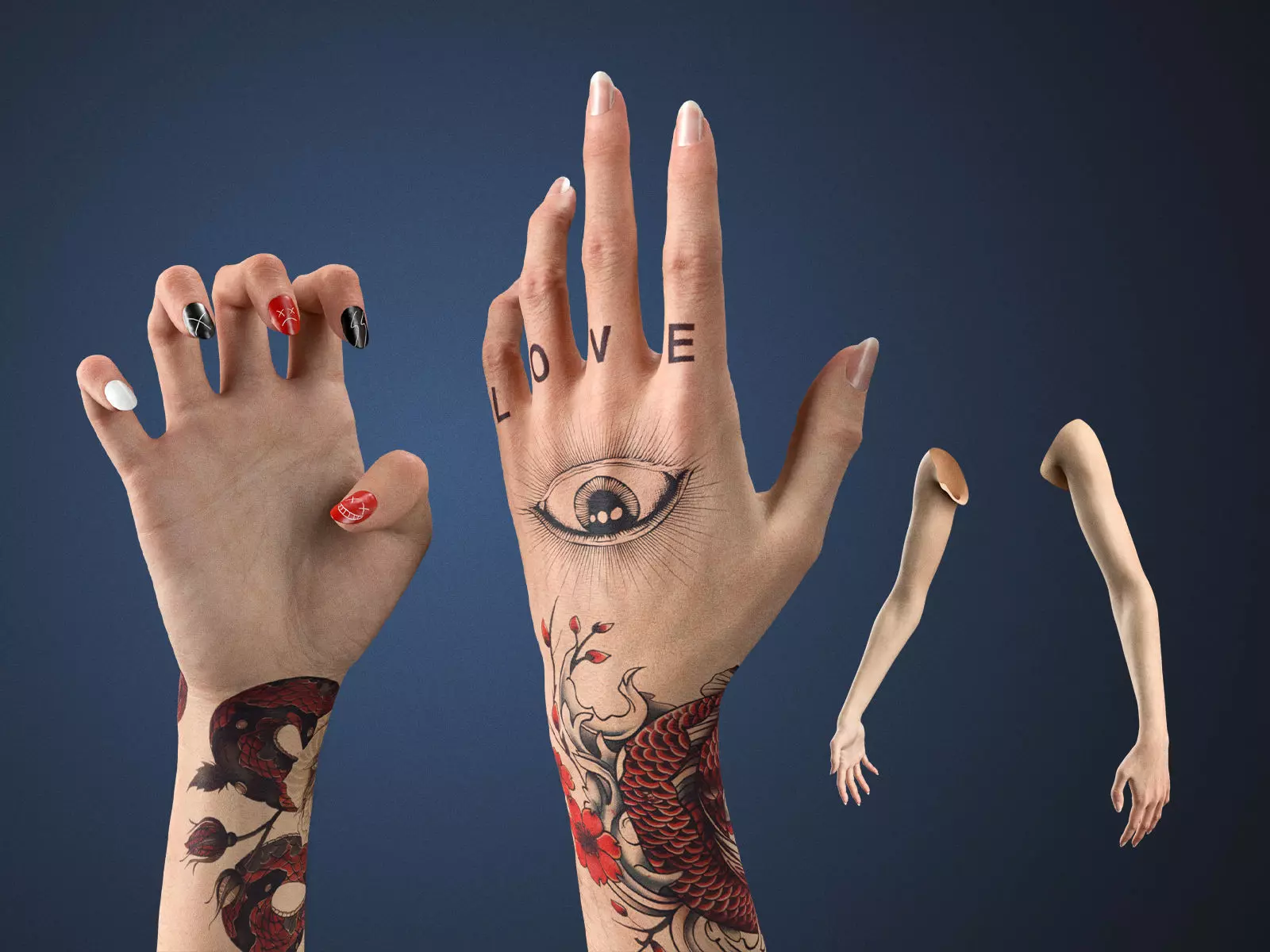
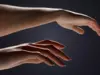
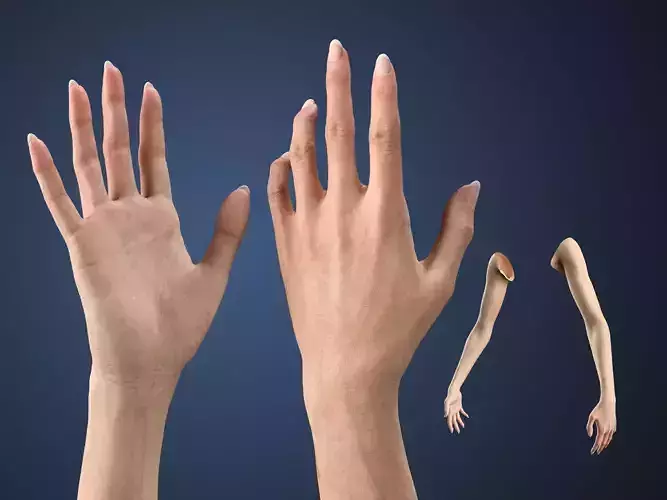
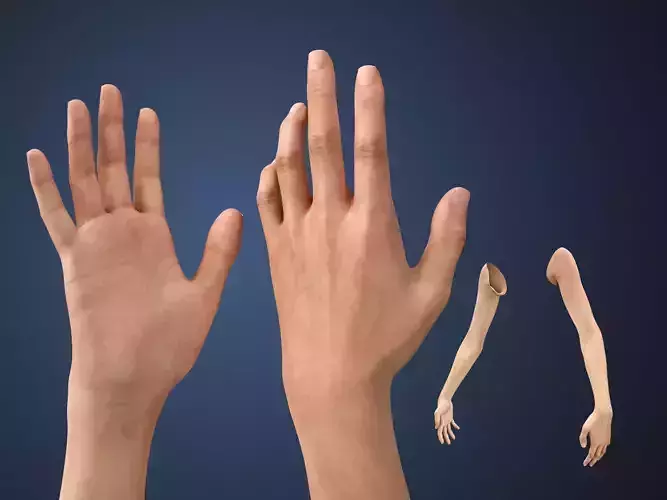
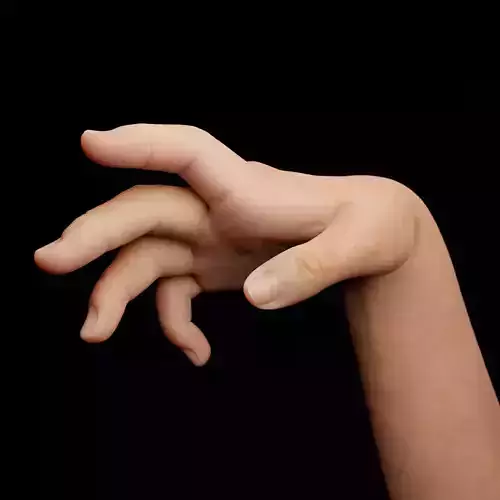
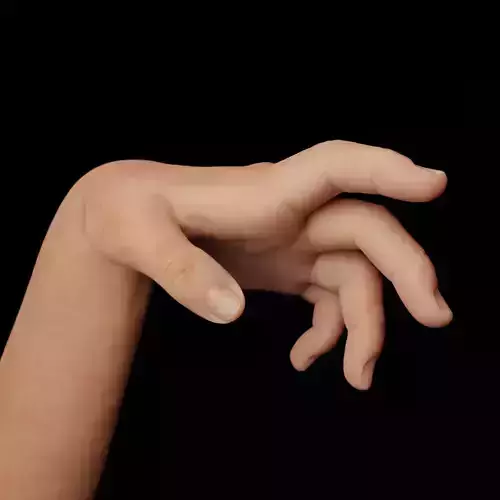
Realistic customizable female arms 3D model for Blender 4+ Cycles
Skin tone sliders, PSD tattoo and nail templates, 8K displacement, full AXIS Rig (Rigify-based) with IK/FK, and Particle Hair.
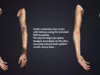
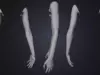
Blender-native female arms with a complete customization system for Cycles. Same cinematic multiresolution sculpt as the standard edition, with full artistic control over skin tone, tattoos, and nails via editable PSD templates. 548K polygons at full multires, 8K displacement, 4K PBR textures, full AXIS Rig (Rigify-based) with IK/FK.
Topology
- Base mesh: 8,586 verts / 17,120 tris
- Multires mesh: 548,034 verts / 1,095,680 tris (level 3)
- Multiresolution modifier, 3 levels of sculpt detail
- Quad-only, no n-gons, organized UVs
Textures (PBR)
-
8K: Displacement, Normal
-
4K: Albedo, Roughness, Specular
- Optimized for physically-accurate shading in Cycles
Customization
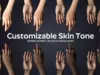
- Skin tone sliders with presets: Albino, Tan, Ebony, and more
- Independent palm and knuckle brightness adjustment
- Tattoo system: editable PSD template (Arms_Template.psd), tint, bump, and blend strength controls
- Nail system: editable PSD template (Nails_Template.psd), independent color and style per hand, relief and gloss control
AXIS Rig (Rigify-based)
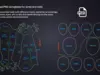
- IK/FK for arms and partial torso, bone-driven shapekey corrections
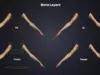
- Organized bone layers and constraints
- Compatible with the AXIS Core addon for retargeting Mixamo, ActorCore, Unreal, HumanIK, and DAZ animations (sold separately - https://superhivemarket.com/products/axis-core-addon-for-blender)
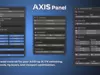
AXIS Panel (free with every AXIS model)
- IK/FK switching and snap, pose tools, viewport simplify, rig selector, auto-update checker
Hair
- Particle Hair with Children for realistic arm hair
Materials
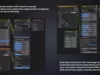
- Principled BSDF, fully editable grouped node networks
- Material zones: arms, tattoos, nails
Requirements
- Blender 4.0 or higher
- Rigify (included with Blender)
- Photoshop or compatible software for editing PSD templates
Files Included
- Blender/.blend - textures linked externally (not embedded)
- Blender/textures/ - texture files + PSD templates (must stay next to the .blend file)
- Backup_Files.zip - textures backup + AXIS_Panel.py backup
Important: the textures/ folder must remain next to the .blend file inside the Blender/ folder. Do not move or rename either.
Part of the OMNIA series. Browse the full series on my profile.
Documentation: https://www.axisproject.co/documentation
Video tutorial: https://www.youtube.com/watch?v=XrIf7y5eDVg