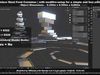
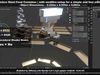
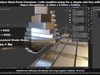
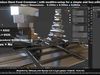
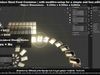
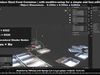
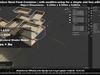
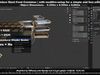
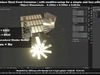
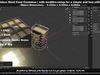
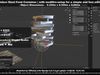
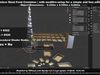
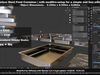
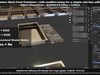
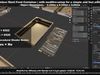
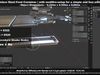
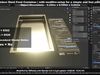
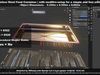
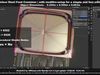
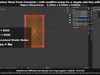
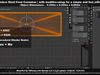
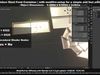
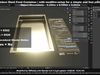
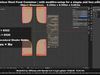
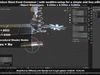
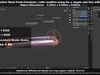
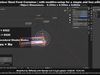
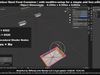
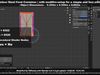
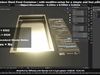
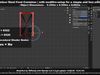
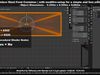
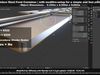
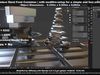
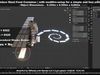
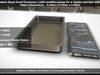
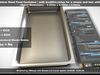
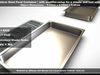
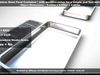
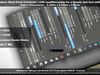
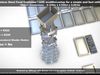
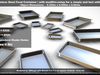
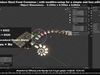
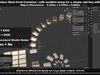
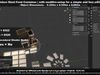
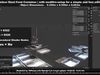
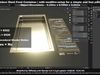
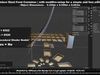
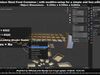
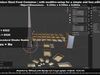
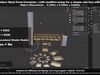
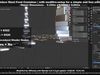
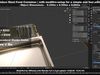
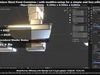
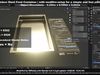
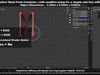
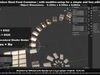
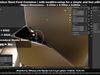
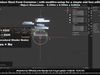
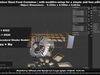
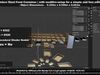
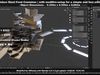
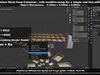
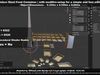
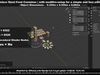
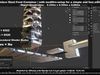
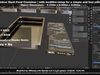
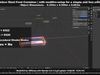
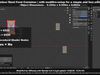
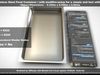
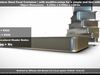

3D Features
Materials
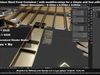
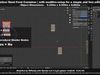
The model has material settings that define how surfaces look (color, shine, transparency, etc.).
3D printing
Indicates whether the designer marked this model as suitable for 3D printing.
Model is not 3D printable
The designer indicates this model is intended for digital use only (rendering, animation, or AR/VR) and not for 3D printing.
Geometry /
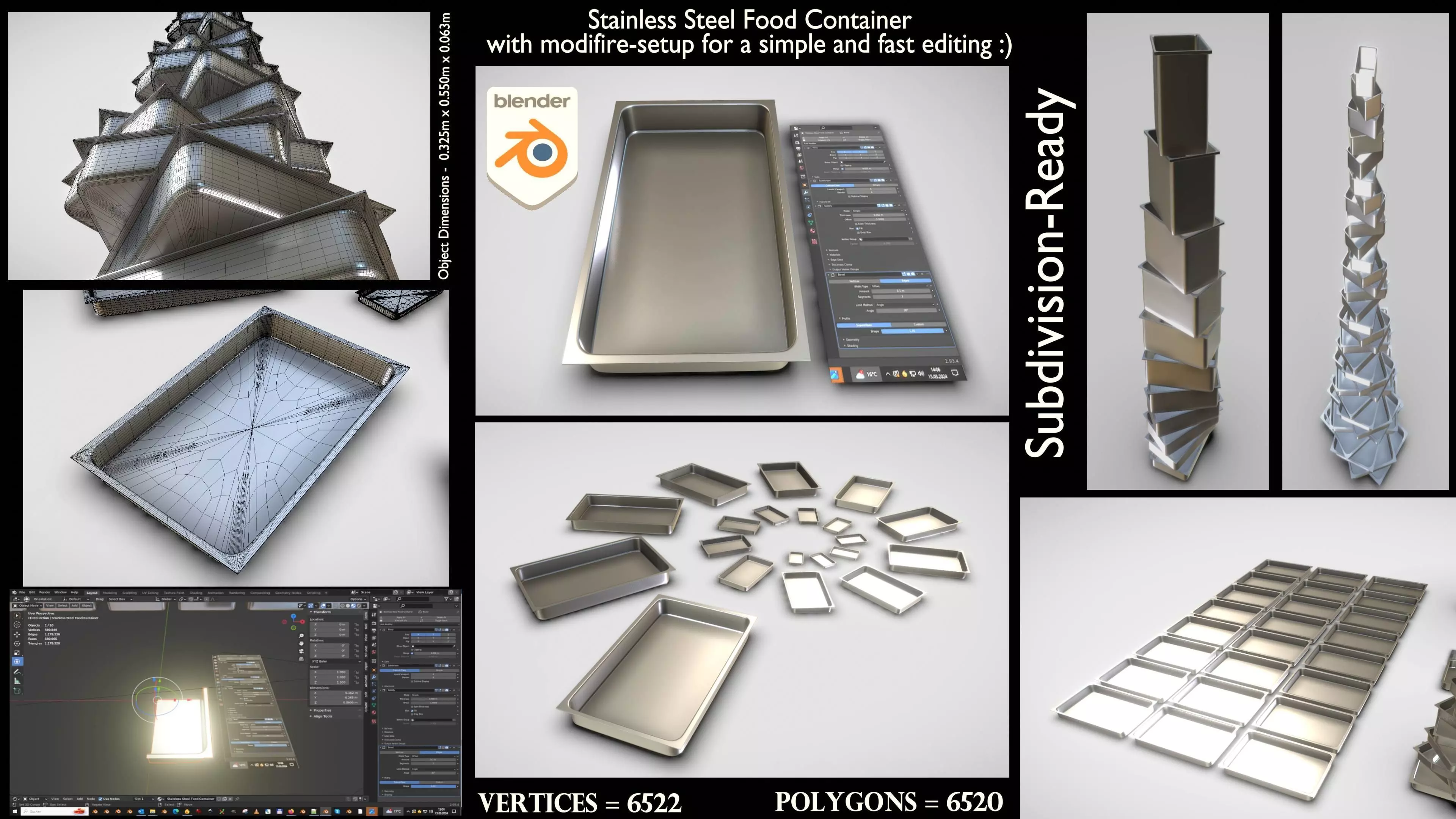
Subdivision ready
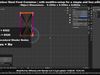
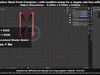
A polygon model designed to smooth cleanly when subdivision is applied.
6520 polygons
The total number of polygons (flat shapes) that make up the 3D model.
6522 vertices
The number of points (corners) that define the shape of the model's polygons.
Unwrapped UVs
Unknown
Publish date
2024-03-15
Model ID
#5161594